



Happy Spring my dudes!
Focal Engine
Just to get the less exciting news out of the way early; dotModded has continued taking it slow after getting a proper diagnosis for his long running medical issues last year, getting proper medication, and his recent move into a new house, and Jake has continued to focus on the shader side of things, with his Volumetric Cloud revamp (more updates on that later in this blog!), so we don’t have a ton of updates to share on the Focal front yet again, unfortunately.
That said, we do have some plans cooking in the background that should be interesting to many of you…though we are not yet ready to make any announcements. Hopefully soon!
As always, we appreciate your patience, understanding and support.
Volumetric Clouds updates (Cont.)
As we’ve teased a few times in the last month, Jakes work with Volumetric clouds has continued, and we’re in quite deep at this point, with yet another round of enhancements being worked on in March. I’ll let Jake yap about the technical bits and bobs though!
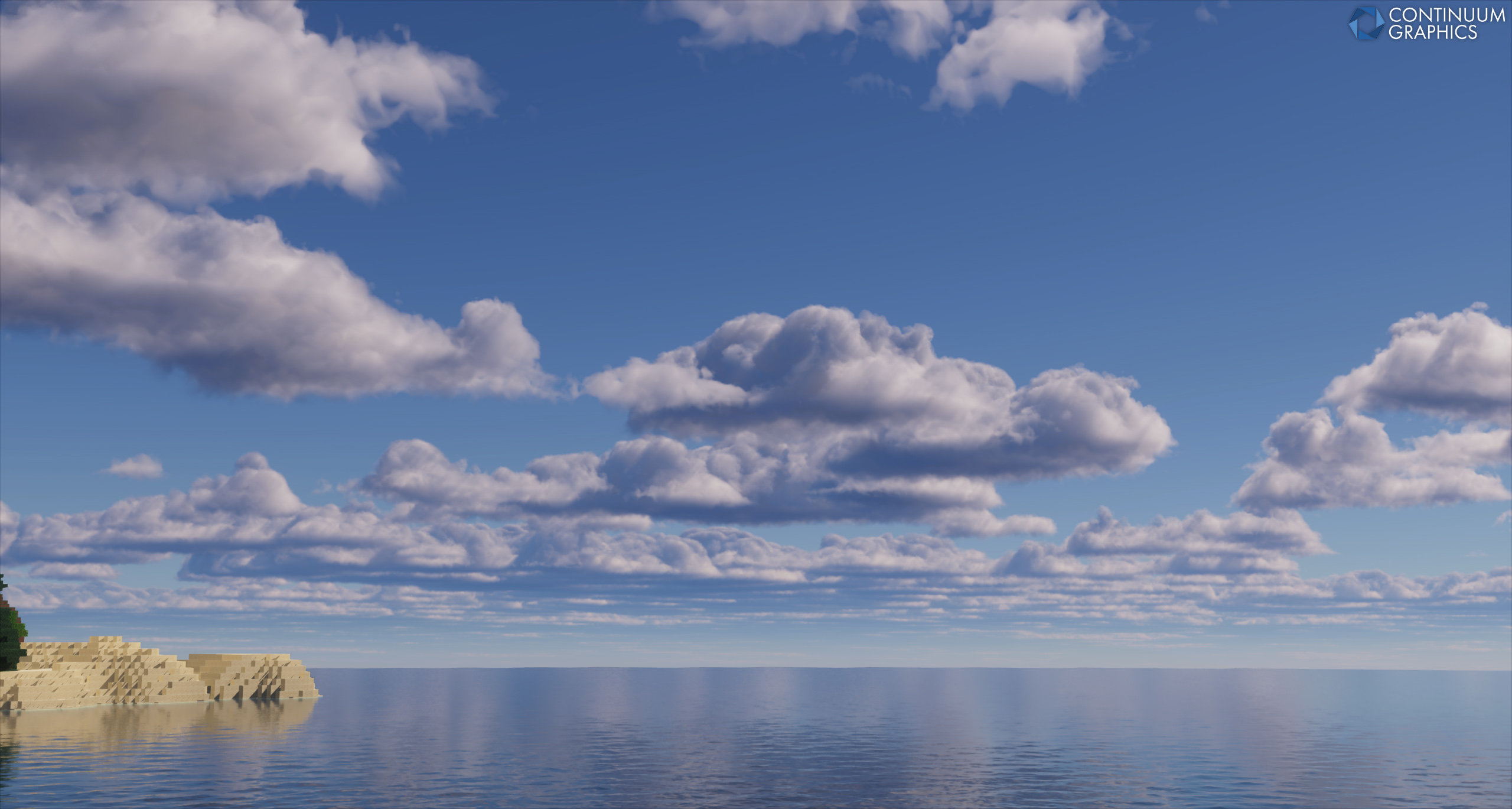
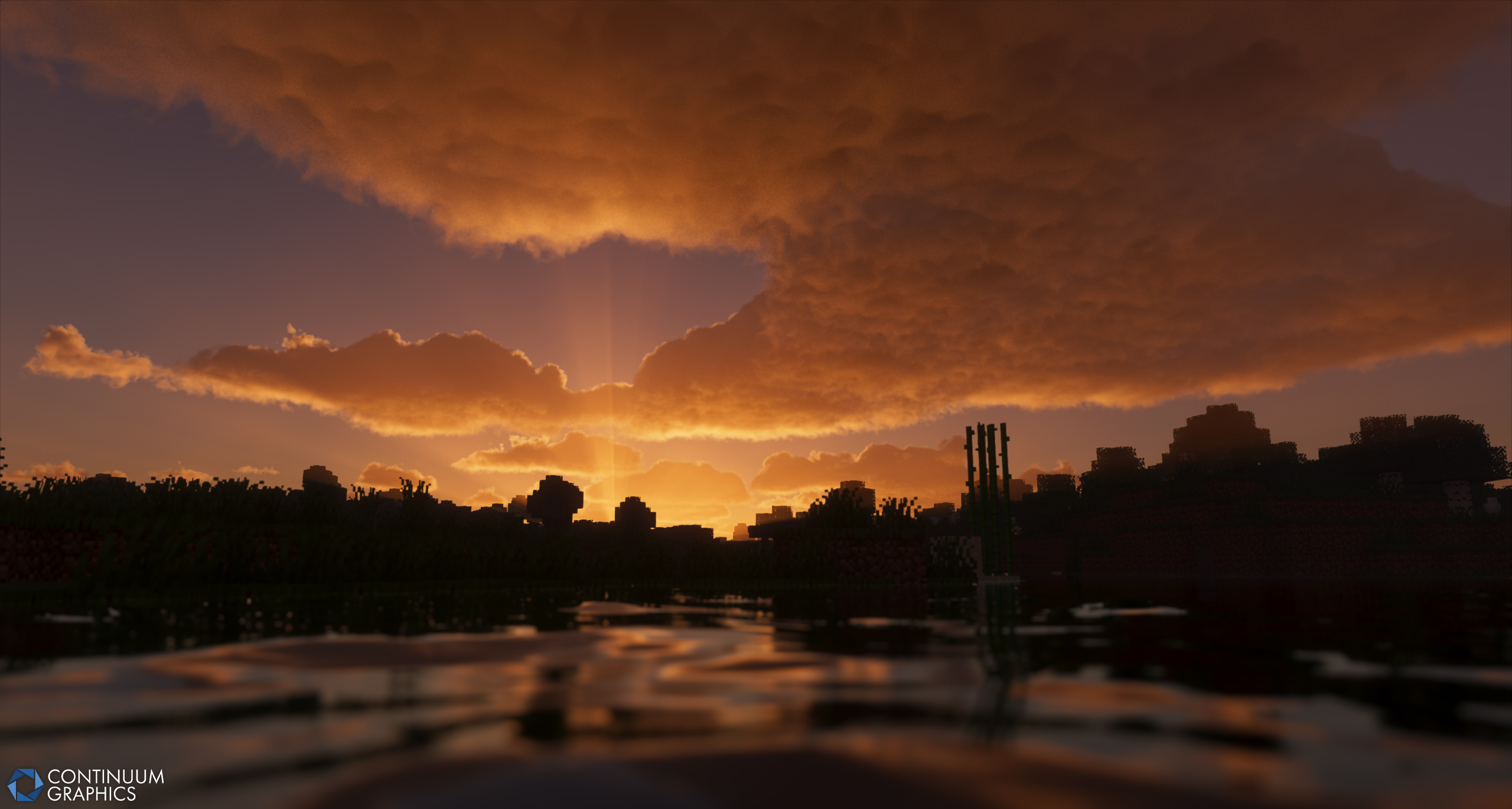
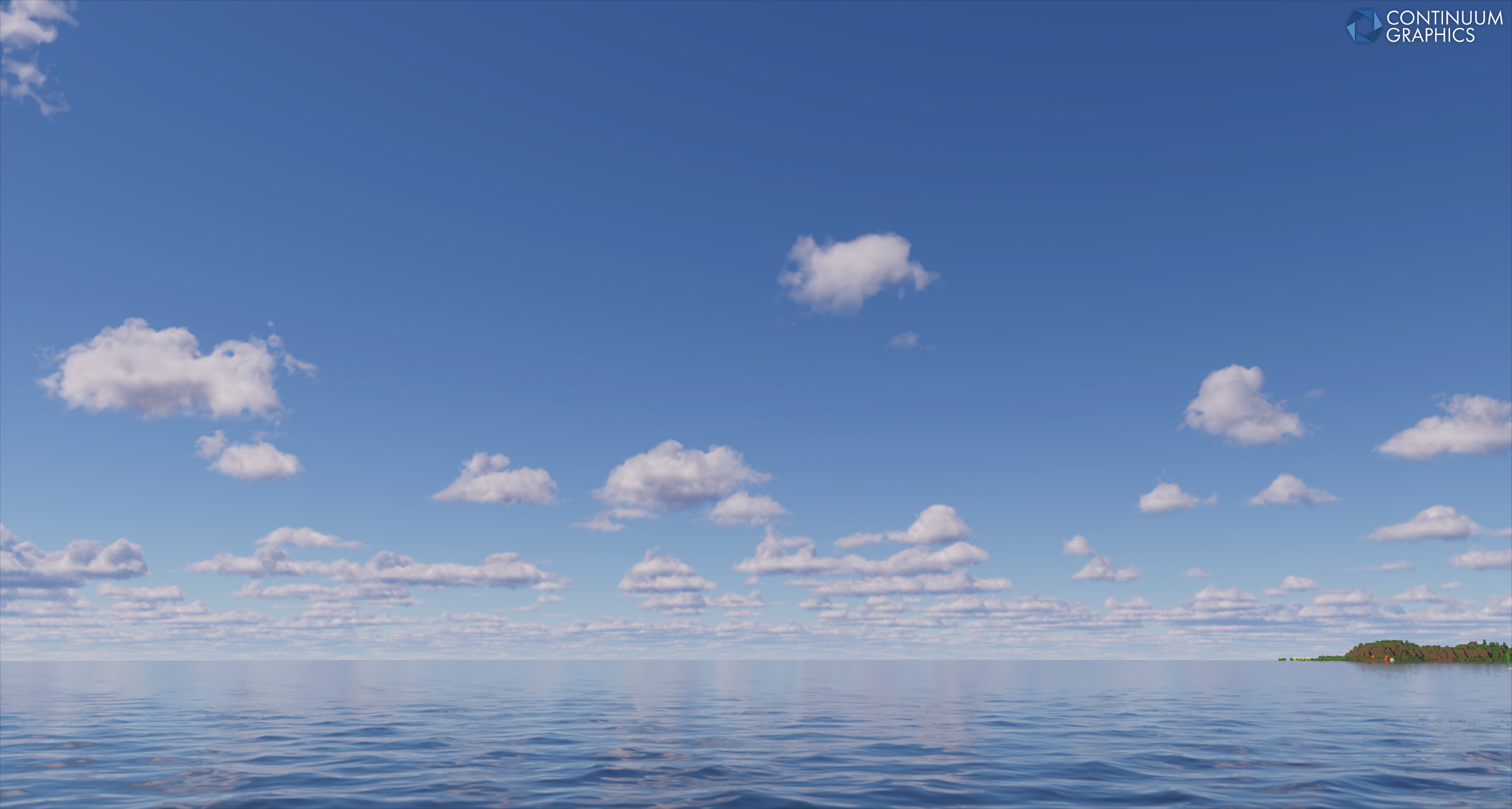
While the month started off slower than I’d like with a new Path of Exile season taking some of my attention early in the month, I have made some decent progress with Continuum’s new volumetric clouds. Specifically, I’ve addressed two issues that I talked about in last month’s progress update – the underside being too rounded, and the new multiple scattering approximation having two considerable downsides – then discovered and promptly addressed another issue that affected the strength of erosion.
Lets first talk about the underside being too rounded. If you haven’t read last month’s progress update, the issue here was that the new density function caused the underside of clouds to be too rounded, which sometimes led to clouds looking like blobs if you didn’t have the density function dialed in right. Funnily enough, this was a surprisingly simple fix: swapping a variable around. In the new clouds, we have three variables that represent the height of the ray within the volume, a theoretical cloud that is maximally tall and the actual cloud respectively. I was previously using the second variable – the height of the ray within a theoretical cloud that is maximally tall – to determine how much large scale erosion should be applied to the local density, when I should have been using the third variable. I originally went with the second variable as I was concerned that the third variable wouldn’t look right, but upon switching to the third variable, the rounded underside fixed itself and the rest of the cloud looked just as good as it did before. So, that’s the first issue fixed.
The second issue was with the new multiple scattering approximation having two considerable downsides. If you haven’t read last month’s progress update, the issue here was that the new multiple scattering approximation was significantly more artist driven than I’d like and that it relaxed transmittance across all scattering events too uniformly. In last month’s progress update, I briefly talked about potentially combining Wrenninge’s approximation (which we were previously using, along with the powder effect approximation from Guerrilla Games) with this new approximation. Well, I’ve done exactly that. The new new multiple scattering approximation once again uses Wrenninge’s approximation as the general framework, and combines it with Guerrilla’s approximation from Horizon Forbidden West to replace the powder effect approximation. While I still have to dial it in, the new new multiple scattering approximation produces much softer lighting that can penetrate even more deeply into the cloud, making it look even fuller than it did with the new multiple scattering approximation. With this, that’s the second issue fixed.
Now onto the recently discovered, then promptly fixed issue. Through playing around with the cloud map, I discovered that erosion strength wasn’t consistent as you varied how tall clouds were. As tallness increased, the erosion grew stronger which caused the cloud surface to break up more than it should, and the opposite for decreasing tallness. This is the completely wrong behaviour, as erosion strength should ideally be constant for any tallness. This wasn’t difficult to track down since there’s only a few places that it could originate from, so I quickly tracked it down to the vertical shaping curve. In short, the vertical shaping curve is kind of an upside down V, starting at 0 near the bottom of the cloud, rising to 1 as it approaches the middle of the cloud, and falling back to 0 as it approaches the top of the cloud. This is necessary to get the correct 3D coverage, but has the unfortunate side effect of stretching as tallness varies. Taller clouds stretch the upside down V to be wider, and shorter clouds shrink the upside down V to be narrower.
Ideally you’d want the curve to be a trapezoid, rising from 0 to 1 near the base of the cloud, plateauing at 1 throughout the body of the cloud, then falling from 1 to 0 near the top of the cloud. As tallness varies, the rise and fall should remain constant, only the plateau at 1 should grow or shrink. While this isn’t too difficult to implement, it did have some knock-on effects for erosion, the multiple scattering approximation and sky light attenuation, as the local density is tied into all three. Switching to a trapezoidal curve immediately broke all three, and I had to tweak some numbers to get all three looking correct again. Still, this did make clouds more consistent as they grow taller, so it’s a win.
That’s pretty much the end of what I’ve done over the month. For what’s next, I’ll have to redo the cloud map at some point since it is quite a mess, and I still need to integrate the clouds within the atmosphere (I’m waiting until the clouds are finalised for that). Given Minecraft switching to Vulkan, I may hold the release of the new volumetric clouds and start working on rewriting planar clouds. I have to do some research on how coupled low altitude clouds are to high altitude clouds, since I’m unsure if volumetric clouds should influence planar clouds at all (ie the presence of volumetric clouds may affect the presence of planar clouds downwind).
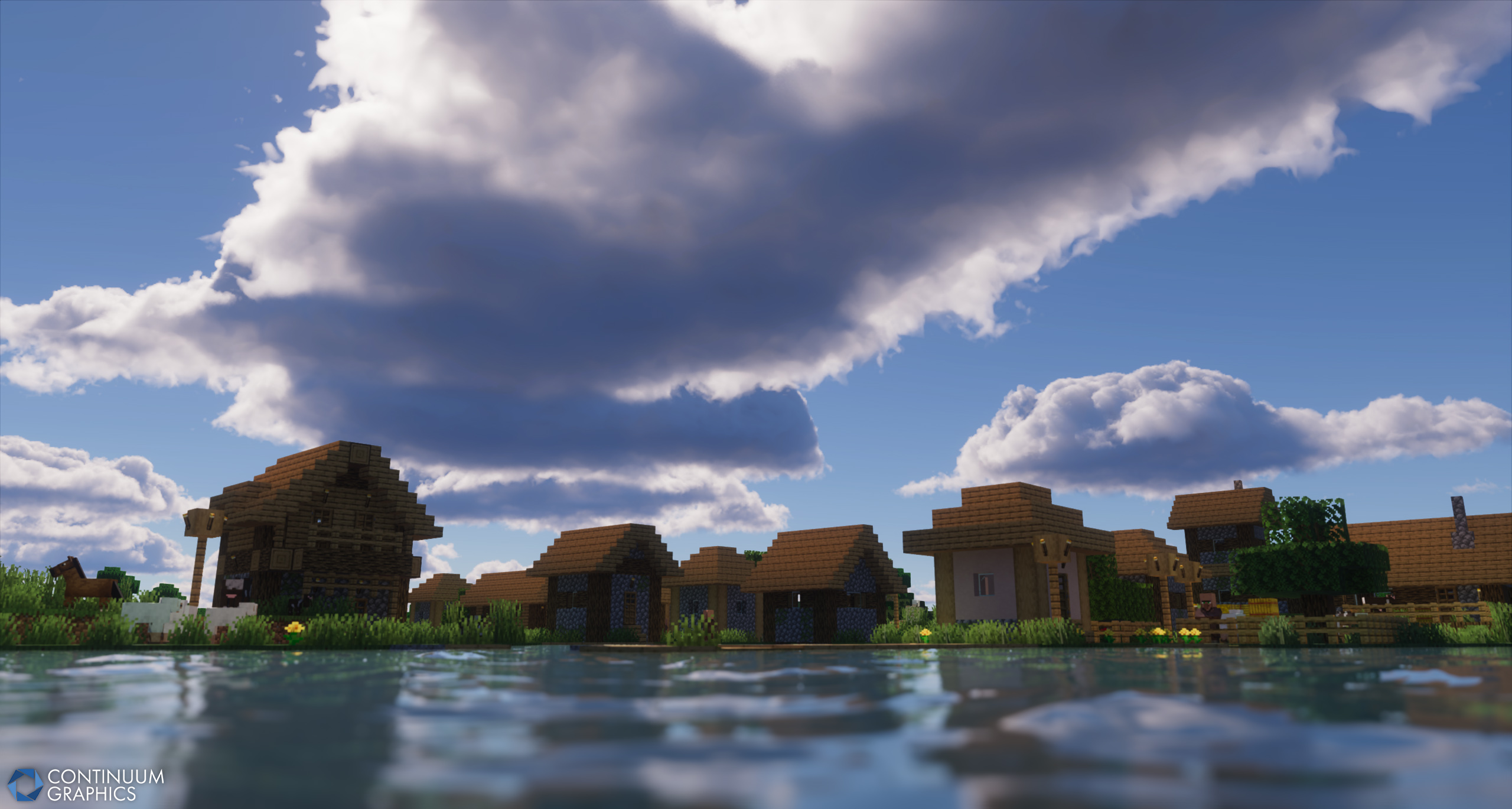
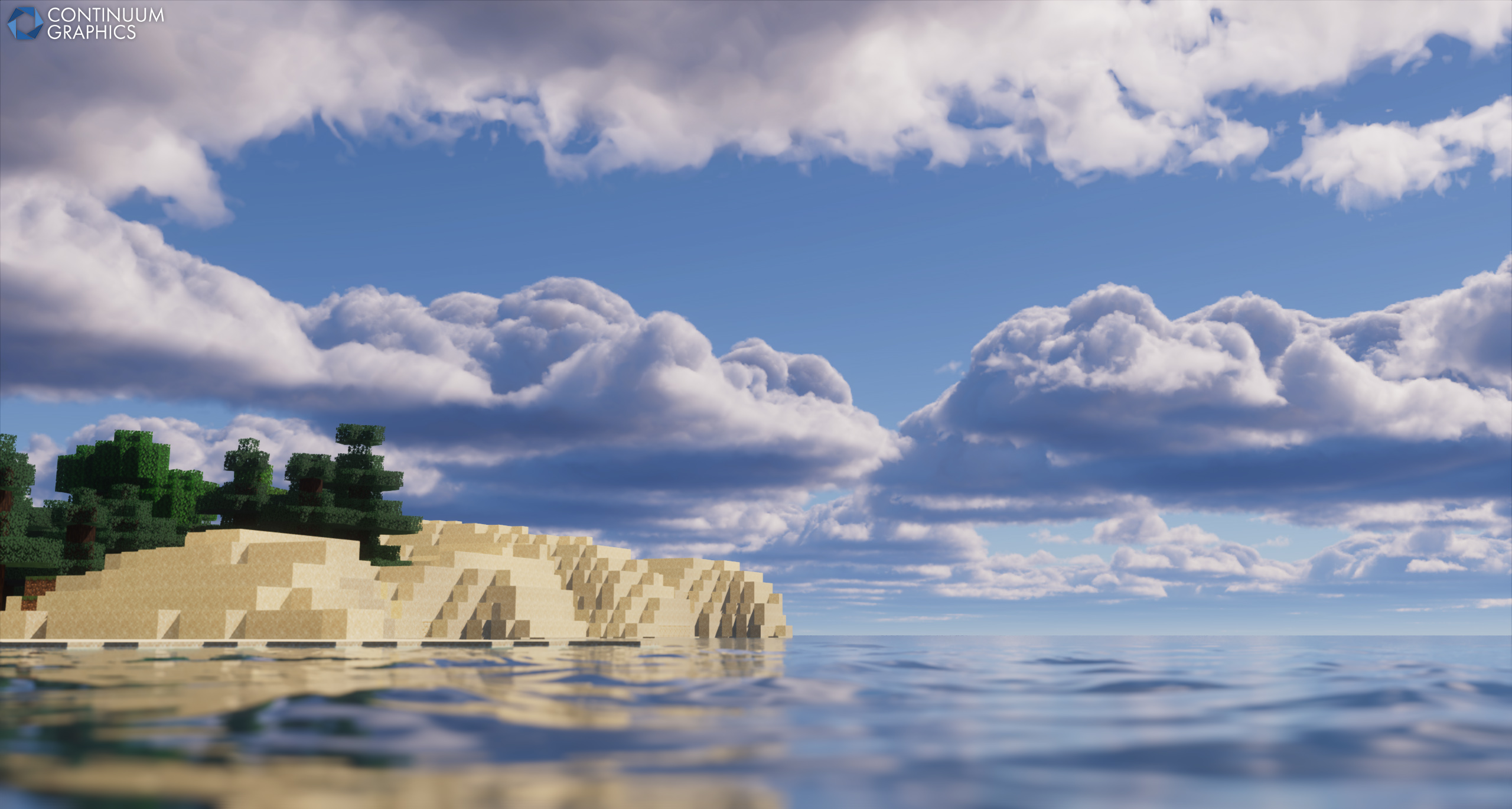
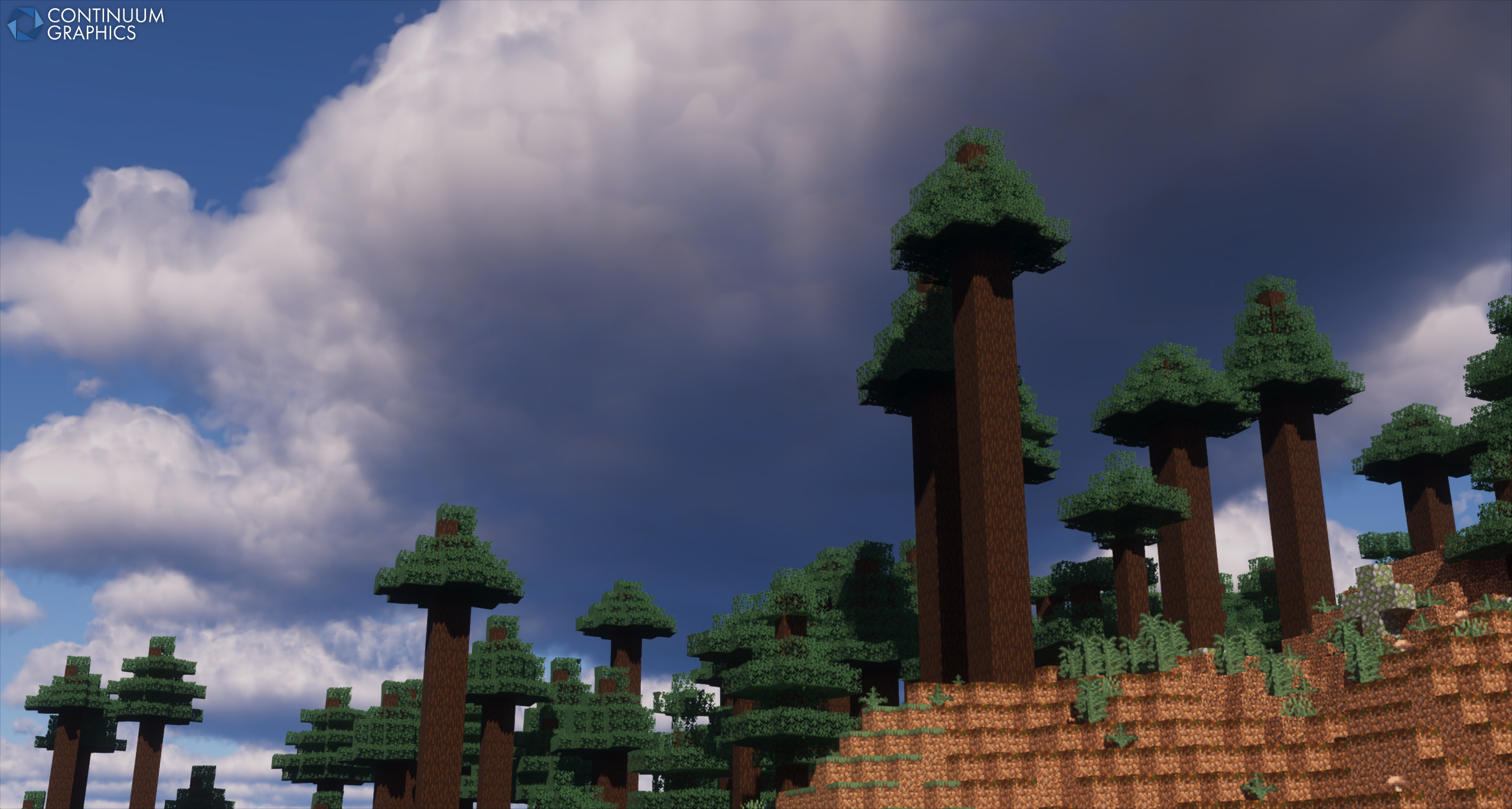
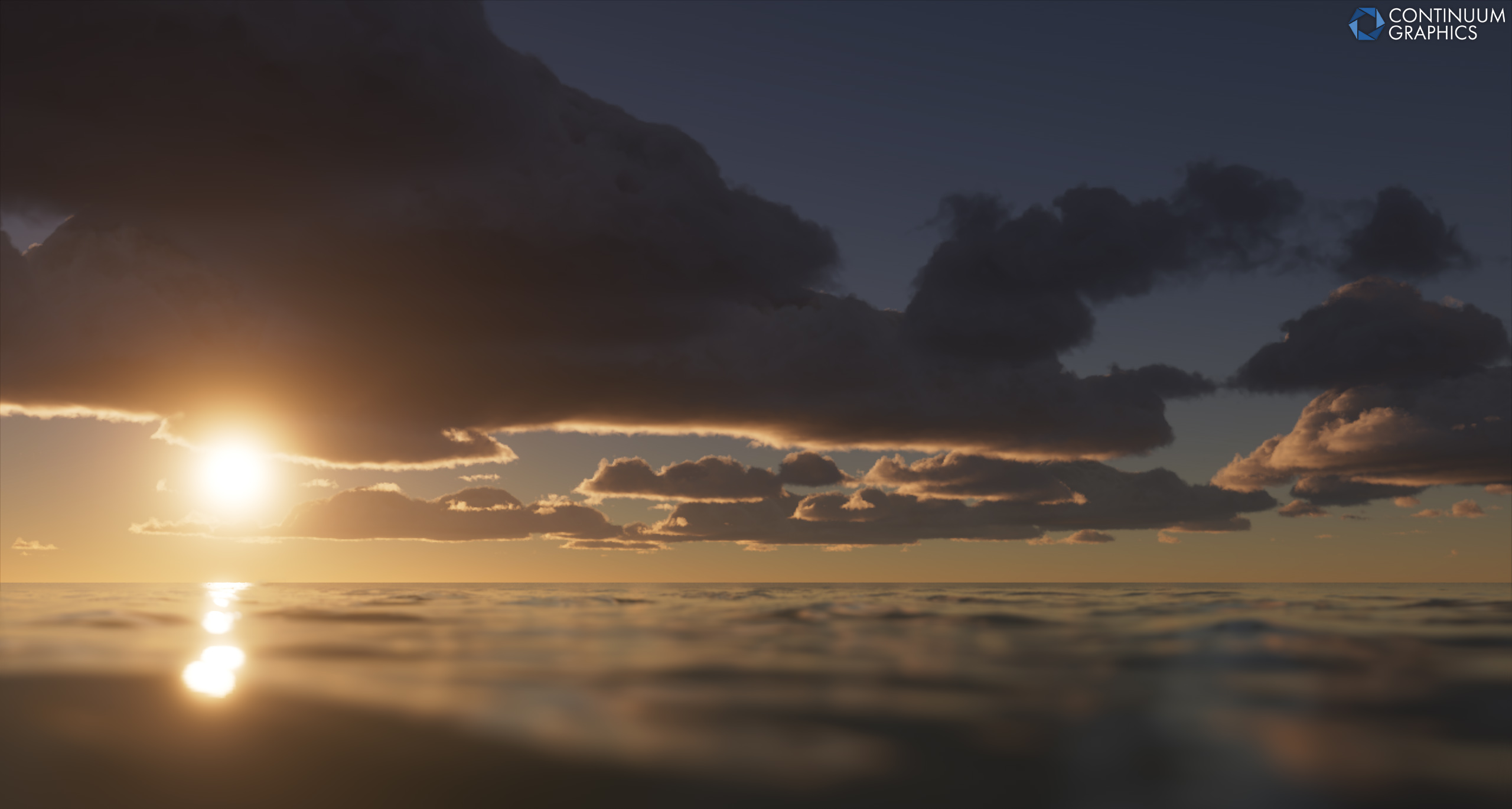
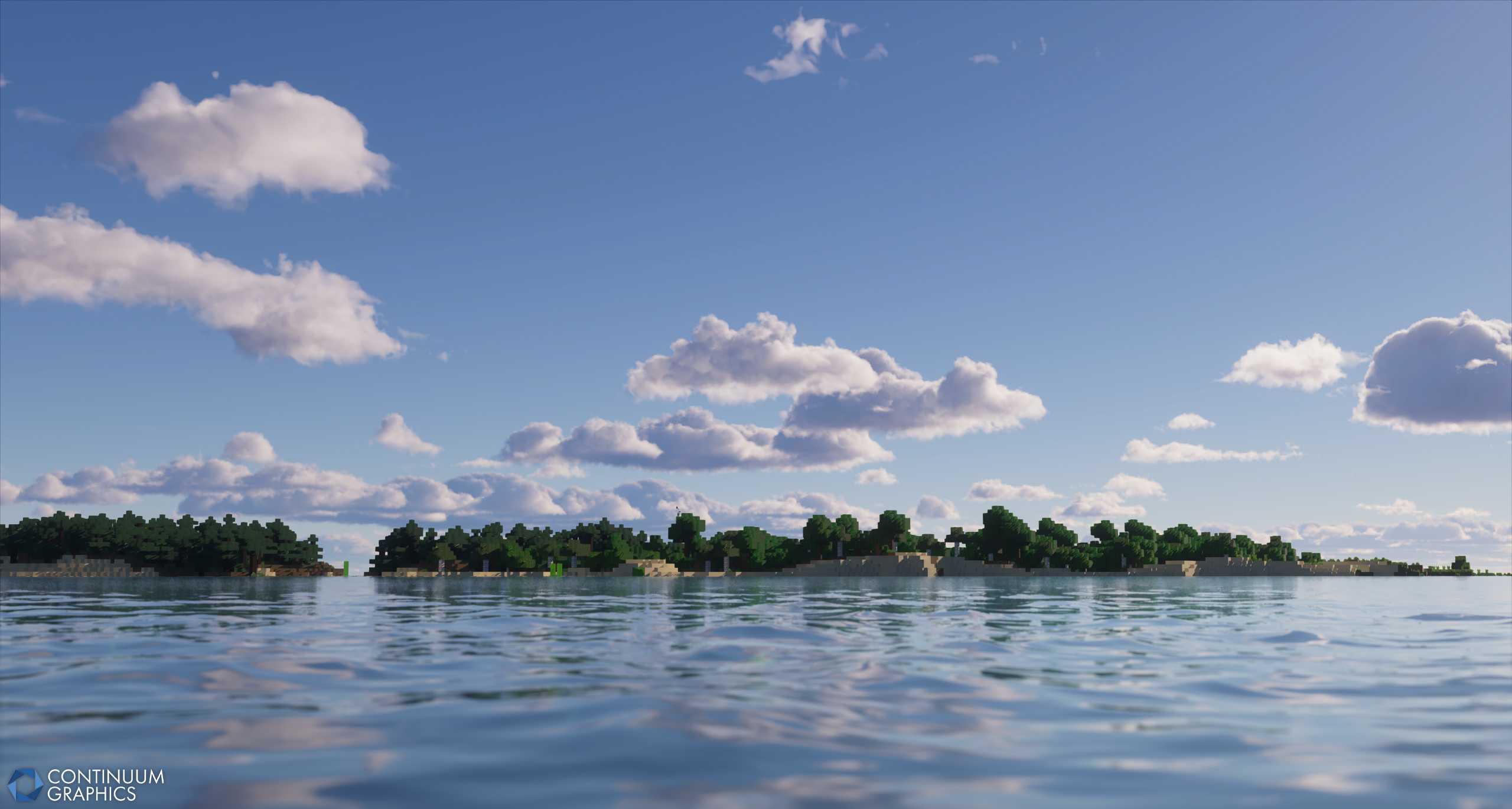
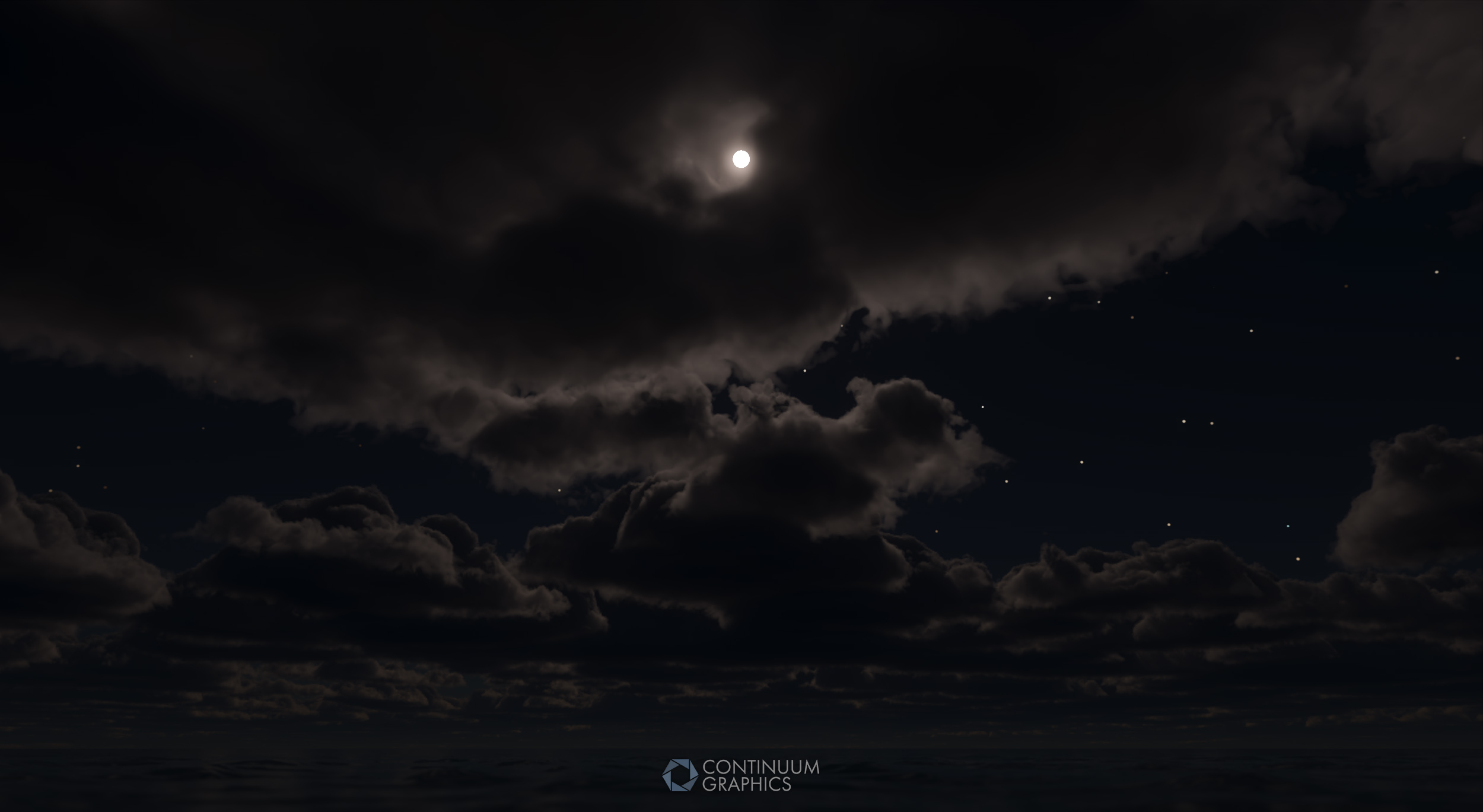
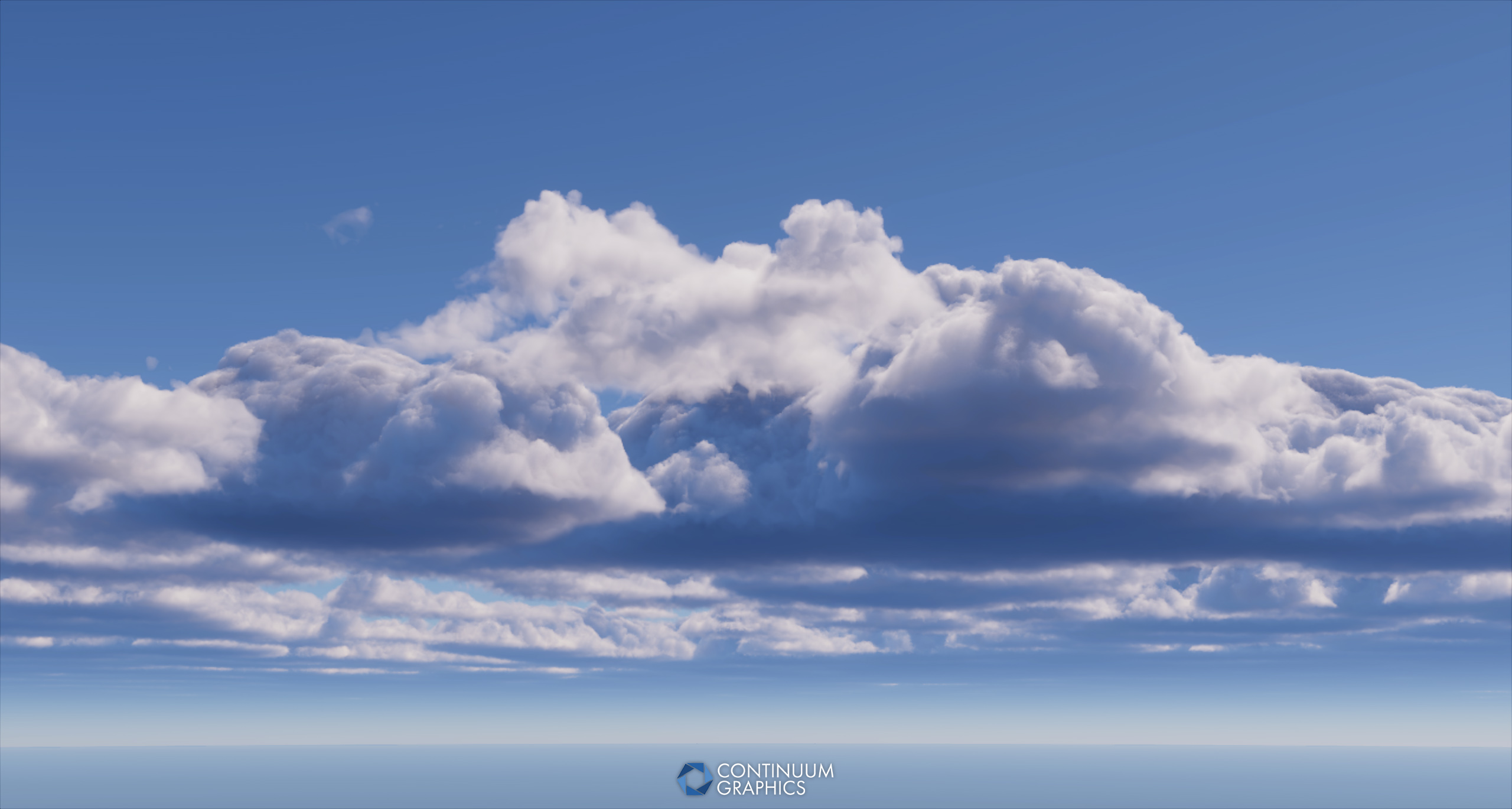
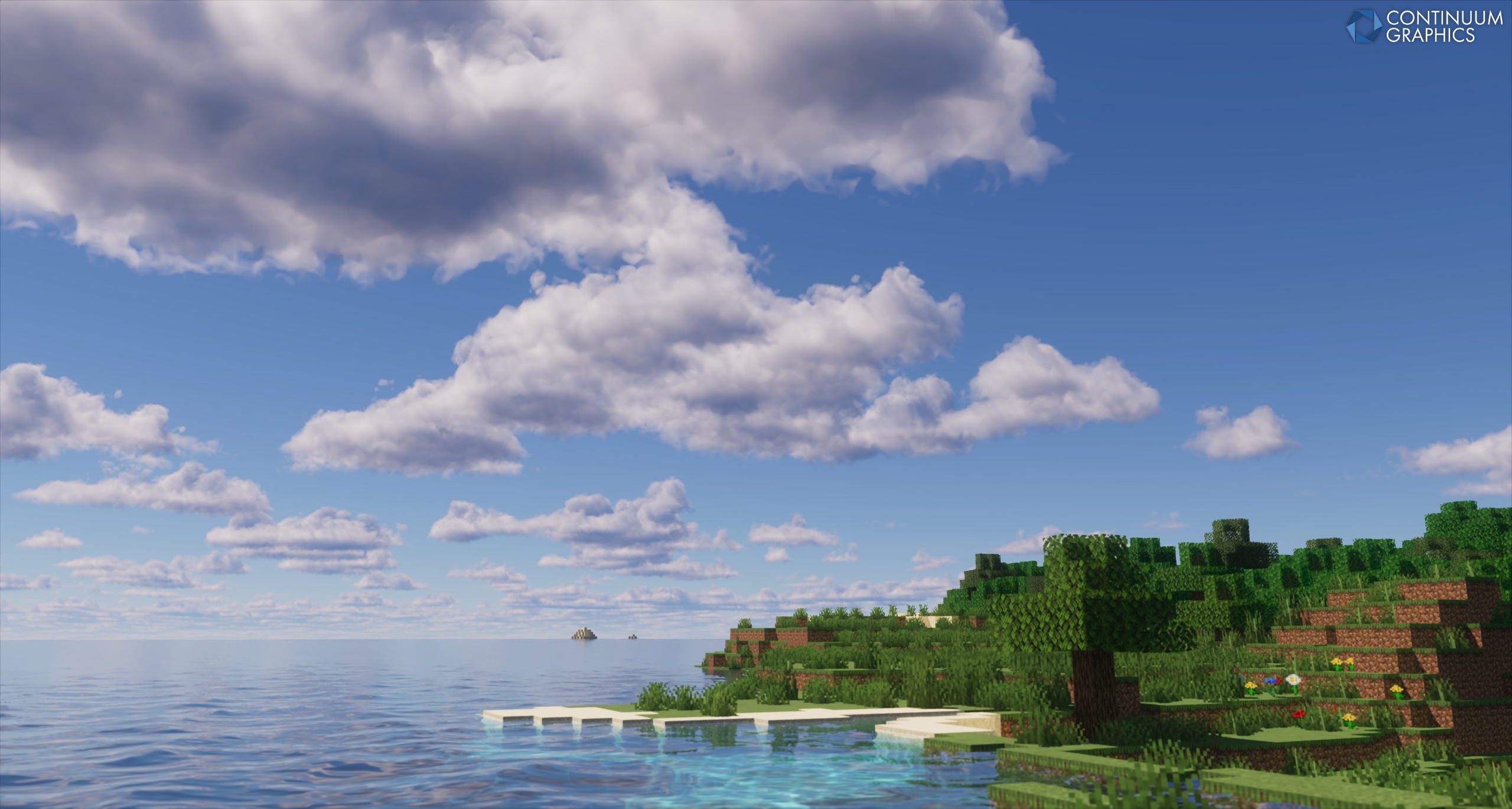
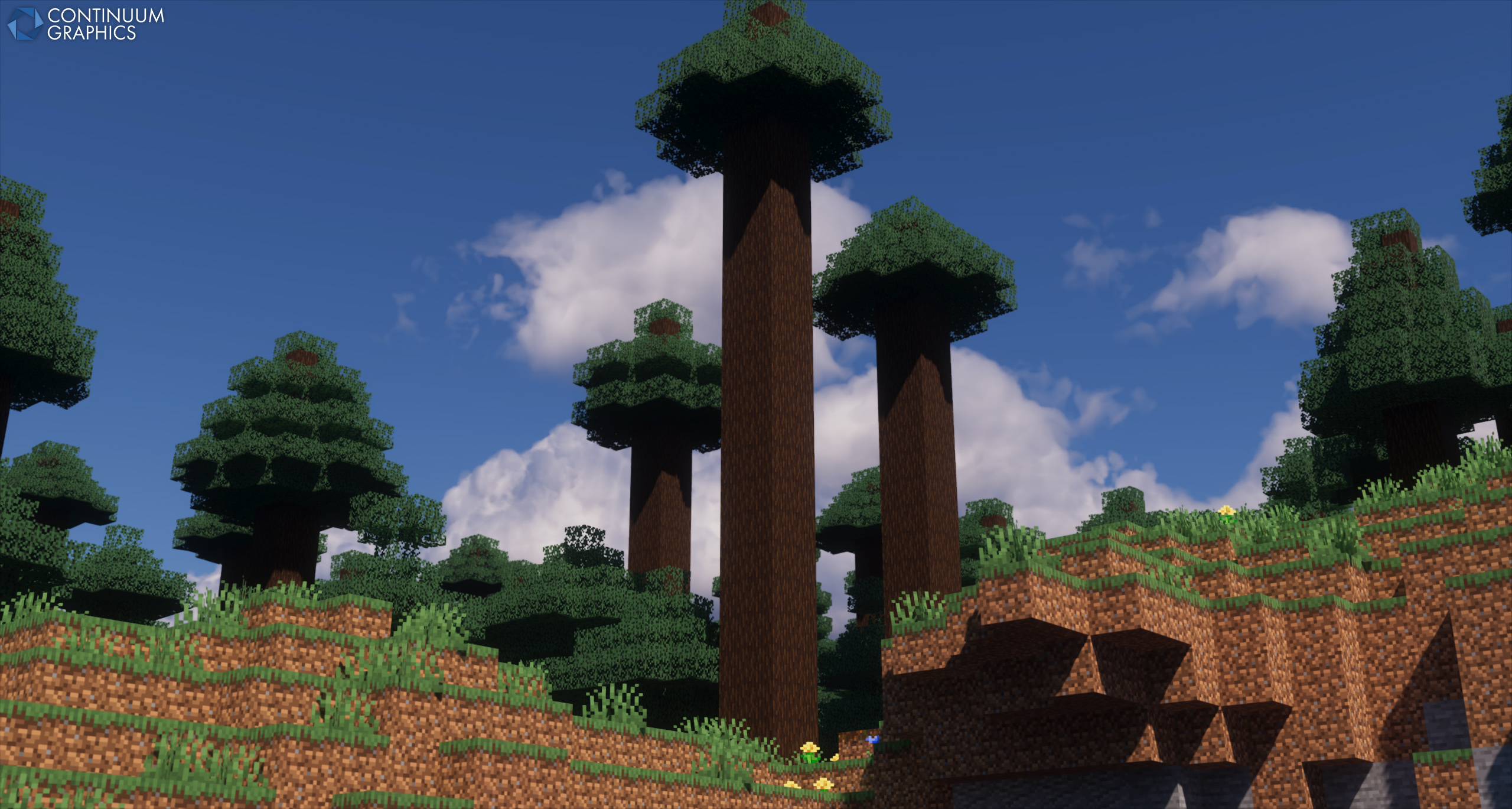
Some shots of the aforementioned work!
Stratum
March also saw us start work on the next Stratum update, build 58. We’ve once again been focusing particularly hard on item textures, as that’s the bulk of our remaining backlog, but we’ve snuck a few new block textures in as well, some of which we’ve shared on our socials already.
That isn’t due out till the end of next month though, but we do have a little extra peek behind the scenes for you this month, courtesy of Mythical!
I’m going to try and be a bit less “boring” this time and yap about (plus show) some things in more detail from my recent adventures in Substance Designer. Maybe someone who uses Designer themselves will find something of use, but anyone is welcome to listen to my funny words and terms. Been a bit slow on fully “new” stuff as I’ve been sidetracked spending too much time further experimenting with different log tops lately, they probably won’t make it into the next update as they still have a ways to go at the moment and I really need to move onto other things for a bit (I did not realize what I was getting myself into but sunk cost fallacy or something like that). I’ll probably have images of the main three in-progress log experiments I’m currently working with shown below, but no fancy color right now as I’m still figuring out that beast and yet another hopeless remake may still end up replacing these altogether knowing me.
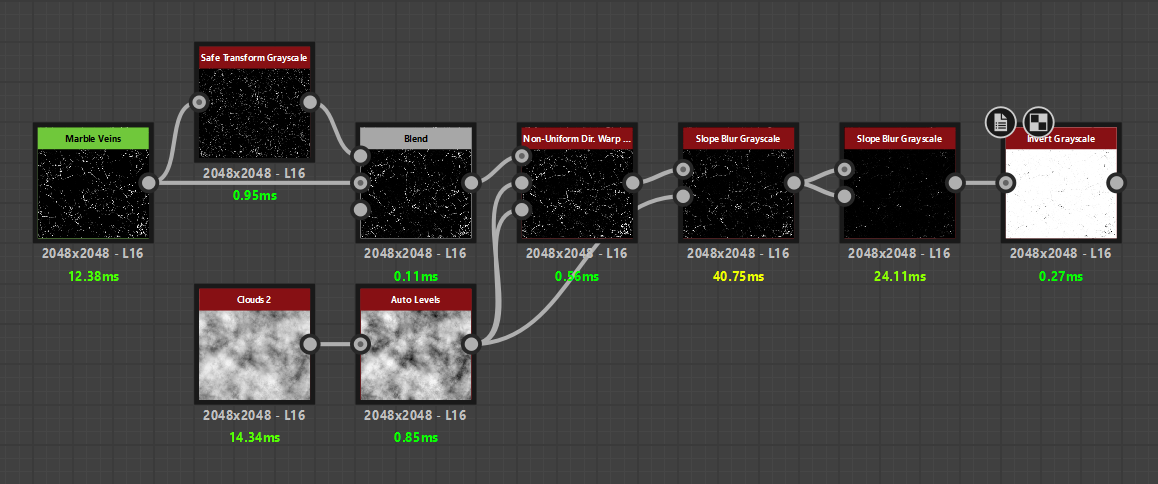
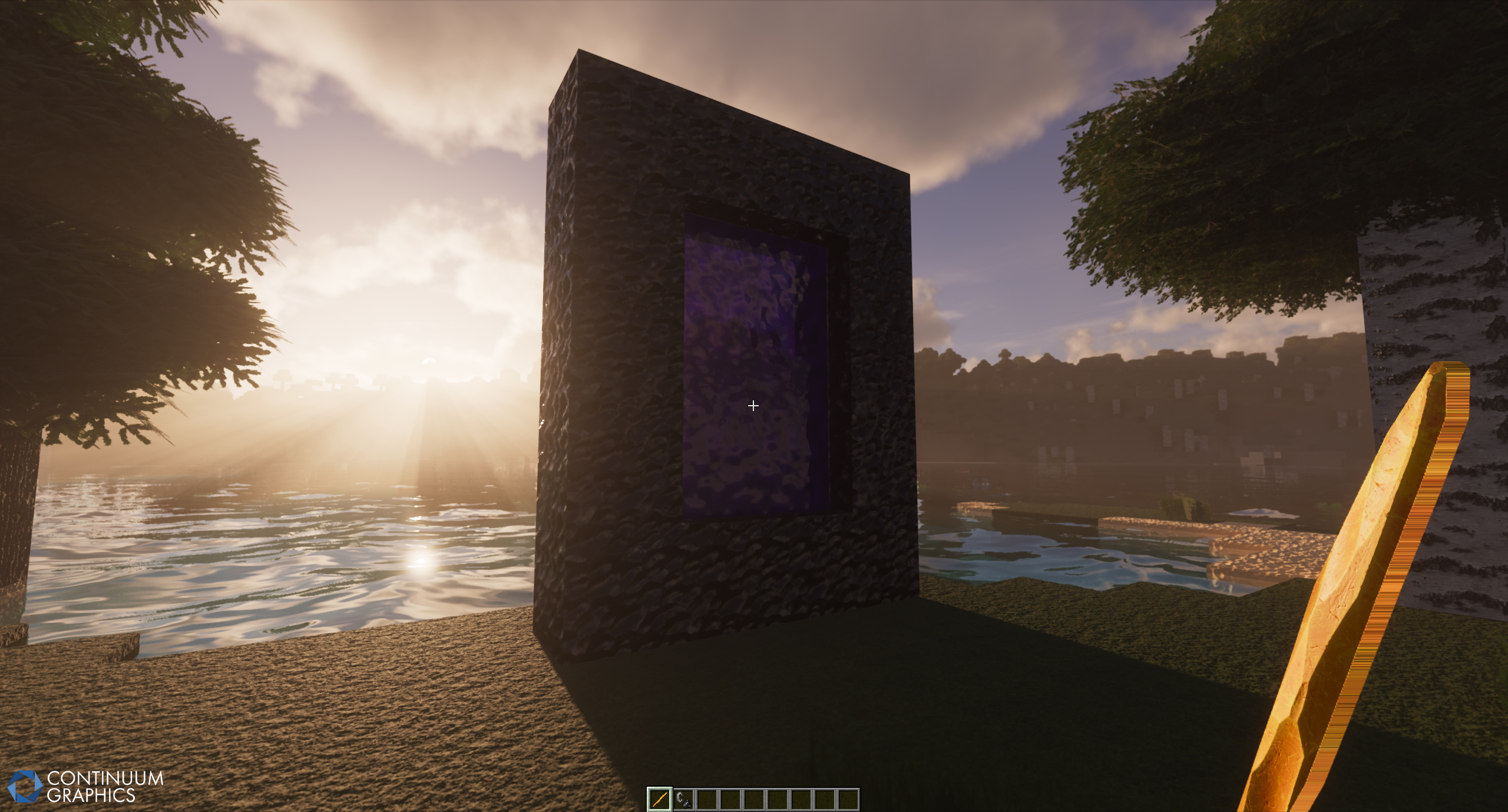
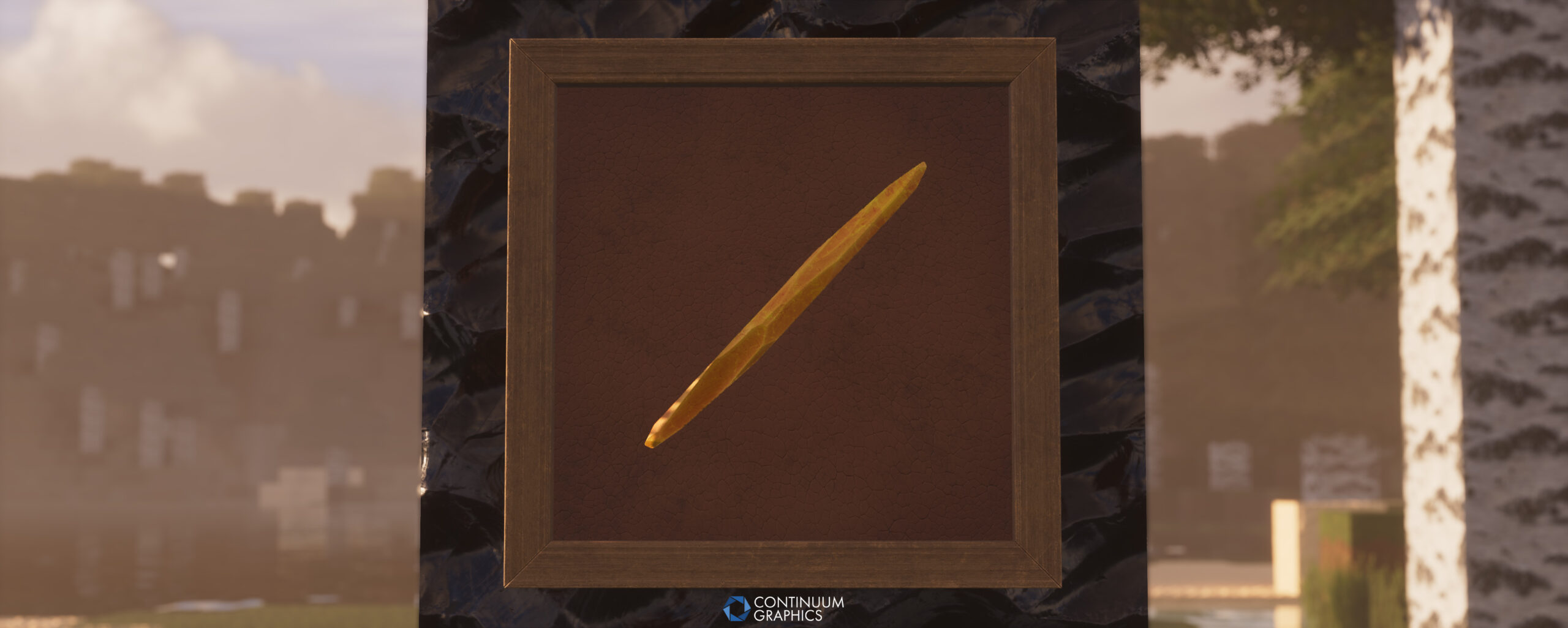
To start with something more basic, I’ve found a fun and simple way of doing small cracks that has been used a couple times now already (On the blaze rod and lodestone in particular) and will likely continue to be milked for anything that needs cracks in the future. It involved stealing the “Marble Veins” noise from Substance Painter and shoving it into my Designer graphs (Designer is unfortunately missing a lot of cool noises that Painter gets preferential treatment with). This was actually originally for the watermelon’s color details but once I inverted this noise I realized how much potential it has and how little it needs afterwards to make convincing and varied cracks, all I did was a bit of warping and then a couple slope blurs to have it ready to use (the first slope blur is just to break up the edges with something like a clouds2 noise, the second one inflates the shapes by slightly slope blurring the input by itself so that the cracks weren’t as thick).
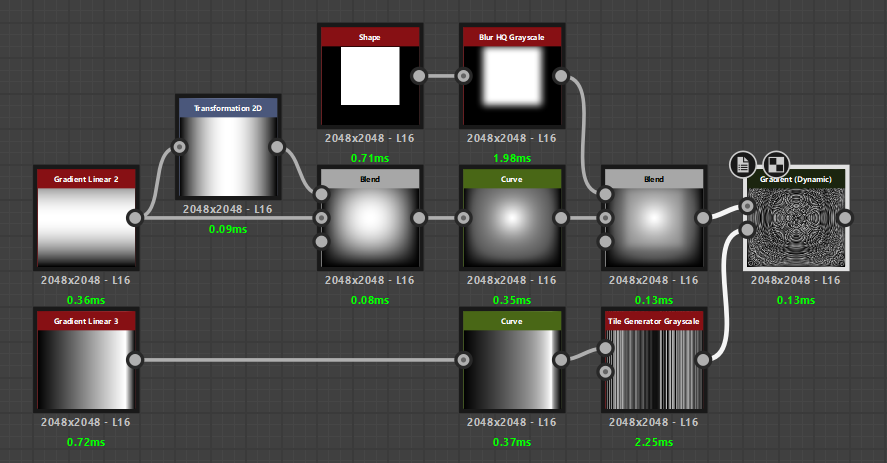
Now to ramble more on the attempted stripped log replacements, because I think I’ve at least finally been making some progress recently. I initially wanted to modify and improve the source graph that was built upon for our current log tops but that seemingly just doesn’t exist anywhere anymore after some extensive searching, even down to the author’s name on the compiled .sbsar file that I have giving basically zero google results somehow (“Pavel Tsykin” is allegedly the original source graph author if anyone had any leads. I’m usually pretty decent at googling but I’m being defeated by a tree stump, you could also say I’m stumped). I wanted to keep the look consistent with our current logs but that’s feeling less and less likely as I get further into this since I can’t pull anything from them (that squared wood warping on the grain is like witchcraft so I’m likely giving up on replicating anything like that). There’s also a minimal amount of other tree stump substance material graphs as a whole to reference or learn from out there, so that of course didn’t help the situation. Some of the tree stump graphs I have seen like to use the “cartesian to polar” node but that sadly only creates circular rings and I want ones more squared in shape to keep the style fit for Minecraft, so I had to find other options. I’ve ended up utilizing a “gradient linear 2” multiplied by a rotated version of itself (for a rounded base shape that’s square towards the edges) that gets input into a “gradient dynamic” node, and a tile generator with gradients of varying thickness getting used as the gradient dynamic’s gradient input to create a decent base for tree rings, this is pretty much the foundation of all my recent attempts. There’s also a rings method with the “UV Mapper” node but that one is a lot more picky to get good results from. The rifts/cuts on top are surprisingly the easy part, “splatter circular” node is my best friend there, with simply some scaled “disc” shapes that get warped afterwards (usually by a crystal or cells noise) to soften the edges and create sharp irregularities in the cracks. The truly difficult part is detailing the rings height, as it’s very easy to swing either too smooth or too noisy (some of my earlier attempts were noisy messes), with the color variation being even harder as that’s not always in line with the height information and I still want it all controlled by one or two uniform color nodes (the gradient dynamic node will be very useful for this too).
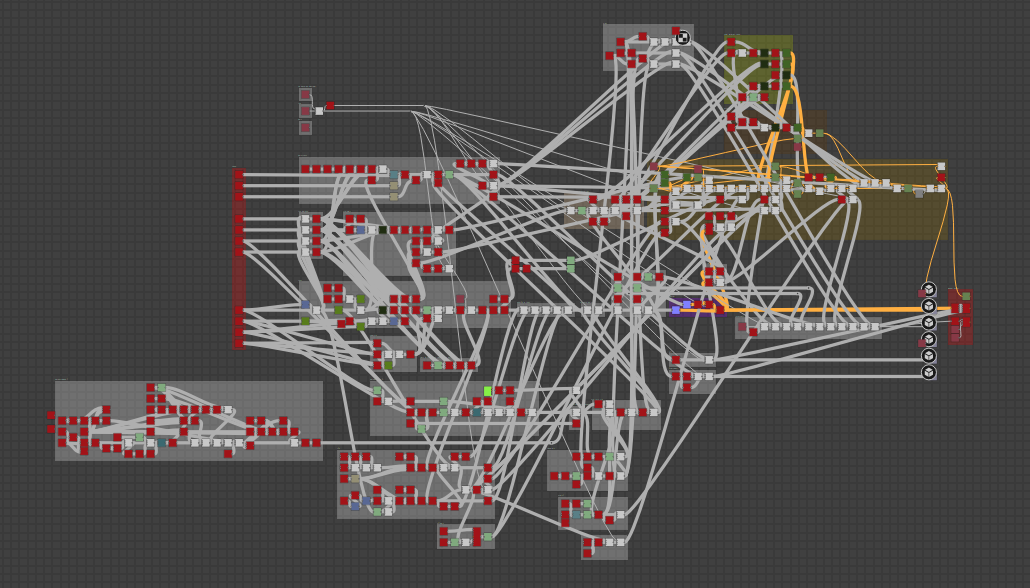
I can show one of my very messy (but a cleaned mess nonetheless) log graphs just to give an example of things:
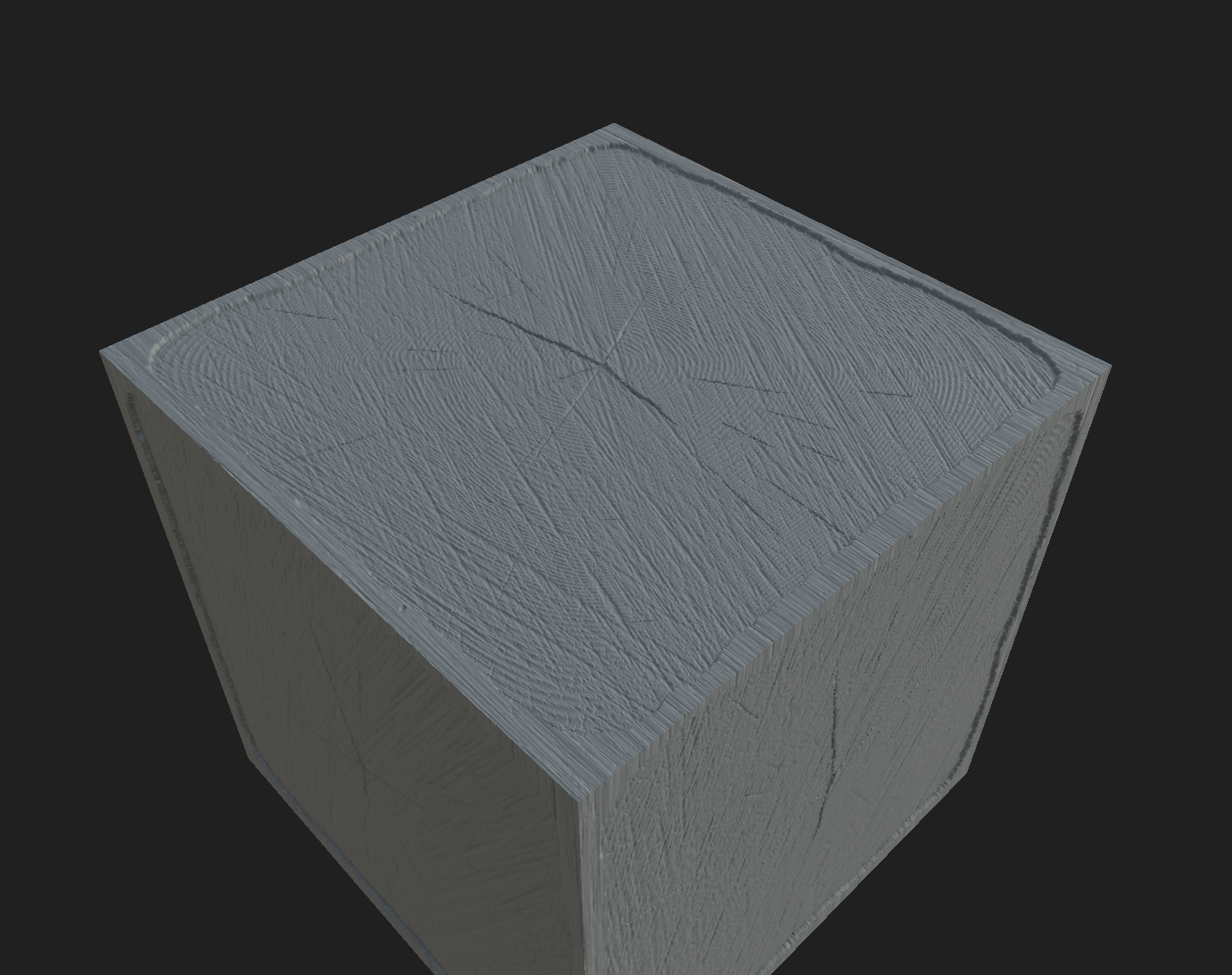
Another struggle was the bark mask and stripped wood itself, I had a couple methods of getting all the top edges to tile with the sides but realized that would look quite bad in any cases where a lot of them tile (like village farms). Did have some ideas of not using the full bark texture raised in a mask and instead having the colors and rings meet more realistically towards the edges, but POM unfortunately makes that unviable as I’d still need the edges raised and fully leveled to prevent issues. So I’m back to good ole’ reliable bark texture simply combined with mask, I don’t dislike it anymore after all my attempts at other ways and now accept the reasons it’s so common for high res packs. The bark mask won’t be as deep with POM this time though, as that has its own visual quirks relating to mipmapping and POM quality that creates a lot of pixel stretching and noise with current log tops.
Here’s a few teaser shots of my current progress with this:
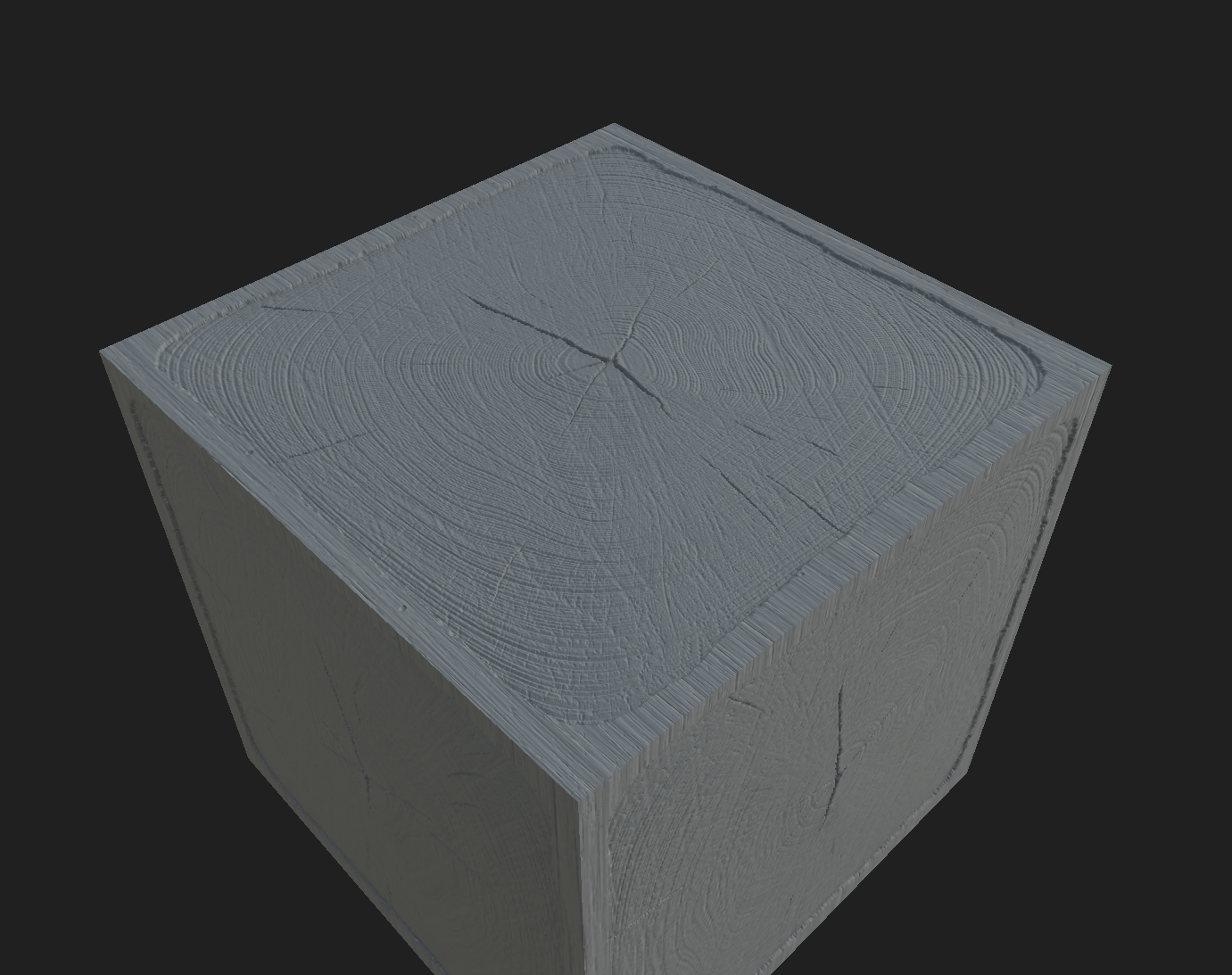
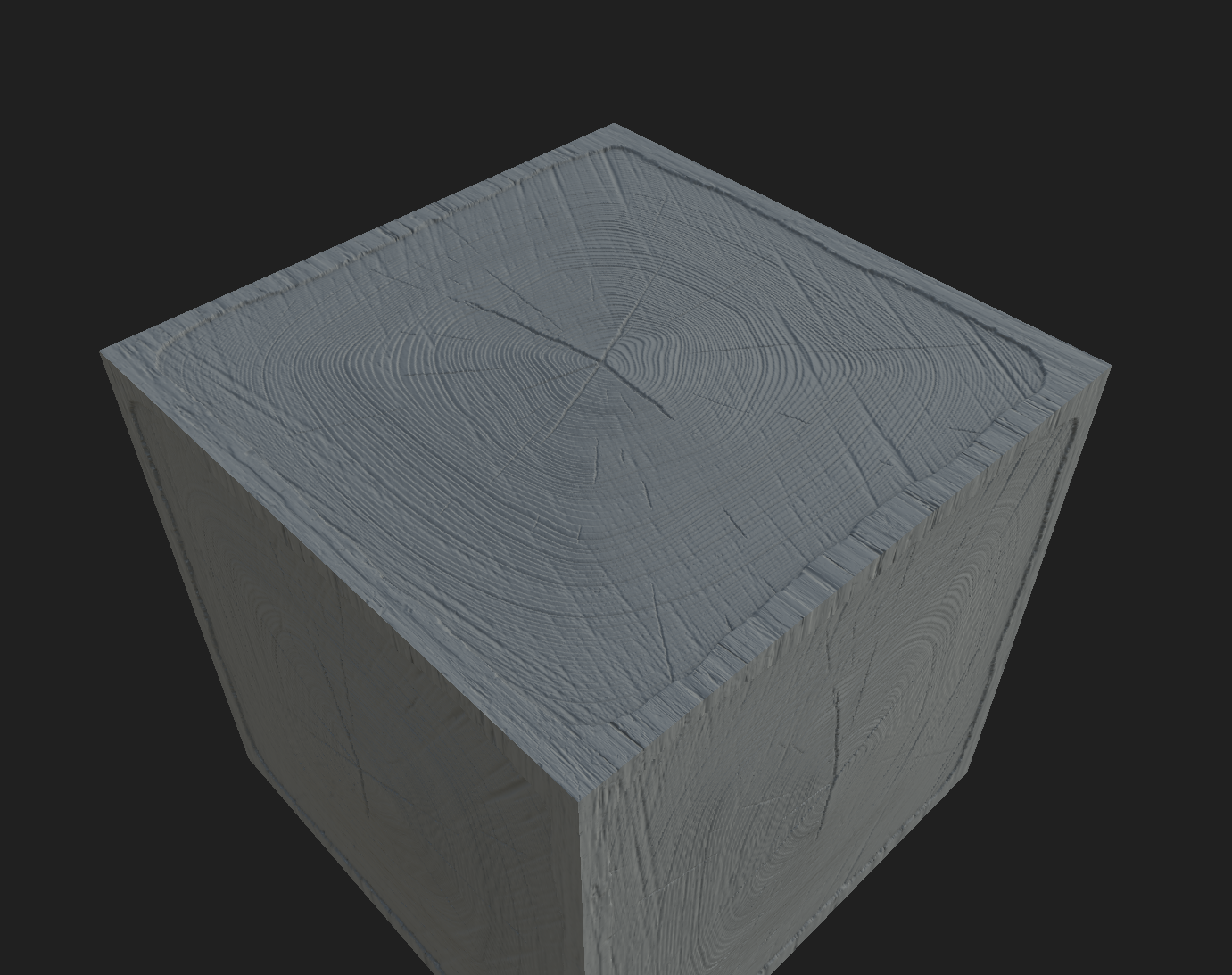
Maybe someday I’ll become a professional yapper like Jake, but this will have to do for now. I’m already on my way to remaking the same thing several times over the last few months, the madness will likely continue.
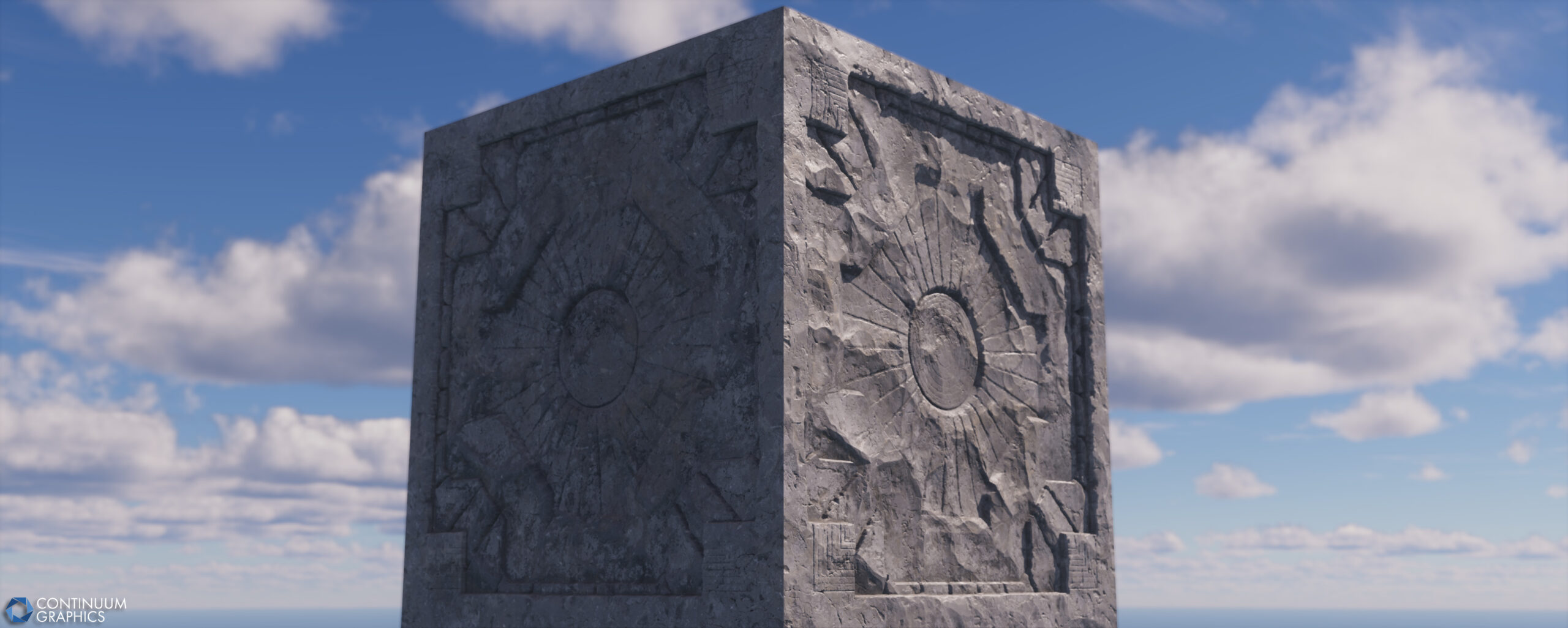
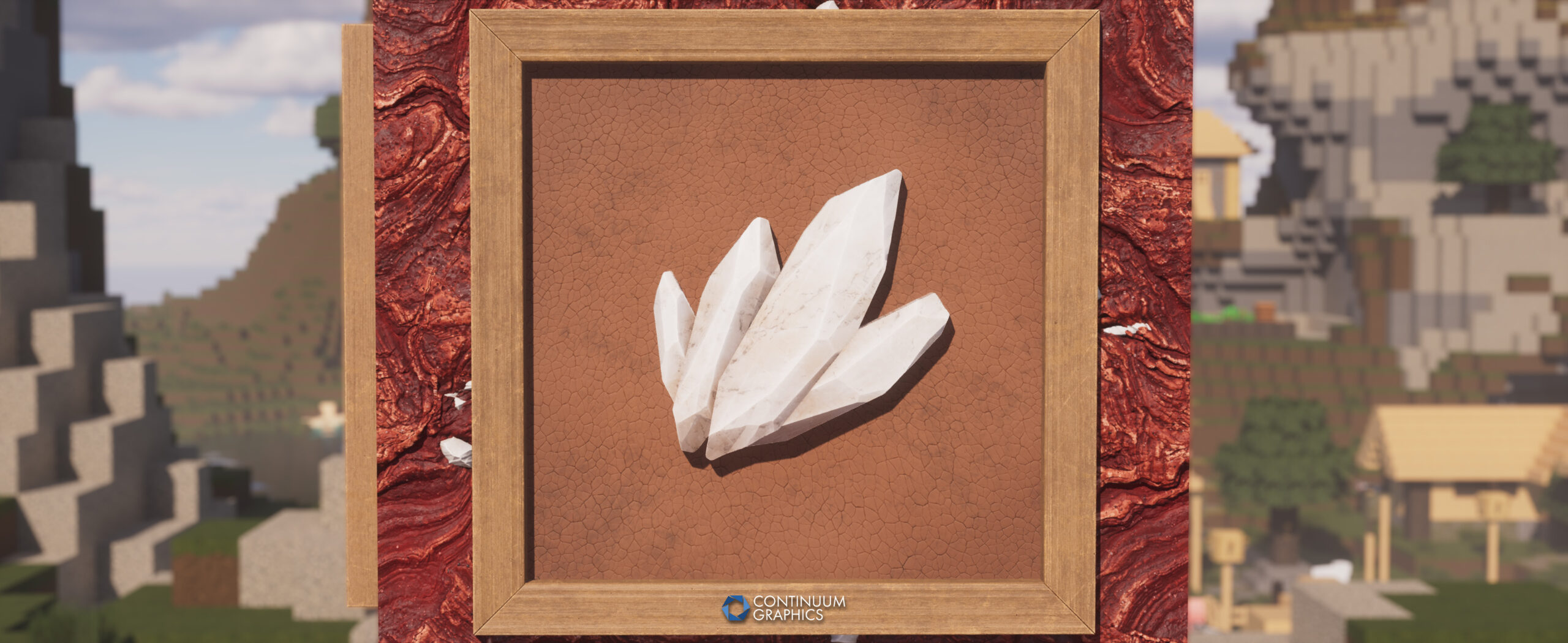
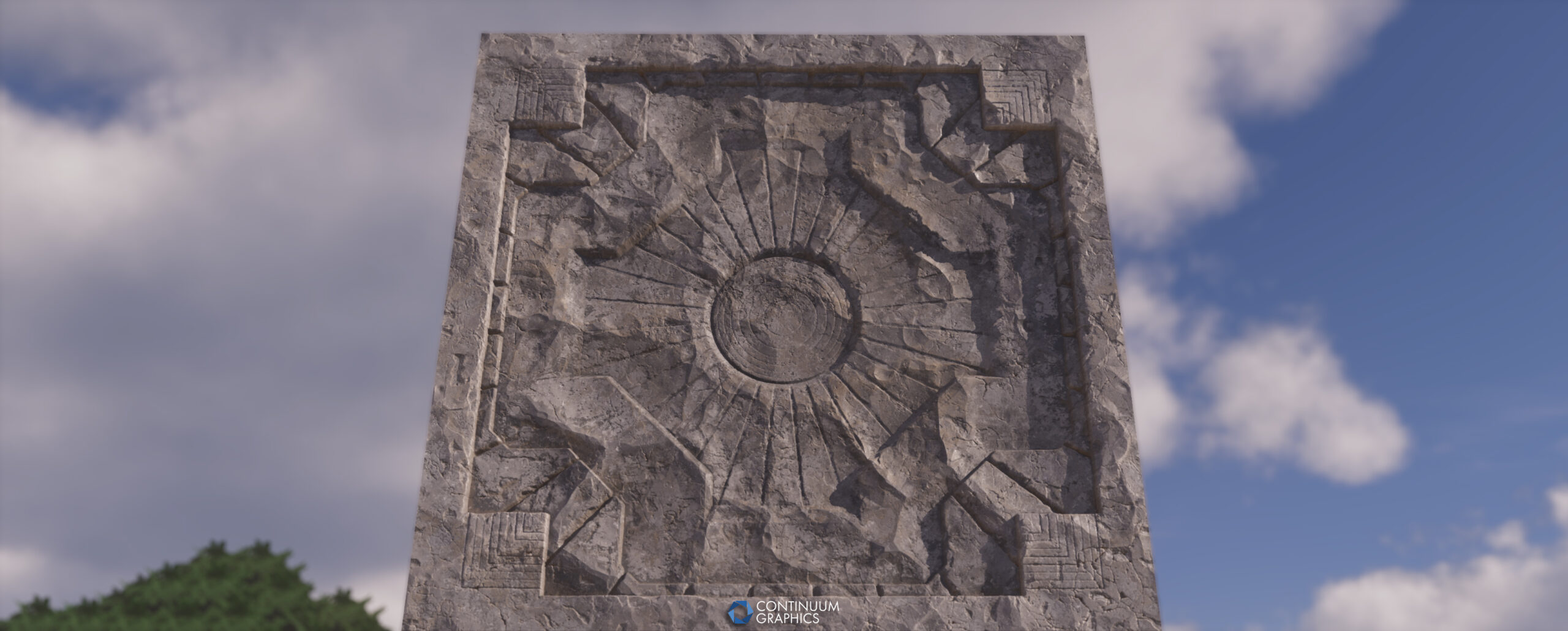
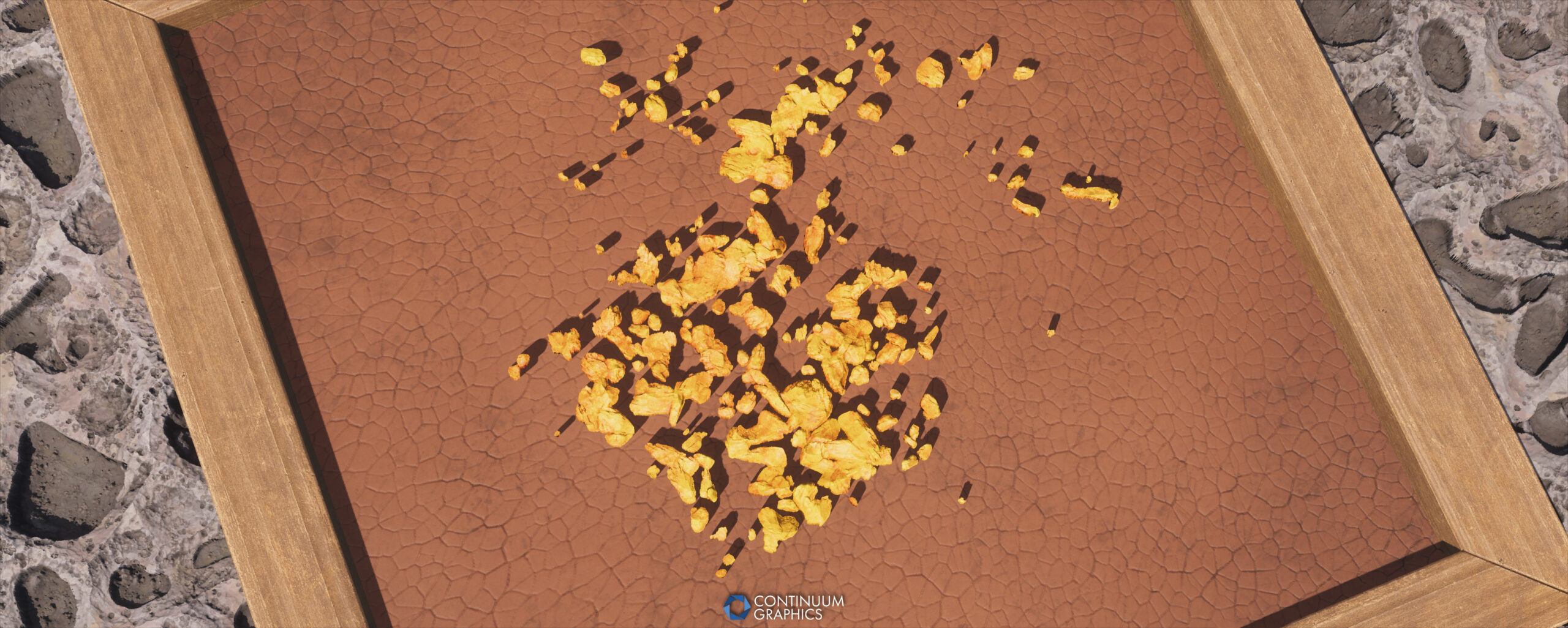
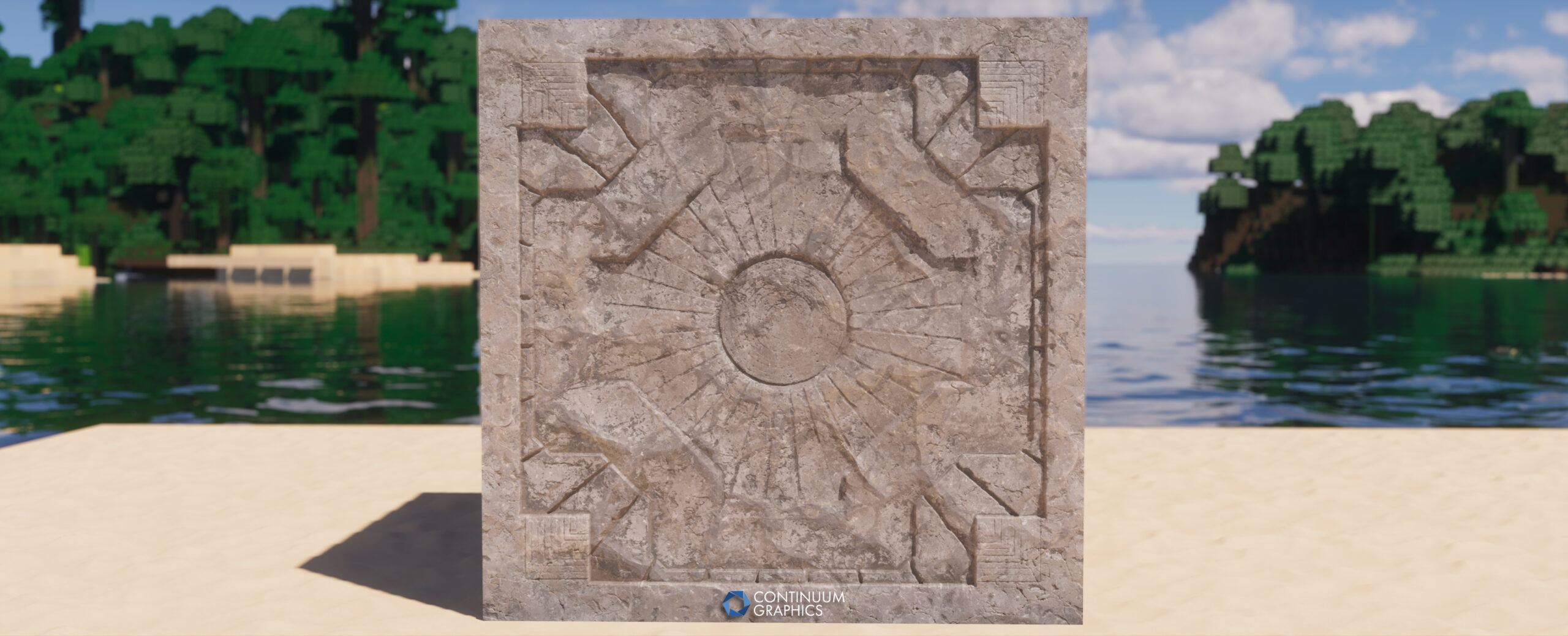
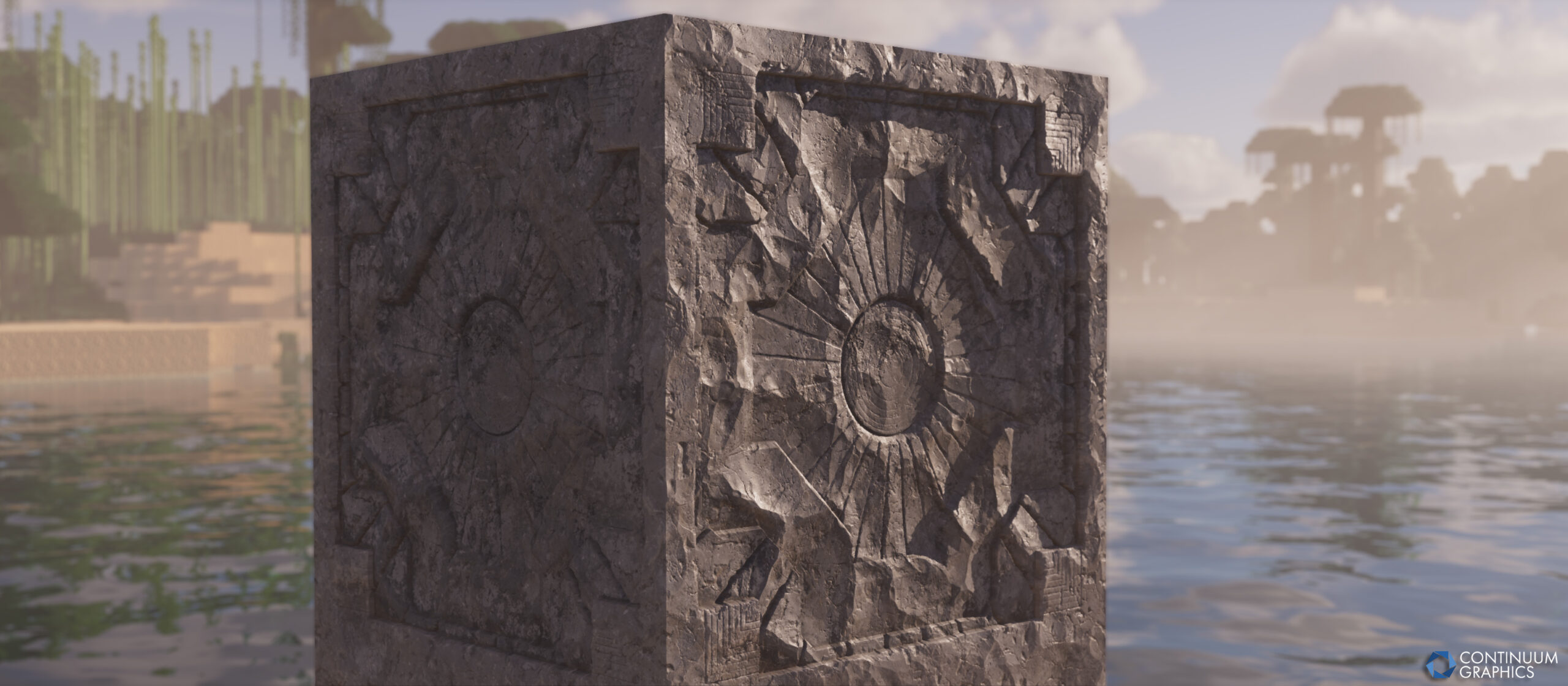
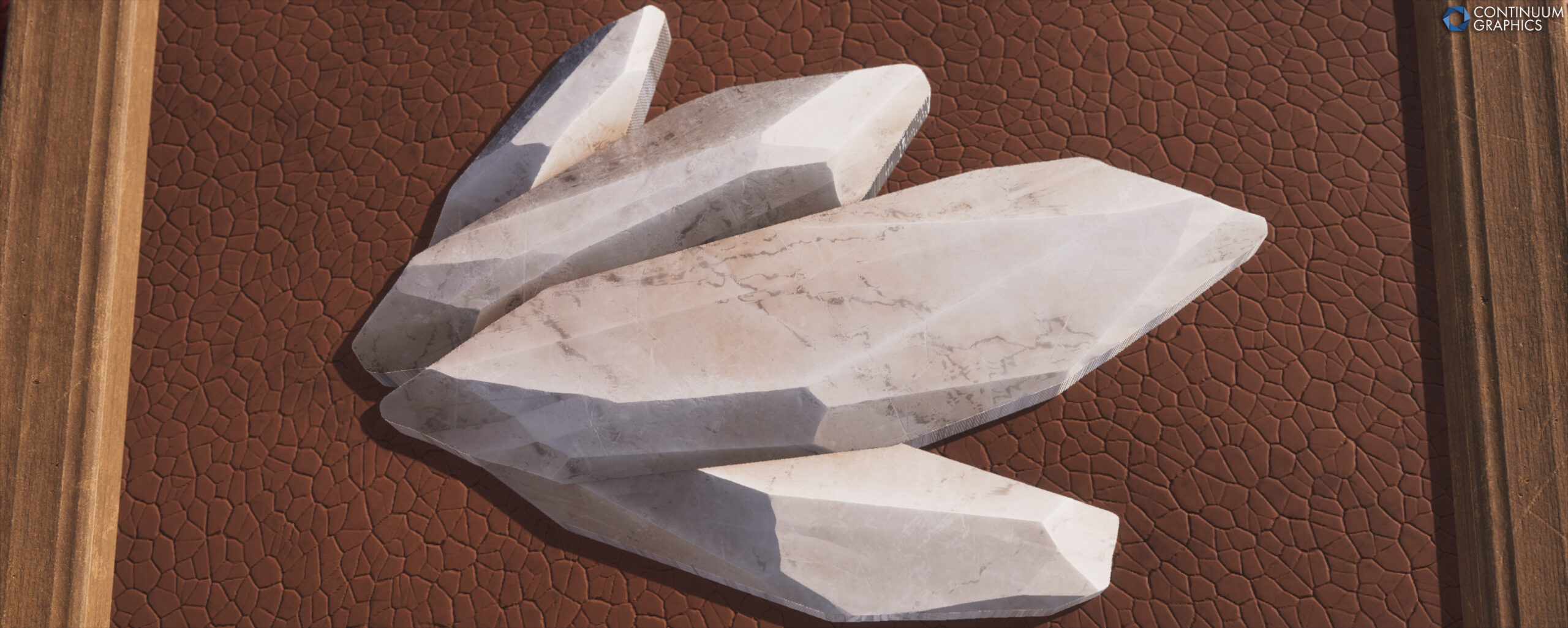
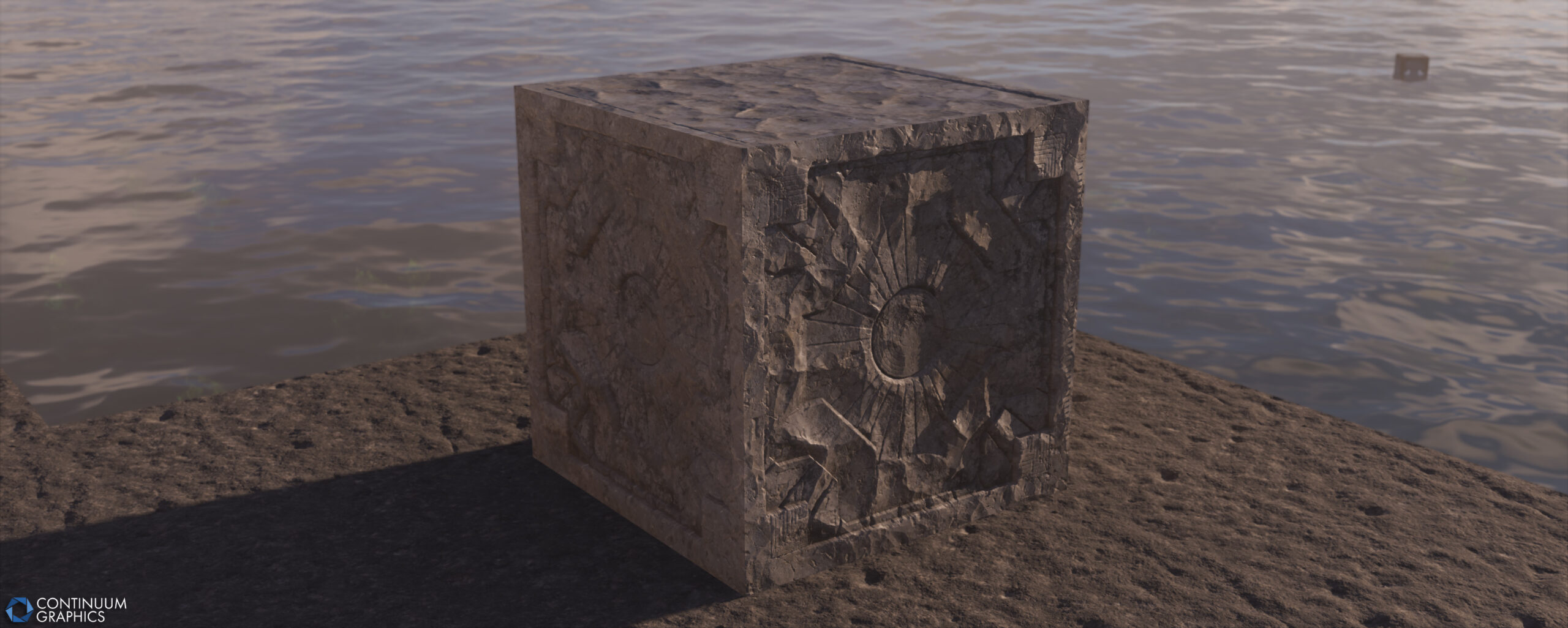
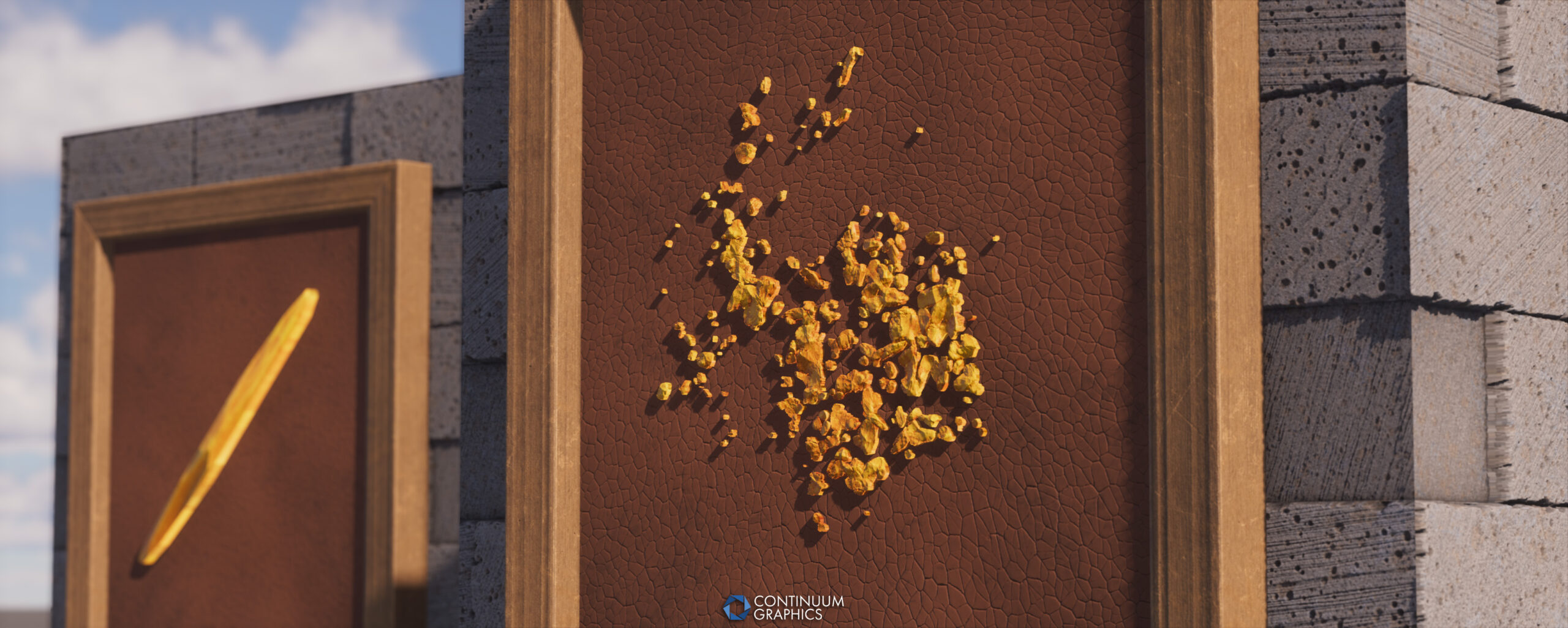
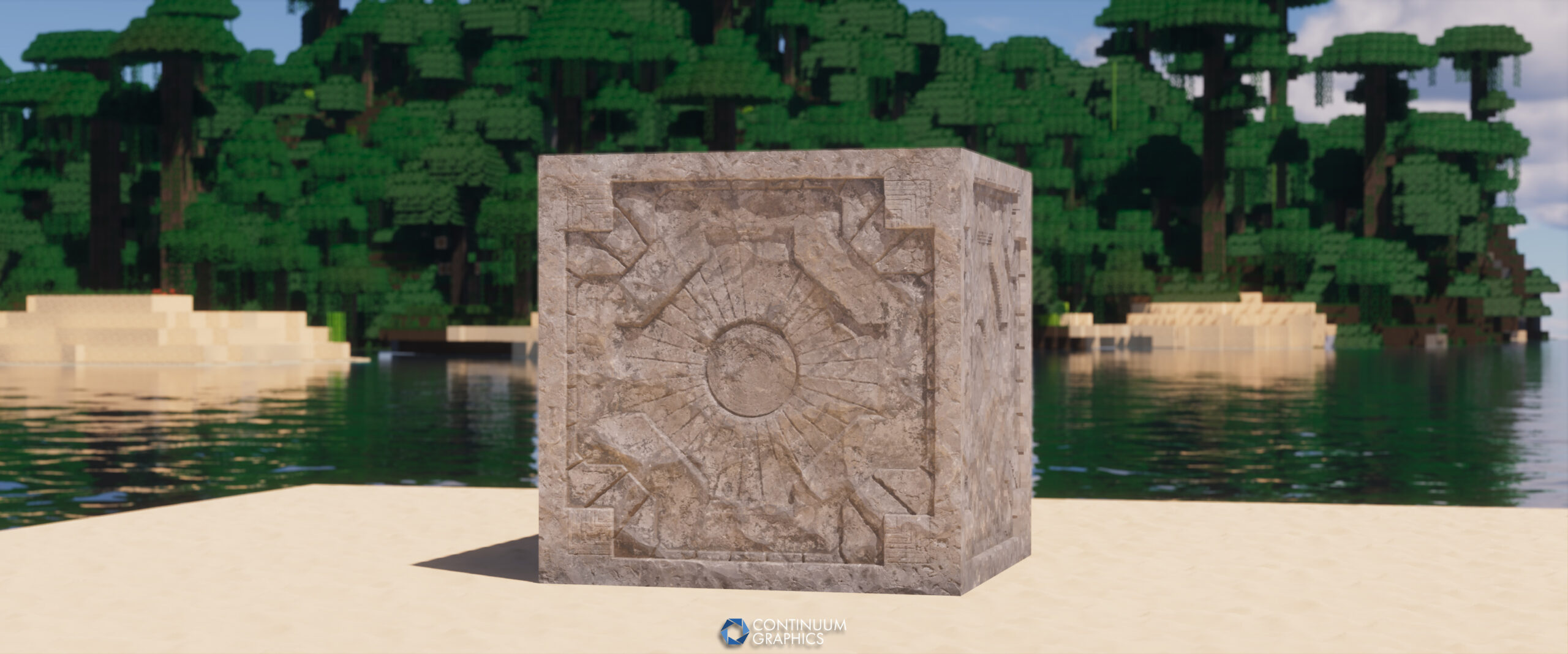
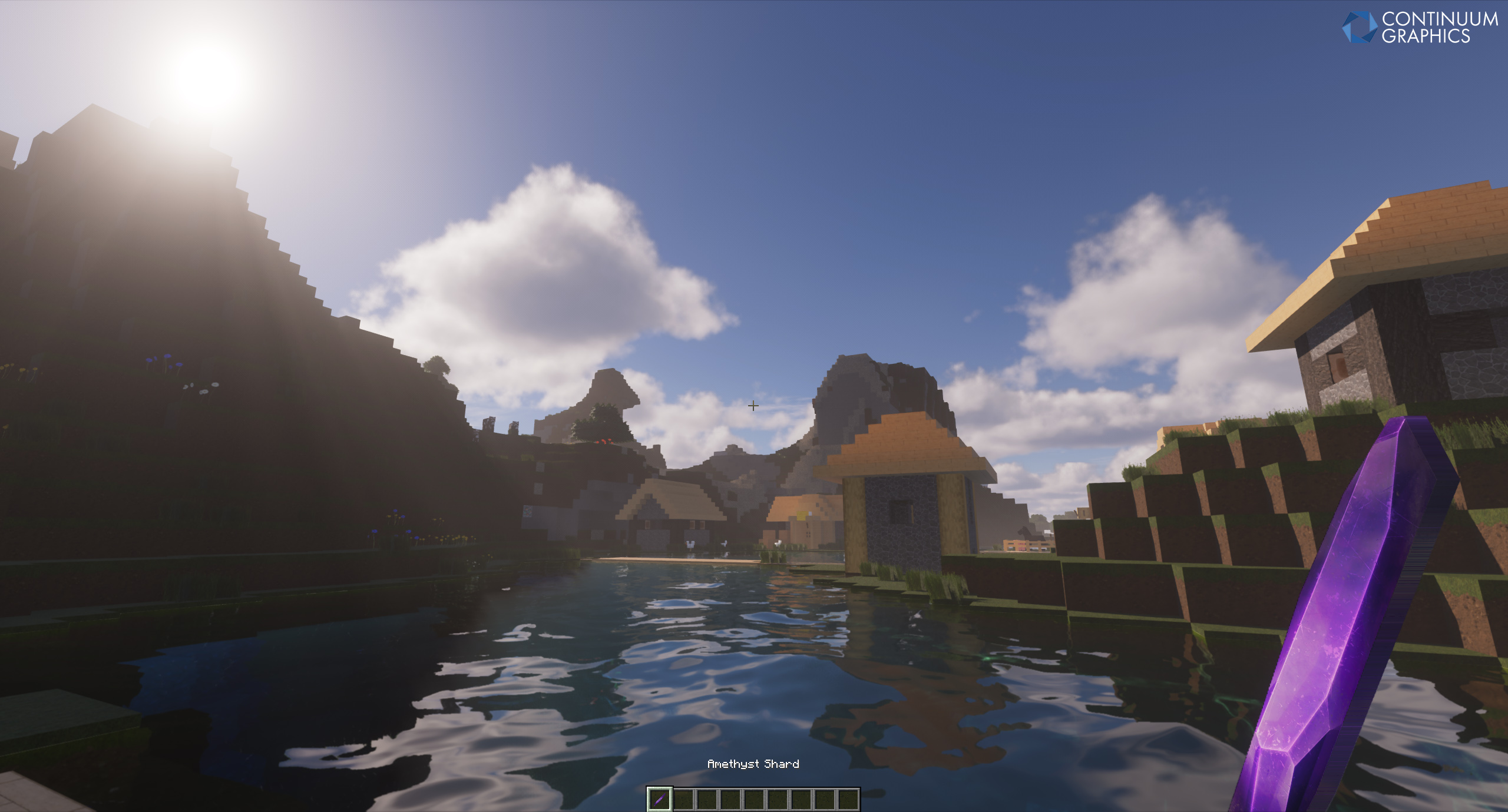
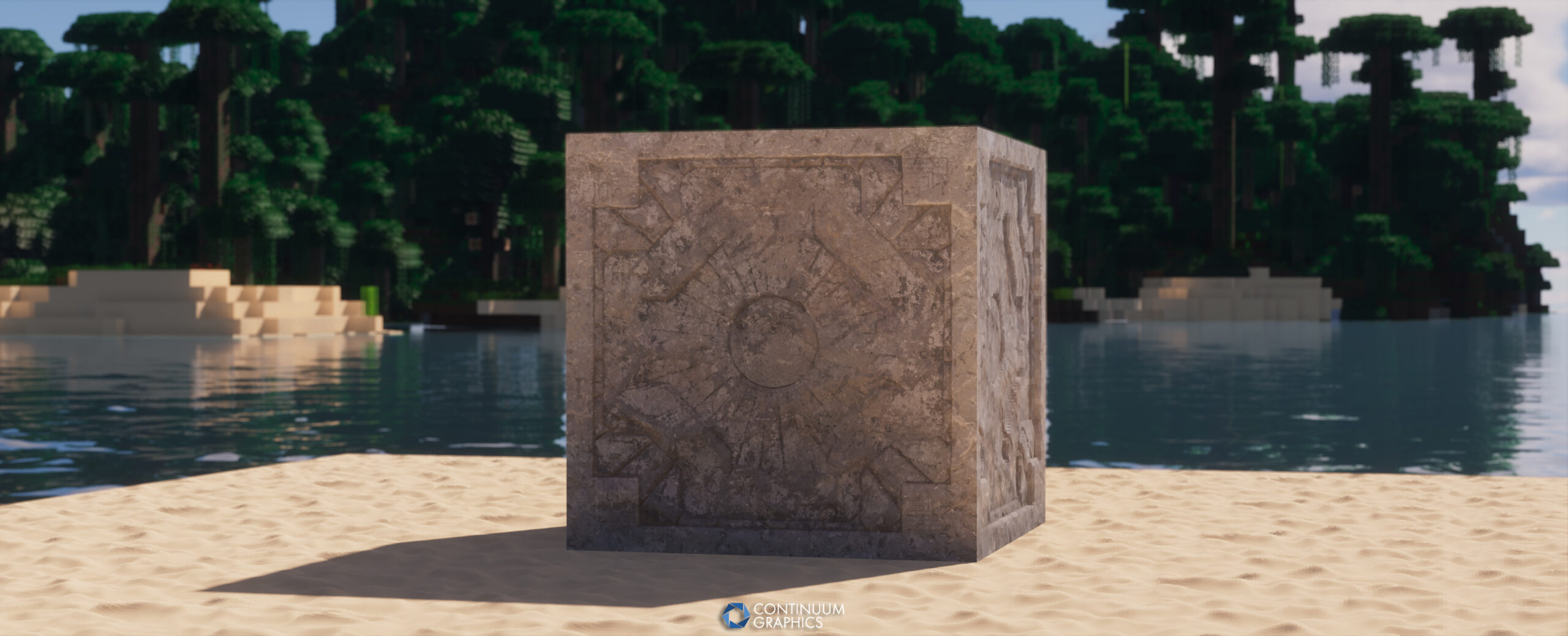
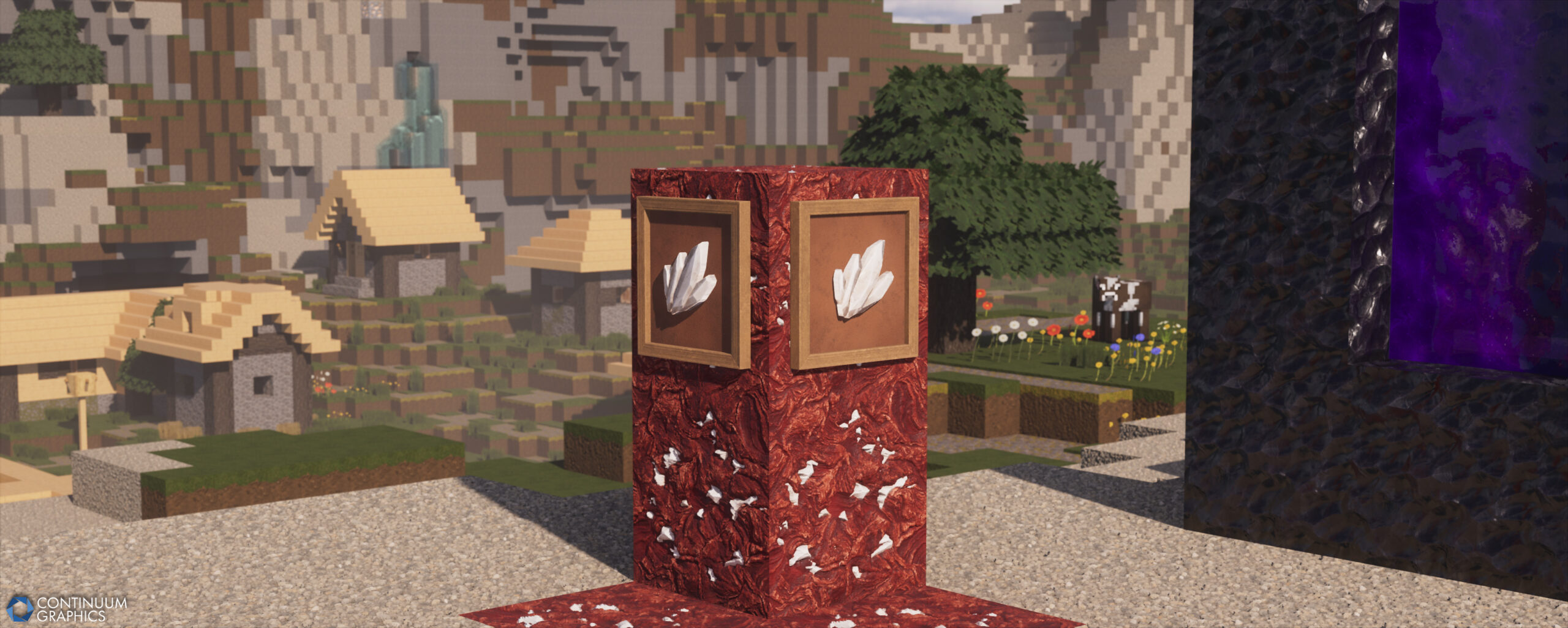
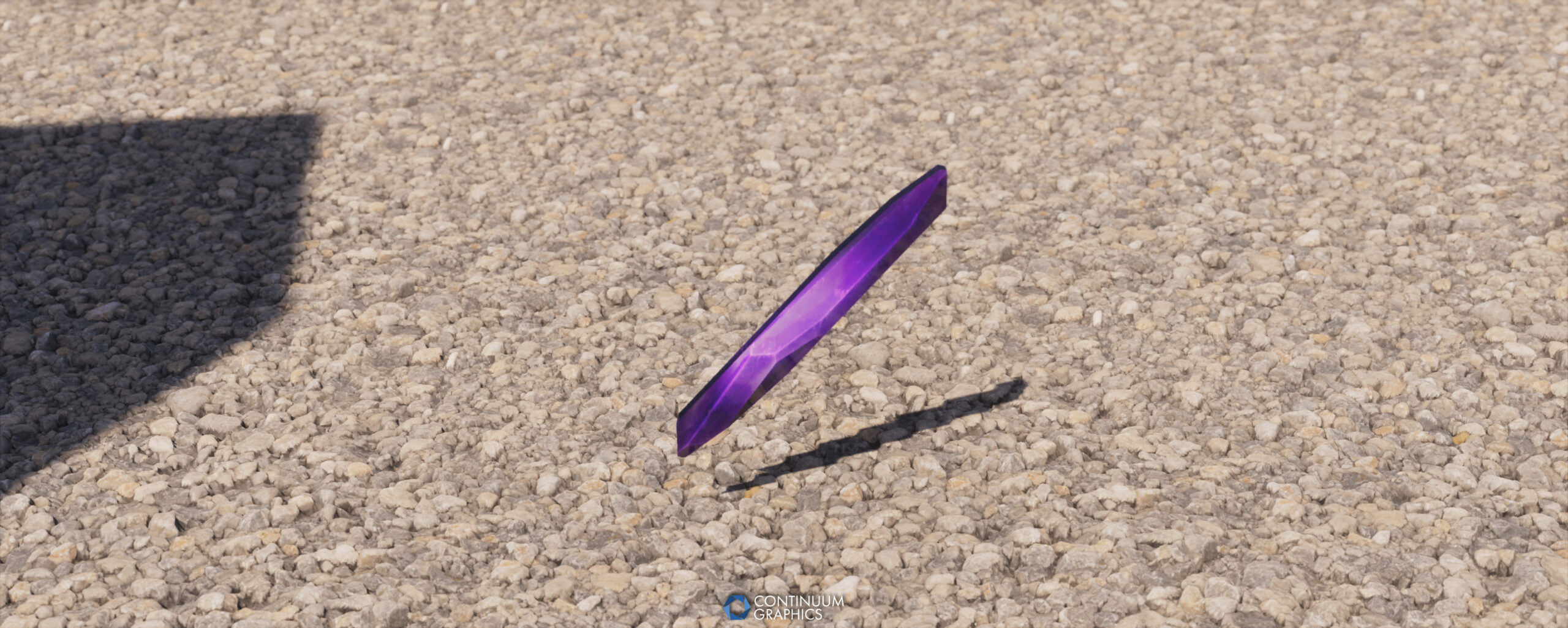
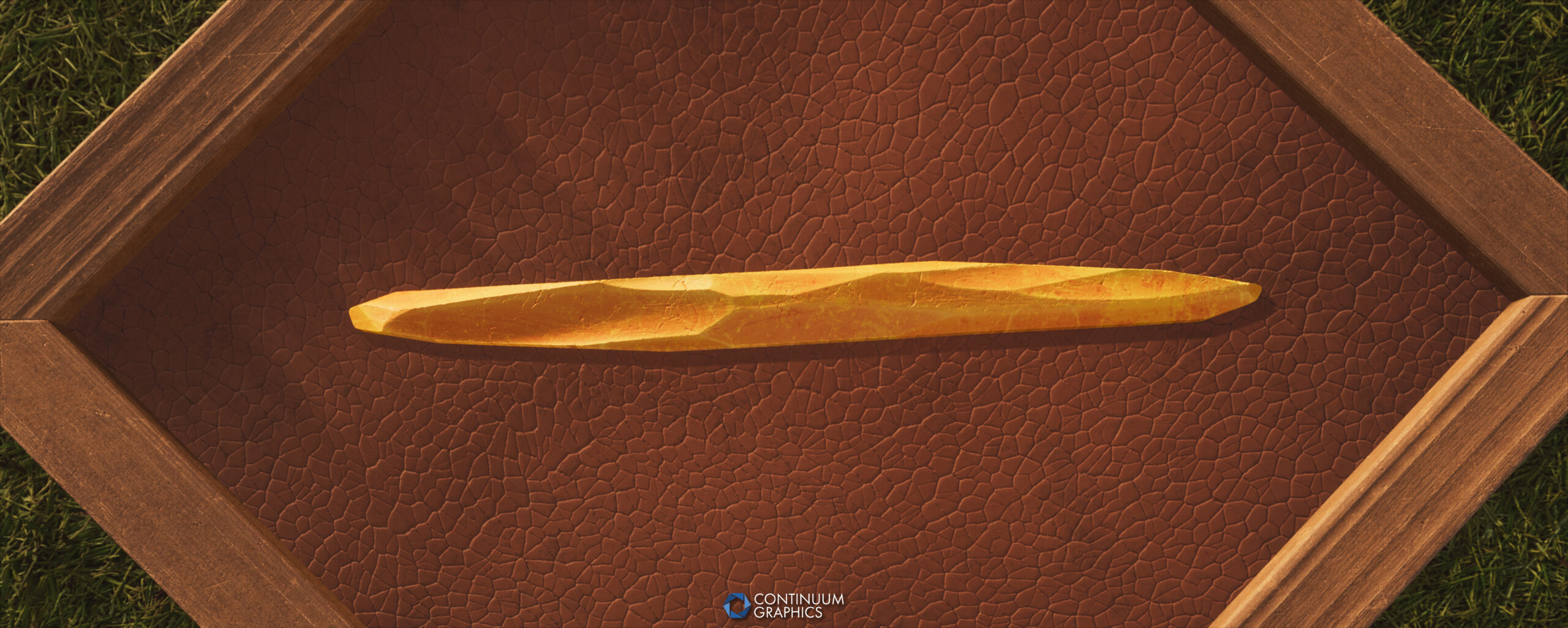
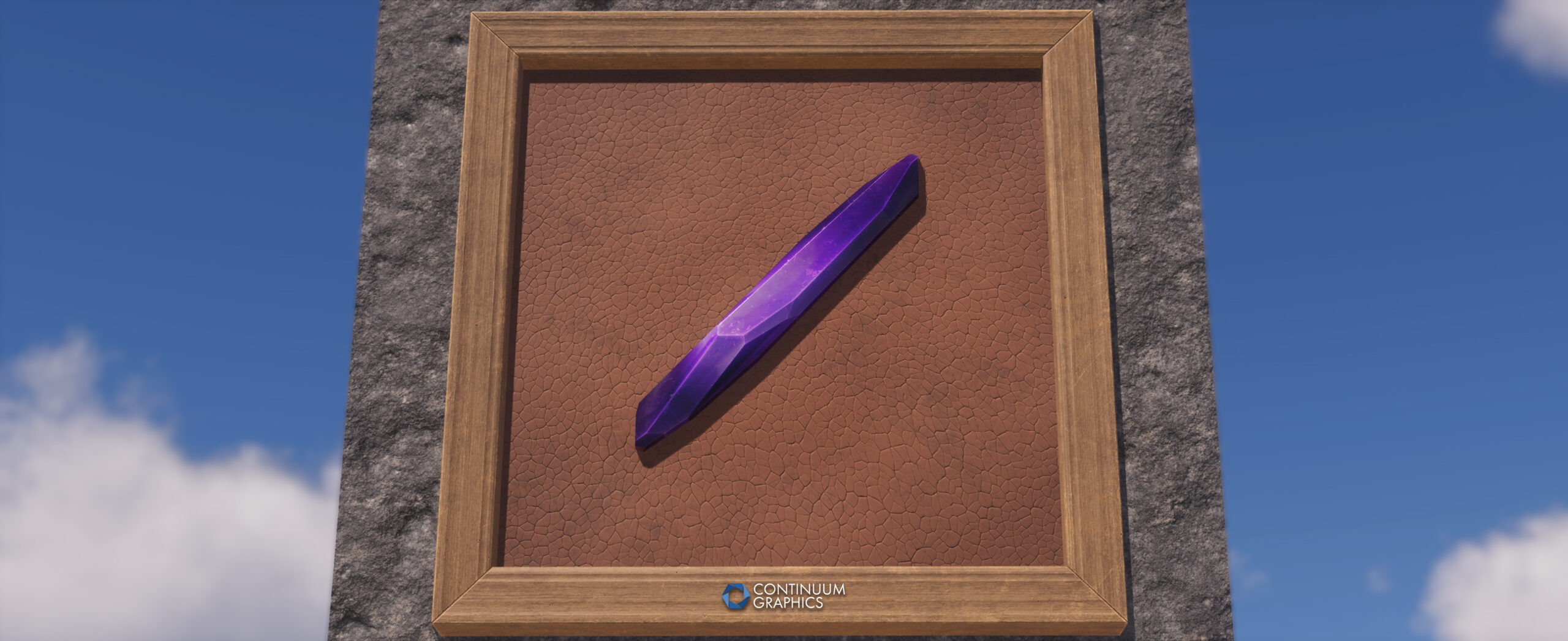
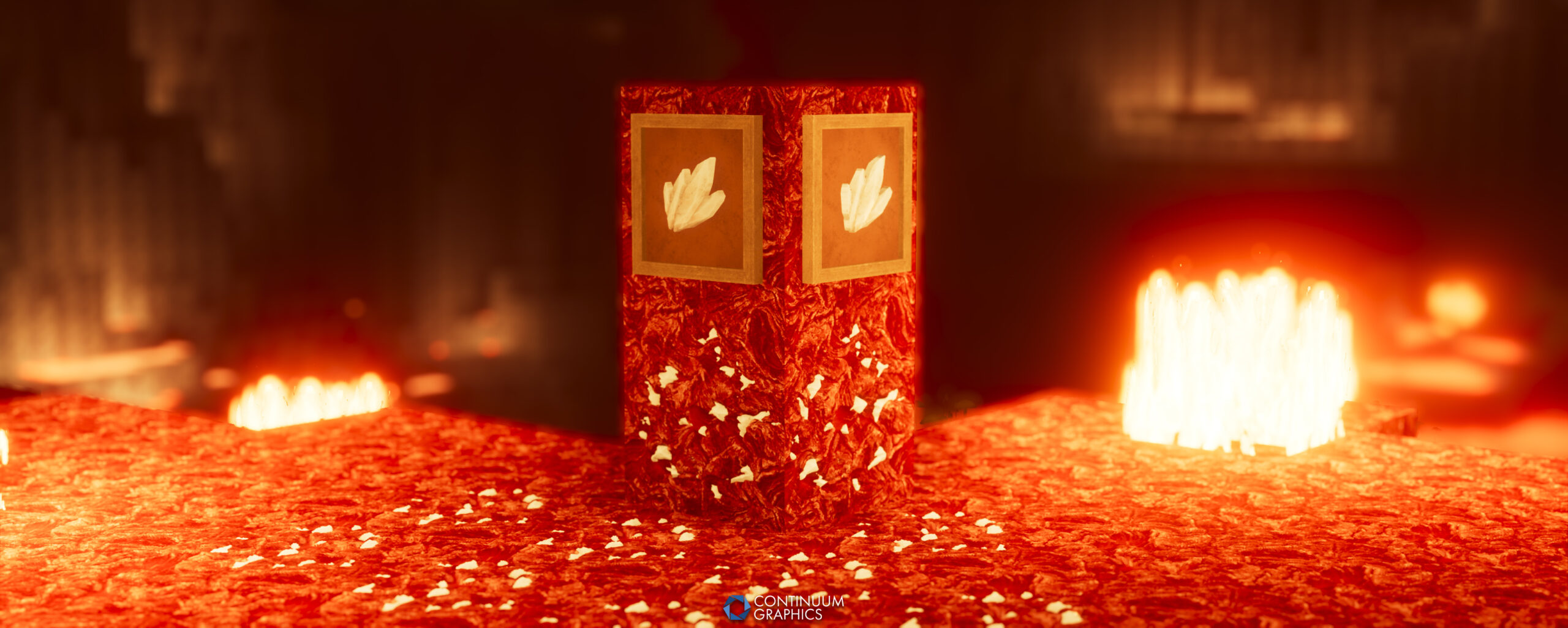
Last but not least, some shots of the textures ‘finalized’ for Stratum Build 58 in March, in case you’ve missed some of our social posts!
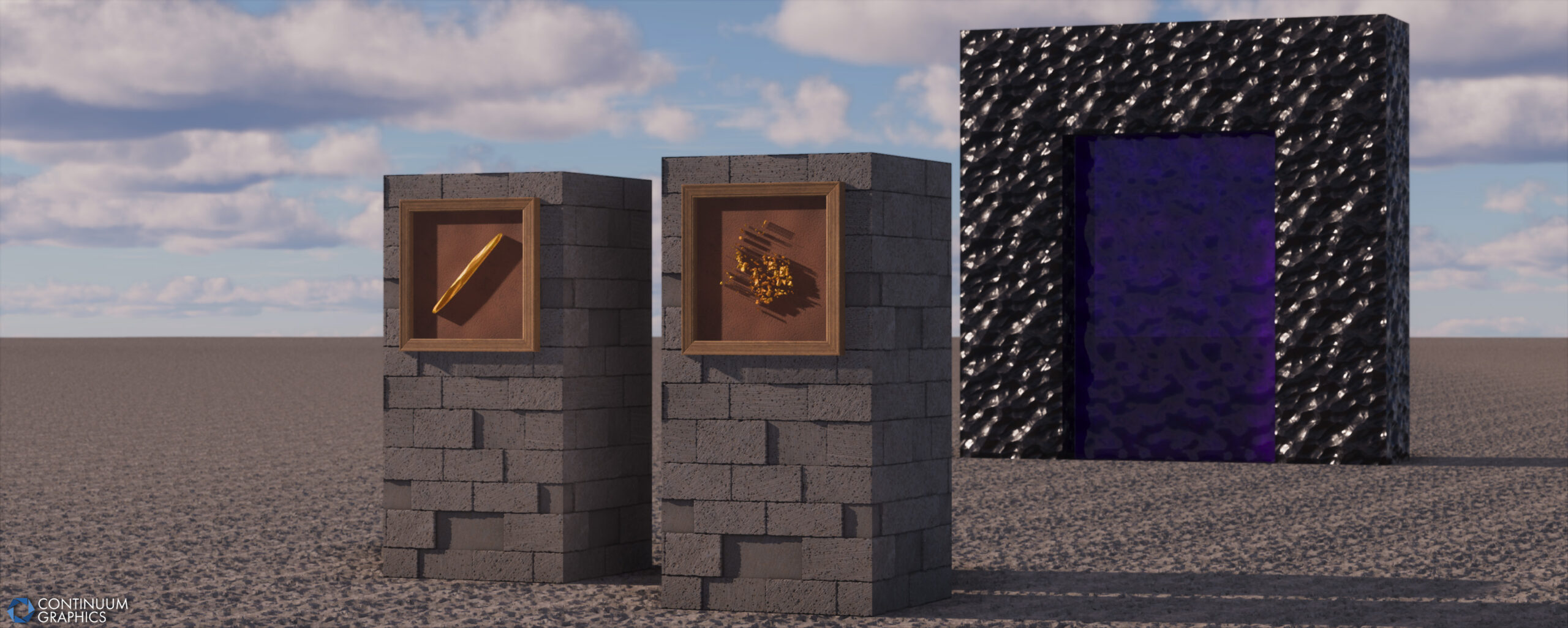
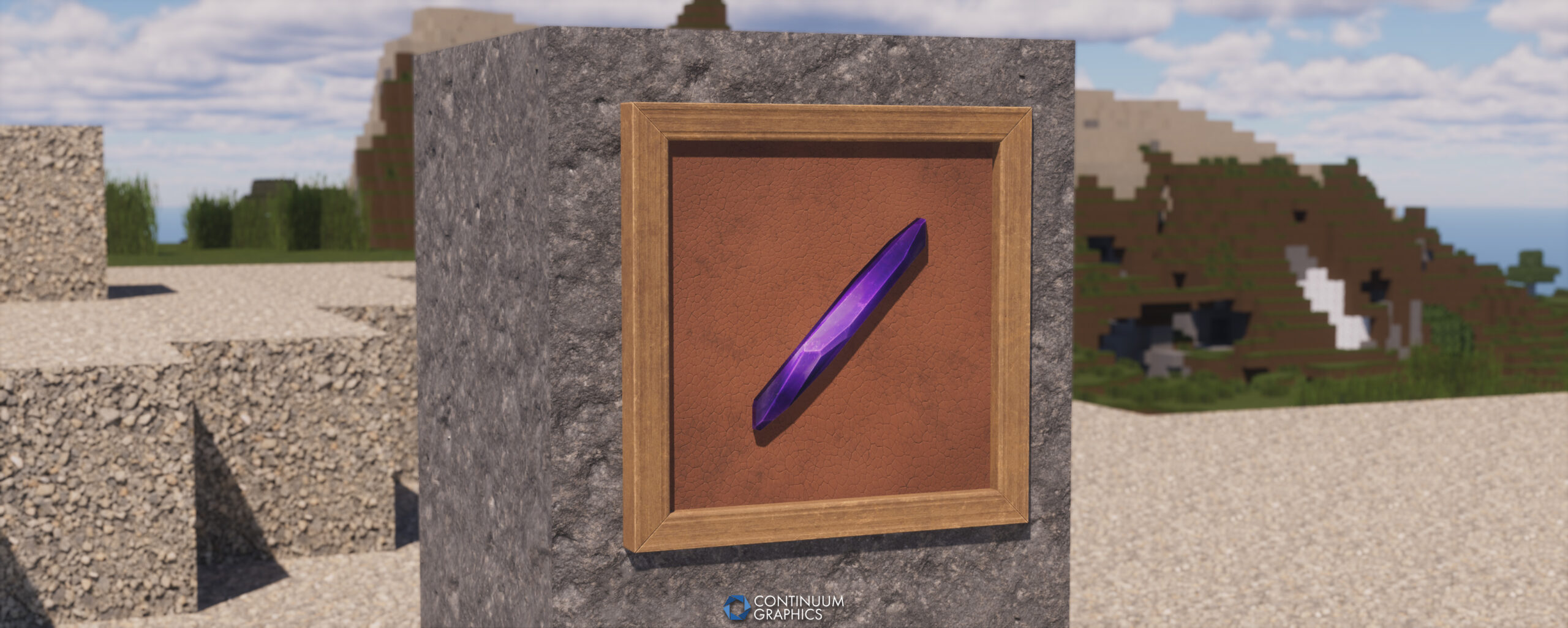


Misc. Site Changes
A few of you may have noticed that the contact form on our ‘Contact Us’ page started to throw errors recently. We took a look at it, found that our previous service changed our plan unexpectedly, and it would cost significantly more to restore. Given that the majority of our support requests are fielded on our Discord or through emails not sent through the contact form anyway (people sending them directly to the support address posted on the page), we have opted to remove the contact form entirely, at least for now.
Our support email address and Discord server are linked / displayed more prominently on the revamped Contact Us page to compensate for this change!
We’ve also got a few UI / UX updates planned for the new Free Downloads page we launched last month, so keep a lookout for those!
That’s all folks! Hopefully the sheer bulk of yapping didn’t disappoint!
See you all again next month!
