



Trying to get back into the swing of things…
dotModded and Focal Engine
When we left you in our last blog post, we had a positive outlook on dotModdeds ongoing health issues; with a proper diagnosis and a new medication being tried to manage his symptoms. Things have continued to go fairly well through February on that front. Unfortunately, most of his time this month was spent preparing for tax season, handling general start of year business tasks, and most time consuming of all, moving into a new place…all while trying to recover under the new medication.
This not only gave him little time to work on Focal, or evaluate the (little) known info regarding Minecraft’s move to Vulkan, but we weren’t able to get a proper statement from him in time for this blog either. That being said…I think you’ll find Jake has done his best to make up for that with his lengthy statement below.
Hopefully we’ll have some words from the big man next progress update though…stay tuned!
Jake talks about Volumetric Clouds (again) and the future of Minecraft (with Vulkan)
The Volumetric Cloud update / rewrite has once again escalated (as long time fans of ours will know is common for us 😂), so prepare for a lengthy update on that…as well as us touching on Minecraft’s upcoming move to Vulkan, and what that might mean.
I’ll let Jake take it away from here:
I’ve made some pretty decent progress on Continuum’s new volumetric clouds over the past month, but have also ran into a new issue that unfortunately affects their quality. Good news first, though.
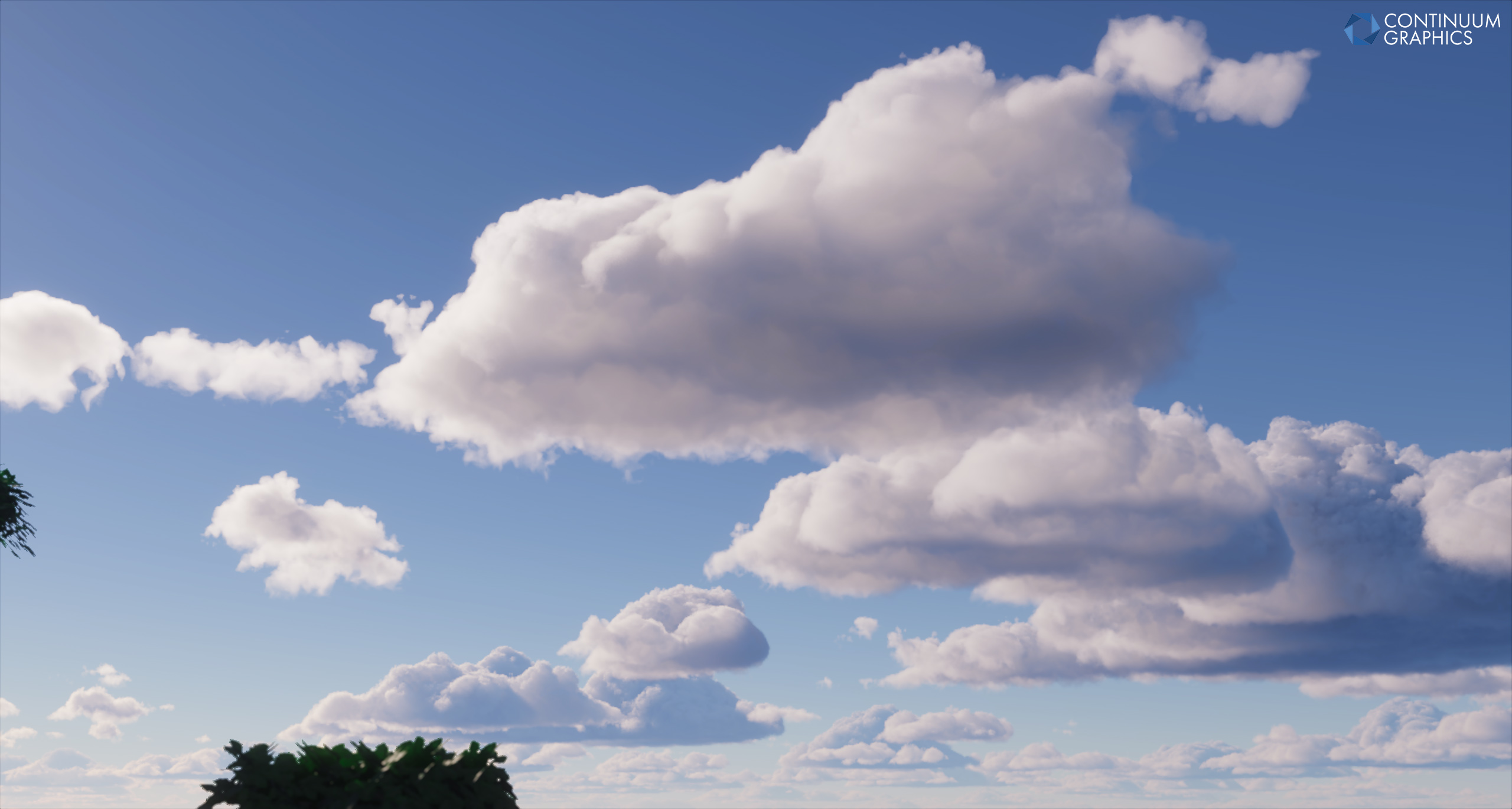
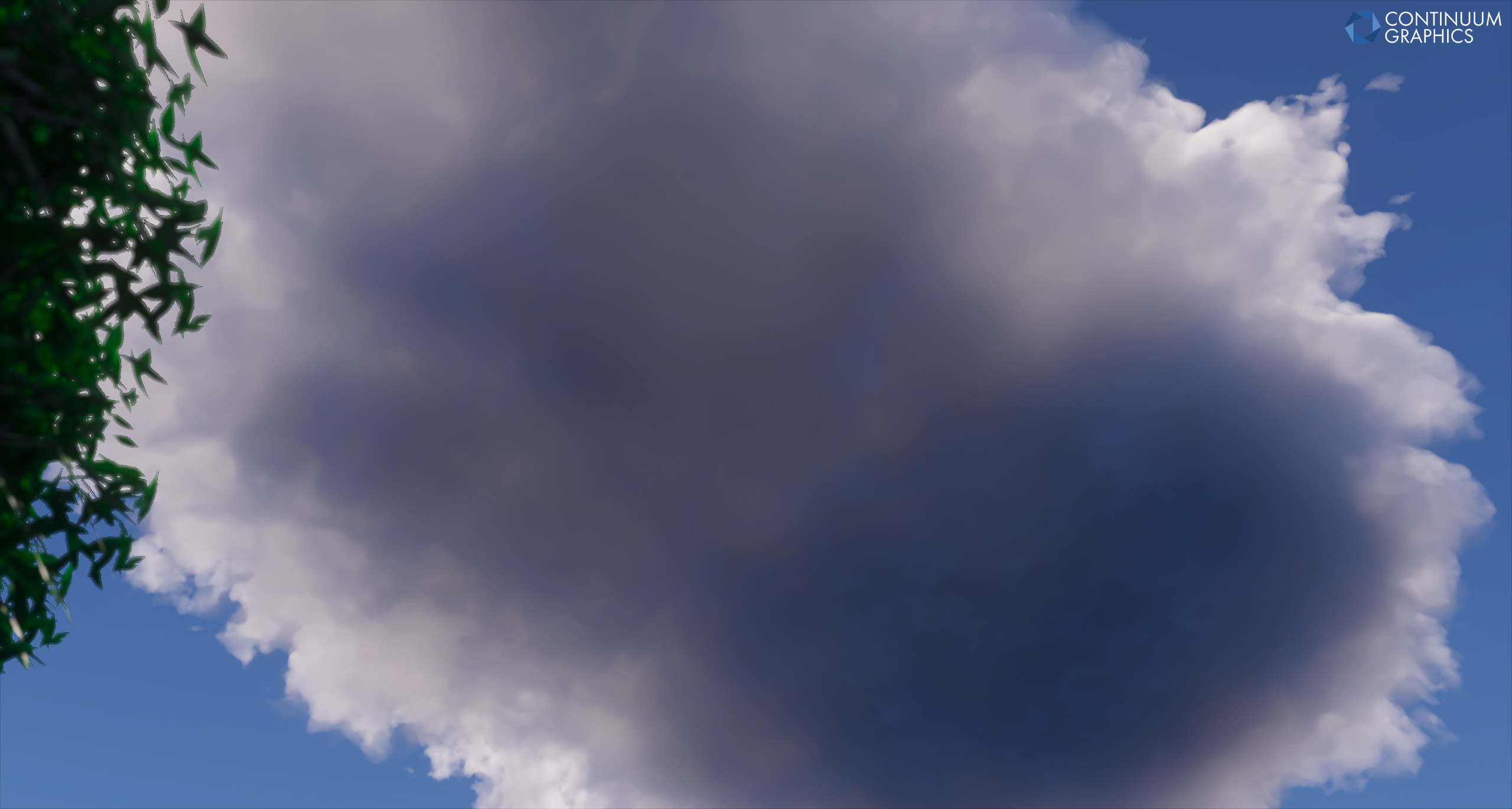
Pretty much immediately after I finished writing my segment for last month’s progress update, I went back to working on the new volumetric clouds and ended up completely overhauling two separate components. The first component that I have overhauled is the density function used by the new volumetric clouds, which led to me accidentally solving a major issue that I’ve had with volumetric clouds, both in our shader packs and in some others: a distinct lack of a large scale, billowing structure. While experimenting with the new noise texture that I outlined in last month’s progress update, I discovered a way to get that billowing structure by reintroducing a second noise texture, though this one is just storing very low frequency Alligator noise. This second noise texture is used to erode the local density of the cloud prior to erosion by the first noise texture, which is unchanged outside of some tweaks to the noise texture itself.
This is a huge step forward for our new volumetric clouds as my end goal has always been to recreate the imposing and dramatic cumulus clouds that you’d see just on the horizon, peeking over a mountain or through some tree cover. For me, this has always been the holy grail of volumetric clouds, and I’ve always struggled to find a way to pull it off, until now. Unfortunately this does come at the cost of affecting the shape on the underside of the cloud, rounding it out more than I’d like. I’m definitely going to keep working on them as I would like to fix the rounding on the underside of the cloud, but so far I’m very happy with how their shape is turning out.
The second component that I have overhauled is the multiple scattering approximation used by the new volumetric clouds. As a quick explanation, light entering a real cloud is able to “bounce” off of water droplets potentially hundreds of times before reaching your eye. Each bounce is referred to as a scattering event, and the total sum of all scattering events can have a dramatic impact on the final appearance of a cloud. While we are able to simulate the very first scattering event – the light first entering the cloud – just fine, subsequent scattering events are significantly more difficult to simulate for a multitude of reasons. Because of this, it’s very common to split the first scattering event from the rest, separating lighting into two components: single scattering and multiple scattering.
Previously, our new volumetric clouds were using a combination of Wrenninge’s multiple scattering approximation for Oz: The Great and Powerful, and Guerrilla’s multiple scattering approximation for Horizon Zero Dawn. Both fundamentally work by taking some information from single scattering and manipulating it in some way to approximate multiple scattering, but both do it differently. Specifically, we took the general framework of Wrenninge’s approximation which gave us the general behaviour of each multiple scattering event, and combined that with the powder effect approximation of Guerrilla’s approximation which gave us the edge darkening that you typically see on clouds. This worked pretty well, but it had two major issues: the edge darkening was too local, and backlit clouds didn’t glow the way that they should.
In switching to Guerrilla’s new noise composite from Horizon Forbidden West, I also took the opportunity to attempt Guerrilla’s newer multiple scattering approximation. This newer multiple scattering approximation piggybacks off of the local density from the density function to determine how likely it is for light to scatter (giving us edge darkening), as well as the distance field again from the density function to determine how deeply light should scatter within the cloud (giving us the interior glow on backlit clouds). The improvement was immediate over the old multiple scattering approximation, as light was able to penetrate more deeply and produce a nice glow within the cloud, and the edge darkening was a lot more pronounced near the surface.
This new approximation is not without its downsides, however. First, it doesn’t follow physically-based principles, instead opting to be more artist-driven compared to Wrenninge’s approximation which was intended for use within a physically-based path tracer. This means that while it can produce beautiful lighting within clouds, it is significantly easier to get wrong. Second, it assumes a uniformly relaxed transmittance for all approximated scattering events, which can lead to things looking a bit weird. To combat both of these issues, I may see if I can combine Wrenninge’s approximation with this new approximation, using Wrenninge’s as the general framework once again.
Okay, that’s the good news out of the way, now the bad news. Unfortunately, doing all this has made an already existing problem even worse: integration error. What we’re essentially doing by rendering volumetric clouds is numerically integrating all scattering events that lead to light scattering along the view ray, toward our eye. In an ideal world we’d do this with centimeter precision or less, but that would unfortunately require hundreds of thousands of samples, which we simply cannot afford. So instead, we reduce the precision to tens of meters to let us use maybe a hundred or so samples, and we increase the density of the cloud at each sample to compensate. This, combined with offsetting each sample by a random amount for Monte Carlo sampling, will converge on a usable result, but it won’t be an accurate result. There will always be some integration error due to us blindly increasing the density of the cloud at each sample, and the only way to reduce this is to use more samples, which costs performance.
Previously this wasn’t much of an issue. Even with a low sample count, you may end up with clouds looking softer and less detailed than they should be, but they’d still be look reasonably good. Unfortunately, both of the above overhauls have made this a bigger issue. Because both of the above overhauls rely on local density (and a pseudo distance field, which I derive from the local density), integration error ends up impacting both the detail and the lighting more than normal. For nearby clouds this isn’t that bad, but it becomes worse the closer you get to the horizon, with clouds appearing smoother, flatter and darker than they should. I’ve tried multiple things to improve this and haven’t yet found any solution that isn’t either increase the amount of samples, or rewrite the raymarcher to more intelligently use the samples that we do have. The former we can’t do without hurting performance (the new volumetric clouds already use twice the samples of the old volumetric clouds), and the latter will take time as I don’t fully understand how that would work (Guerrilla did something similar to this for the first version of their volumetric clouds, so I at least have something to go off of). Will keep you posted on whether I find a solution.
Aside from that, I’ve also moved the entire shader pack over to FAST noise (Filter-Adapted Spatio-Temporal noise). Previously we were using a combination of white noise and a Bayer matrix for all random number generation, which caused certain features to not look as good as they could. We’ve been wanting to switch to blue noise for a while now, as blue noise is both easier to filter and looks more pleasant. Well, with the new volumetric clouds already having issues with integration error and with me generally wanting them to look as good as they can, I figured why not switch to blue noise now. Put simply, FAST noise is a form of blue-esque noise which is “trained” for use with specific spatial and temporal filtering strategies, bringing considerable noise reductions when paired with those filtering strategies. To keep things simple, I’ve just gone with a general-purpose noise which should work well across our entire shader pack. In the future we may specialise the RNG for each feature, but for now we’ll probably just stick with this.
To close off my progress update, I want to touch on the recent news regarding Minecraft switching to Vulkan. While it’s too soon to say anything with absolute certainty, we are looking at how the situation unfolds and we are confident that it’ll be nothing but beneficial for us, with or without Focal Engine. Having the game natively using Vulkan obviously makes things significantly easier for us, but we’re also reasonably confident that further improvements to Minecraft’s renderer will continue to make things even easier in the future. When we have more news to share on this front, we will, but until then we will be looking at things closely to figure out our next move.
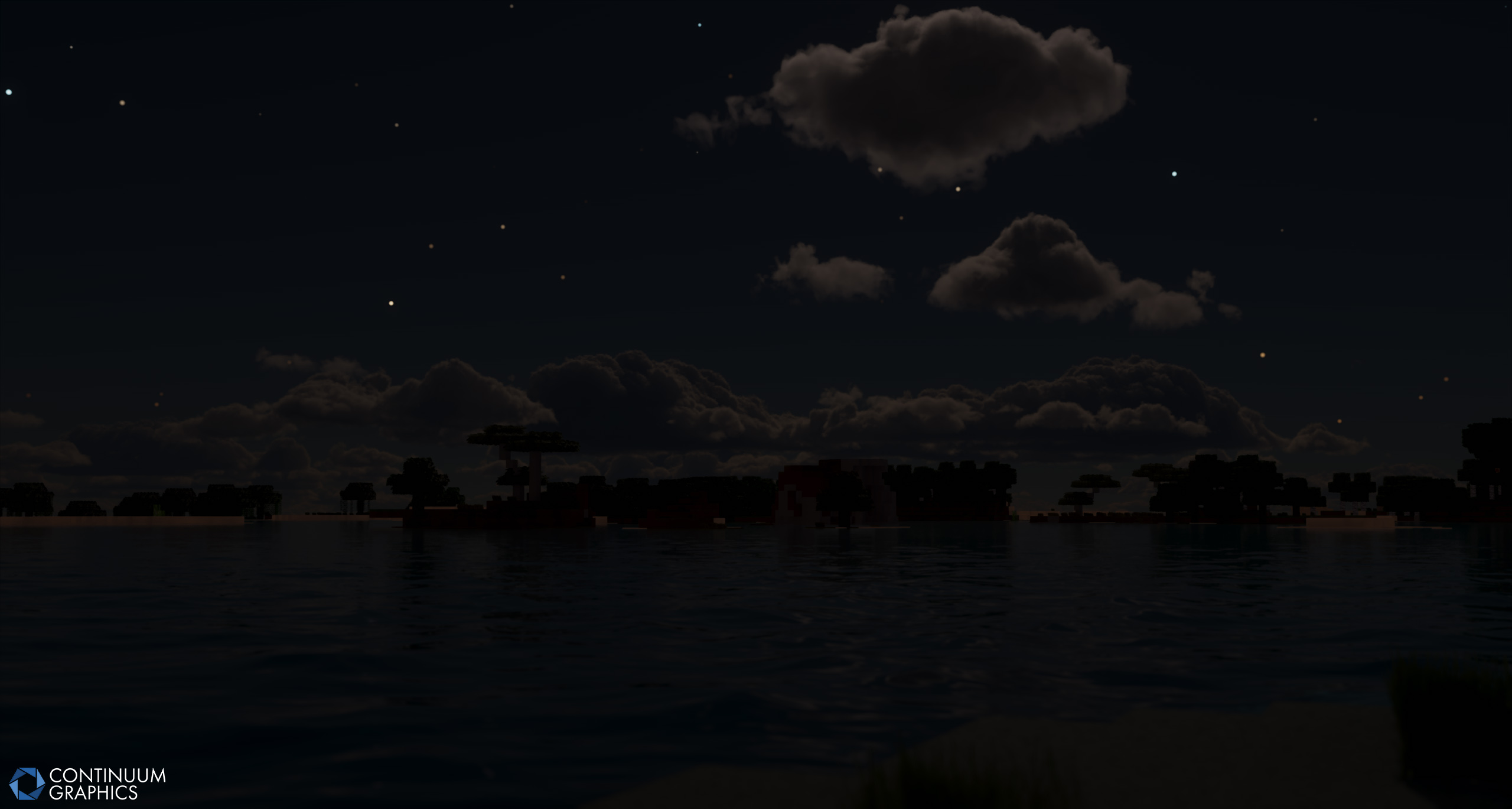
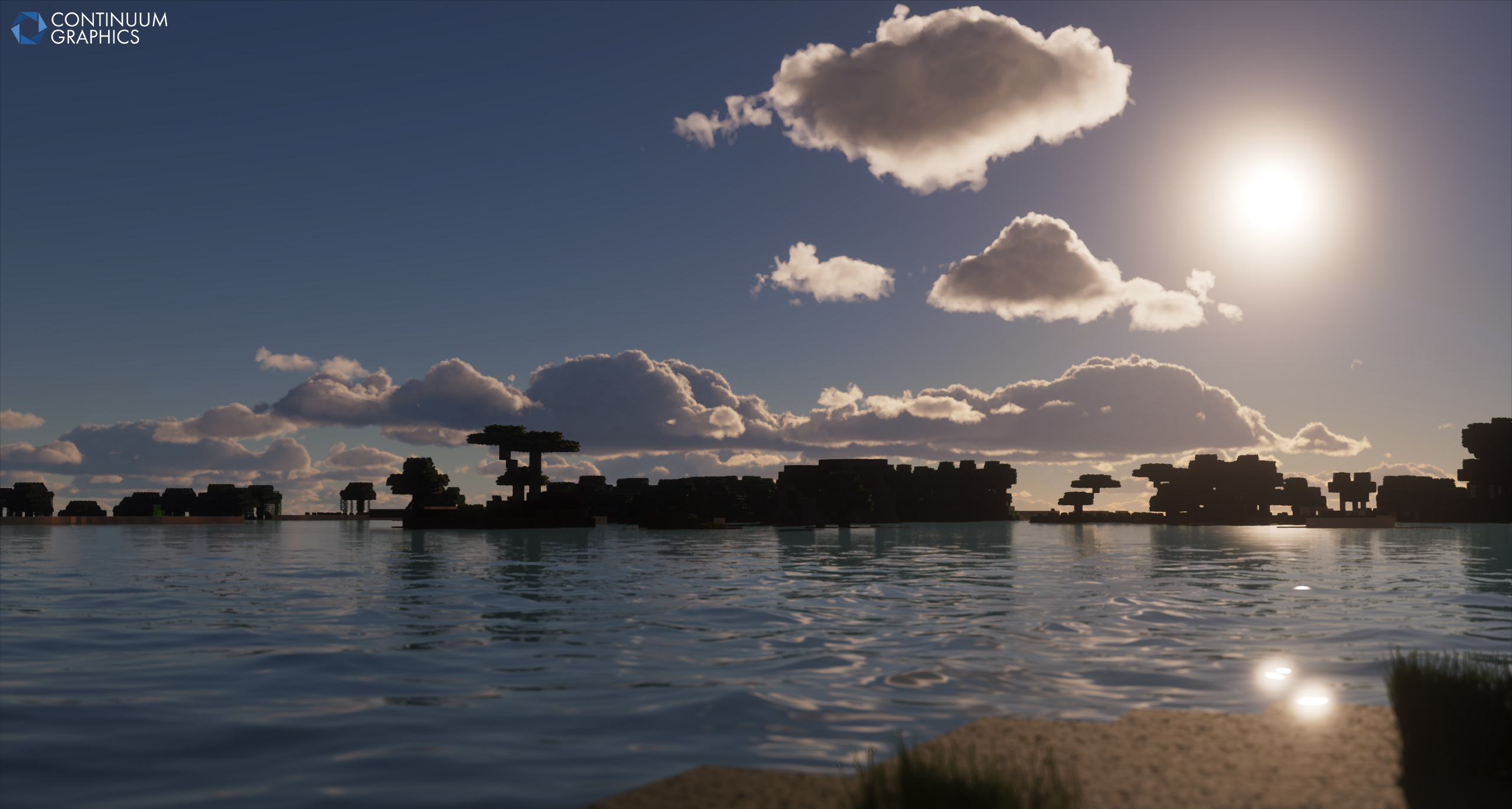
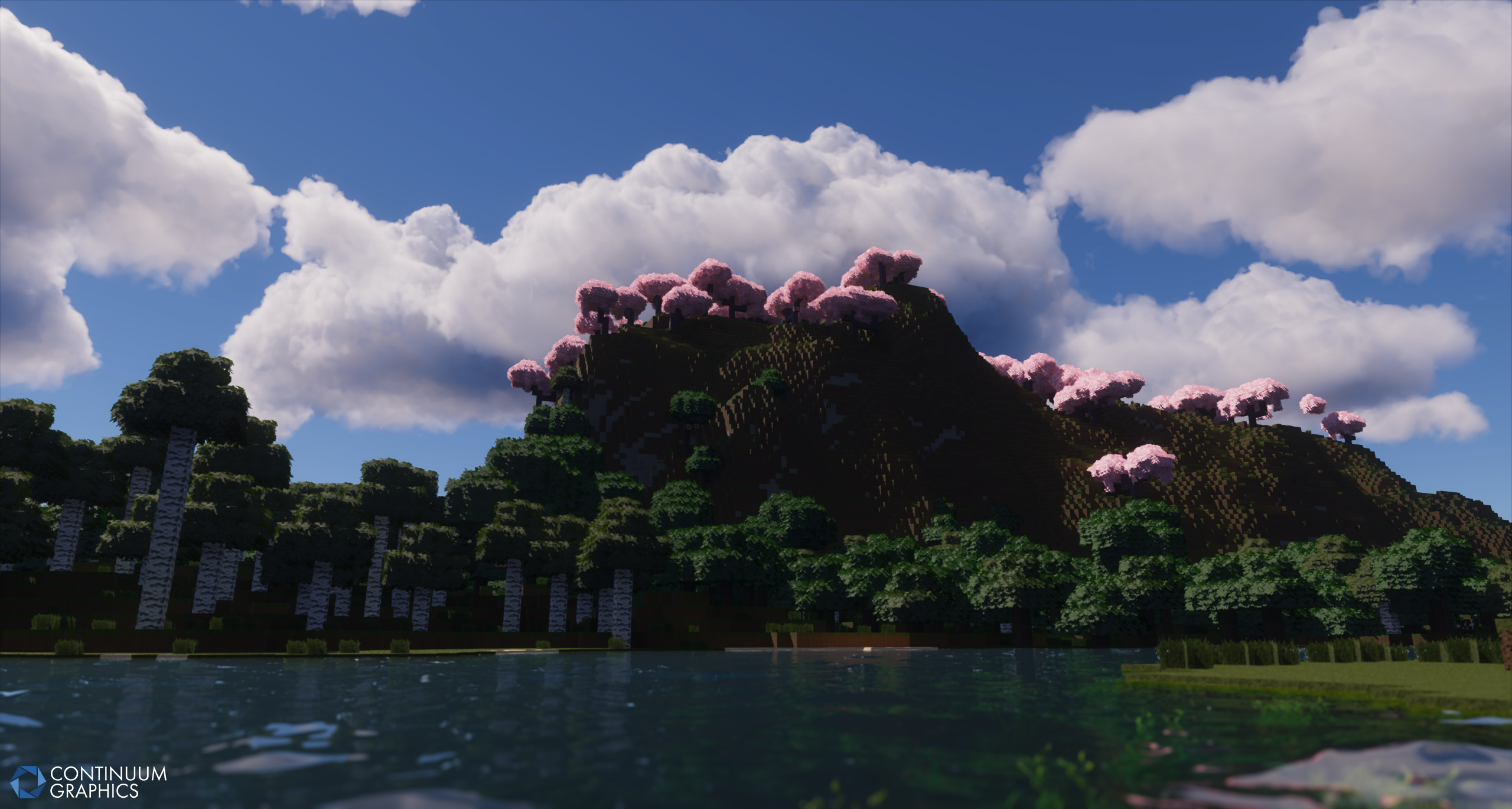
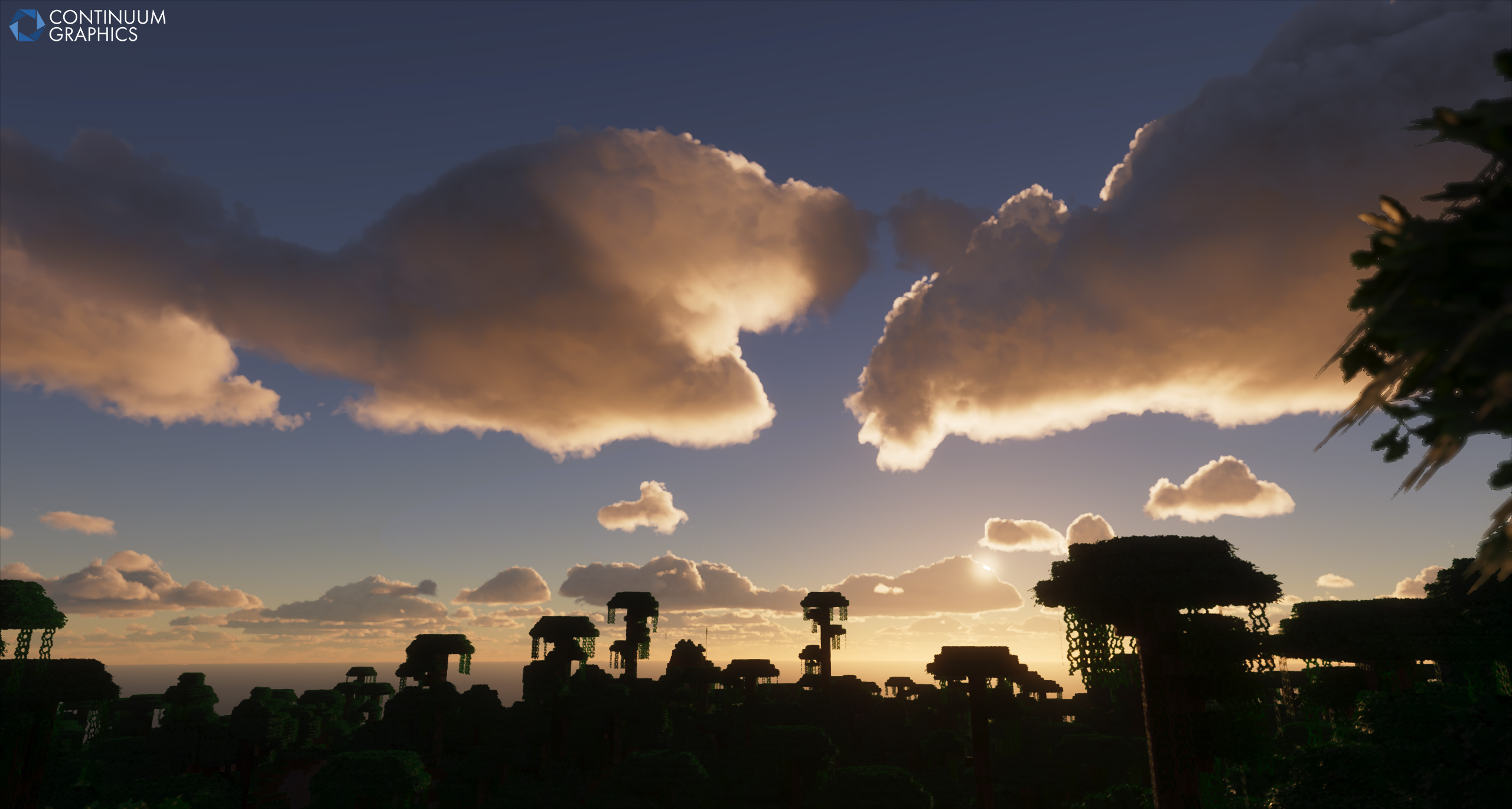
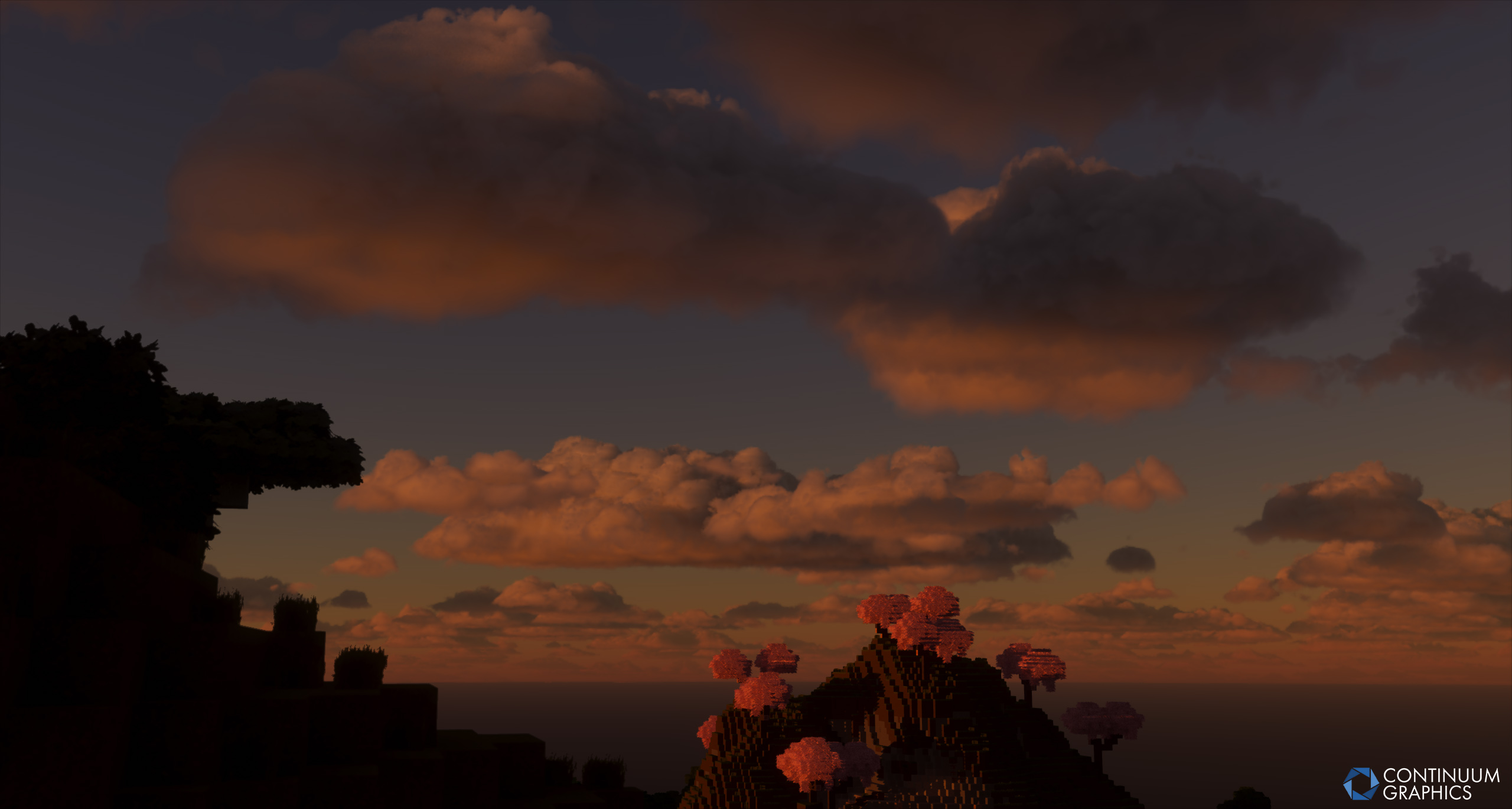
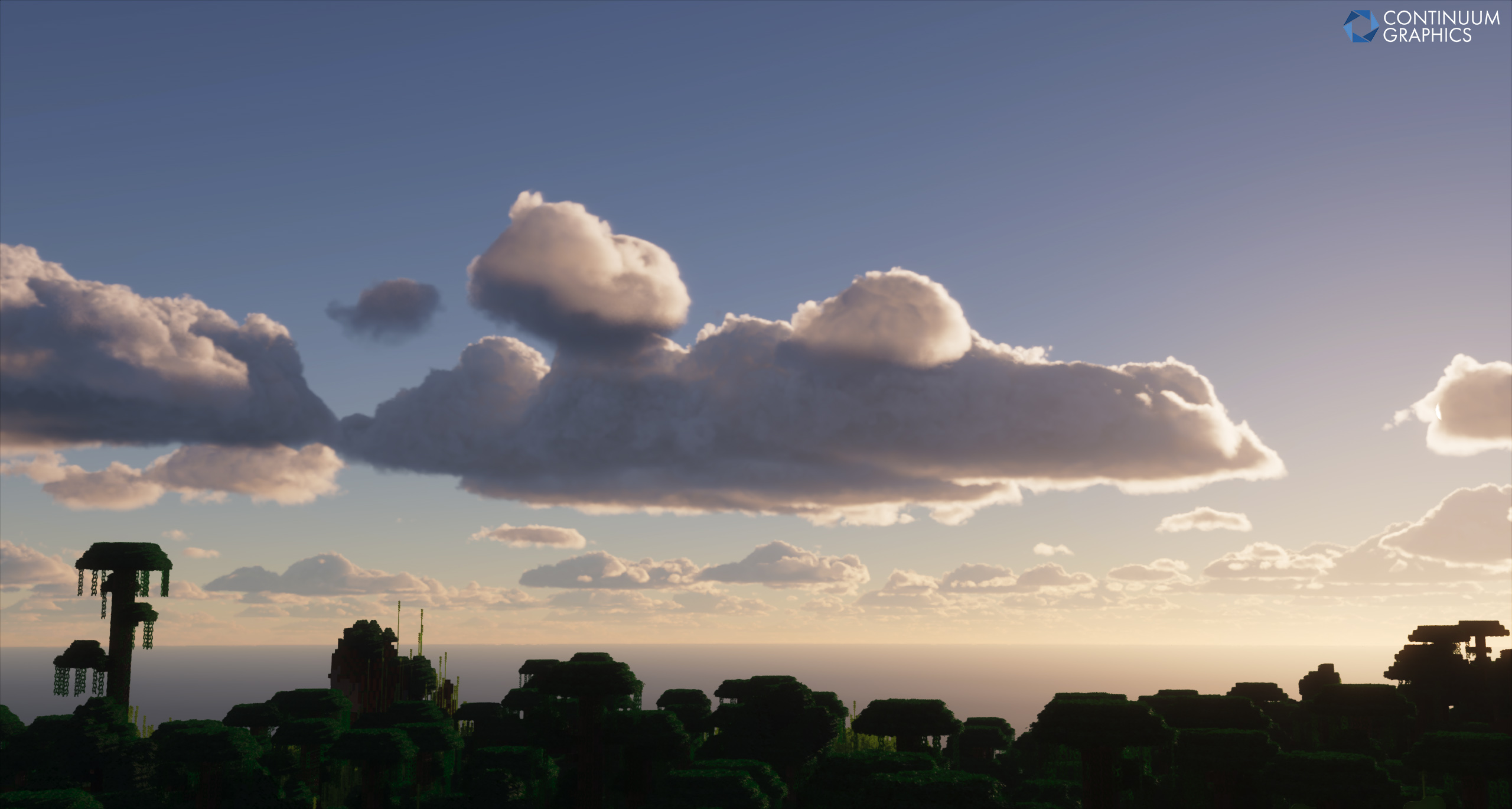
Some shots of the absolute latest revision of our Cloud tech:
Stratum
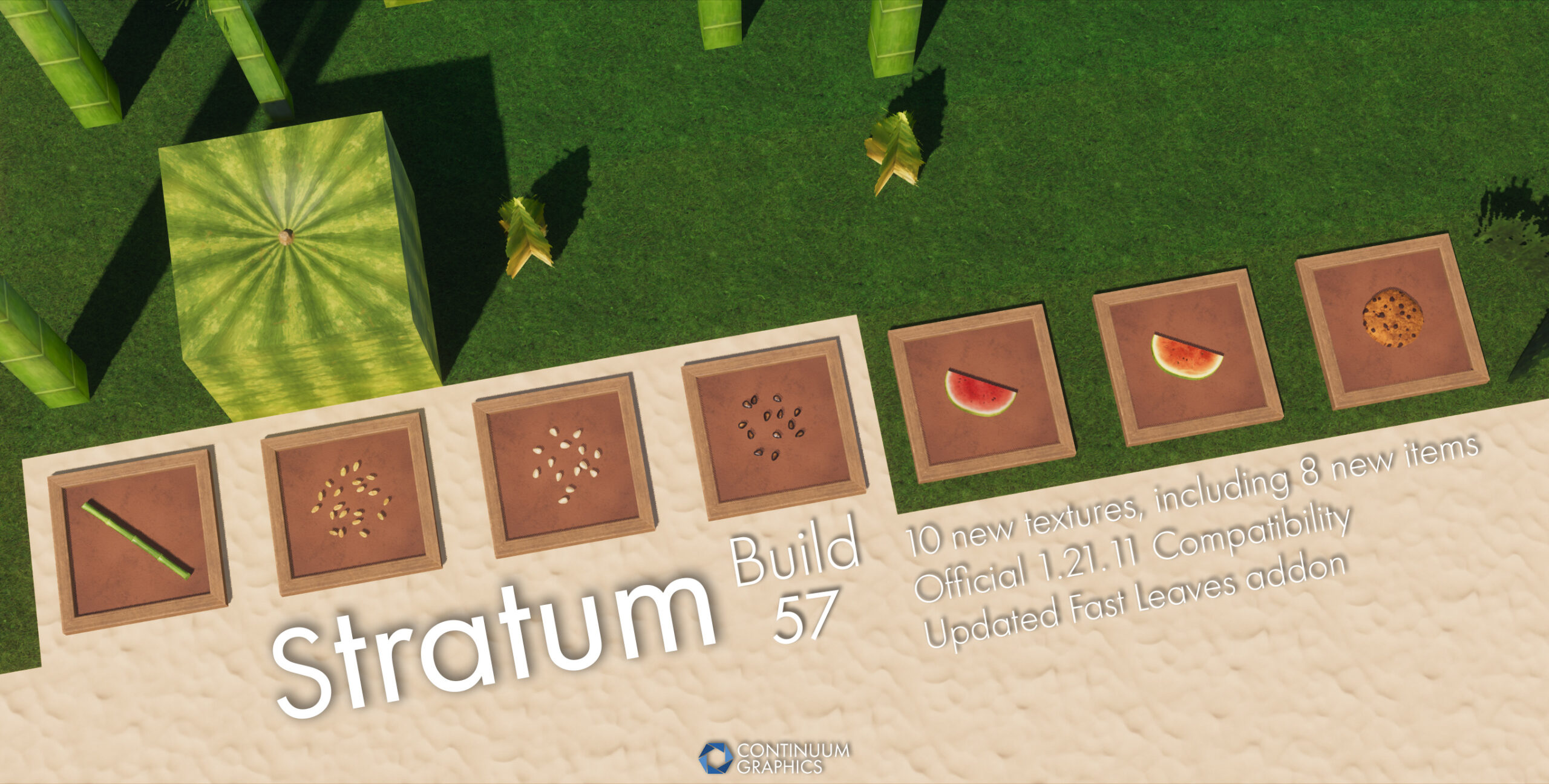
February also saw the first Stratum update of 2026 release, bringing with it 10 new textures, 8 of which were new item textures, official 1.21.11 compatibility, and more!
Here’s Mythical to talk about that a bit, and what might come next:
I don’t have a huge amount of new stuff to provide here this time, but fortunately I stopped being lazy just in time to have some things worth talking about.
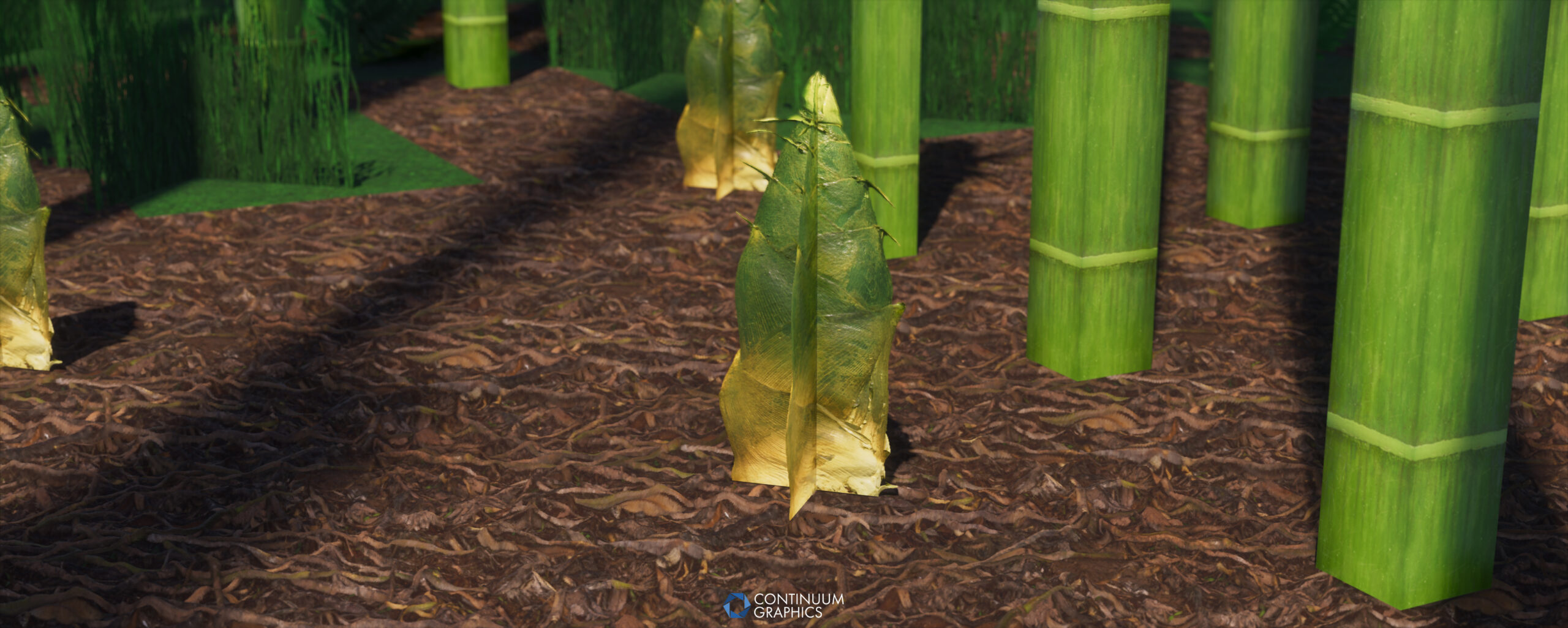
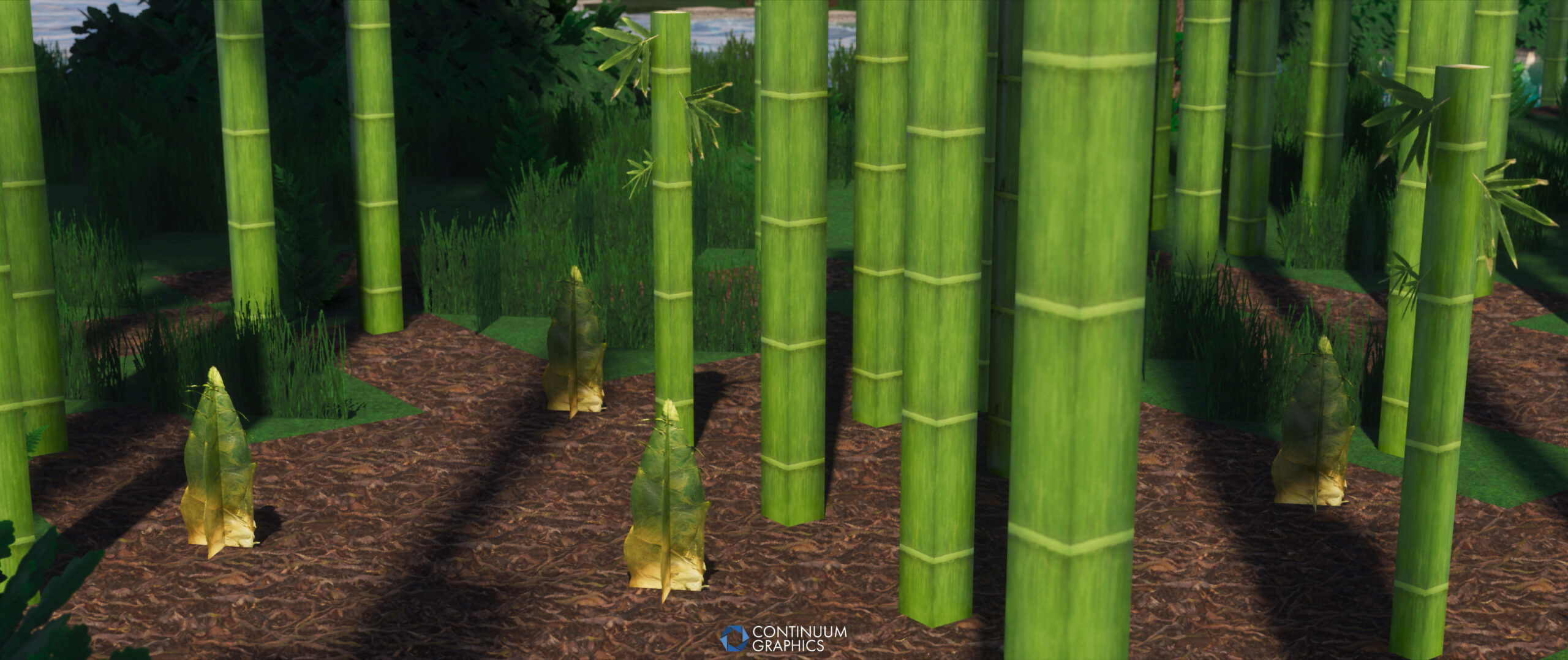
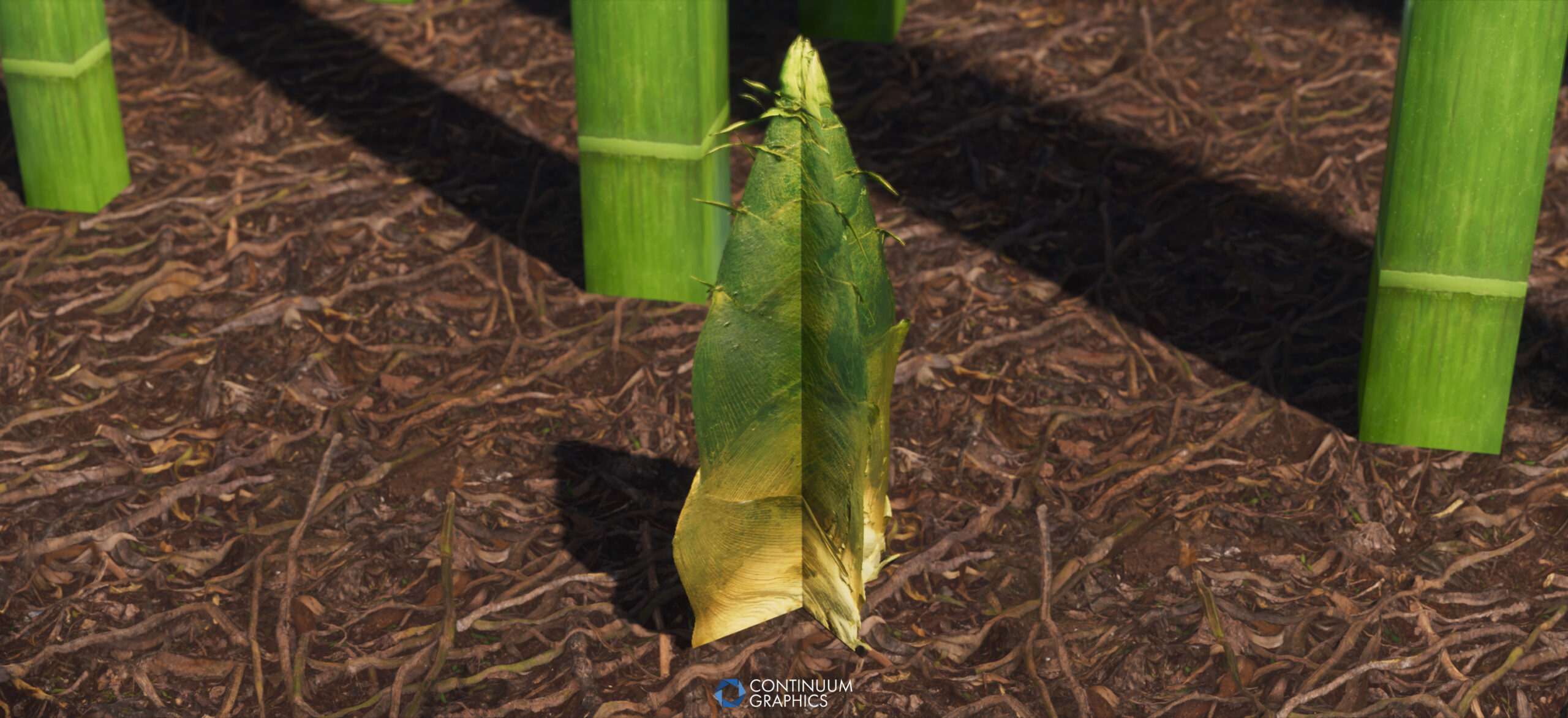
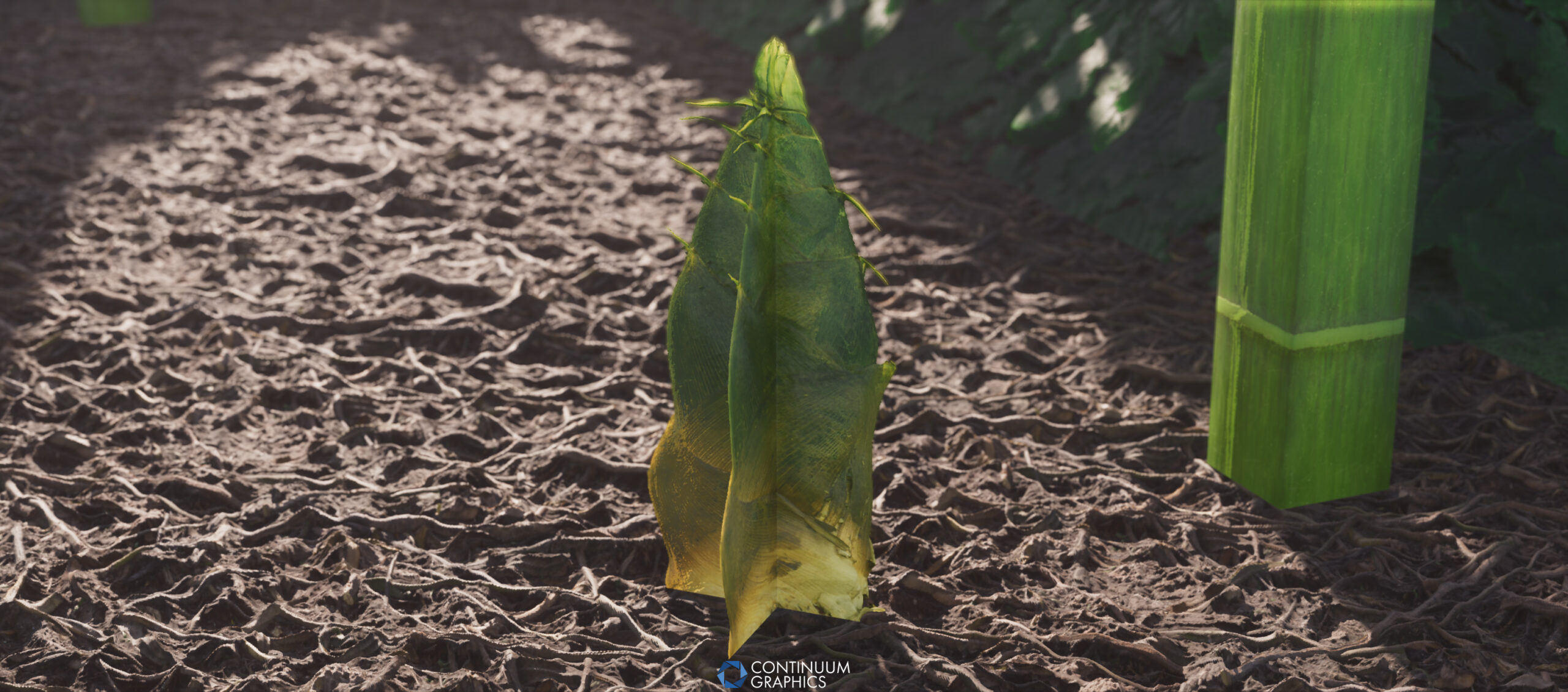
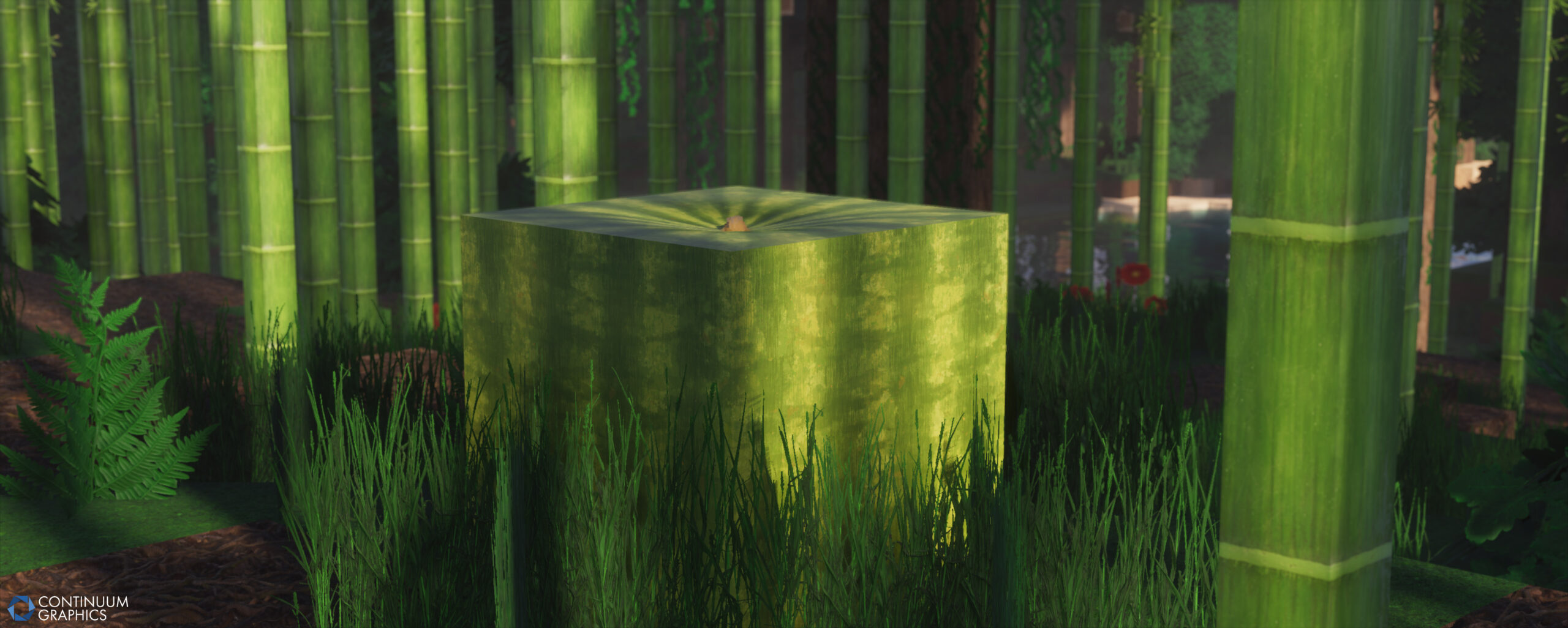
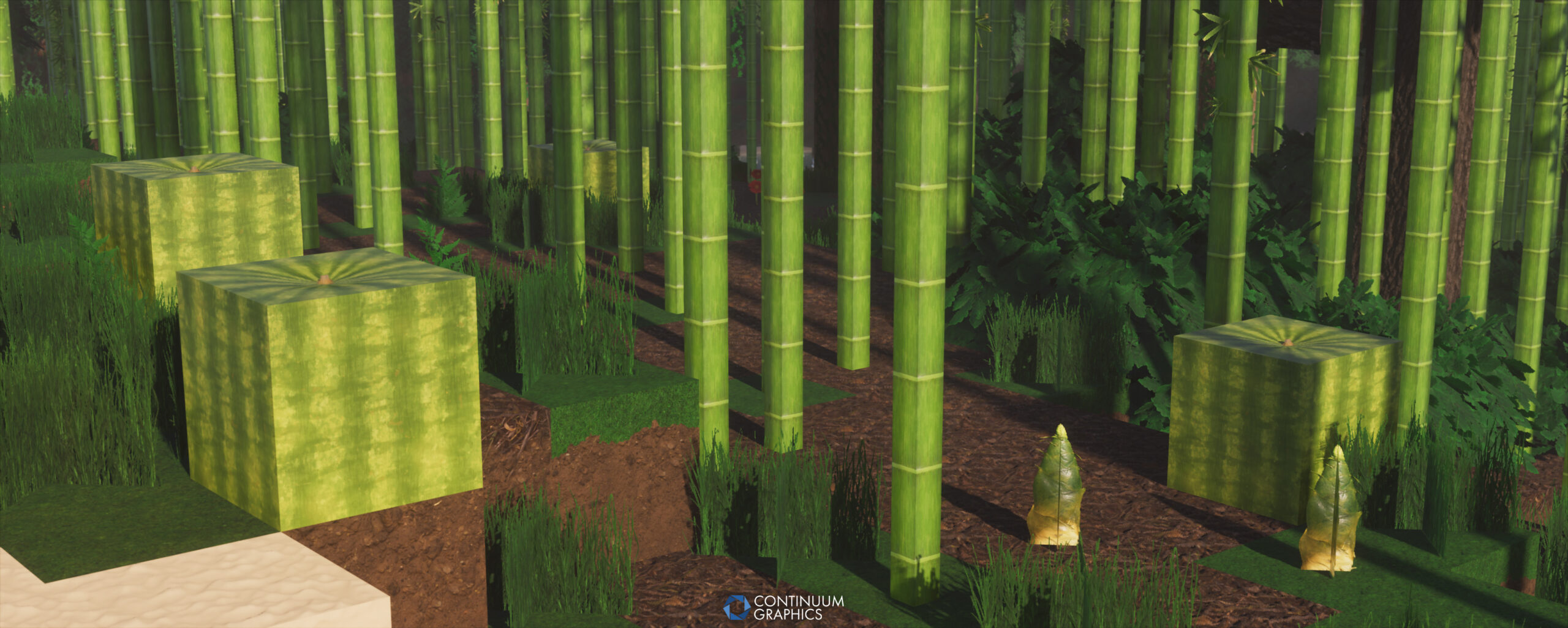
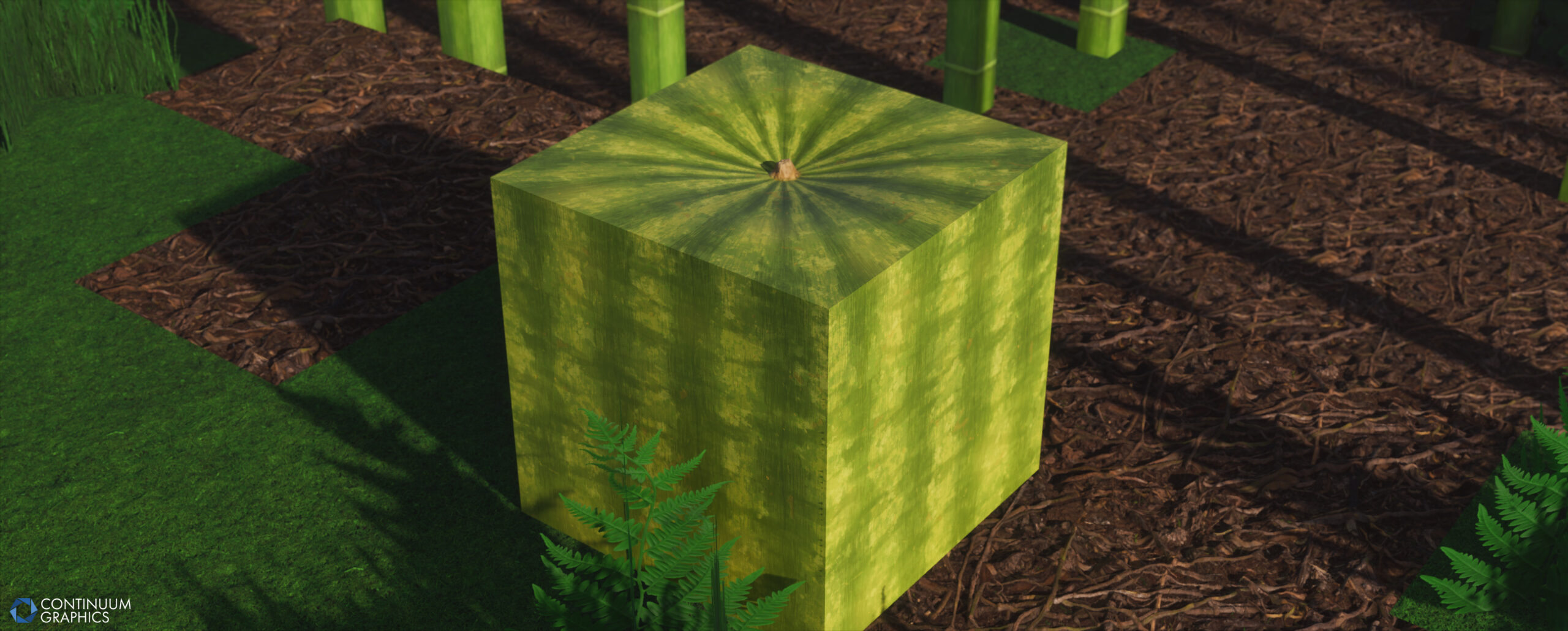
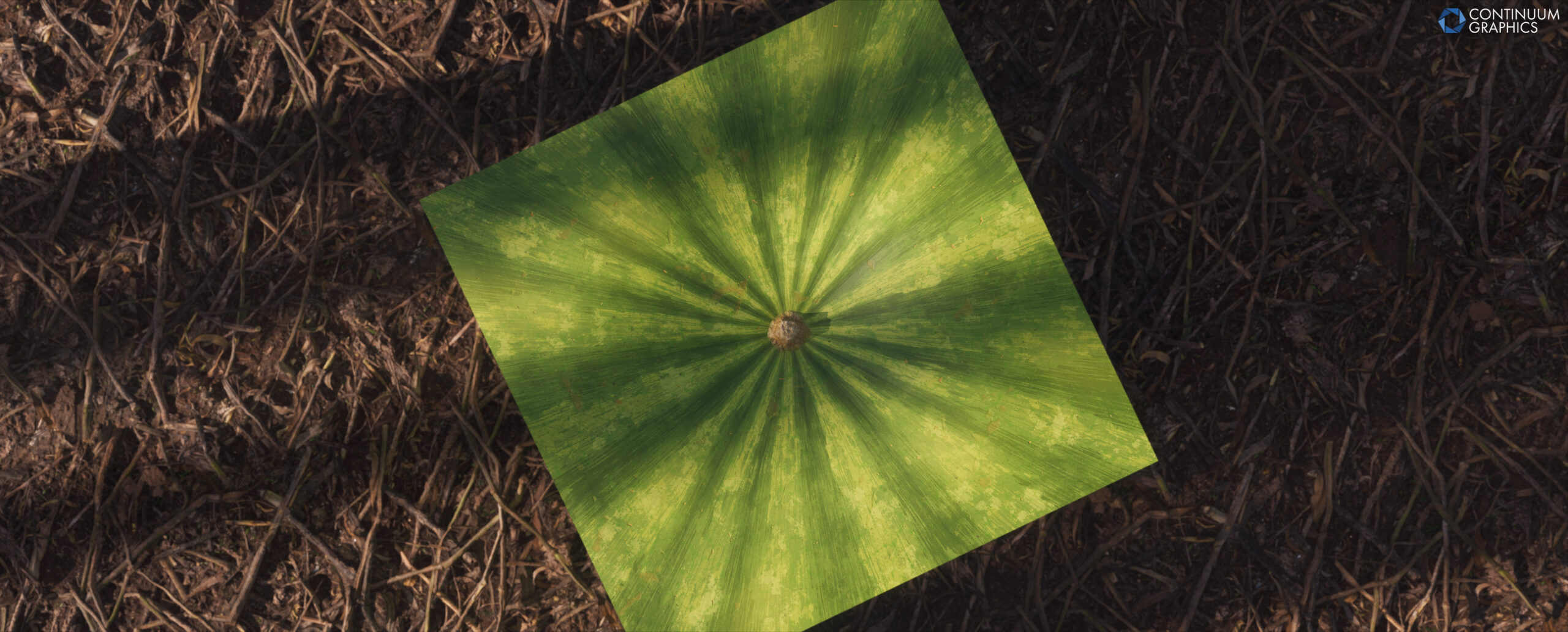
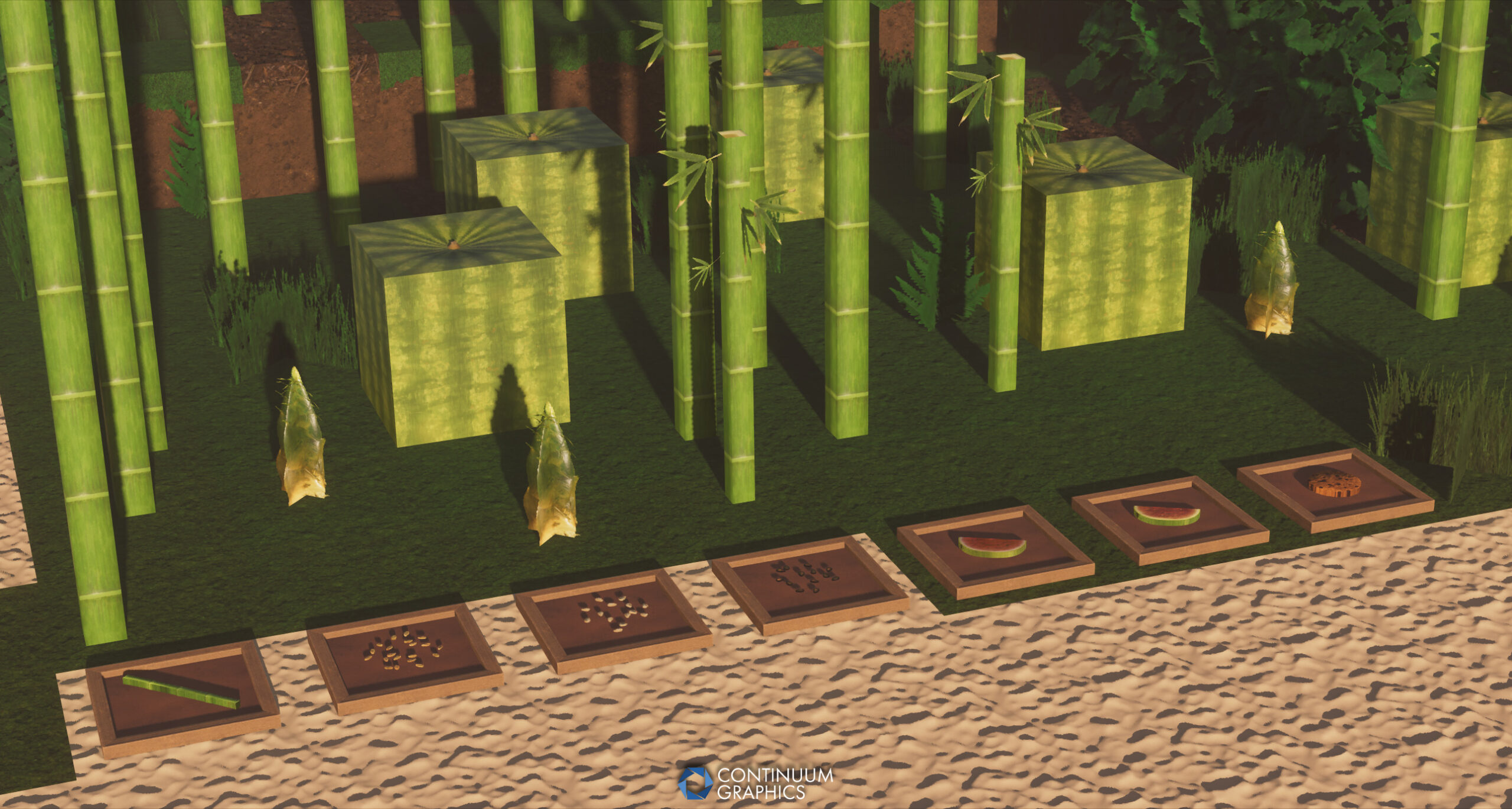
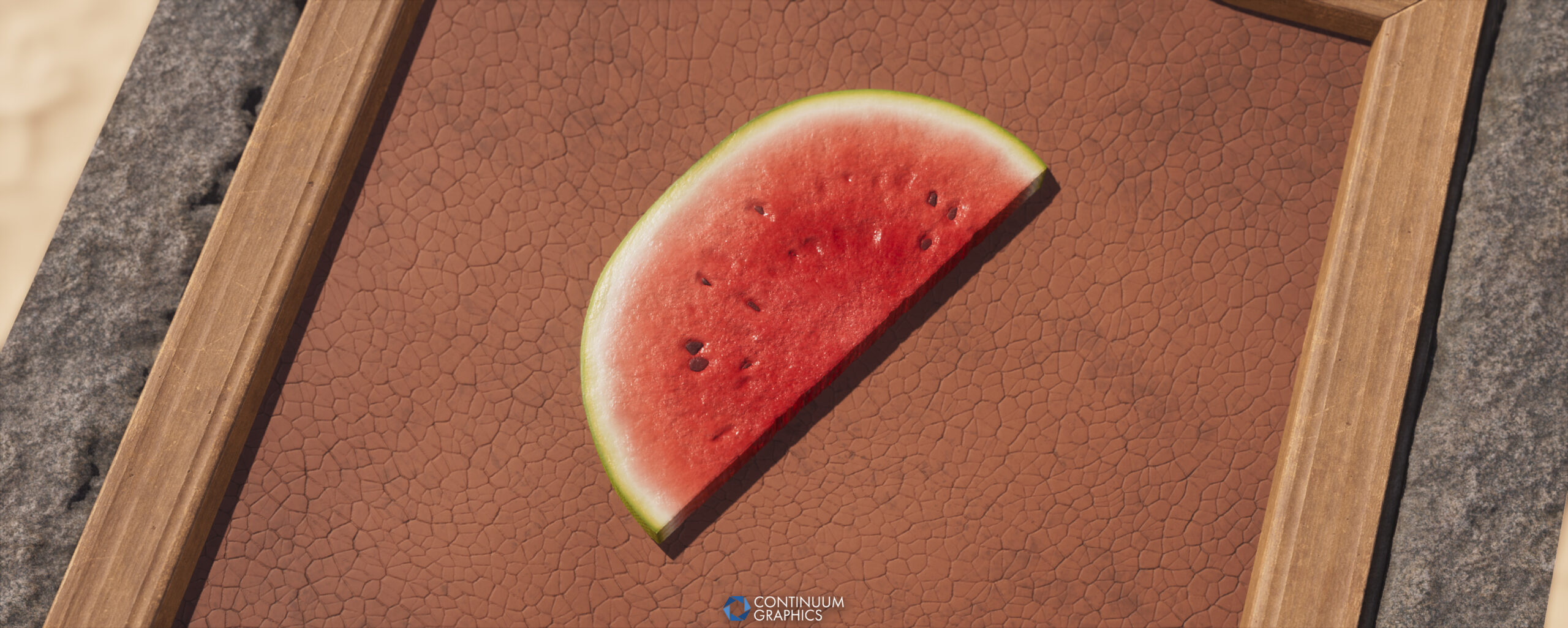
Of the textures from last month’s update, two are still notably in need of some further improvements: the bamboo sapling needs some dirt on the bottom to help blend it with the ground a bit better, and bread will be looked at again mostly just to try and match it up with vanilla’s intentions better (there’s a chance it will get replaced, as the bread isn’t procedural and can’t be built upon easily). The melon block while still subject to change ended up in a decent enough place that I’m happy with for now, some of my prior attempts were closer to my references but strayed too far from the old melon for my liking.
At the moment I’m messing around with blaze rod and blaze powder (unless they’re already pushed by the time you’re reading this), with a potential magma cream in mind afterwards. These are things I’ll be revisiting though whenever I manage to get to mobs, as doing the blaze mob may end up giving me some better ideas for those items. The powder in particular is a bit tricky as the vanilla texture can be interpreted a few ways, I’m probably not going the “flame” interpretation and instead am leaning towards a rod crushed into pieces.
I’ve also still been chugging along on replacement attempts for the logs/stripped logs and have been periodically doing more experiments with that. I realized the need to do the top and sides all in the same material graph for the stripped wood to make sure they blend easily between top/side and have consistent details, and to hopefully eventually allow inputting any current/future wood set into the single node graph for procedurally configuring a log set from them with minimal manual adjustments required (I need to stop making my graphs stupidly slow for this, and to stop my habit of “hardcoding” multiple colors and gradientmaps slapped on top of eachother, I know it’s not healthy but I’m addicted).
A few more things to note that are still in mind but just haven’t gotten to yet: item textures for things like beds (may end up improving beds beforehand), candles, flower pot, flowers in flower pot needing special texture variants, and overall many foliage replacements/improvements in general. Potted plants are actually a bit more of a nightmare than I thought they were going to be and may end up requiring the replacement of some flowers (I got reminded of my horribly unwieldy photoshop .psd files from many years ago that I composited all the flowers in, I may just pretend those files don’t exist).
Apparently had more stuff to say than I expected, hope you enjoyed my wall of words.
And here’s the full patch notes for the new build:
Stratum Build 57 Changelog
Additions
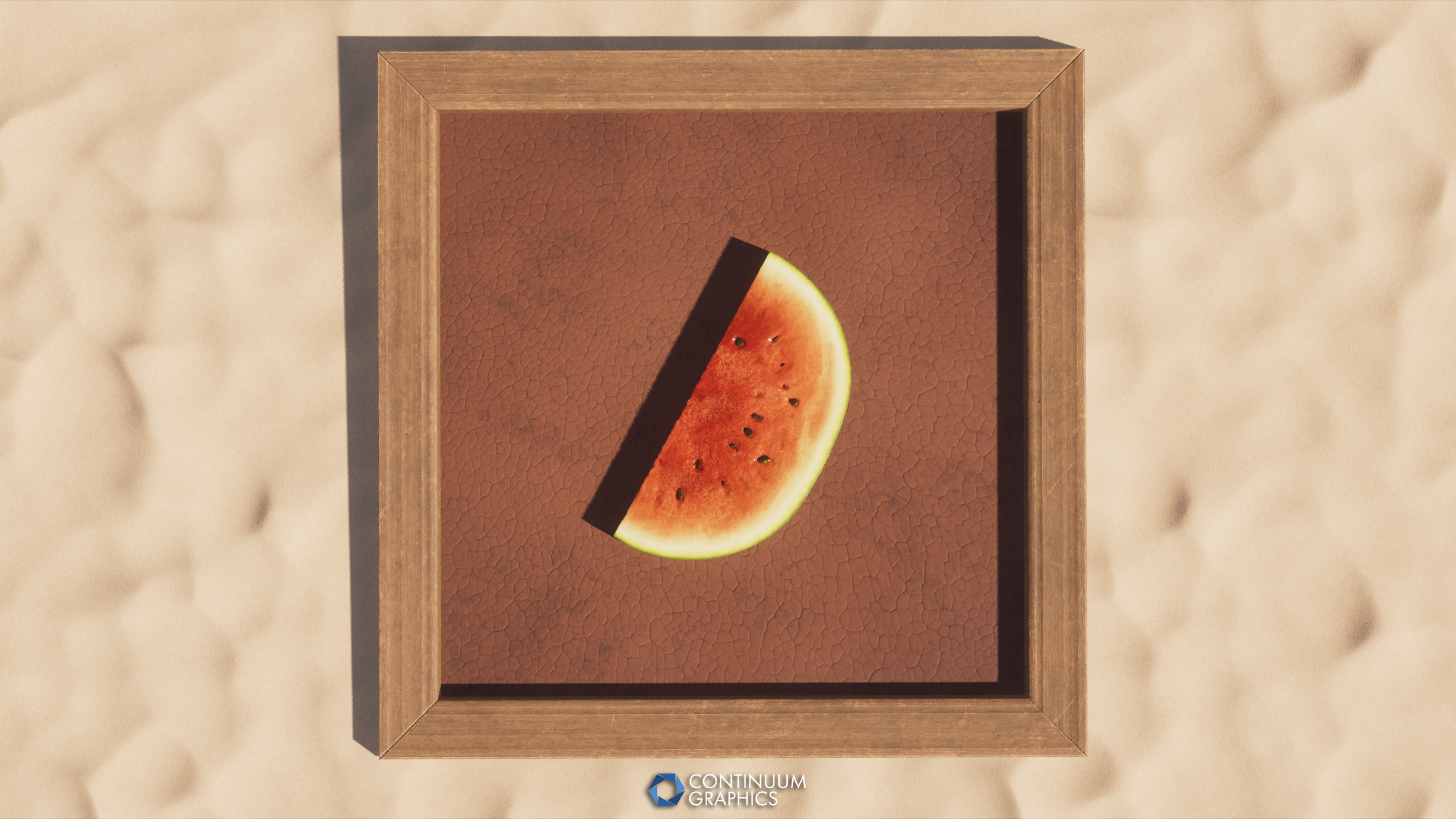
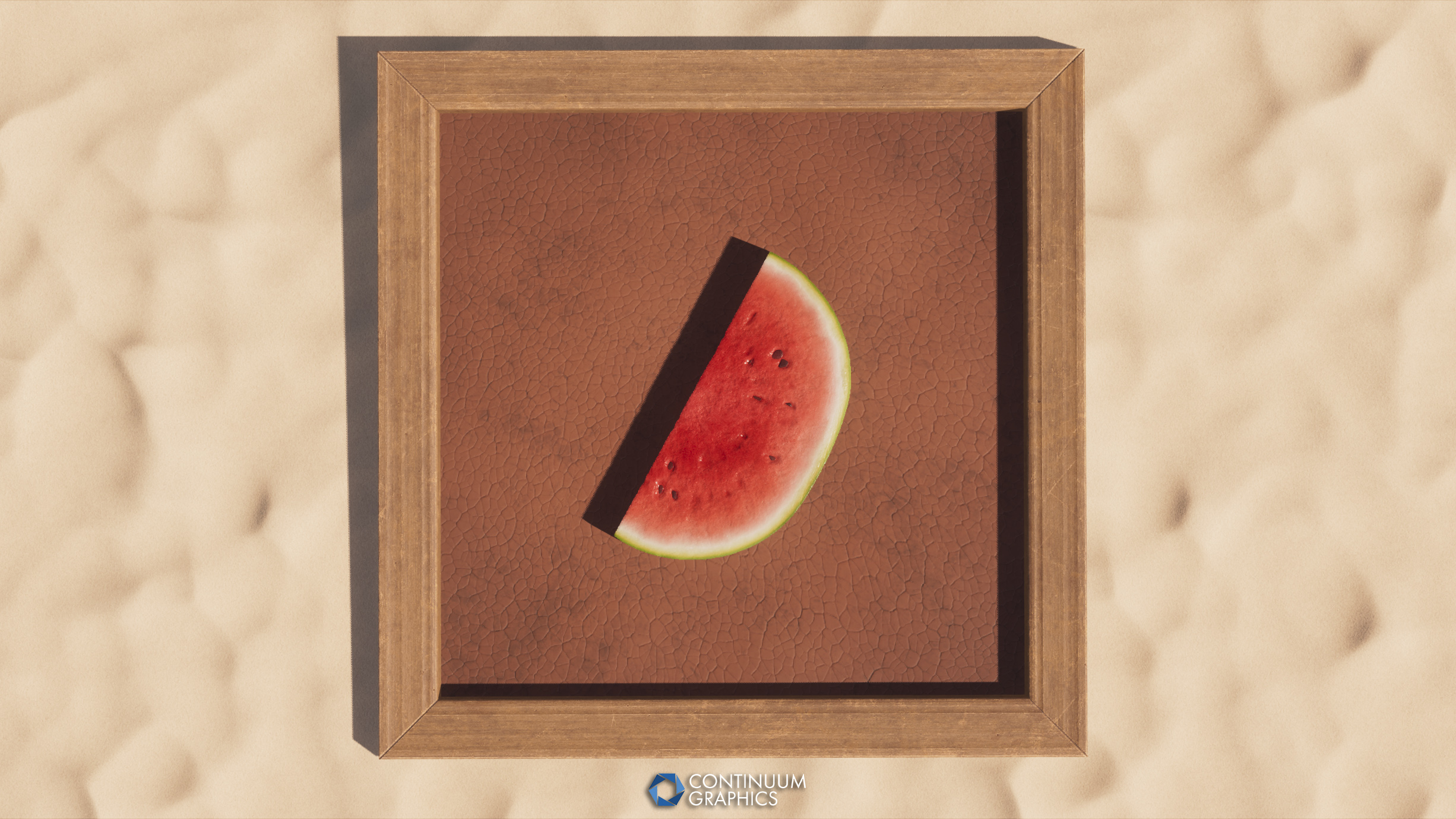
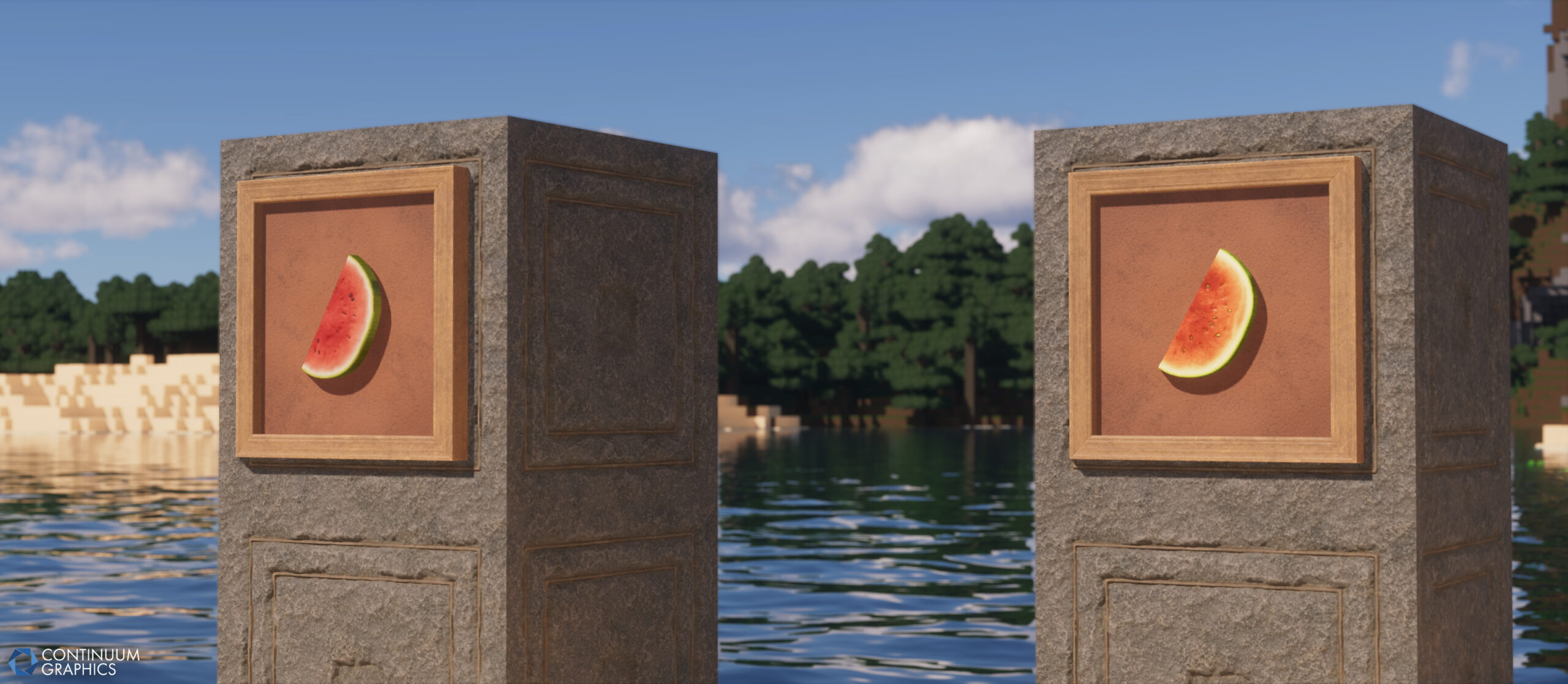
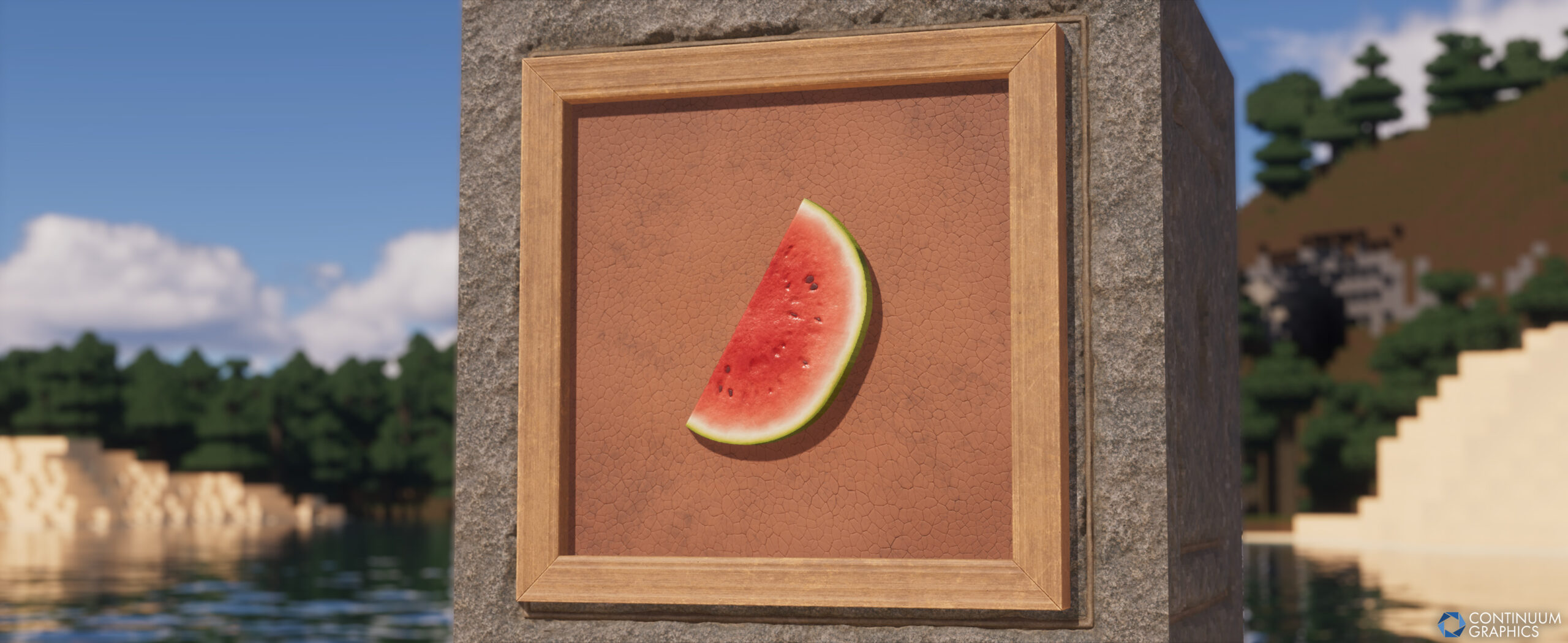
- Melon Slice
- Glistering Melon Slice
- New Melon block texture to better match new slices in both aesthetic and visual quality
- Bamboo Shoots (Stage0)
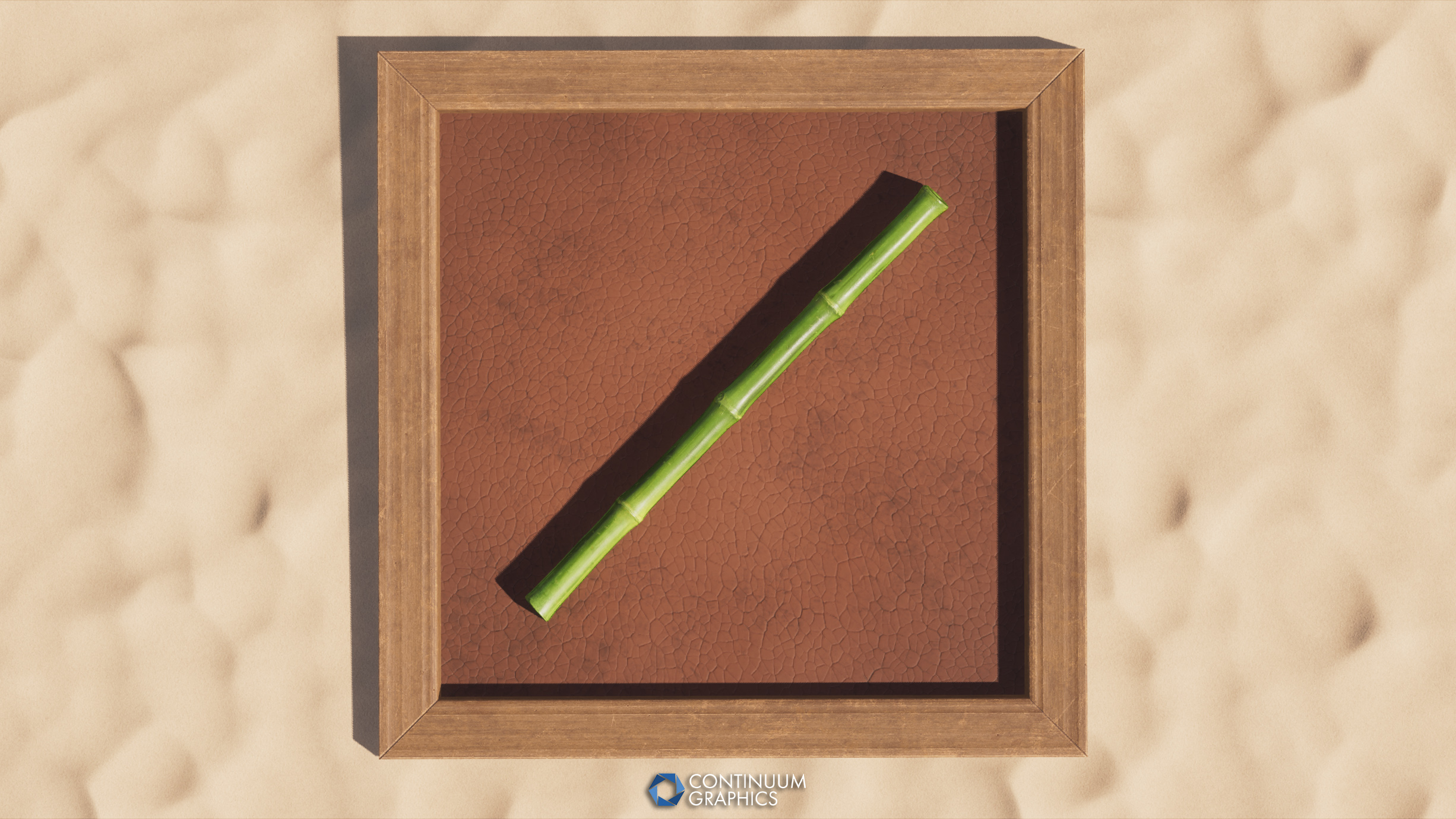
- Bamboo Item
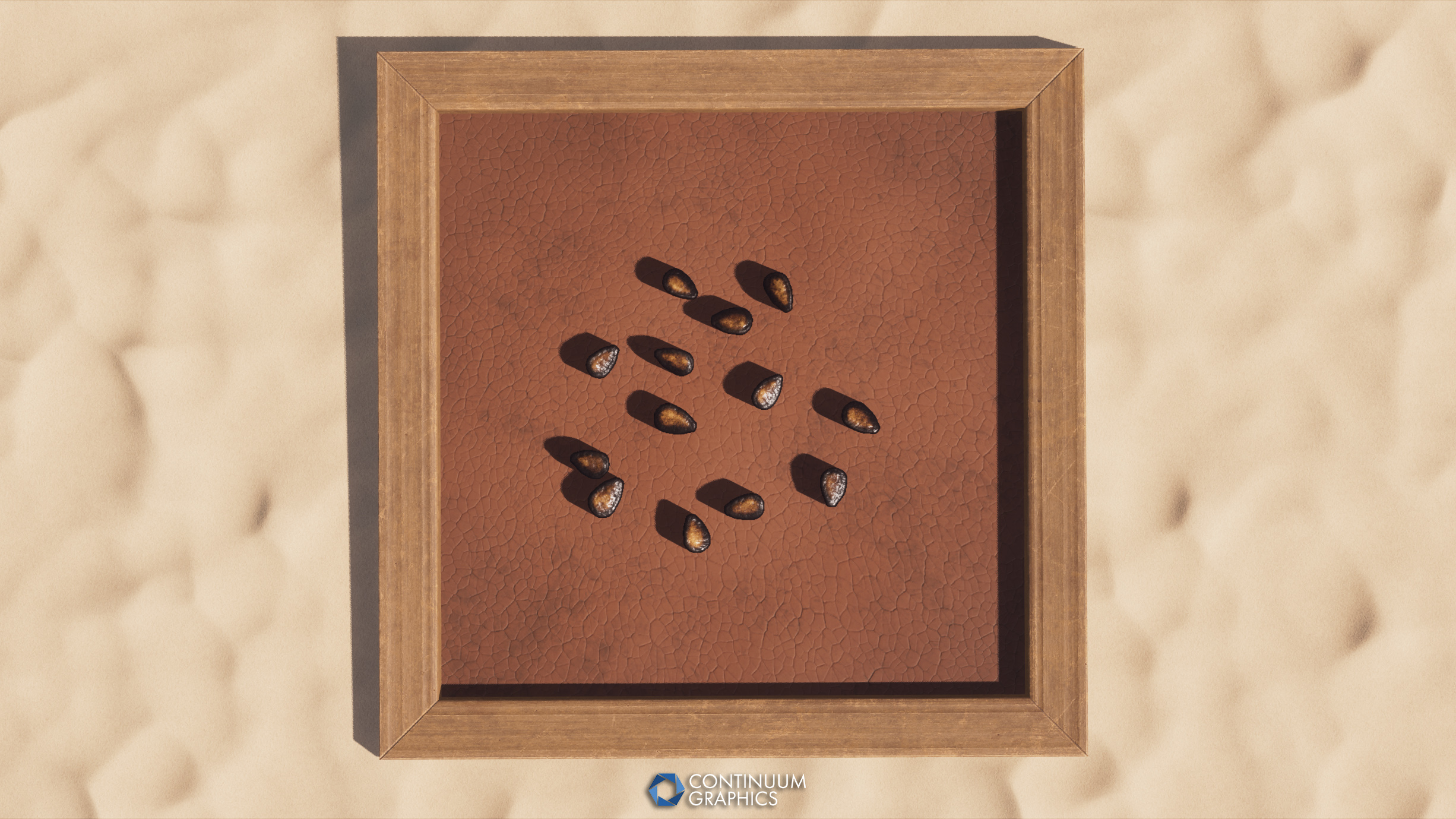
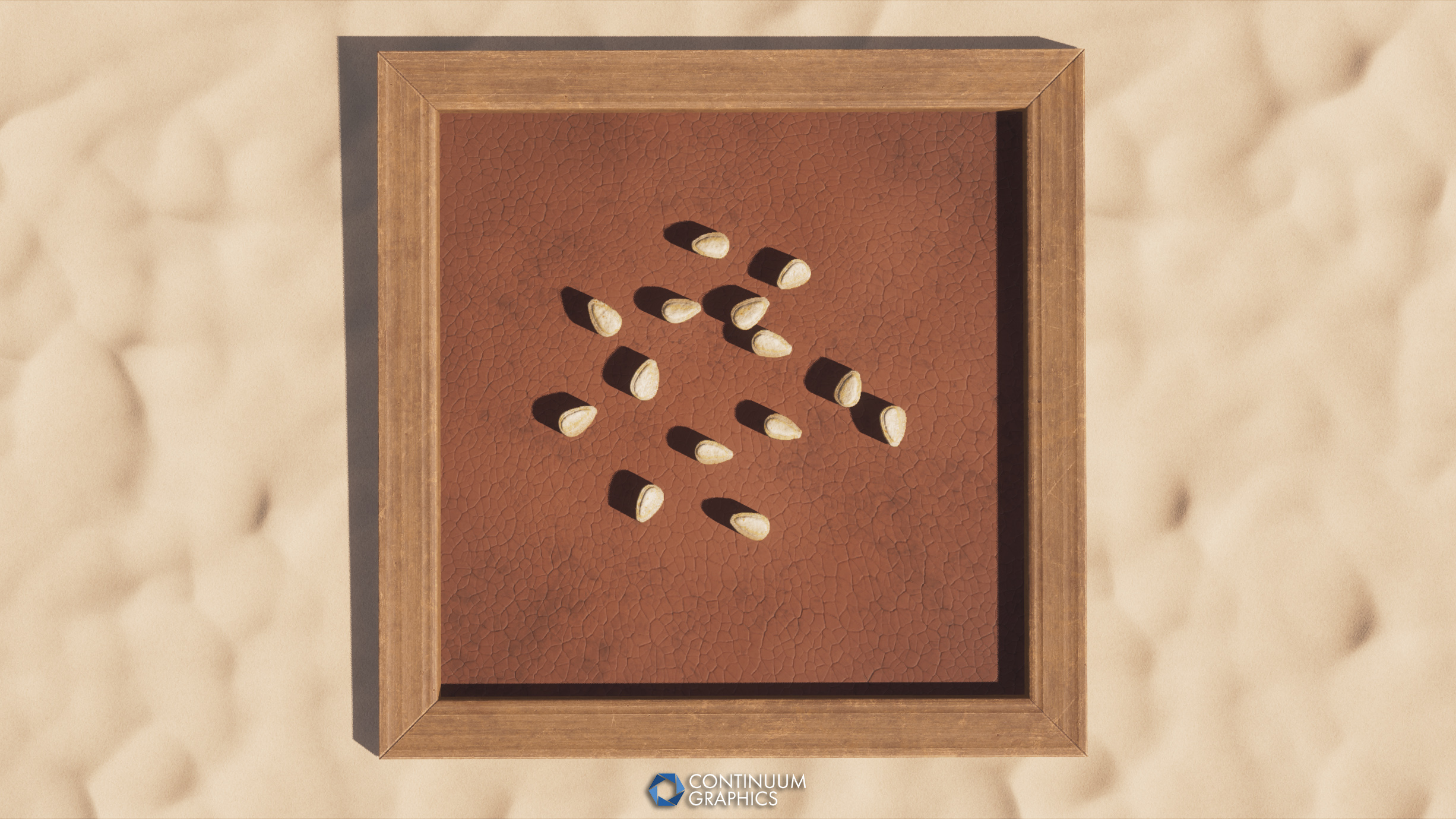
- Melon Seeds
- Pumpkin Seeds
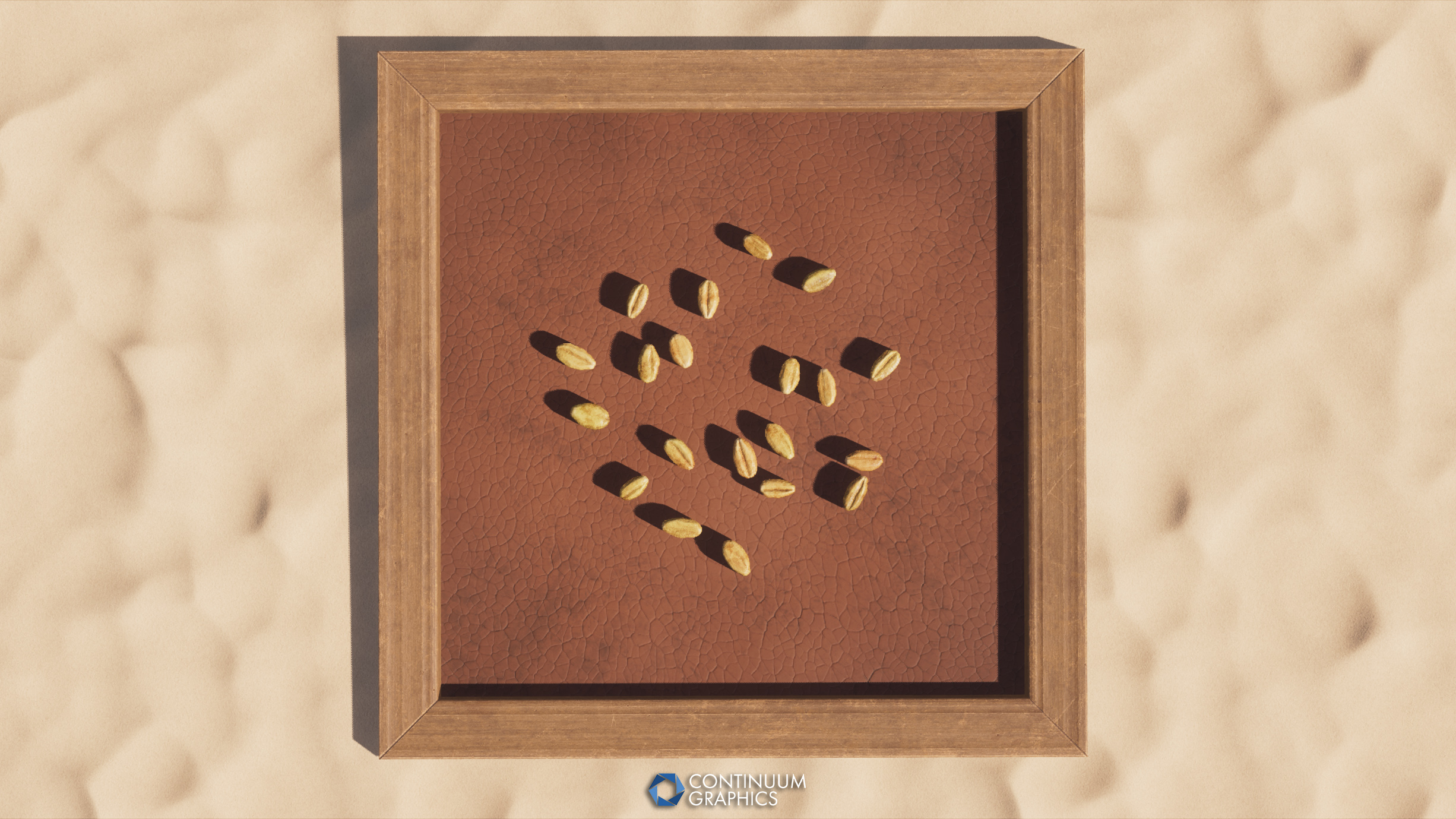
- Wheat Seeds
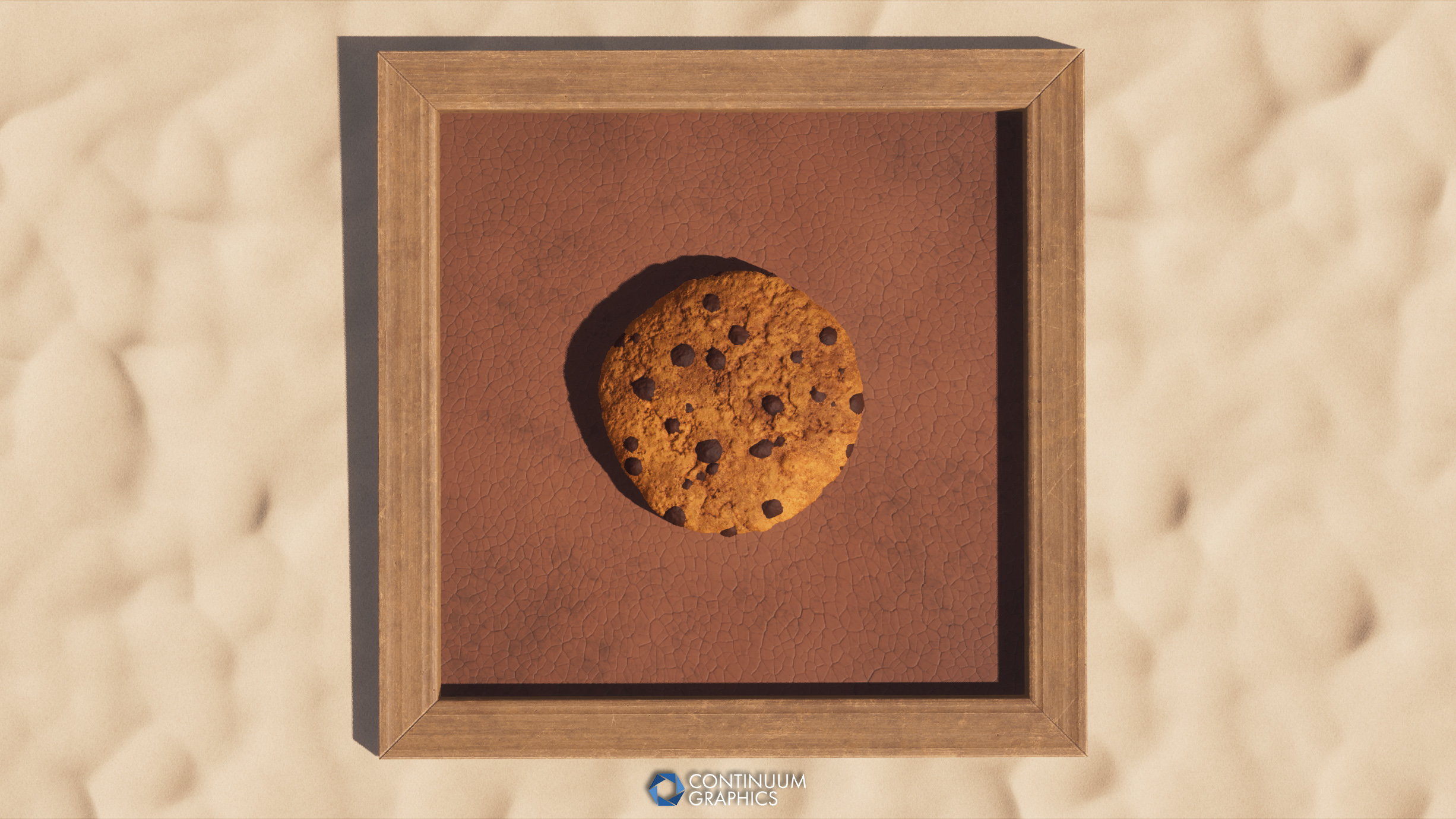
- Cookie
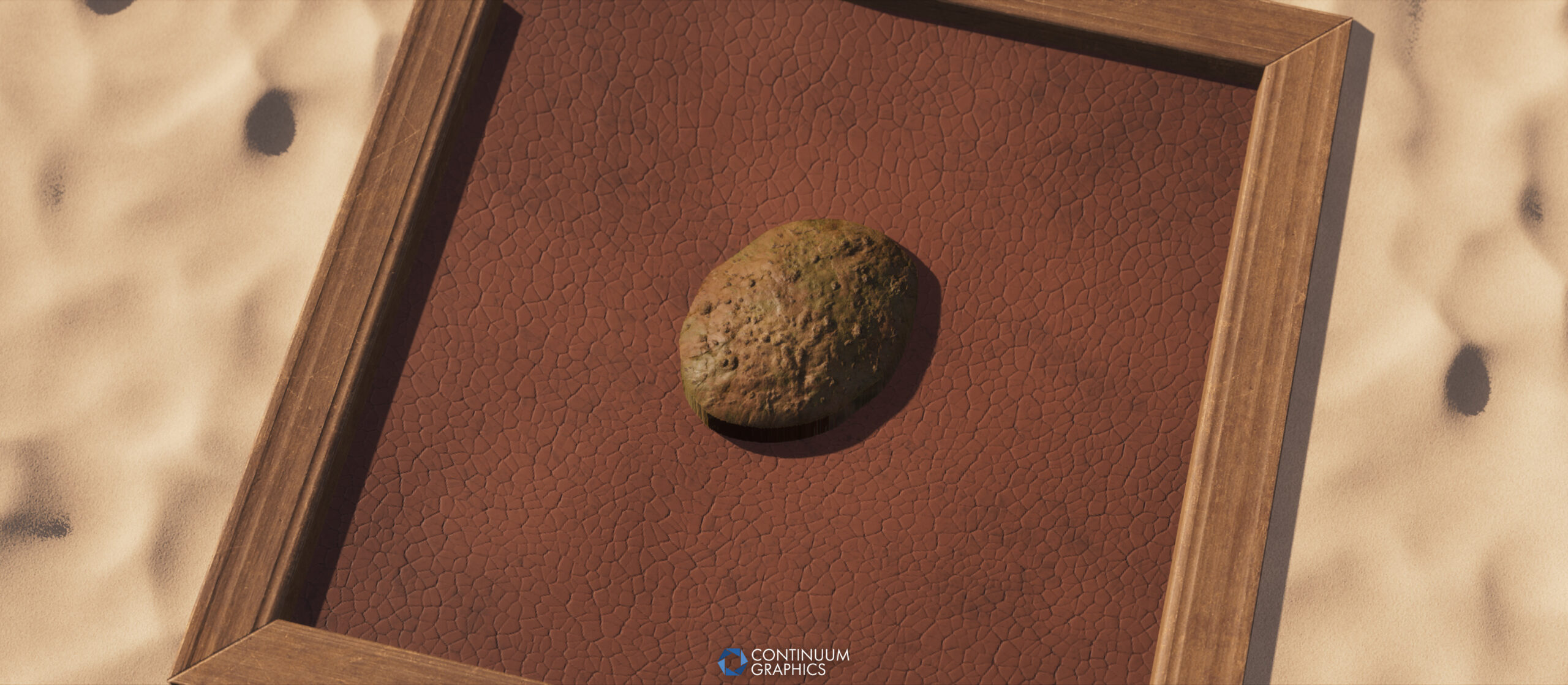
- Bread
Tweaks / Fixes
- Fixed Poisonous Potato texture not being properly applied in 1.12.2 version
- Official Minecraft 1.21.11 compatibility for main pack and Fast Leaves addon
Last but not least, some shots of Stratum Build 57:
Continuum 2.0 Redux Build 2!
As we mentioned in our last progress update, Uvraj had begun working on a little update to patch up general issues the community has reported, as well as bring proper 1.21.11 compatibility. This update didn’t quite make it out during the month of February, but we’re happy to report that as of the release of this blog, that update is live!
Full patch notes will be available below (as well as on the downloads page), but before that, here’s some updates straight from Uvraj himself regarding this new version, and Redux as a project:
Hey all, this update took a bit longer than anticipated, but here it is. The second build of Continuum 2.0 Redux implements fixes for most of the bugs reported by both the Continuum Graphics and shaderLabs discord communities.
That being said, this update also includes new features unrelated to bugfixes. For instance, handheld lights have been added, which should aid cave exploration. Several small tweaks have been made across the board. A number of previously missing settings have also been implemented.
Thank you all for the positive (and incredibly helpful) feedback!
Continuum 2.0 Redux Build 2 Changelog:
- Fixed compatibility with mesa (tested on 25.3.6)
- Fixed the light propagation not moving with the player on the y axis
- Fixed view bobbing issues on 1.21.11
- Fixed SSS with PCSS enabled
- Fixed caustics intermittently rendering above water
- Adjusted cloud shaping
- Added more cloud settings
- Added settings for fake ambient light
- Added settings for fog densities
- Added settings for fog blocklight brightness
- Changed included LUT to be less contrasty
- Changed default nether fog settings
- Fixed shaders not being enabled in mod dimensions
- Improved blending of shadows and water caustics between MC and LOD terrain
- Added a phase function to the water volume
- Changed lighting and fog settings for the nether
- Adjusted default fog settings
- Improved the night vision effect to be less prominent
- Added dynamic handheld lights
For anyone just now learning about Redux, you can find more details over on our Continuum shader project page (scroll down), full compatibility info on our FAQ page, and free downloads for the latest version of the shader on our free downloads page (Continuum > Version dropdown > 2.0R > Build dropdown > Build 2).
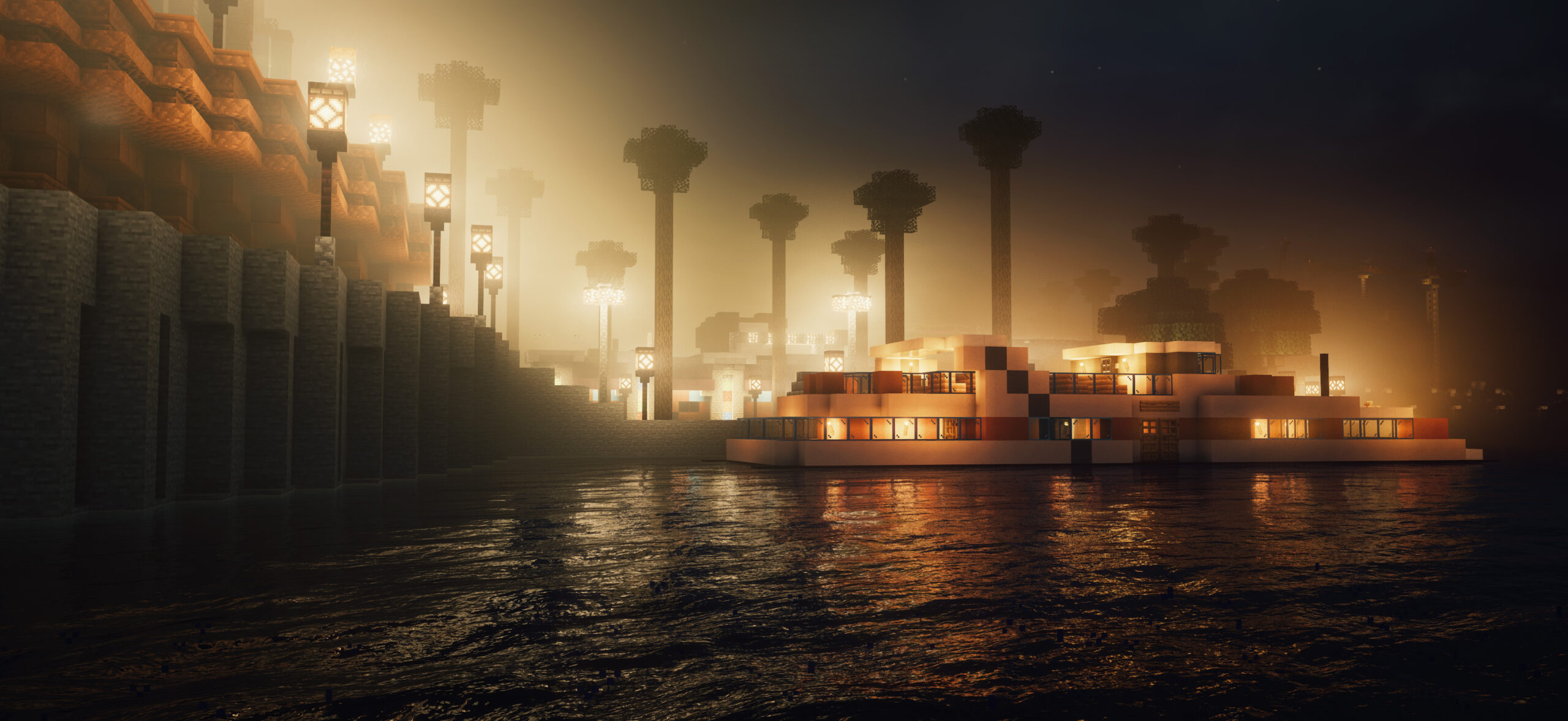
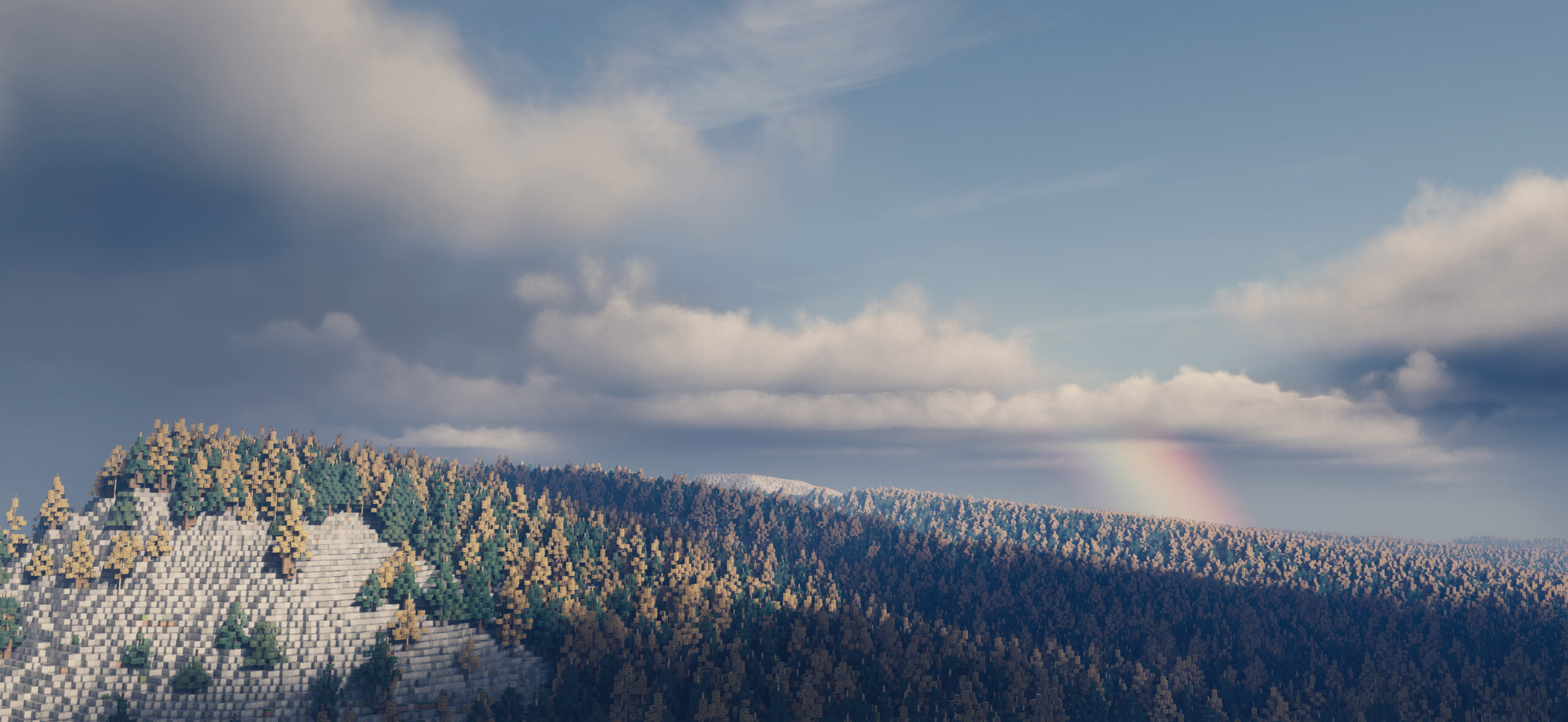
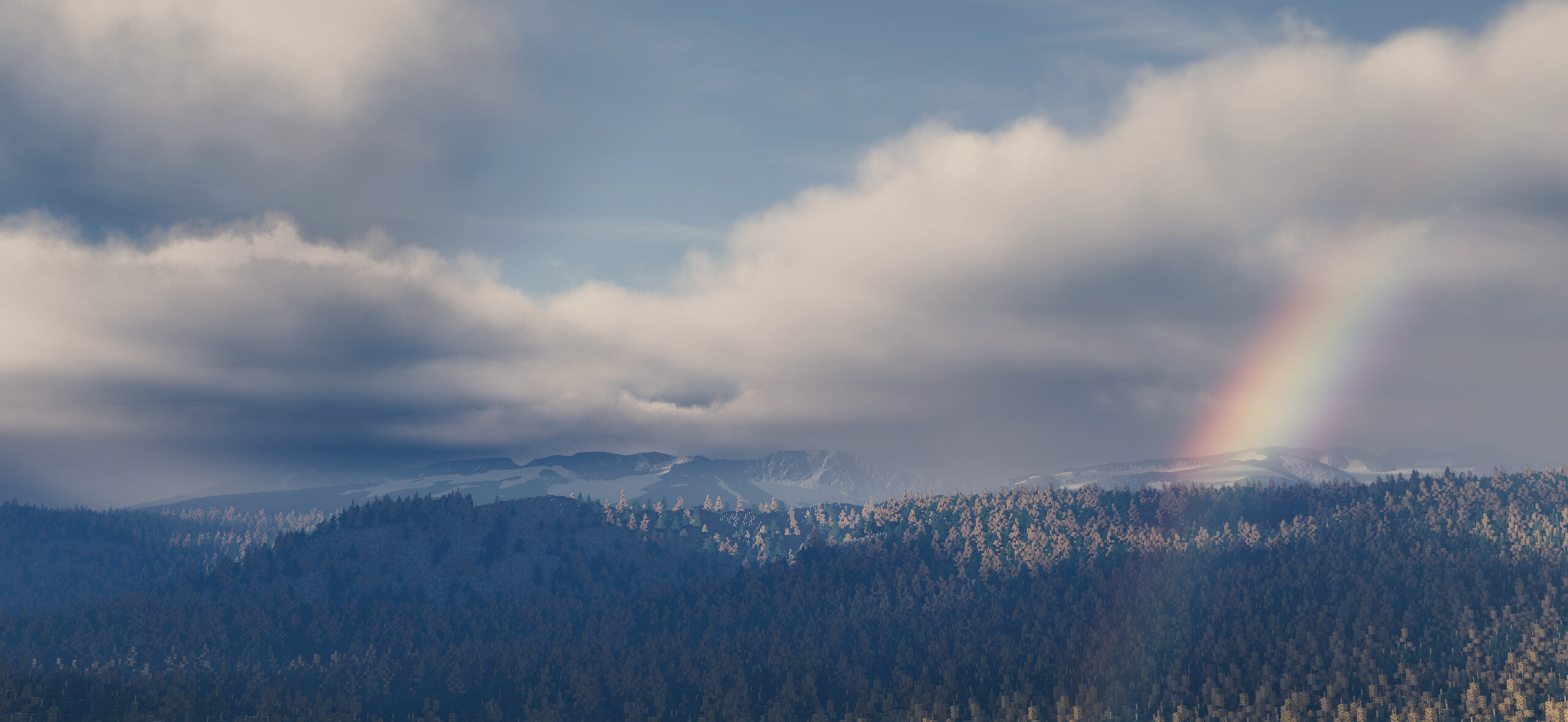
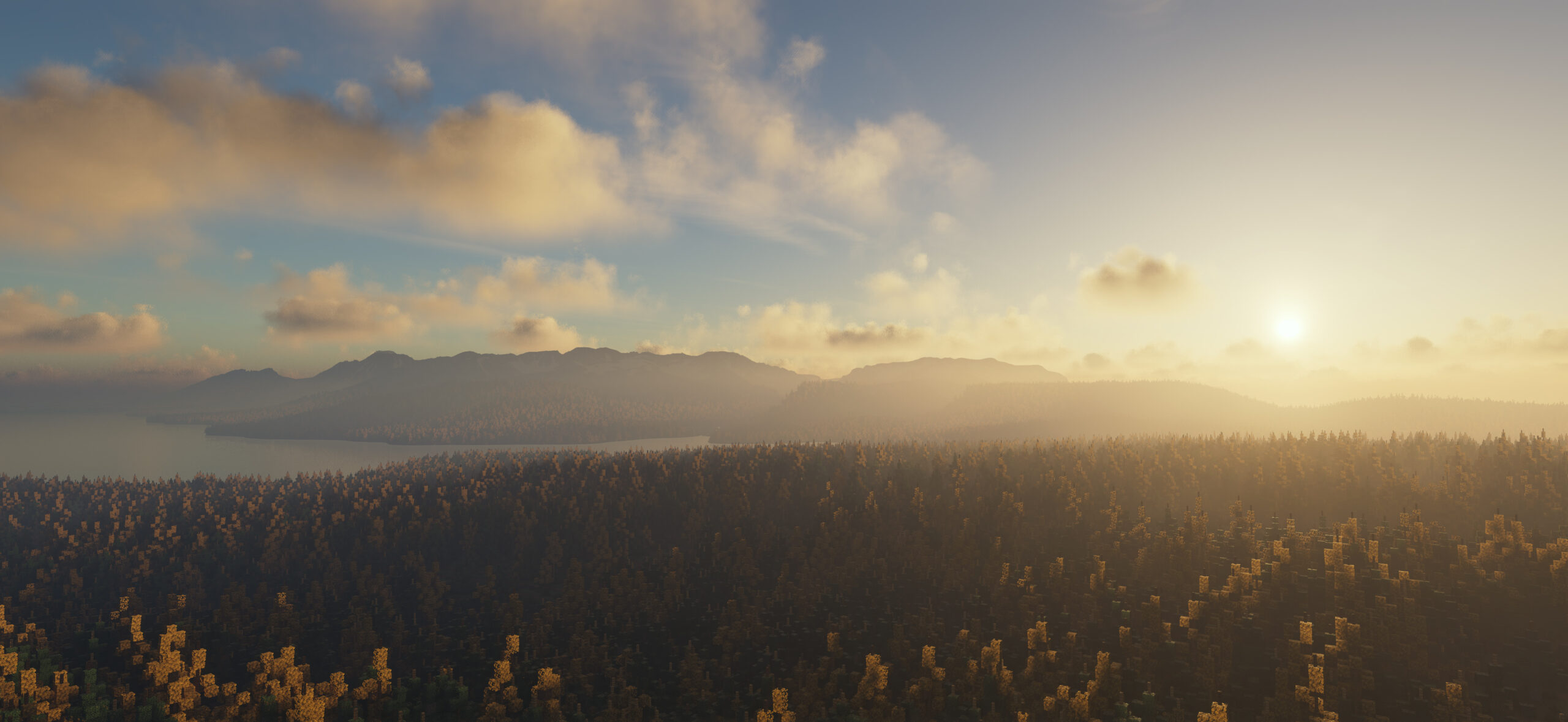
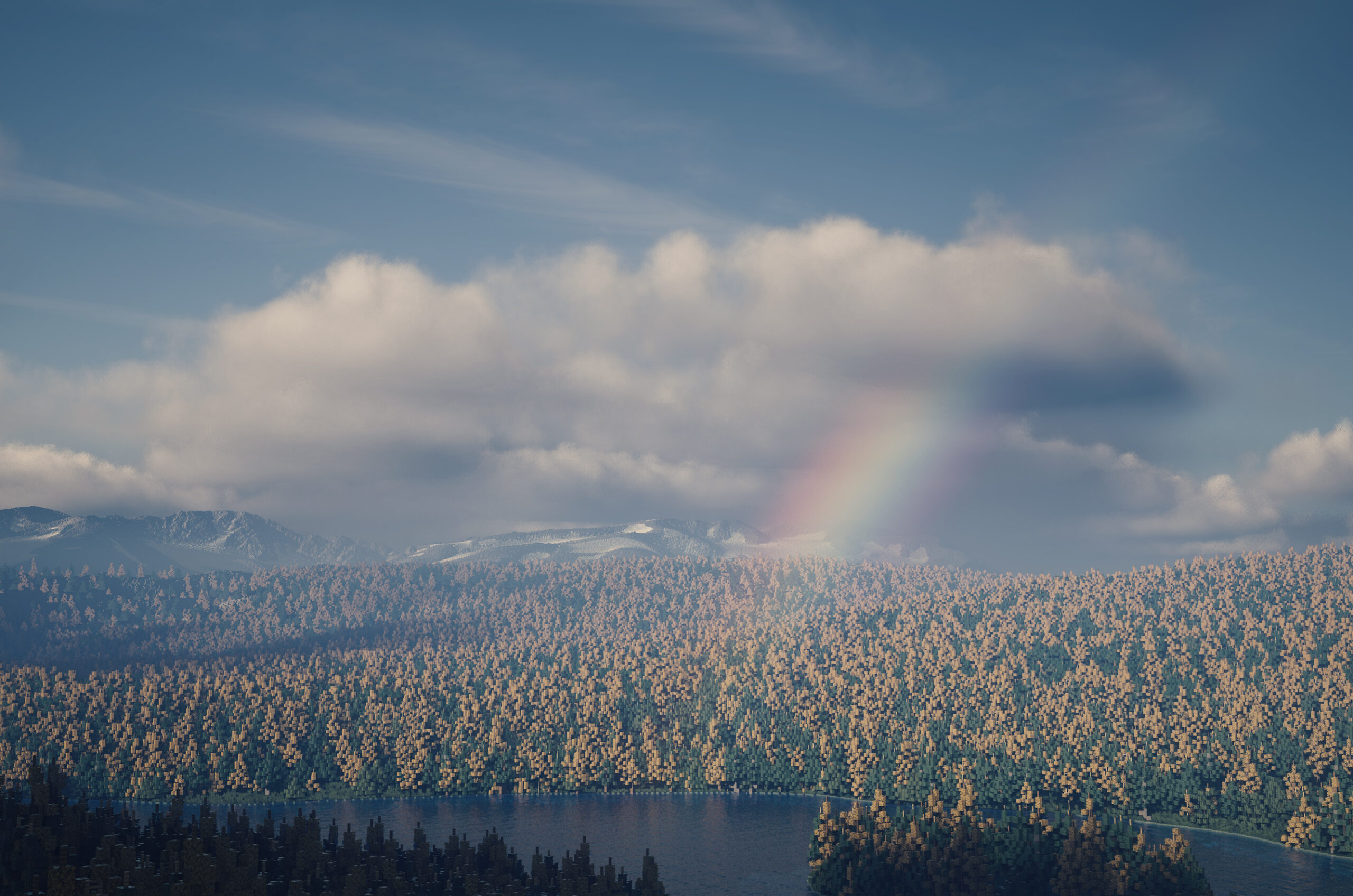
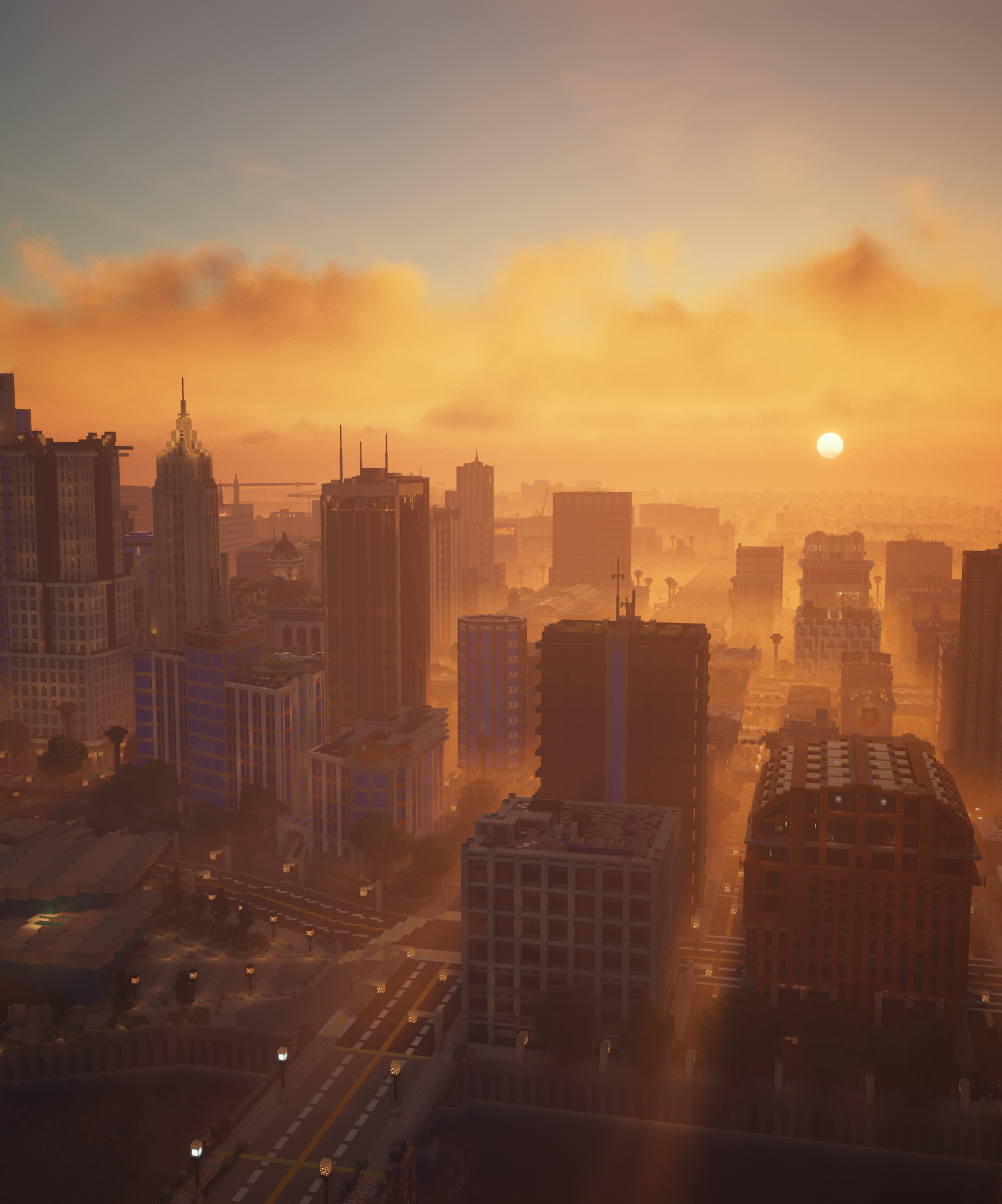
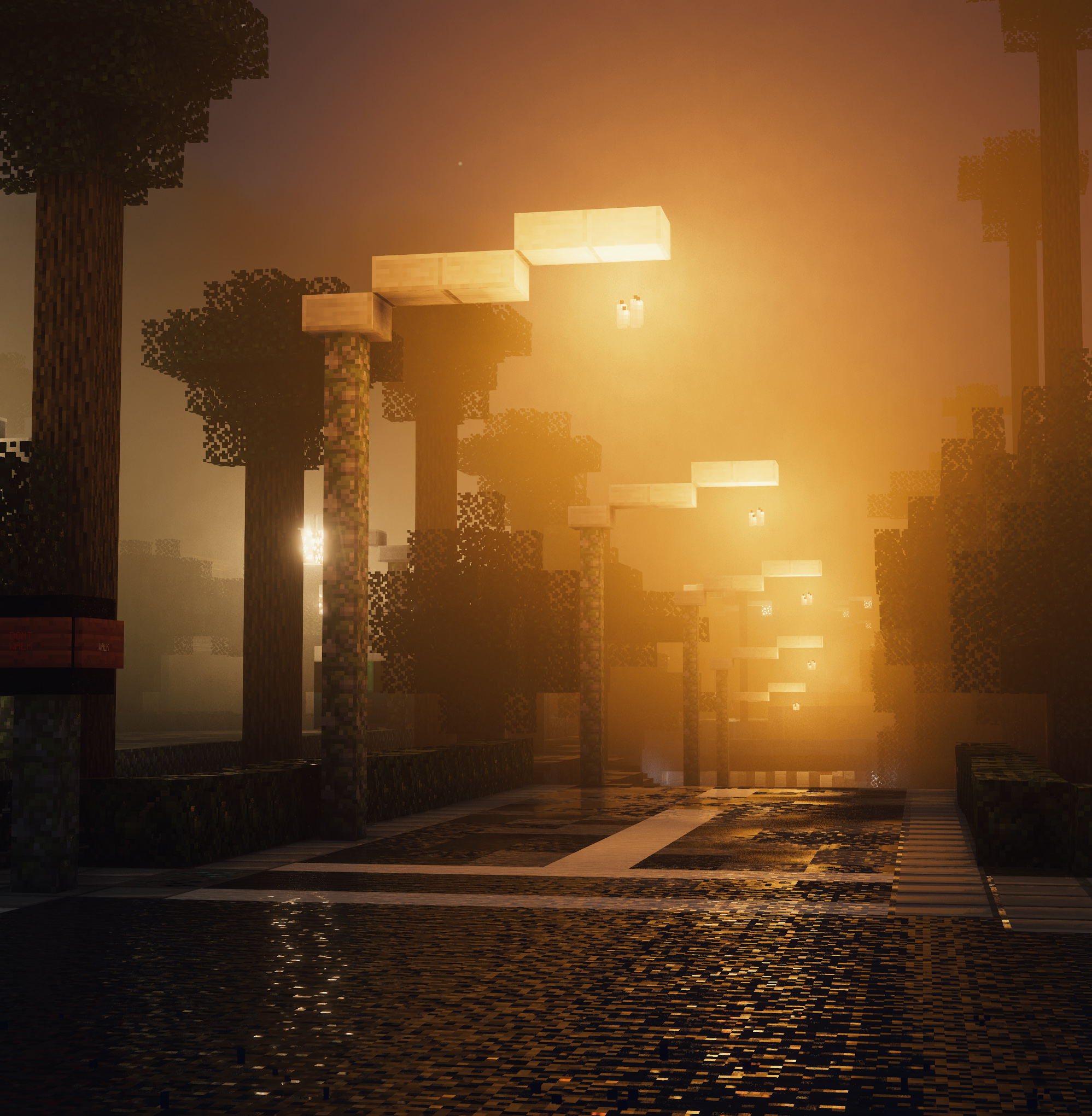
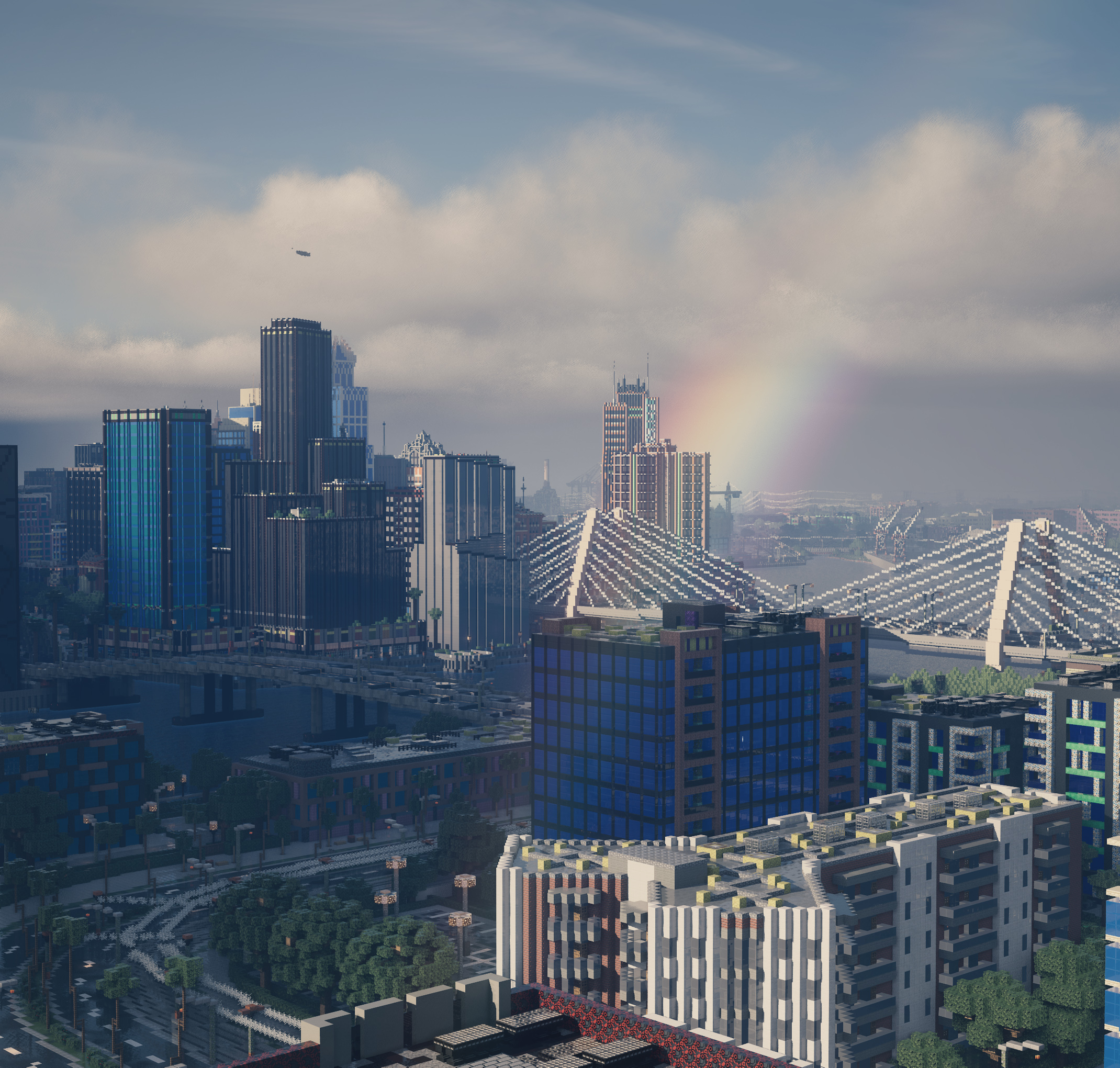
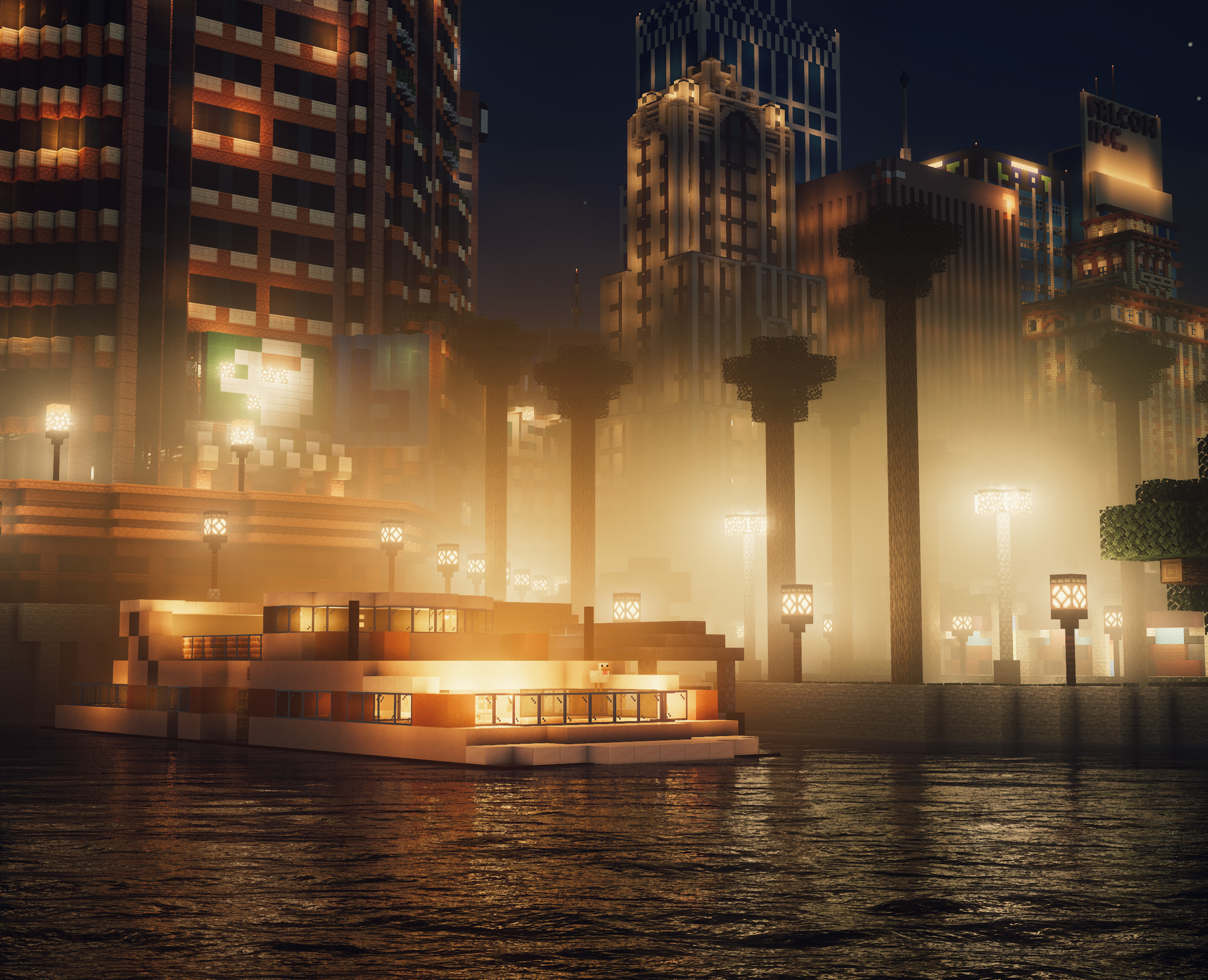
And finally a bunch of screenshots, courtesy of Uvraj, using the latest Continuum 2.0 Redux release:
Free Downloads Page Revamp
Last but not least, we’ve also (finally) revamped our free download page UI. No more haphazard list of the latest version of each free project file. No more having to create an account and login to see descriptions / changelogs or access older versions. It can all be done from the new free downloads page!
We’ll likely be polishing this even more going forward, but the initial version is still a massive improvement in our opinion, and we hope it improves your download experience!
That’s it for this one. Should be some interesting times ahead…be sure to stay tuned for the next progress update!
PS: once again, apologies for this one being a bit later than normal. The 7th landed on a Saturday this month, and as we didn’t want to push this out on a weekend, we took that chance to get a few more days of testing out of Redux Build 2 to launch it alongside this blog.
