



Big month for updates! Focal, RT, Legacy, Stratum, and even a 2.1.1 Hotfix! Read on for more details:
Continuum RT Build 21
This month saw us release the now long teased Build 21 of Continuum RT, a major rewrite / codebase update, with a ton of quality of life improvements and a heavy focus on improved general playability, even at the small cost to RT’s previous niche in regards to RT / PT shader lighting showcase maps (think Le Ultimate RTX).
This update started life as us just wanting to get the latest shared features from 2.1 over to RT; latest clouds, post processing, camera settings, etc., as well as all the small quality of life changes and fixes that came along with them. It evolved into a huge collection of tweaks, improvements, rewrites, new features and new quality of life changes for RT. It went from a somewhat minor update to a fairly major one.
The shader is now a bit more performant overall, especially with high resolution PBR textures loaded, while having higher default settings, including settings like volumetric clouds, POM (Parallax) and full specular (reflection rays in B20), now enabled by default! The denoiser has been tuned to be less aggressive / blurry, and to retain more detail, which helps in general, but also brings more notable improvements to texture use that we’ll talk about in a moment.
Speaking of performance, we have integrated a basic Low / High settings preset that will disable / lower the most taxing settings RT has, without completely destroying the point of the shader. There’s not a ton more that can (or should) reasonably be lowered and / or disabled in RT that the Low preset doesn’t do, so this should simplify the user experience for those wishing to get a bit more FPS. As always, if this isn’t enough to achieve your desired performance, you should try lowering the render quality in the shader selection menu. This is the single best way to gain more performance with RT at the moment, and with Focal Engine + RT’s TAA, this upscaling is enhanced beyond what you would see with our older Optifine shaders and the same render quality settings.
Furthermore, we’ve fixed most of RT’s longstanding bugs with both POM and high res textures in general, including issues with sided blocks (blocks that do not use the same texture on all sides), not having the correct textures on all sides, and POM depth not only not being correct, but varying with the size of the texture atlas / resolution of the textures in use! We’ve also taken a lot of your long term feedback into account regarding the most problematic noncubics, and voxelized or stopped voxeilizing some of them to strike a better balance while we wait for the tech to properly render noncubics to come online. For example; stairs are now voxelized, so light doesn’t shine directly through roofs made entirely of stairs, as are many underwater plants, so the transition from above to below water isn’t quite as jarring!
In regards to the small regression in RT / PT lighting showcases we mentioned earlier though; that’s a mix of our focus on general gameplay polish, the less aggressive denoiser, and the re-exposure of a longstanding shortcoming of the path tracer that sits at the core of RT (and a few other shaders like it). You see, this path tracer has a tendency to leak some light around voxels (the 1x1x1 meter cubes that it uses to create an approximation of your Minecraft world, which it then traces through for all the lighting you end up seeing on your screen). In previous builds, we hid the majority of these light leaks with a heavy, aggressive denoiser that had a tendency to blur, on top of some other heavy handed tweaks. With Build 21, as we’ve mentioned, we relaxed a lot of the denoiser to improve both performance and quality in many areas. Unfortunately our focus on more normal gameplay scenarios lead to us not checking more traditional PT / RT testing areas as much early on, and we didn’t notice the full scope of this regression till early in July.
When we discovered it, any dimmer colored lighting showcase rooms on maps like Le Ultimate RTX were littered with hundreds little starburst like white spots during the day. Completely fine at night, but not an acceptable regression vs Build 20 for us, even with the laundry list of improvements and better basic gameplay experience. So we spent the last ~3 weeks of July getting it to where it is now, with the release version of Build 21. Admittedly, it’s still not quite as smooth in these areas as Build 20 was, but it retains its other improvements while providing what we see as acceptable daytime performance in those lighting conditions (at least for the current Alpha). We will of course be continuing to improve in these areas going forward though, as what we were doing in Builds 20 and older, and are doing now with 21 is just a mitigation, or band aid on the actual core issue of light leaking in the path tracer. Fixing that will not only fix the visual problem, but will allow us to roll back these band aids, improve quality and improve performance a bit as well. This will likely require a complete rewrite of the tracer though, which will no be no easy task. Keep an eye out for updates on that longer term.
Most of this explanation and update would have came from Jake, as he did the bulk of the work on Build 21, but he’s dealing with some personal matters currently, so updates from him will have to wait till those are resolved. Hopefully we’ll have him back to better explain those path tracer updates when work on them begins in earnest!
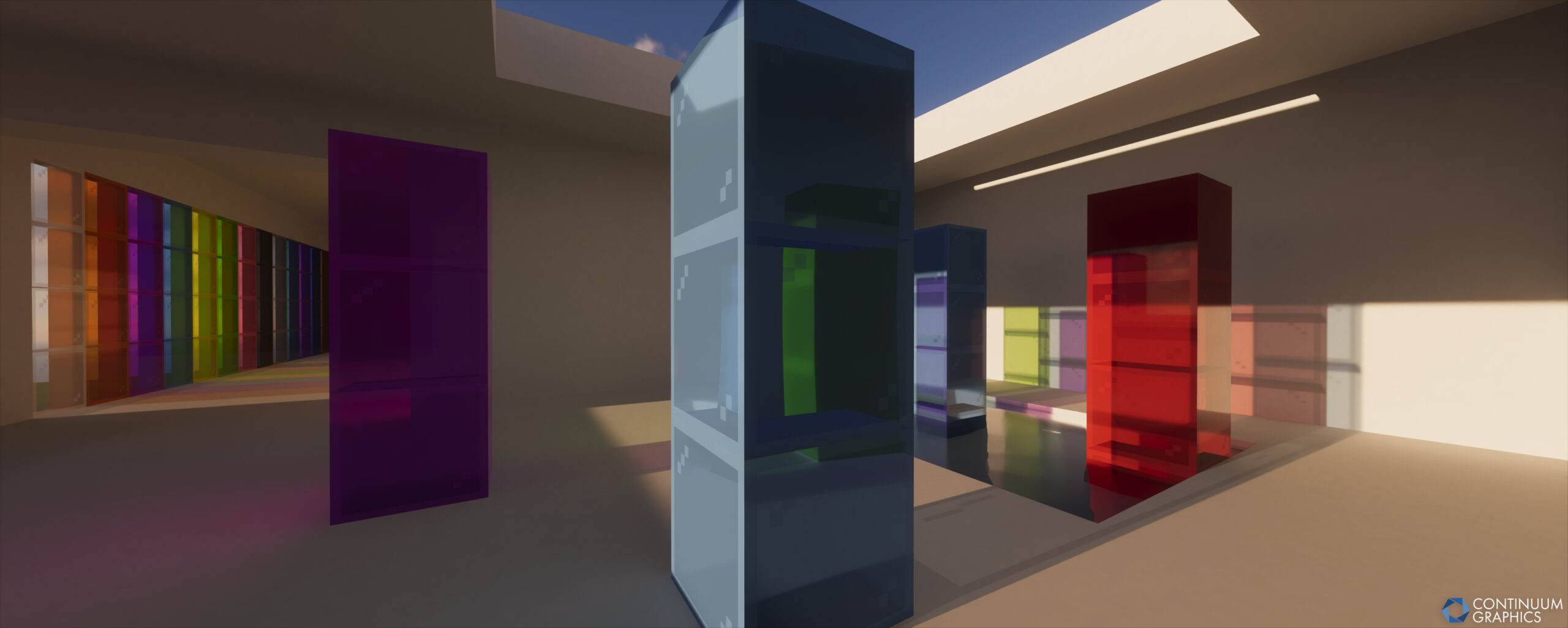
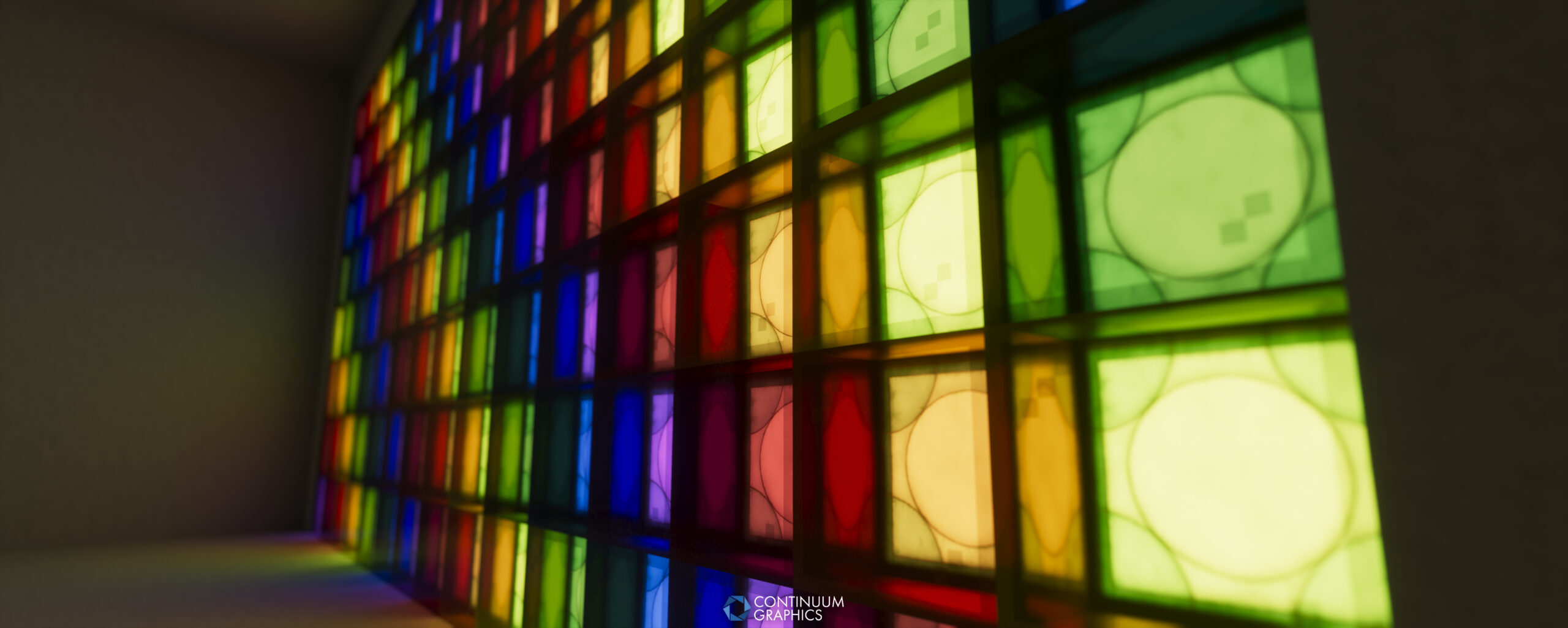
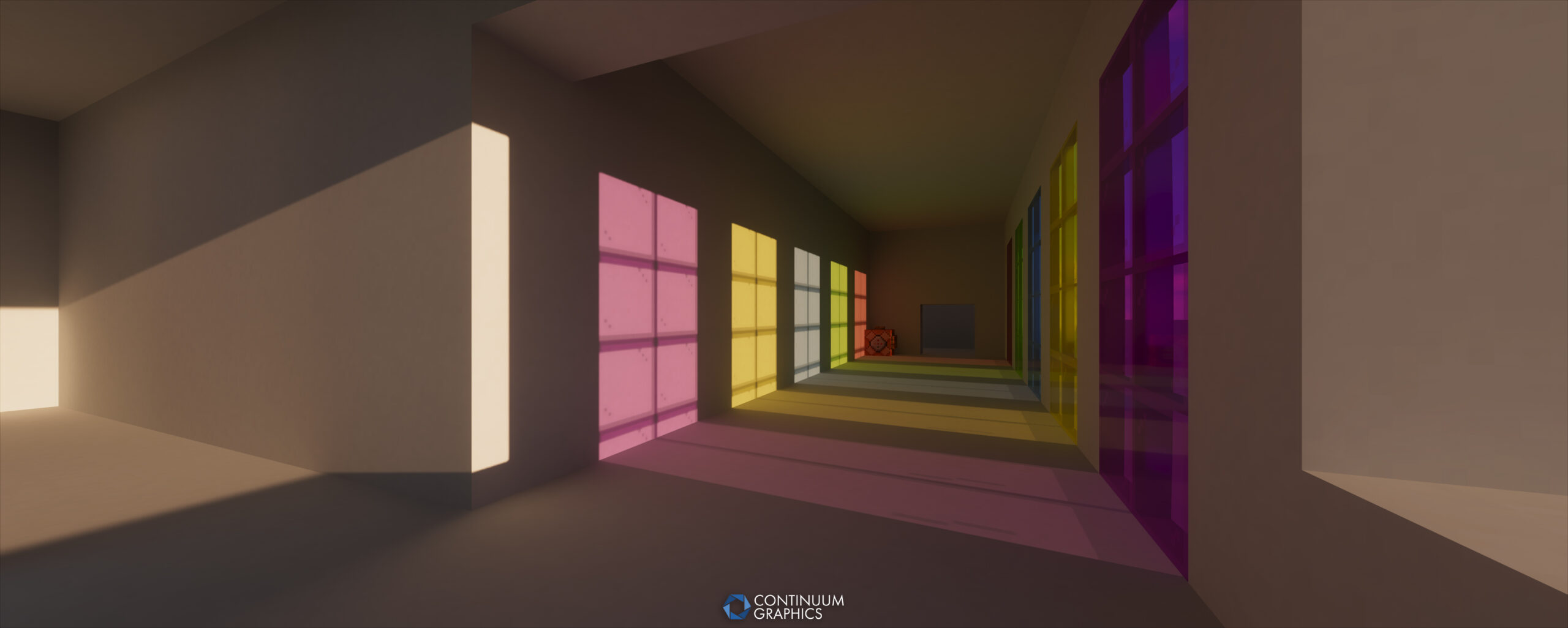
We also added a few entirely new features, such as Ray Traced Refraction on Stained Glass, which you may have already seen us showcasing on social media the last few months There are many more fixes, changes and improvements that we’ve either forgotten ourselves or just don’t have the time to recall and talk about here. The bulk of the ones we can remember will be included in the changelog below, but even that is unfortunately not the fully exhaustive list. Users of Build 20 using Build 21 will likely be finding/noticing new changes for quite a while to come!
We’re not done though! You’ll be seeing more, smaller quality of life updates for RT going forward. We’ve already got a small update queued, as we forgot to stop voxelizing Carpets with Build 21 before release, so they’re pretty cursed looking at the moment. Anyway, enough talk, here’s the changelog and some screenshots!
Continuum RT Build 21 Changelog:
- Major rewrite of the majority of the shader, bringing the core codebase up to date with Continuum 2.1
- Significantly cleaned up the code for the path tracer
- Improved surface demodulation through the path tracer
- Significantly improved parallax on the first bounce
- Removed parallax from subsequent bounces
- Enabled POM/parallax by default, but split it into two settings, a basic toggle for POM itself, and another toggle for more advanced lighting, which comes at the cost of performance and some additional visual oddities (as outlined in the tooltip)
- Significantly improved POM/parallax sided block rendering
- Updated Voxelization Distance setting slider to more accurately reflect how far blocks are properly voxelized
- Fixed POM/parallax depth varying with atlas size/texture resolution
- Enabled full specular/reflection rays by default
- Moved sun/moon shadows into their own data path
- Moved refraction into its own data path
- Significantly improved the rendering of stained glass, including the addition of RT Refraction
- Added basic Low/High settings presets
- Significantly cleaned up the code for the denoiser (still A-SVGF)
- Added disocclusion filtering from ReLAX to the denoiser
- Simplified reprojection for specular
- Added gradient estimation for specular
- Replaced the max accumulated frames setting with a set of accumulation length presets
- Decoupled sun/moon shadow accumulation length from diffuse/specular/refraction accumulation length
- Improved compositing of path traced lighting with rasterized geometry and the sky
- Overhauled block ID mapping to have blocks opt out of voxelization
- Changed Iron and Gold material fallback options to overrides, so they can now be used with Resourcepacks to override/change those blocks material properties
- Fixed disabling TAA breaking the shader (though we still generally do not recommend disabling TAA)
- Various other changes that even we couldn’t keep track of
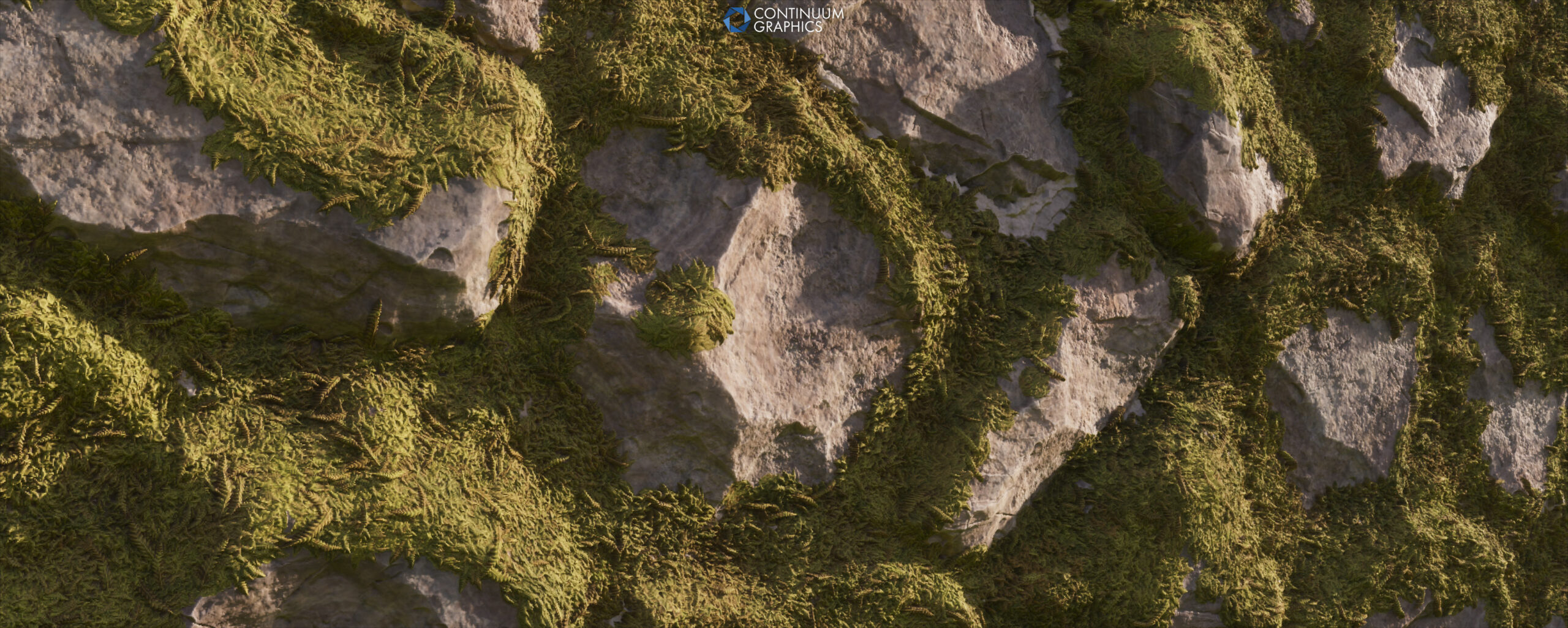
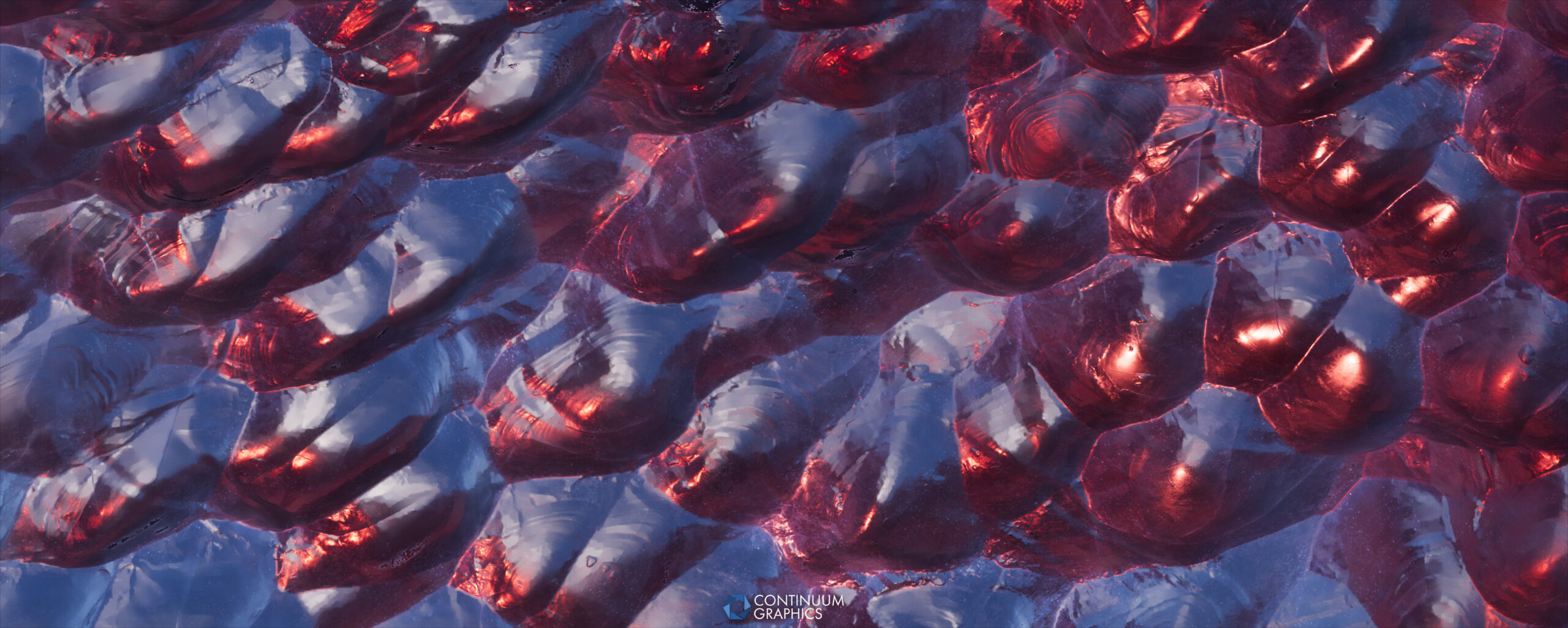
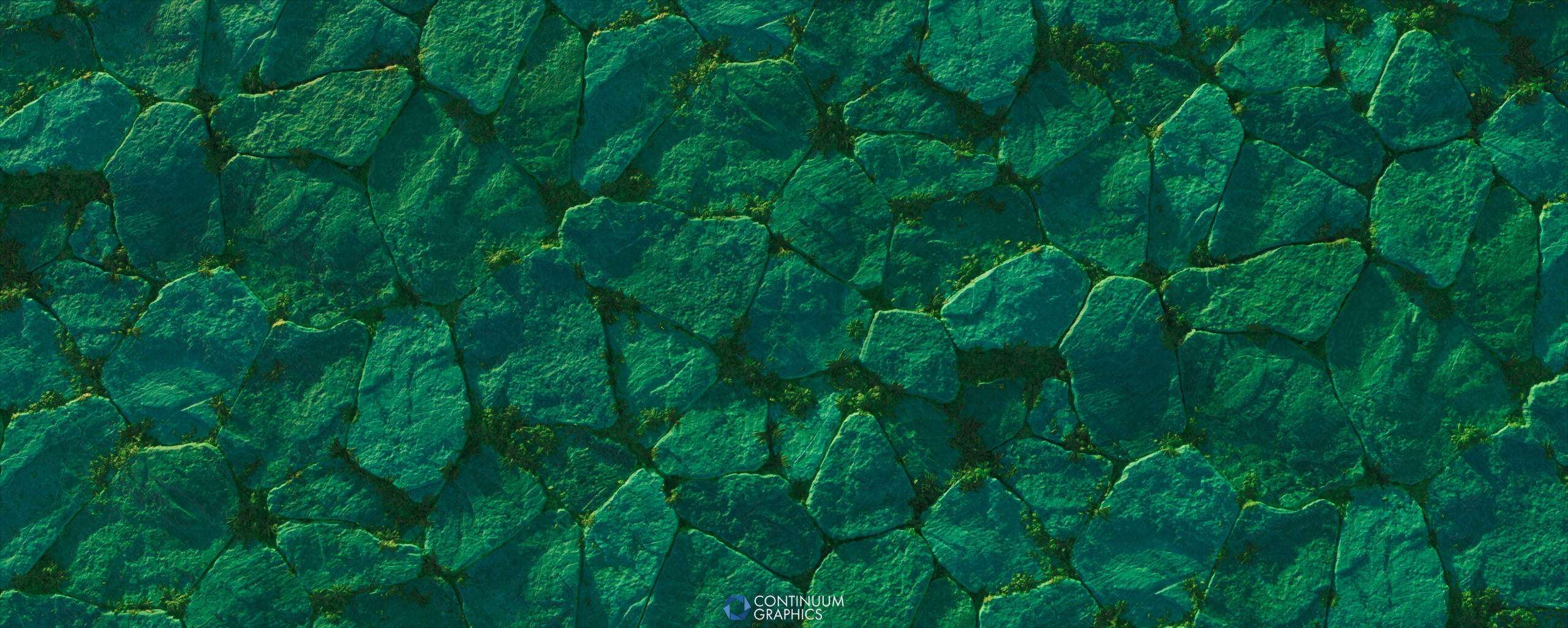
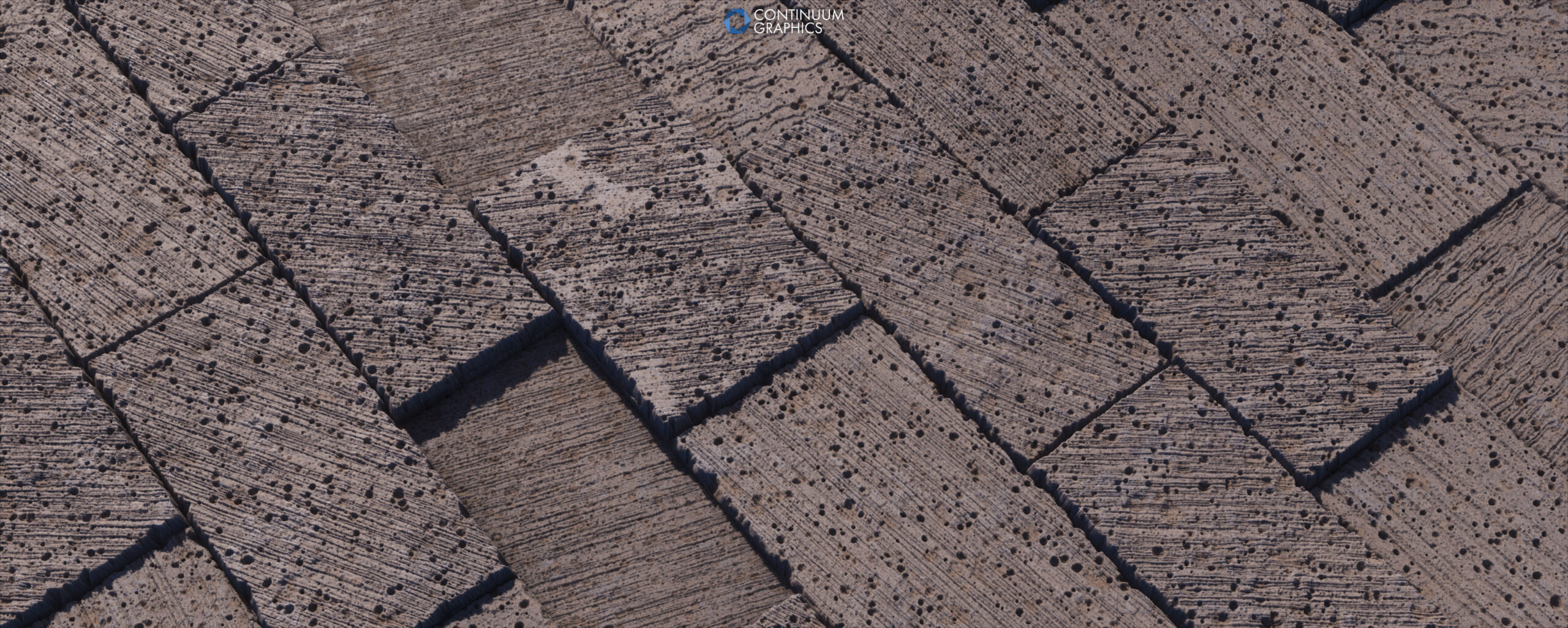
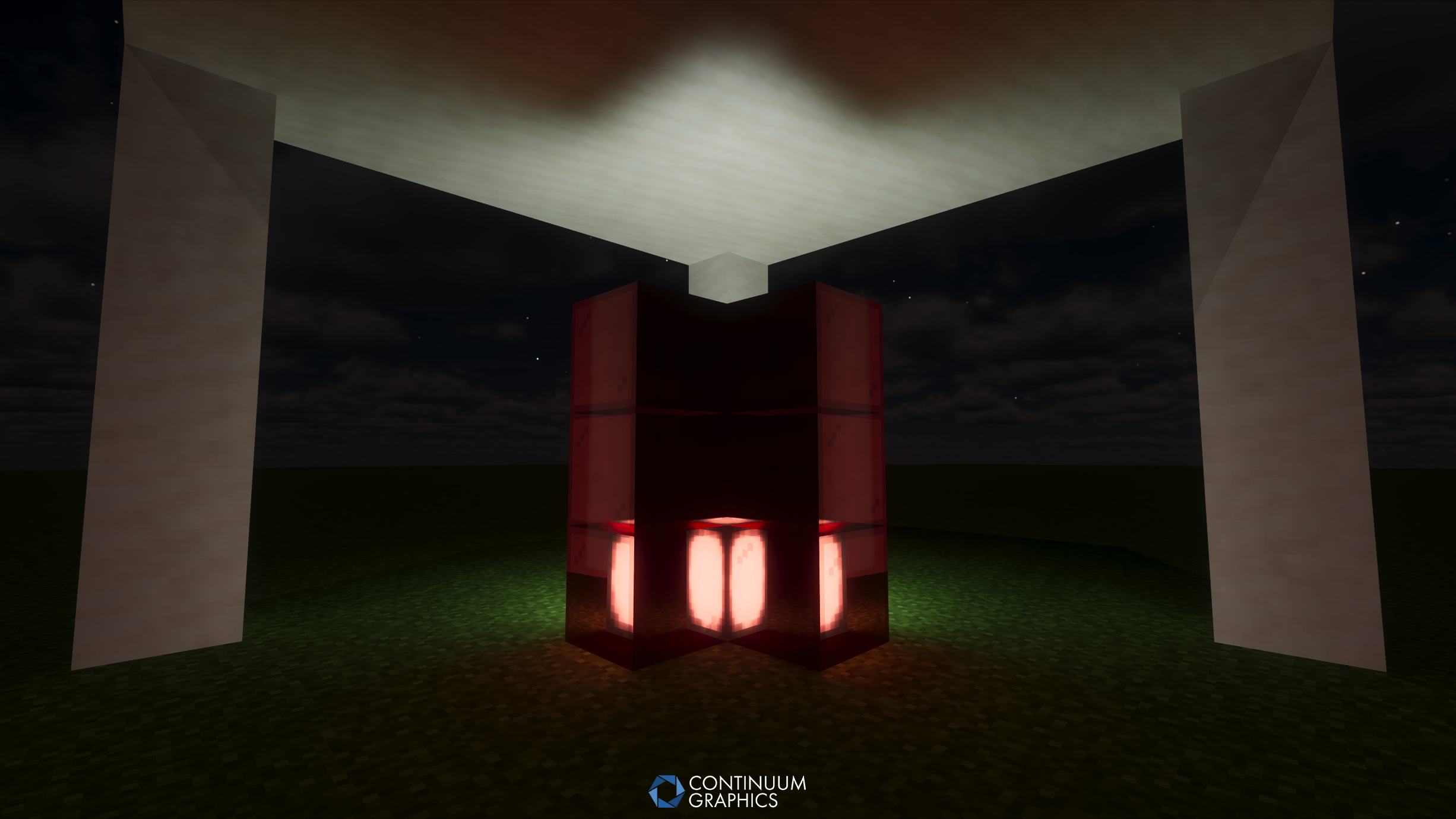
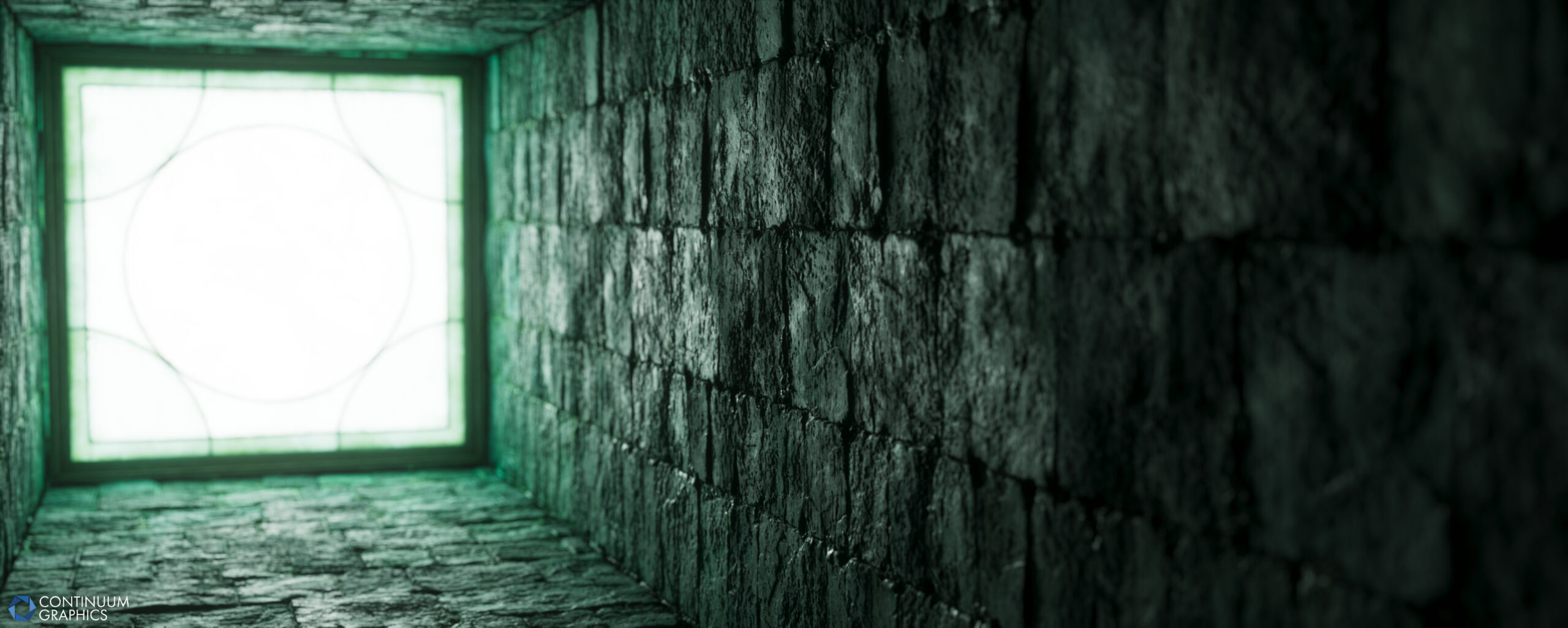
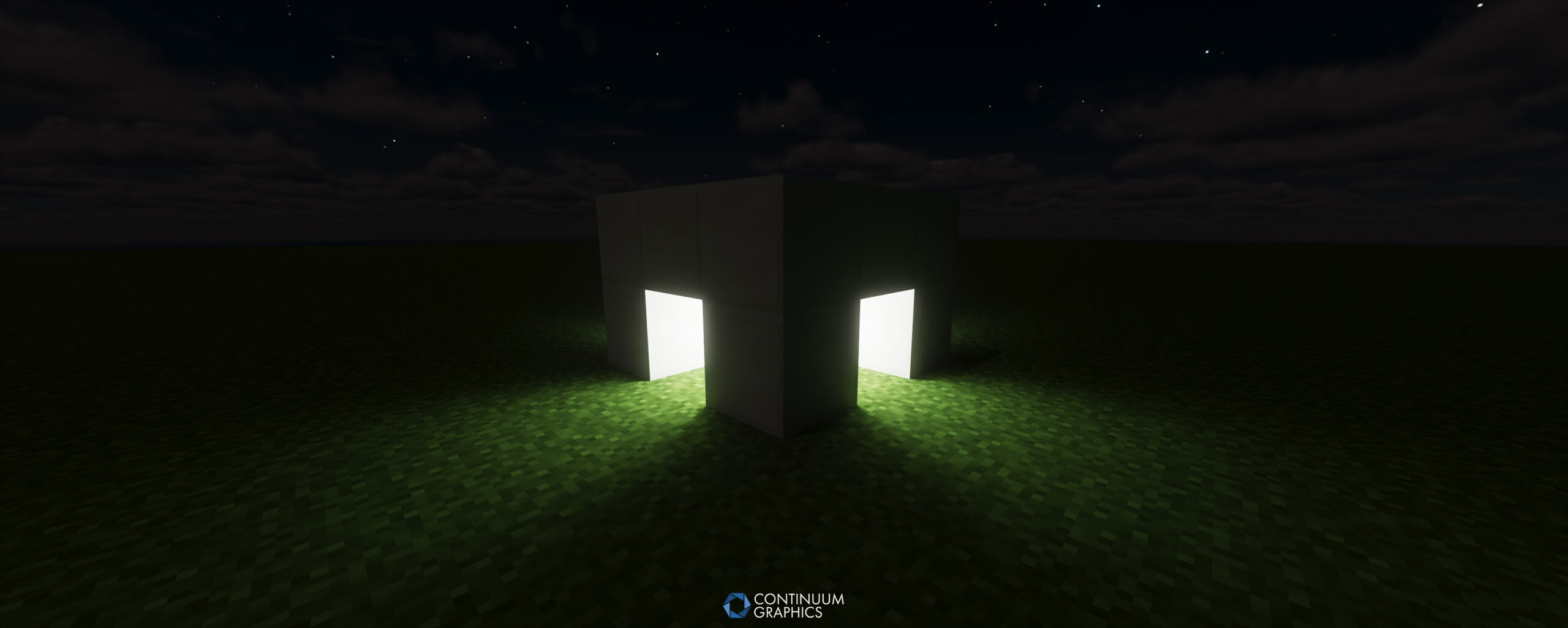
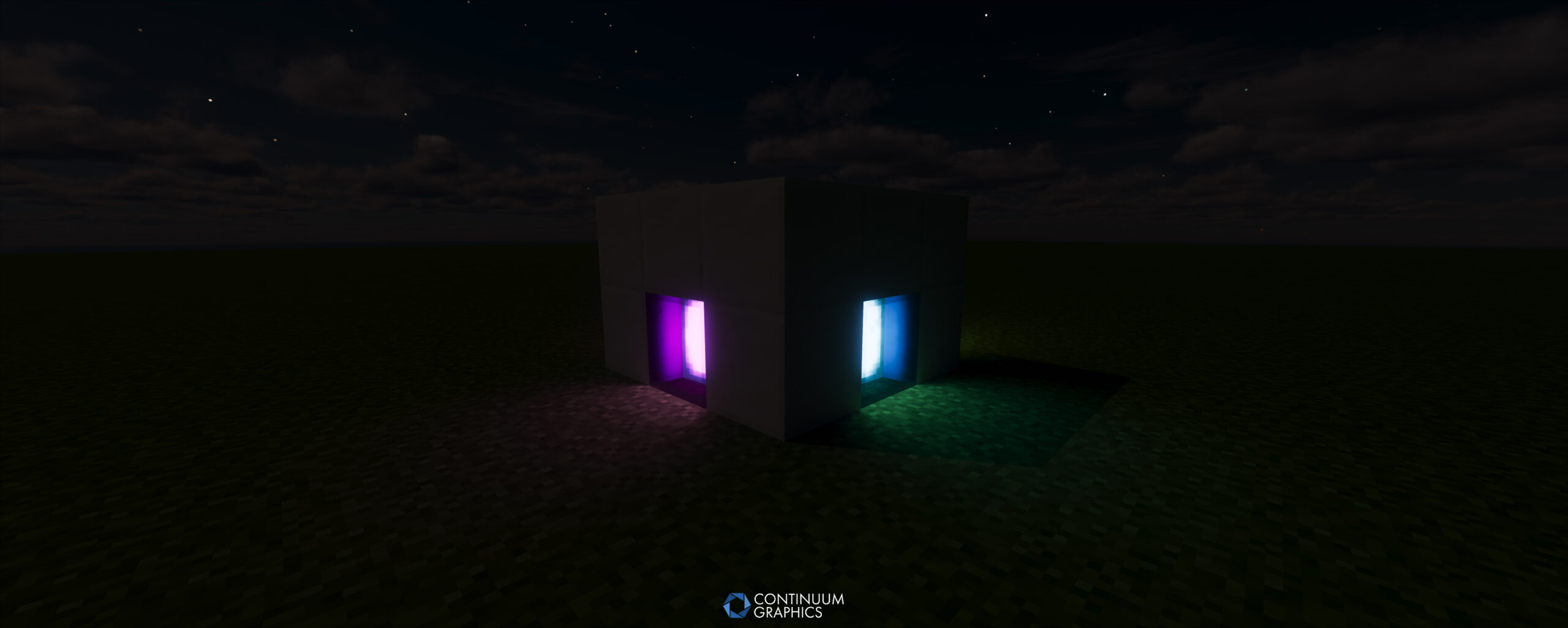
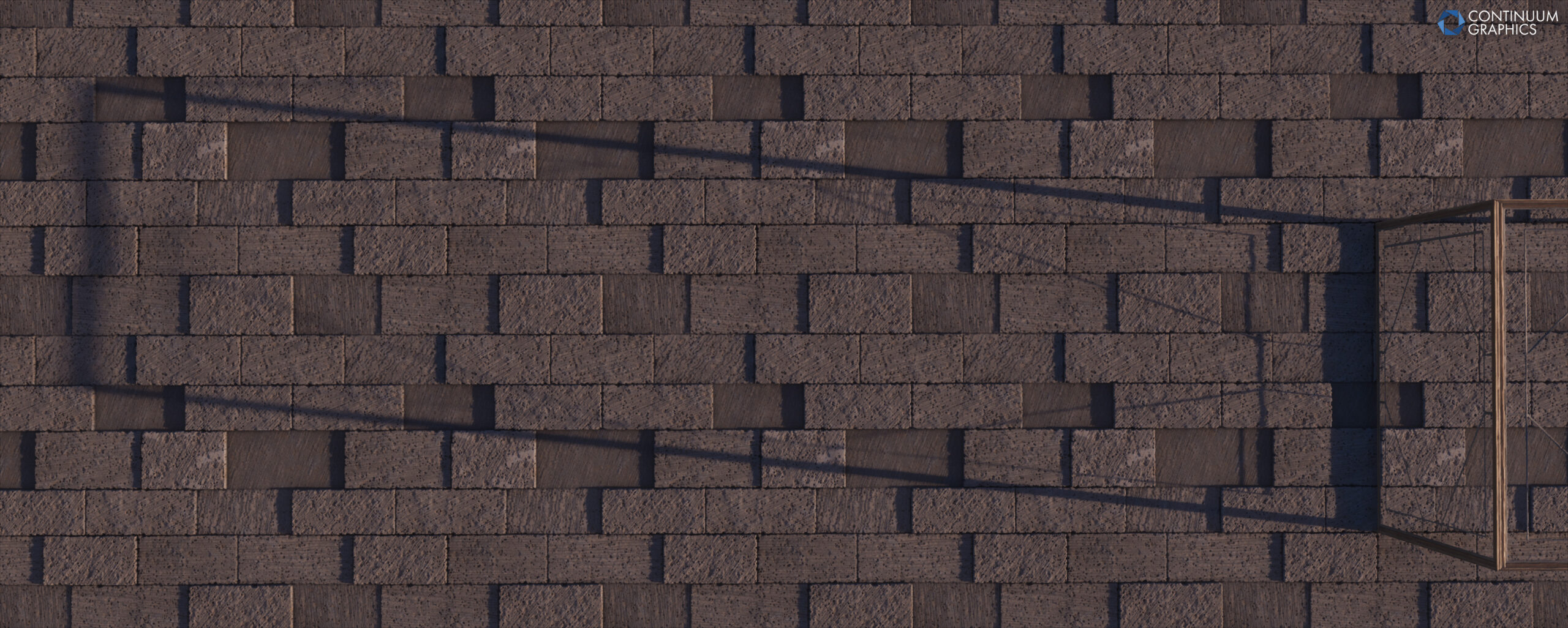
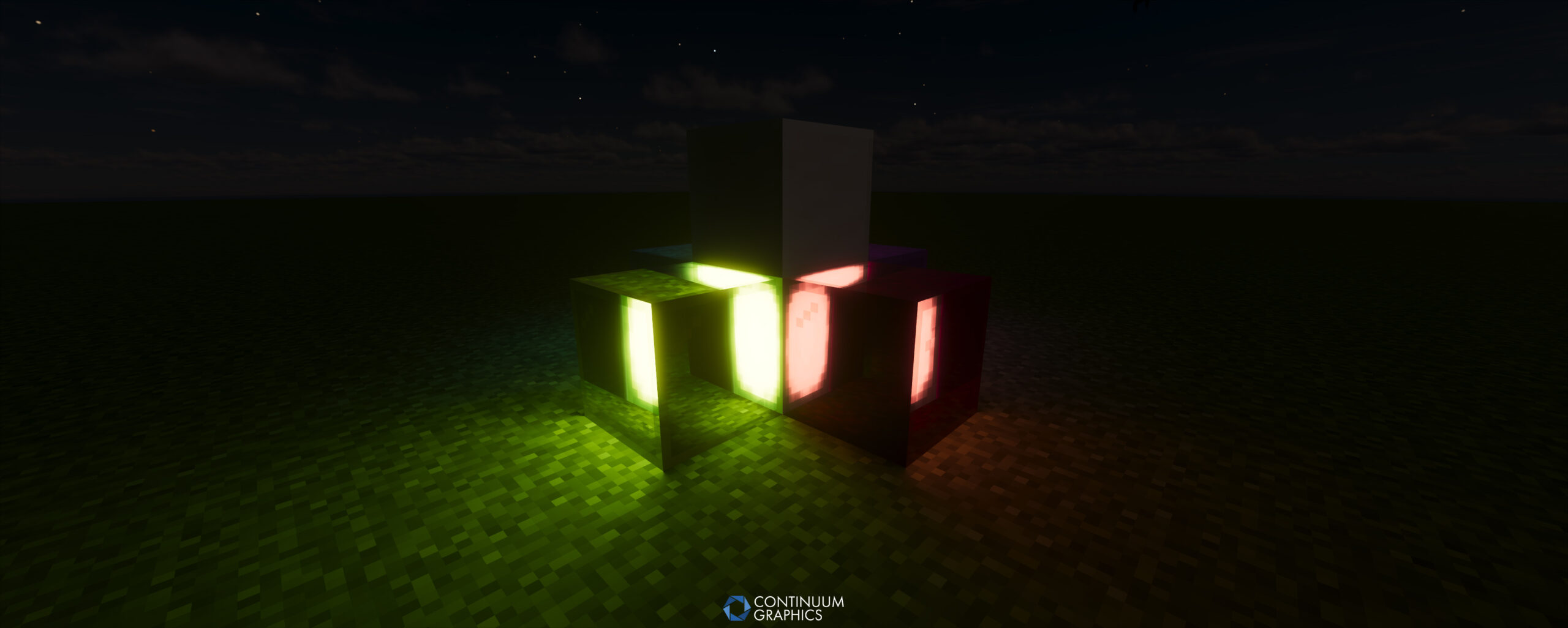
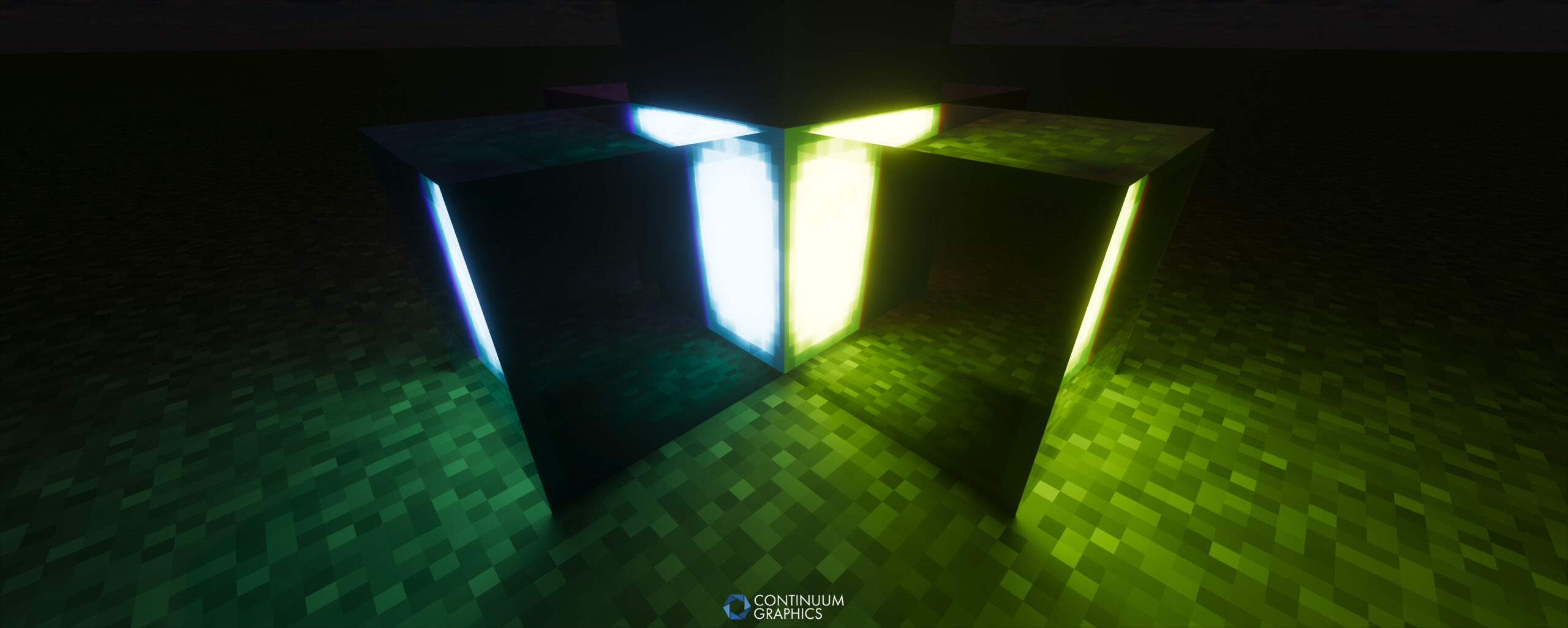
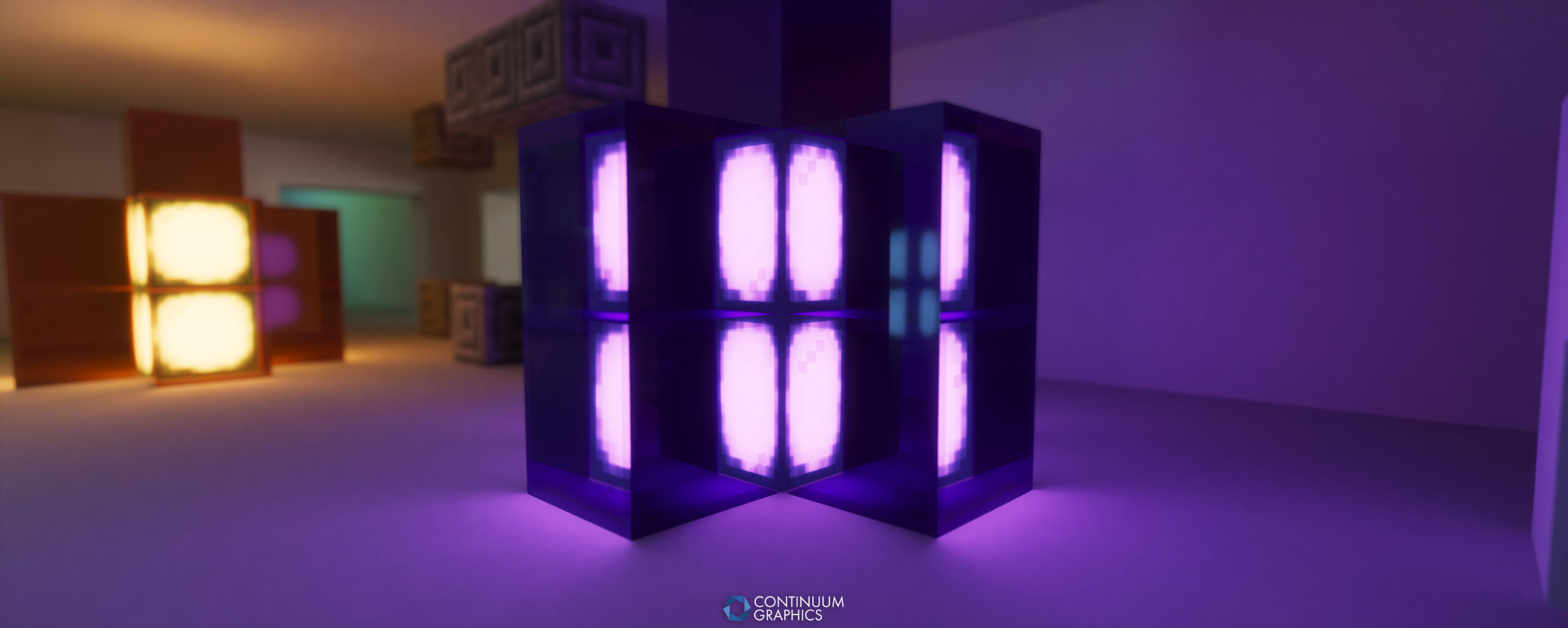
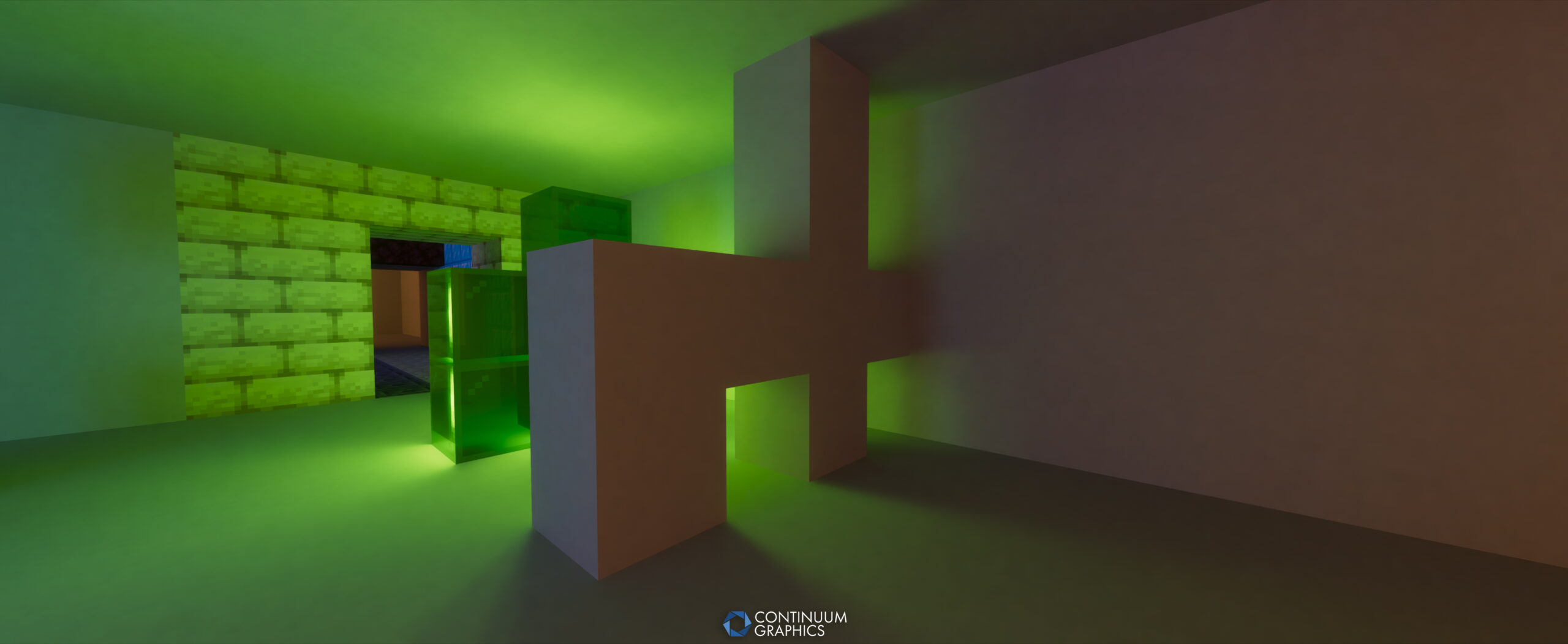
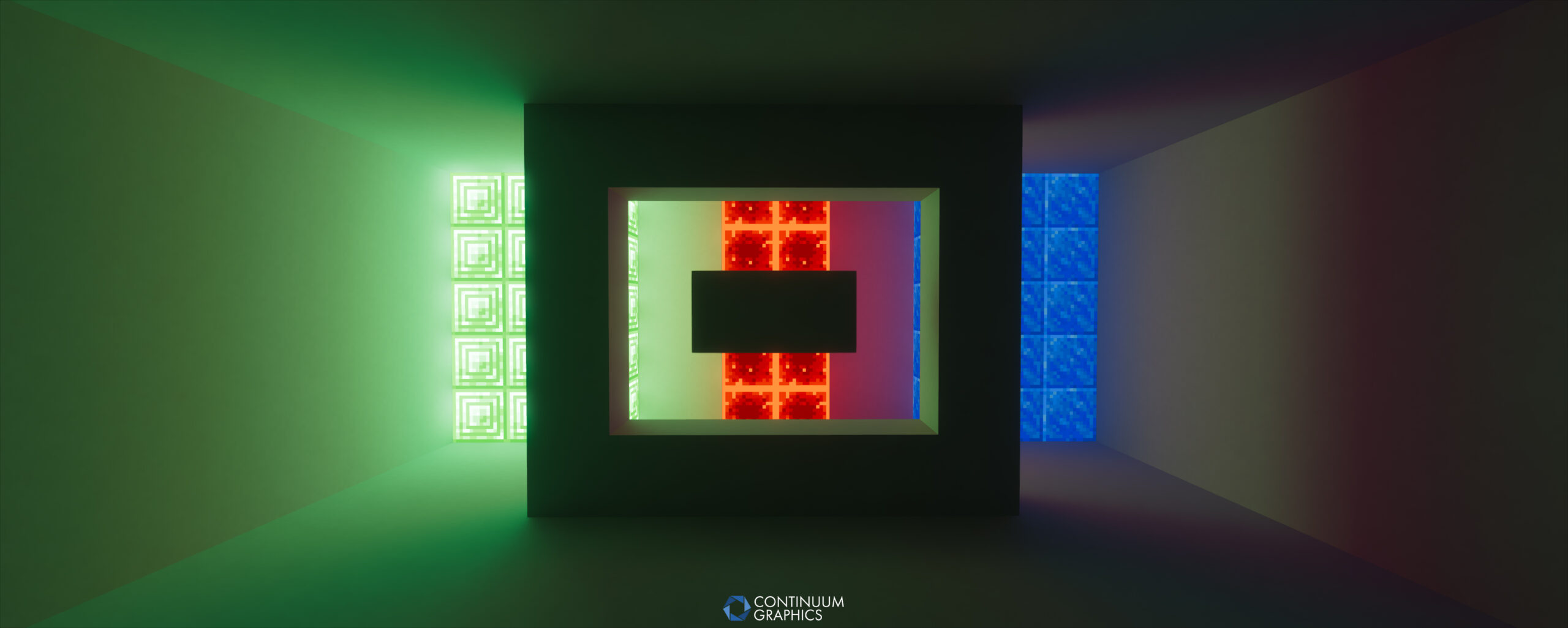
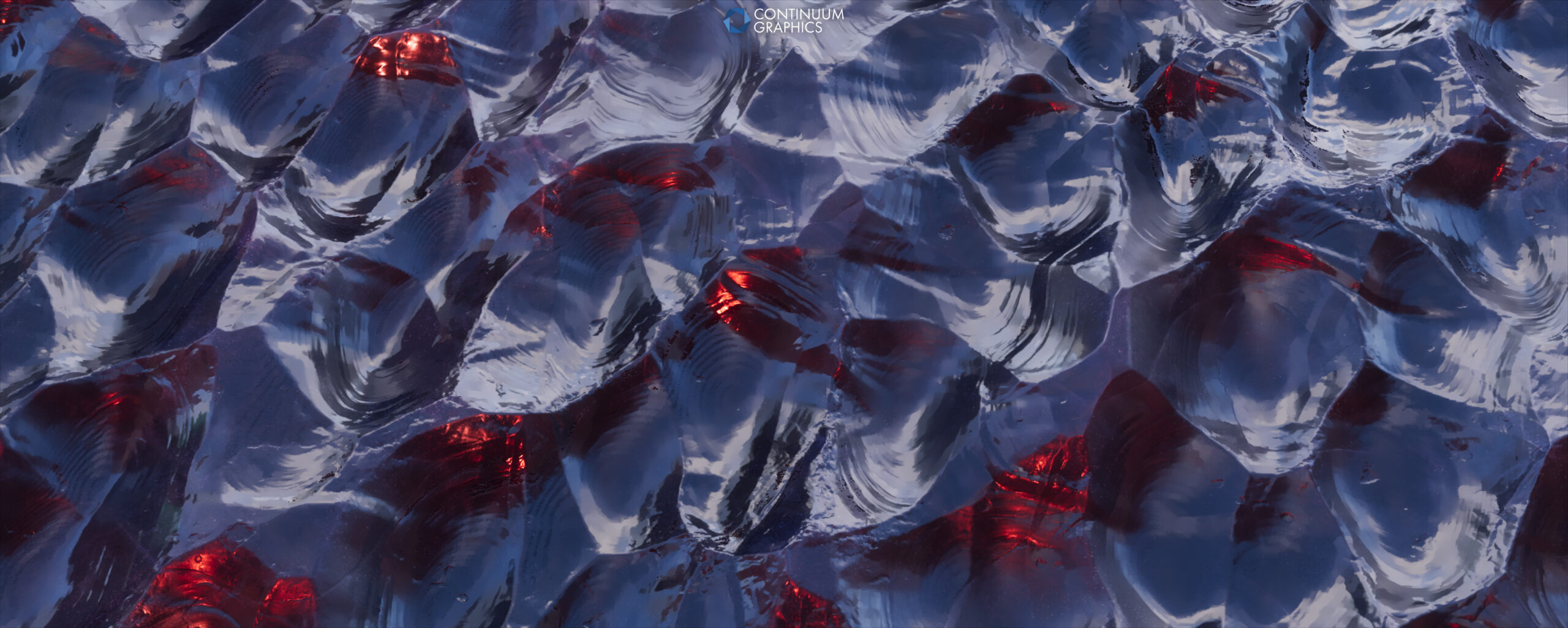
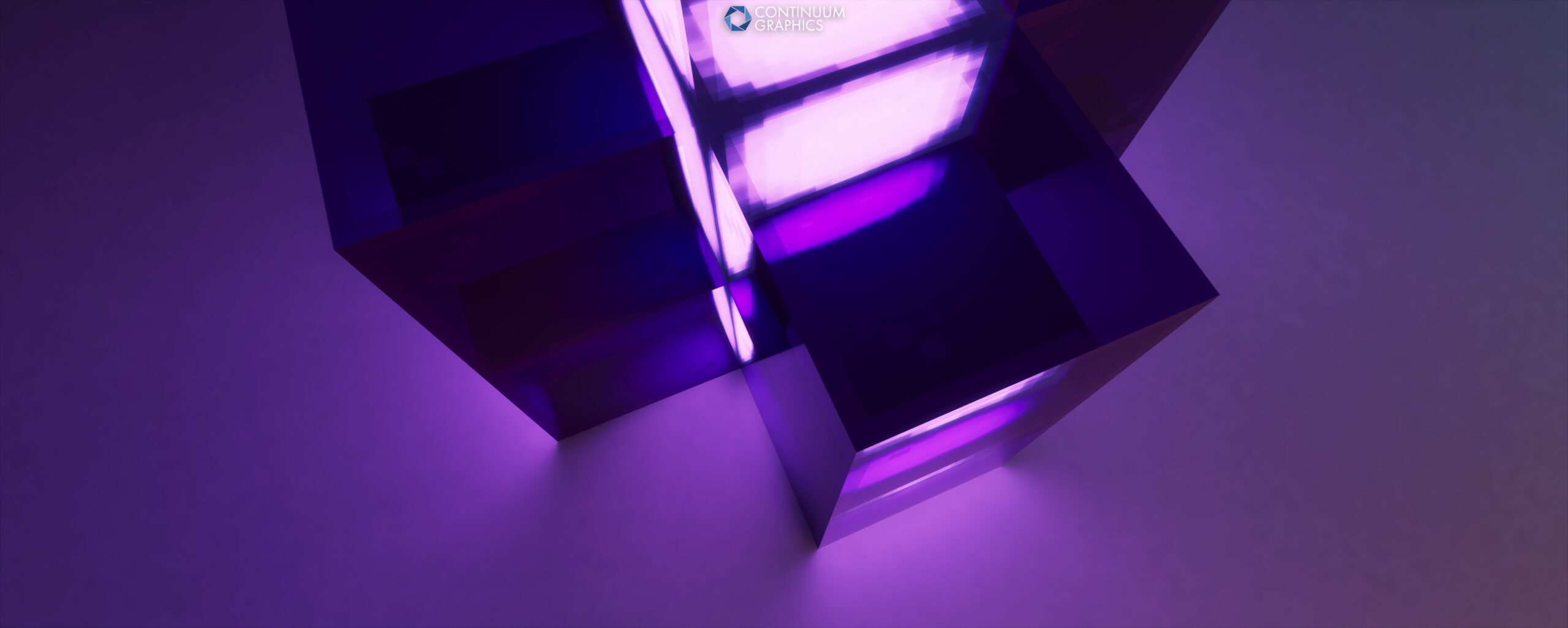
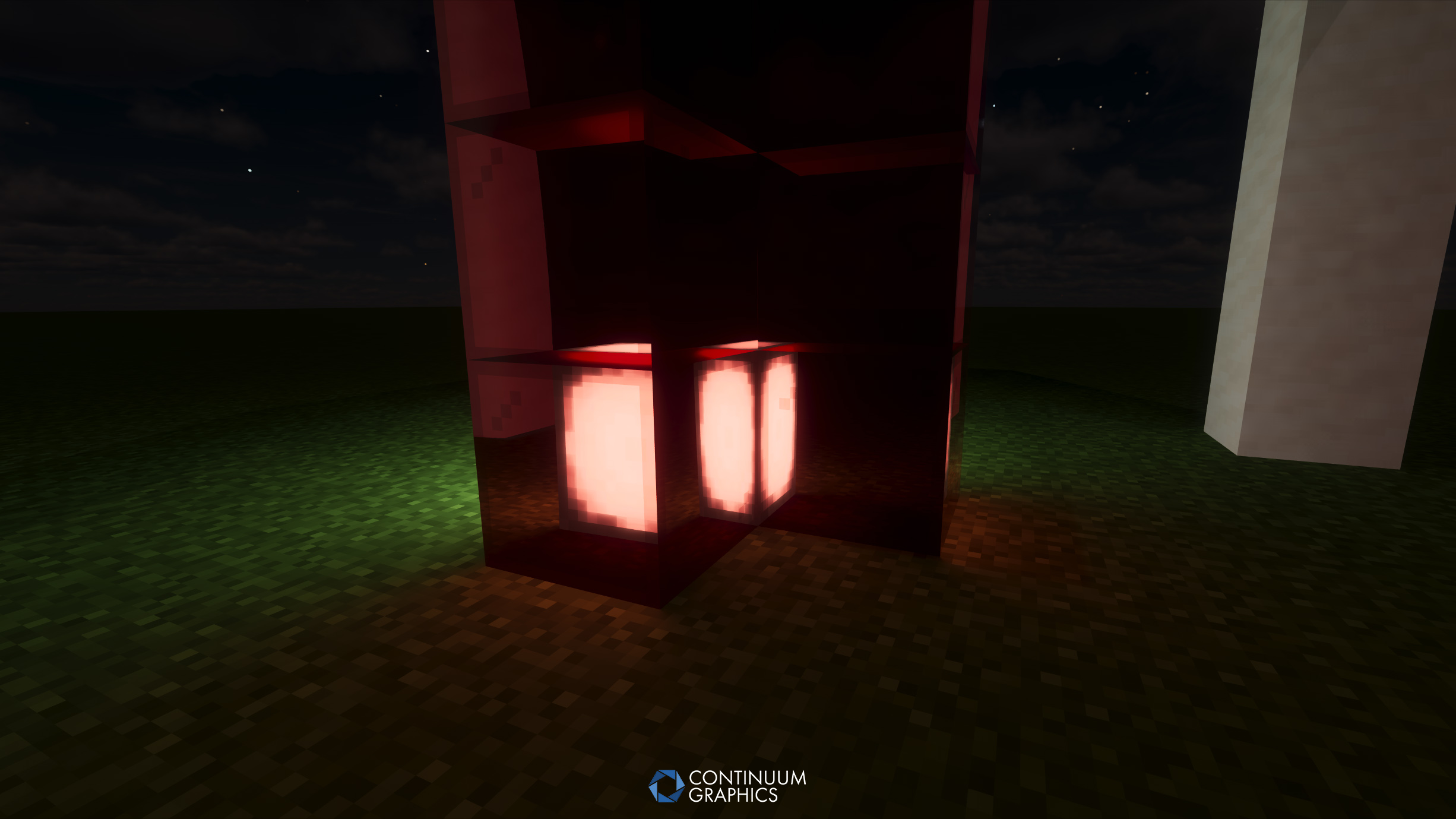
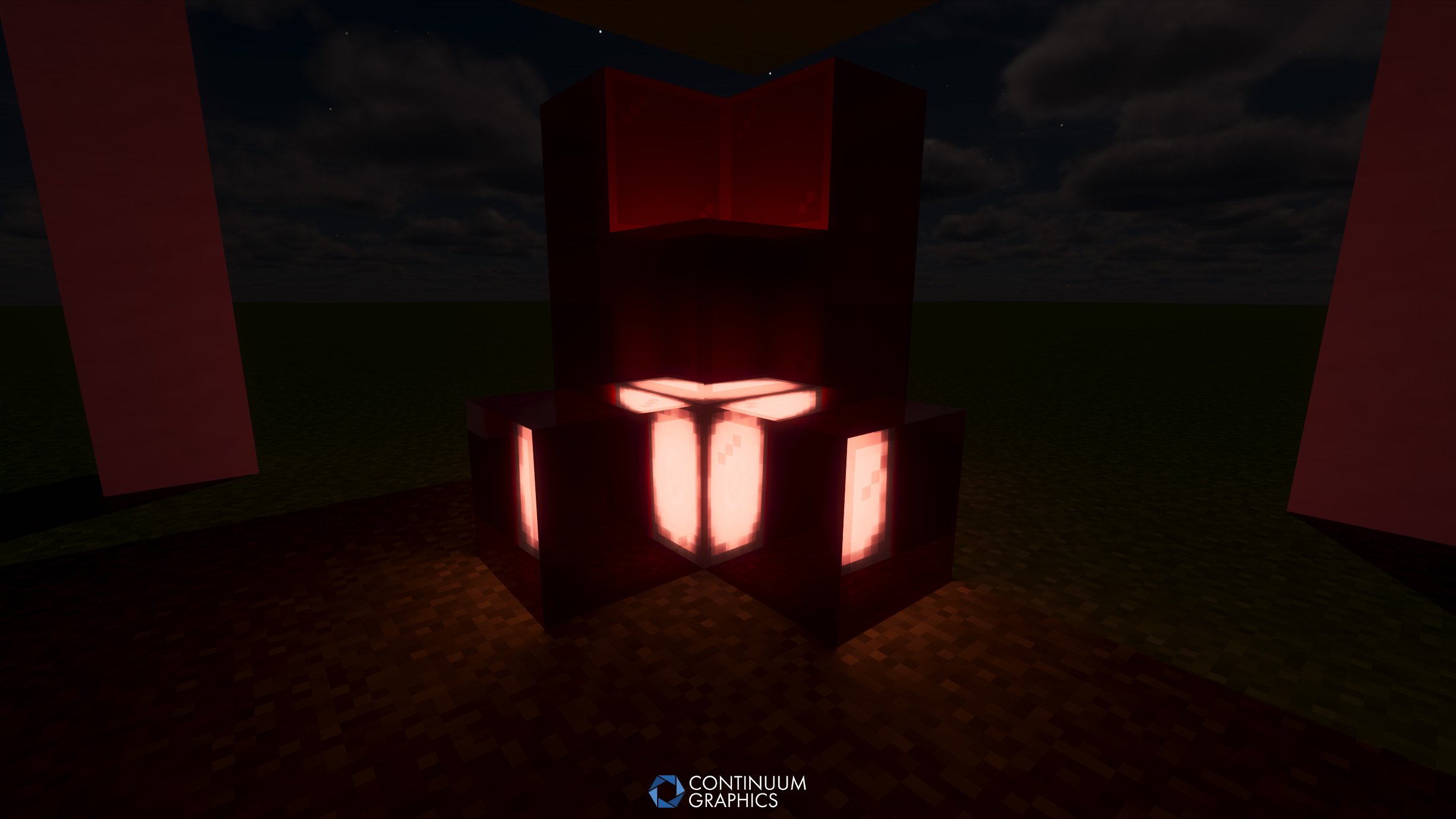
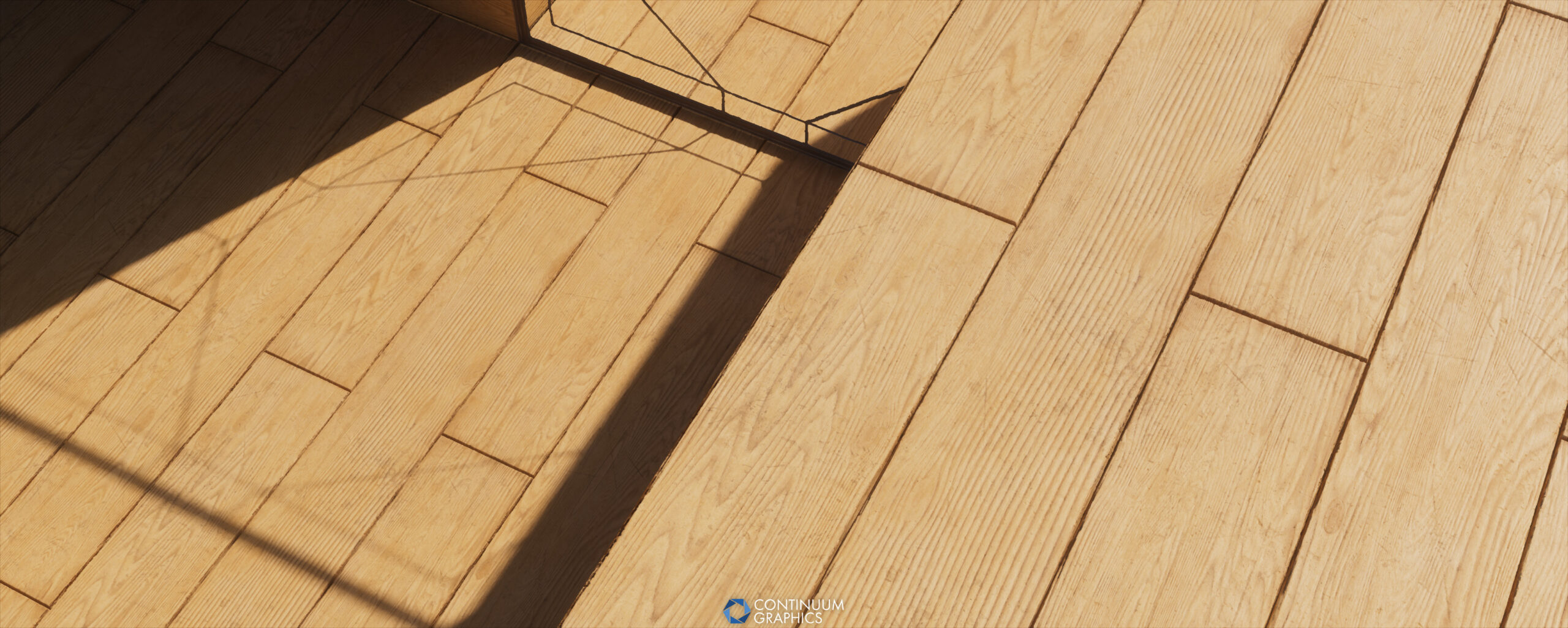
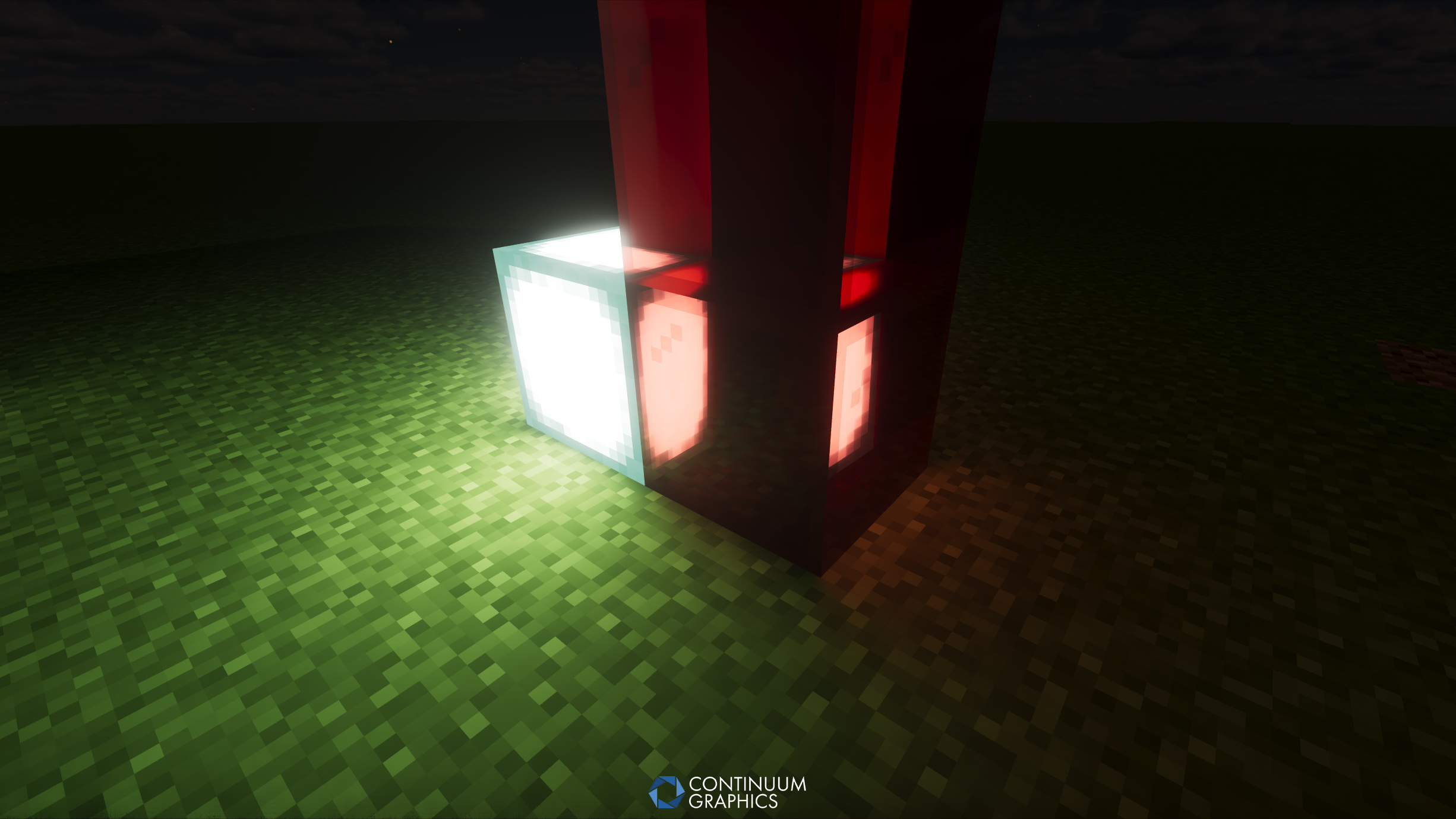
A selection of Continuum RT Build 21 screenshots from July (click to expand & open gallery view)
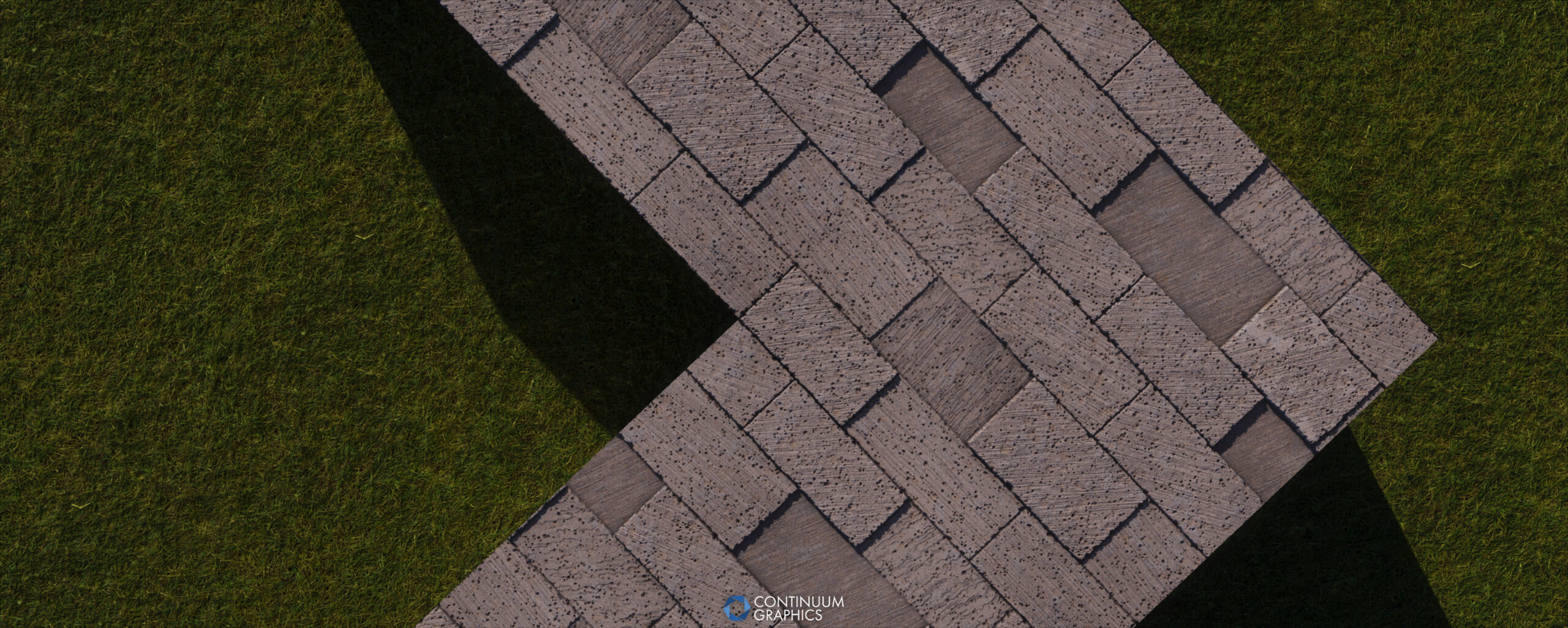
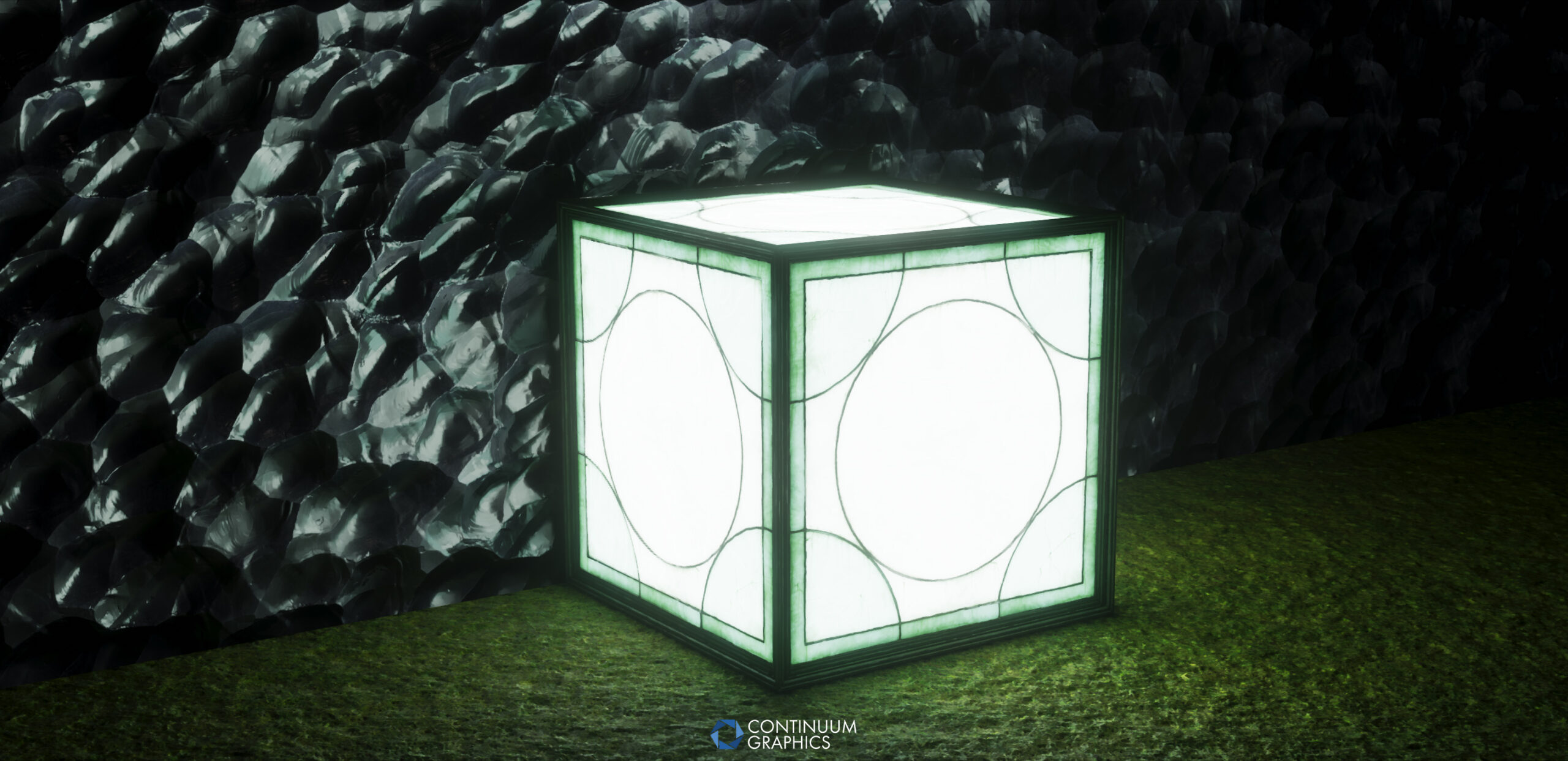
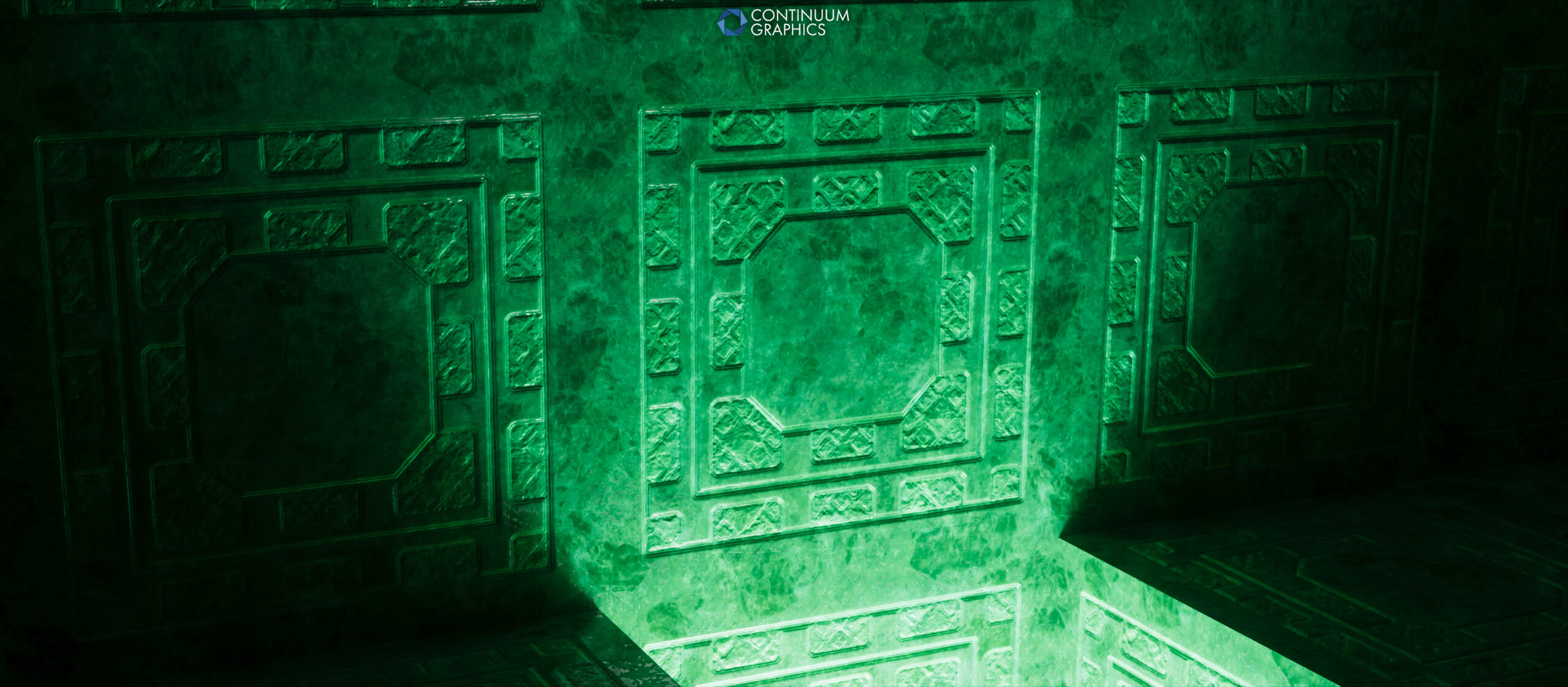
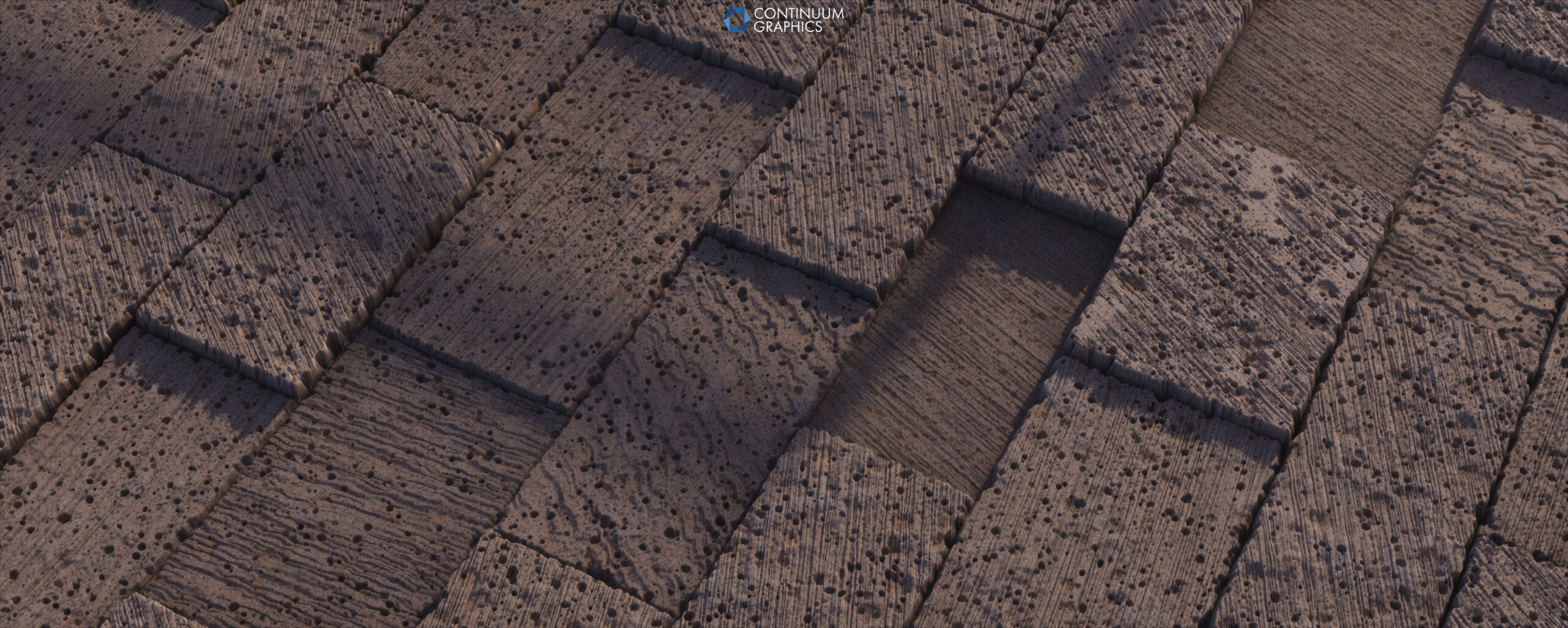
Focal Engine for 1.20.4
This month also saw the long awaited release of Focal Engine 1.0.9 for Minecraft 1.20.4. As many of you may know, this was a long time coming, mostly due to changes on Minecraft and Forge’s side of things complicating matters, but also due to required updates to our development environment that have honestly given us no shortage of troubles. While things on that front have improved, they’re still problematic, hence the numerous delays on this (this is actually why our update drop was a day late this month, dev environment refused to build the new Focal versions for a few days)…but it’s finally available!
With this update, we’ve also updated the recommended supporting mods (Fabric Loader, Forge, Optifine, etc.) versions for this, and 1.20.1. You can find those new recommendations on our updated Focal Engine installation tutorial page. There haven’t been any other notable changes other than that though, hence the same version number.
As for addressing the time this update took…even the updates to our dev environment have clearly not been enough to sufficiently streamline our update processes. So, as we’ve alluded to before, the current plan is to get the 1.21 update for current Focal Engine out the door, then switch gears and work on a standalone version of Focal Engine that no longer requires or relies on Optifine for anything, has it’s own UI for loading shaders and changing their settings, and can be updated at a much faster pace, with far less dependency on other mods. This will also open the door for stuff like floating menus, with options that can be changed in real time (like we’ve mentioned wanting to do many times in the past), as well as greatly expanded mod support, and the potential for Distant Horizons support in the future. It won’t be something we get out overnight, but it should be well worth the effort and the wait.
That should be good news for many of you, and for those of you wondering how this will affect our longer term goals with Focal VK, there’s good news there as well; most of the work required for standalone was going to be required for Focal VK as well, so that’s another small win. Speaking of Focal VK though, our developers are actively monitoring and giving feedback to Mojang where we can regarding their upcoming Vibrant Visuals update and it’s changes to the game itself, and are cautiously optimistic that some of their potential changes may actually make Focal VK easier to realize.
Though to be clear, Focal VK is still a long term project for us, is easily the biggest undertaking in the history of Continuum, and is in almost completely uncharted territory. One of our main overarching goals with it being to not have to massively rewrite / restructure it once it’s opened up to 3rd party shader developers obviously complicates things as well, and requires us to be even more cautious / forward thinking with it’s core design. We appreciate your understanding any support here, as always!
Legacy
Legacy got a small update this month too, including adding a missing feature it’s sister shader, 2.1 has had for a while: Colored Volumetrics
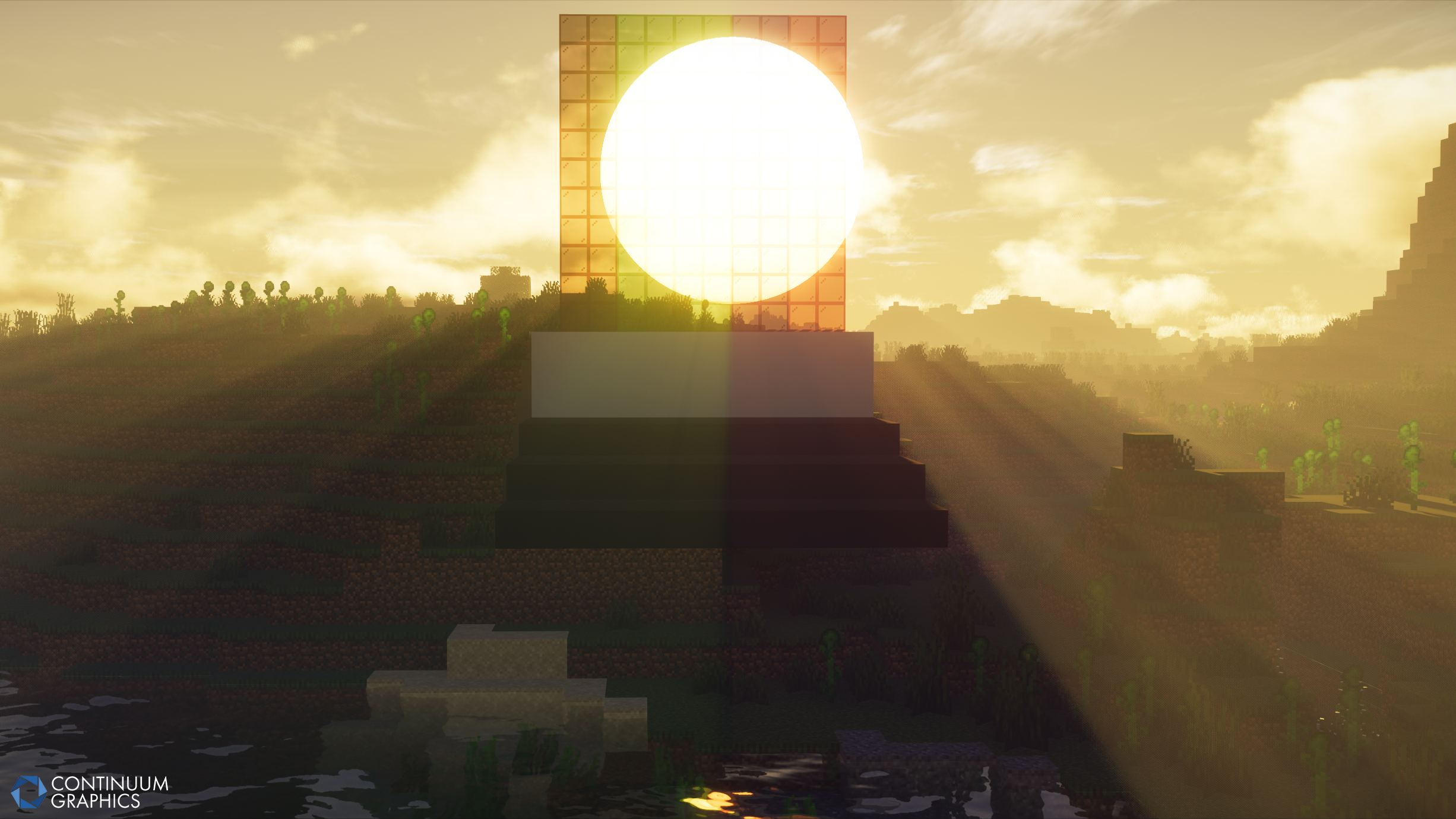
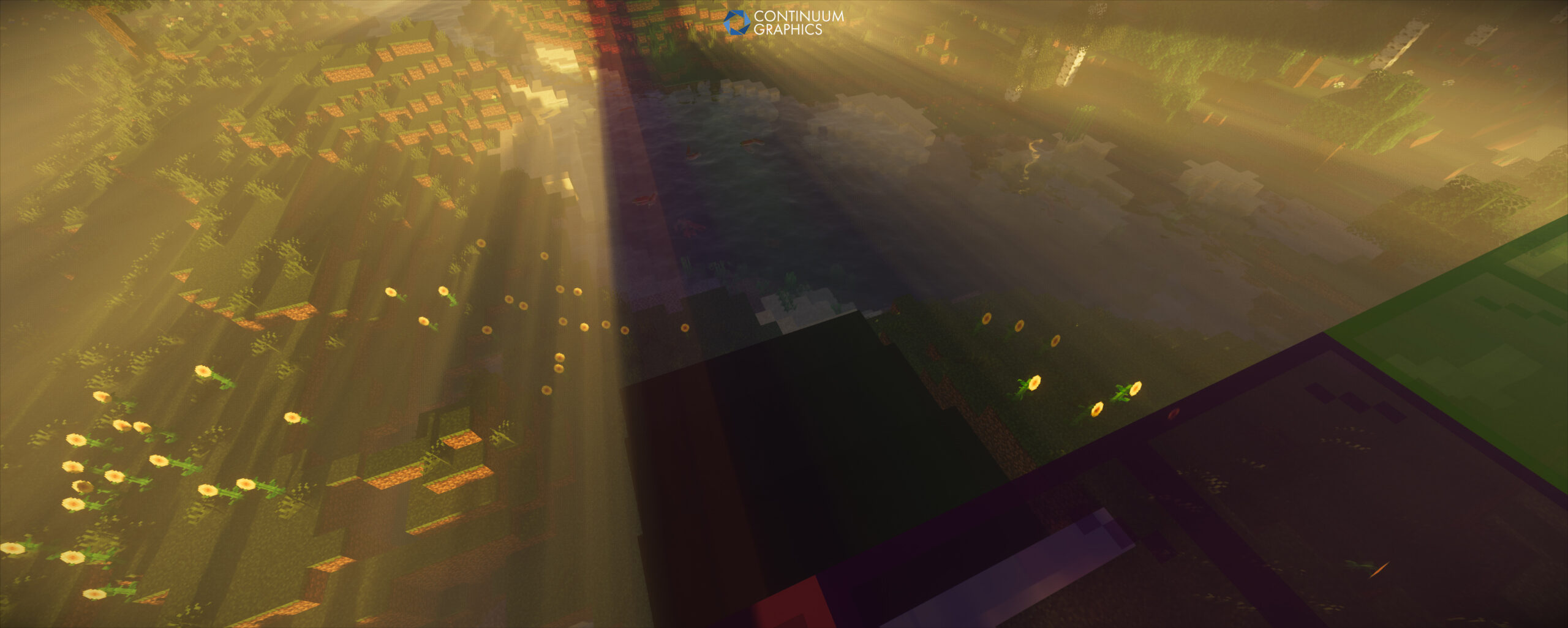
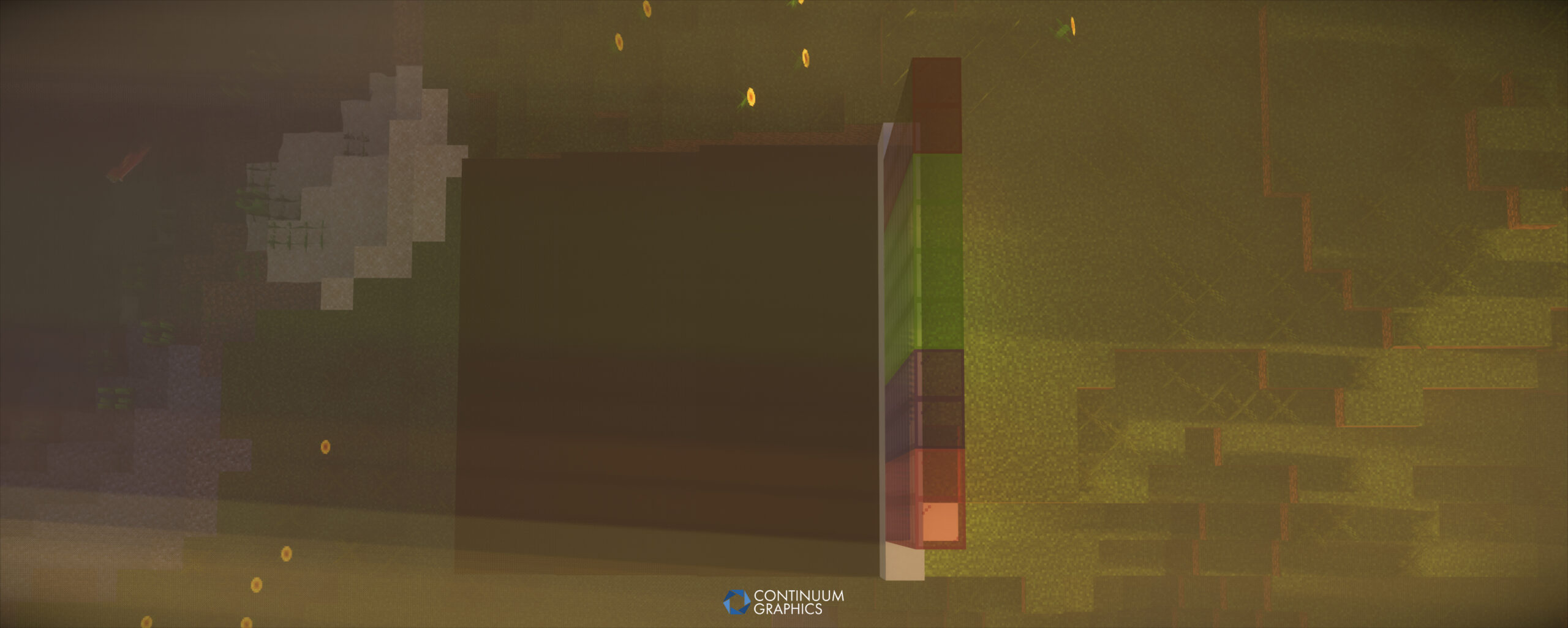
This is basically what it says on the tin, Volumetric Rays get colored by whatever they can pass through, most commonly; stained glass. We’ll attach some screenshots of this effect in action (slightly exaggerated with high Volumetric Fog density to better show it in still screenshots), below. We applied this effect to Legacys unique screen space god rays as well.
We also fixed a small compatibility issue with Minecraft 1.20.4, due to Mojang deciding to rename normal grass to short_grass, and this breaking our contact shadows on them. Easy fix at least.
Continuum Legacy Alpha Build 6 Changelog:
- Added colored volumetric lighting and godrays (a feature 2.1 already had for its volumetrics, now brought to Legacy)
- Removed some unnecessary/unused settings
- Added short_grass to block properties to account for the name change in MC 1.20.4
And a few screenshots with these changes (click to expand & enable gallery view)
Continuum 2.1.1 Hotfix
2.1.1 got a small hotfix to fix the same short_grass contact shadow issue on Minecraft 1.20.4 that Legacy had, as well as the same settings menu tweaks we made to both shaders (just removed some unused settings).
We released this update as a hotfix, simply replacing the 2.1.1 file our servers serve when someone downloads 2.1.1 in Focal Engine. There’s no real need to uninstall / redownload 2.1.1 if you’re on Minecraft 1.20.1 or older, as the fix only applies to 1.20.4, and 1.20.4 users should be downloading 2.1.1 for the first time on that game version, but the option to do so is there if you want to have the latest file.
Stratum
Stratum got another full featured update this month, but we’ll let Mythical take it from here and talk about that!
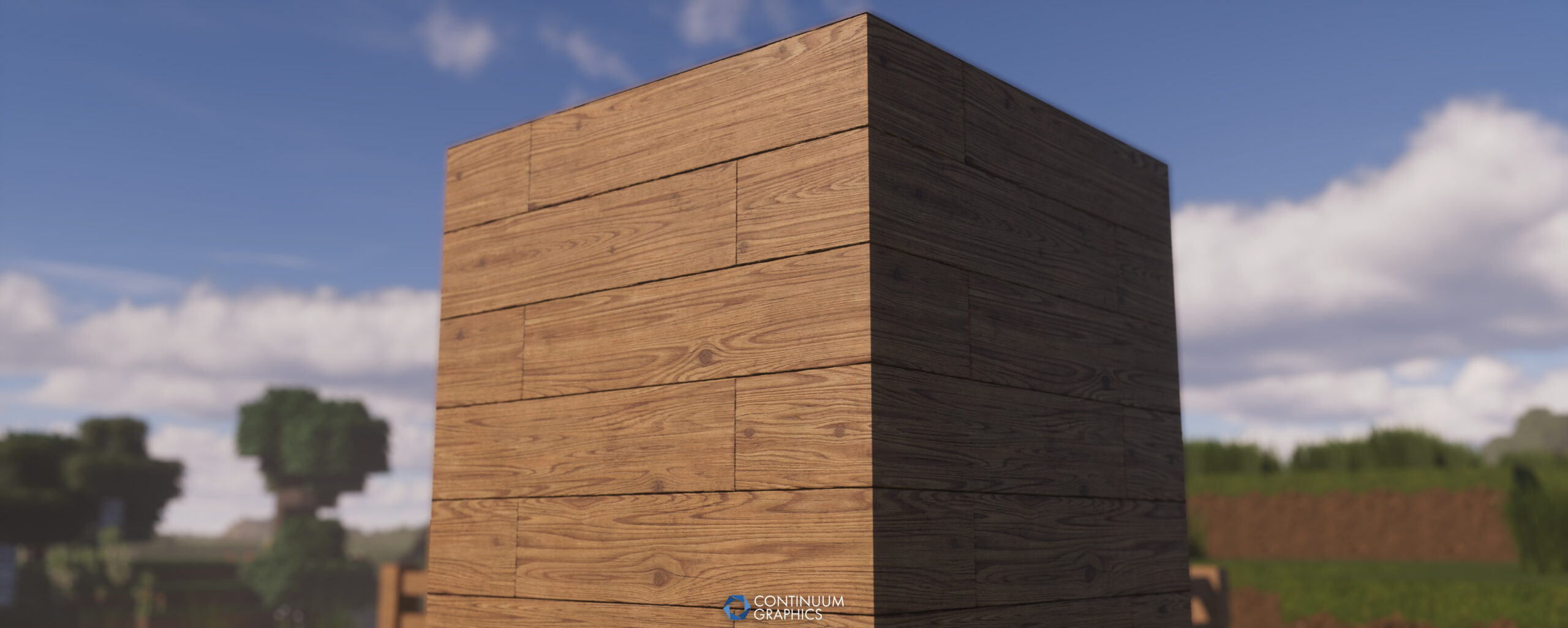
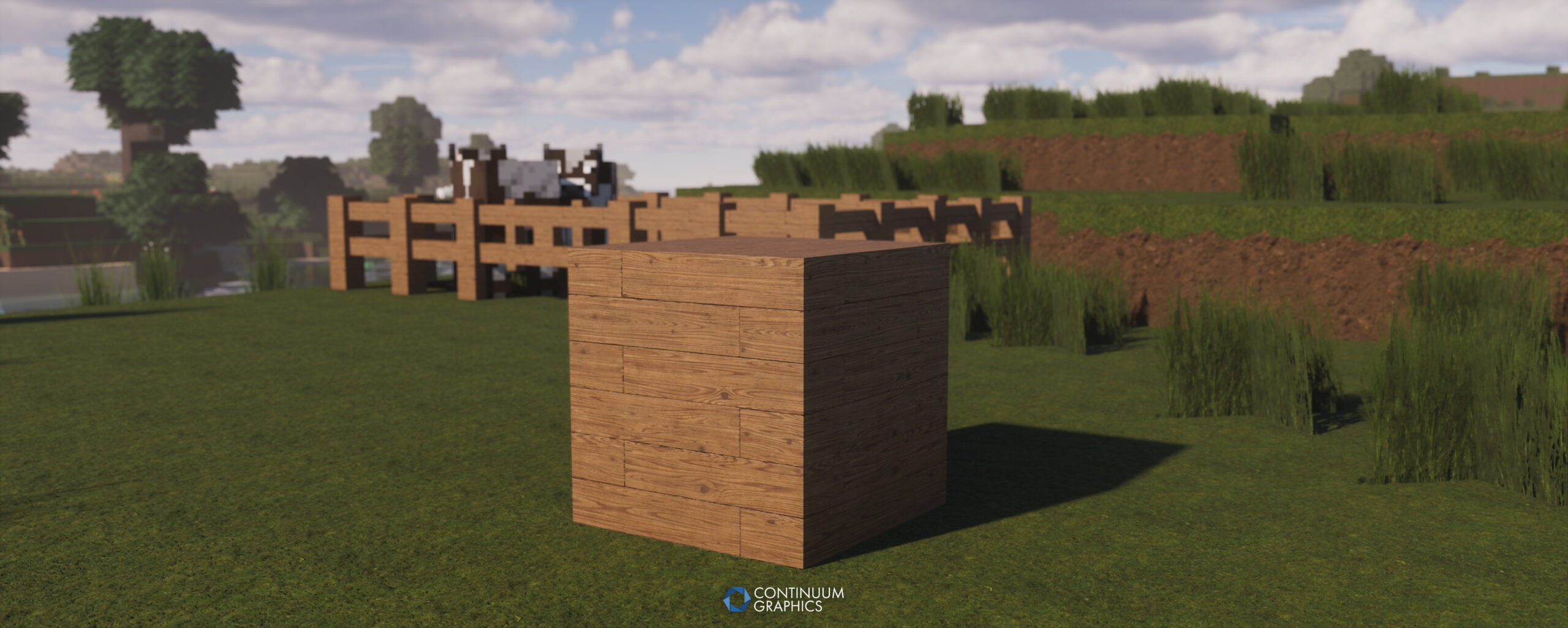
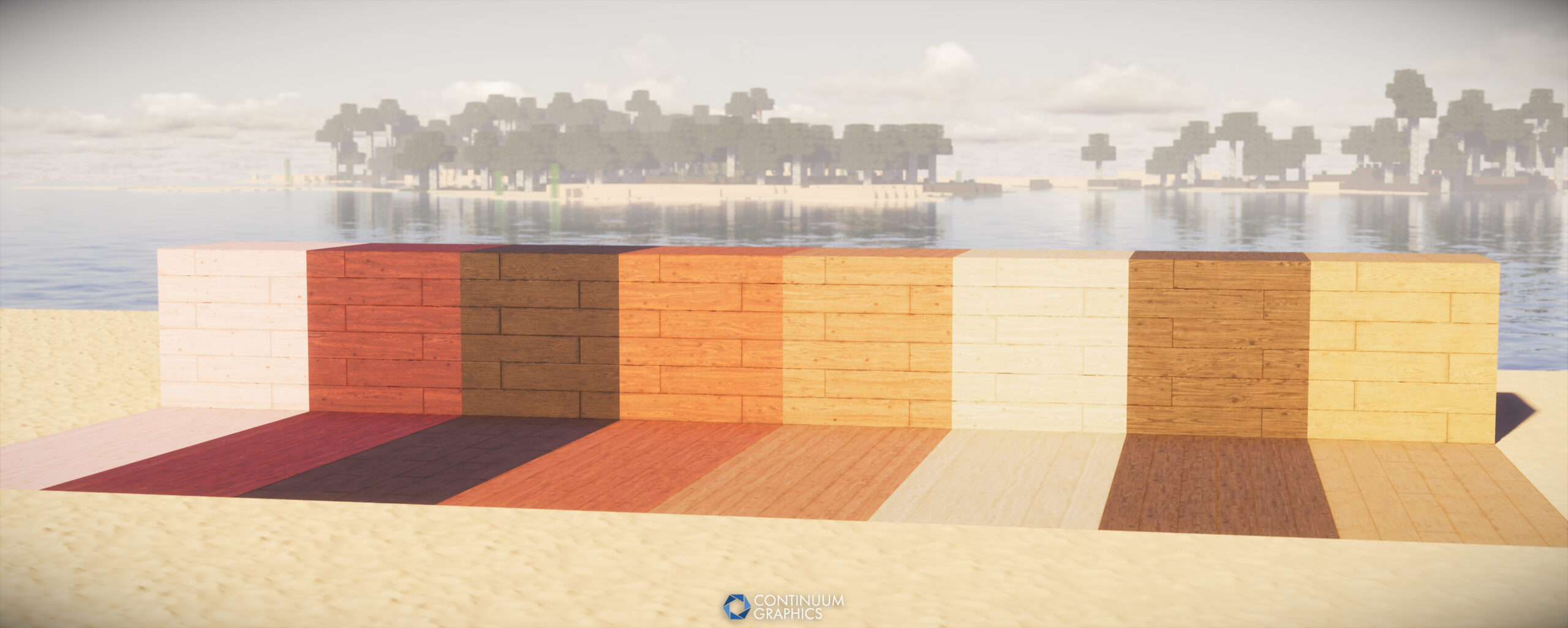
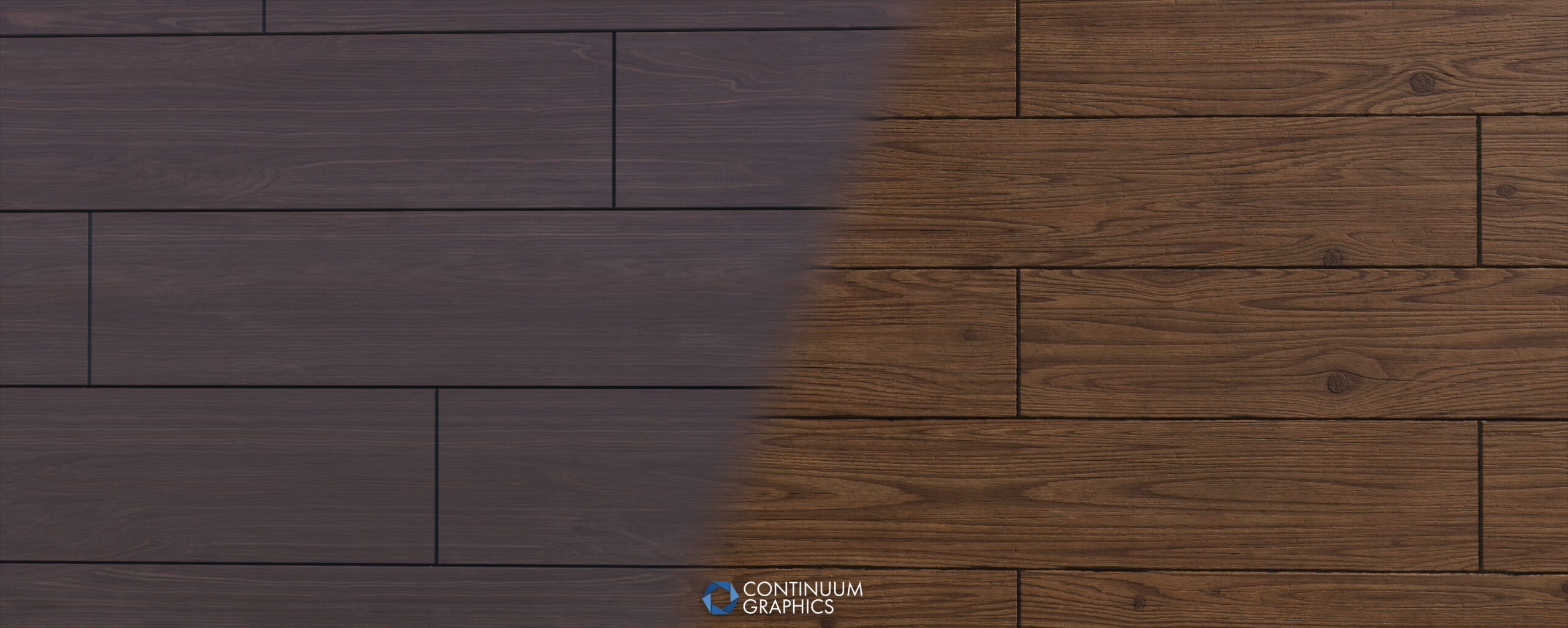
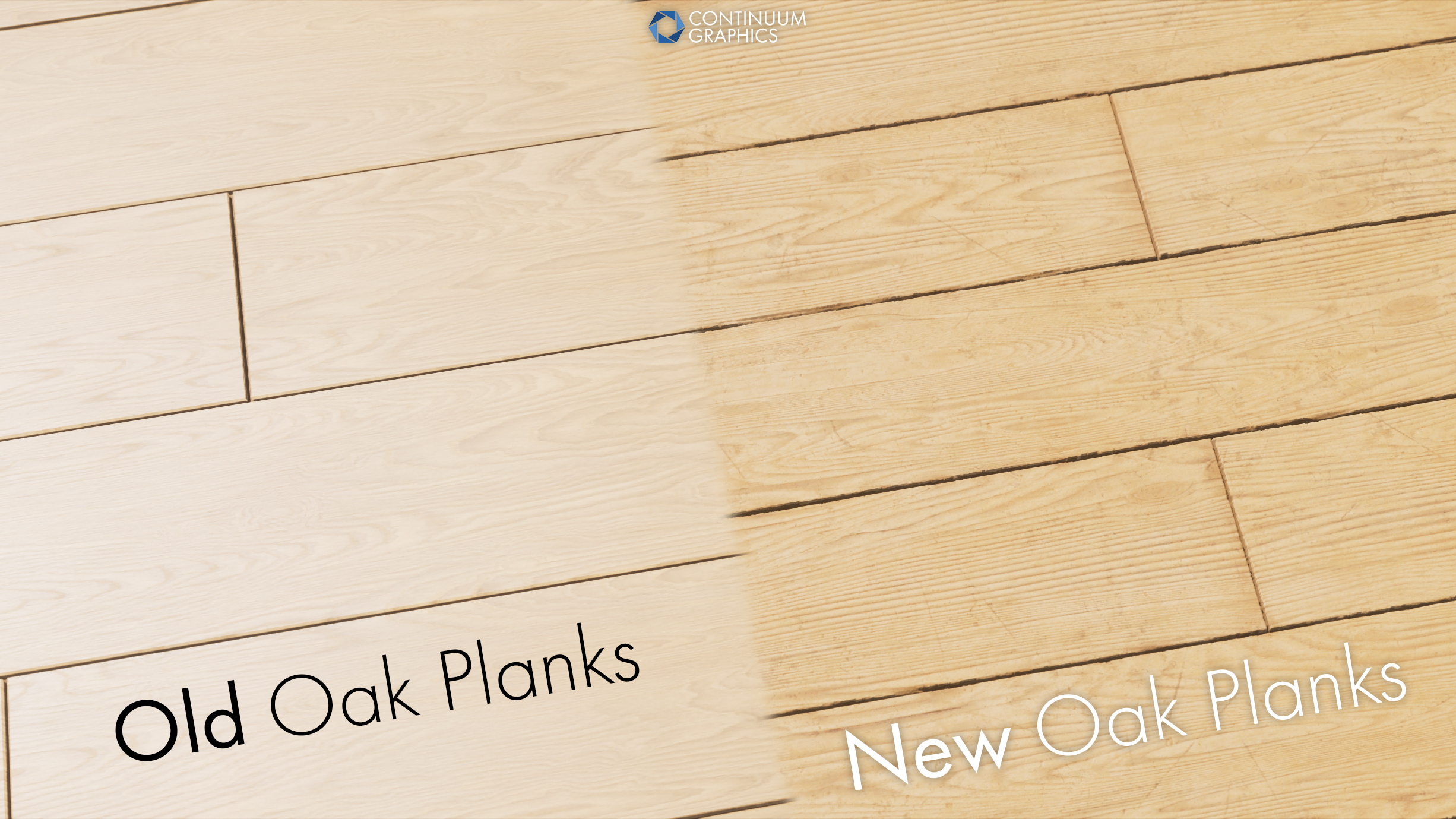
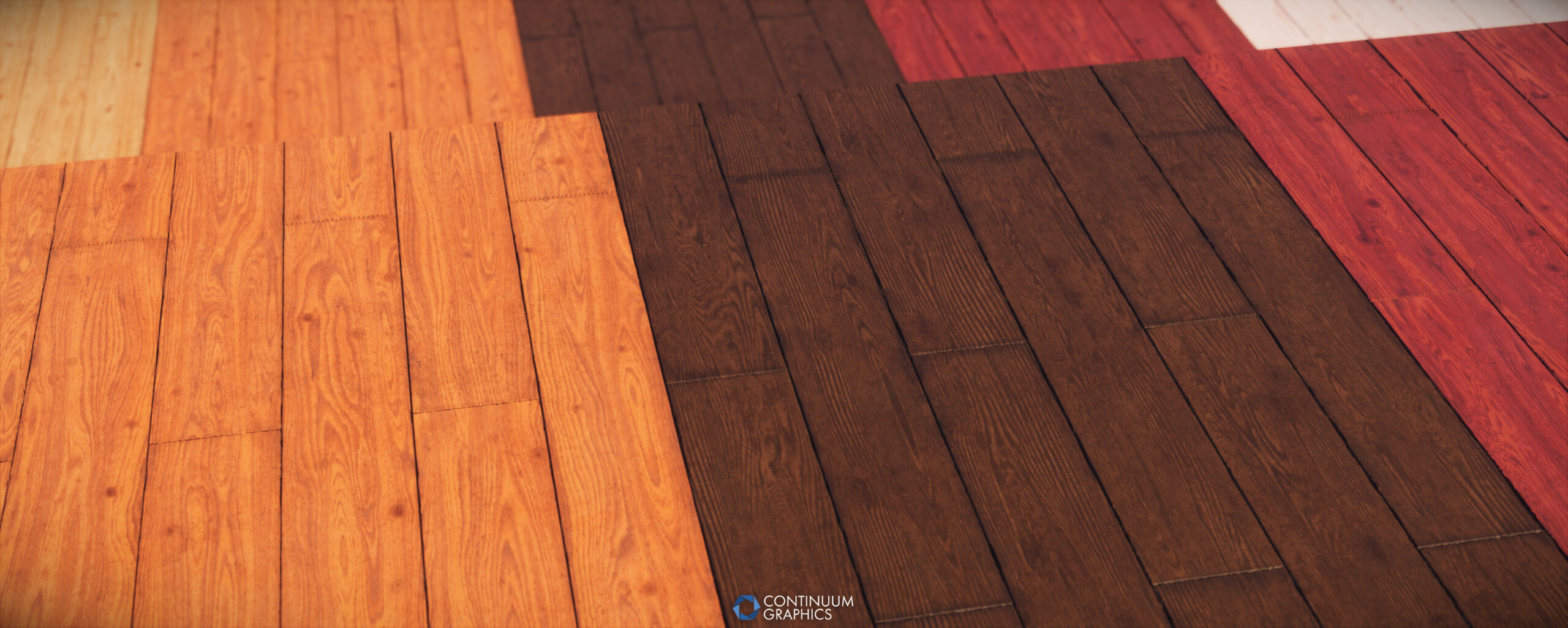
Despite melting my brain with all of the wood revisions / replacement stuff recently, I’m not actually done there yet. The warped and crimson planks will need a bit more love, and with colors better matched to vanilla (I did the new ones right after the oak, before everything else, so they’re currently just a quick modification of my more limited oak material graph, basically a placeholder). The other planks may get more iteration later on too, probably nothing big though as I’m mostly happy with how they turned out. Boats haven’t been touched on yet, but I do intend on doing so, was just too scared to deal with the wacky handling of the chest boat textures again and put them on the backburner.
Next I will be looking into giving the item frame its own unique texture, and to start on all the stained glass blocks that have been neglected for too long. In addition, I’ll be playing with log adjustments as the tops of those have also always been partly placeholders like the planks were, with the stripped logs not matching in the way I’d like and the bark not transitioning well. I don’t have much control over the inner wood of the log top so I was limited in what I could do at the time, don’t have access to the source graph for that part of the texture and will need to find a way to handle this better.
I may end up adjusting a few more old things along the way as I go through all this stuff if something happens to catch my eye that makes me irrationally annoyed, but that’s all I have planned shorter term. Thanks for reading!
In addition to the above, we also tested and verified Stratum (and it’s performance leaves addon) on Minecraft 1.21.8, so those of you that enjoy using it on the latest game version without being hassled by the games warning systems should be good to go once again!
Full update notes and screenshots are available below!
Stratum Build 54 Changelog:
Additions
- Beehive
- Honey Filled Beehive
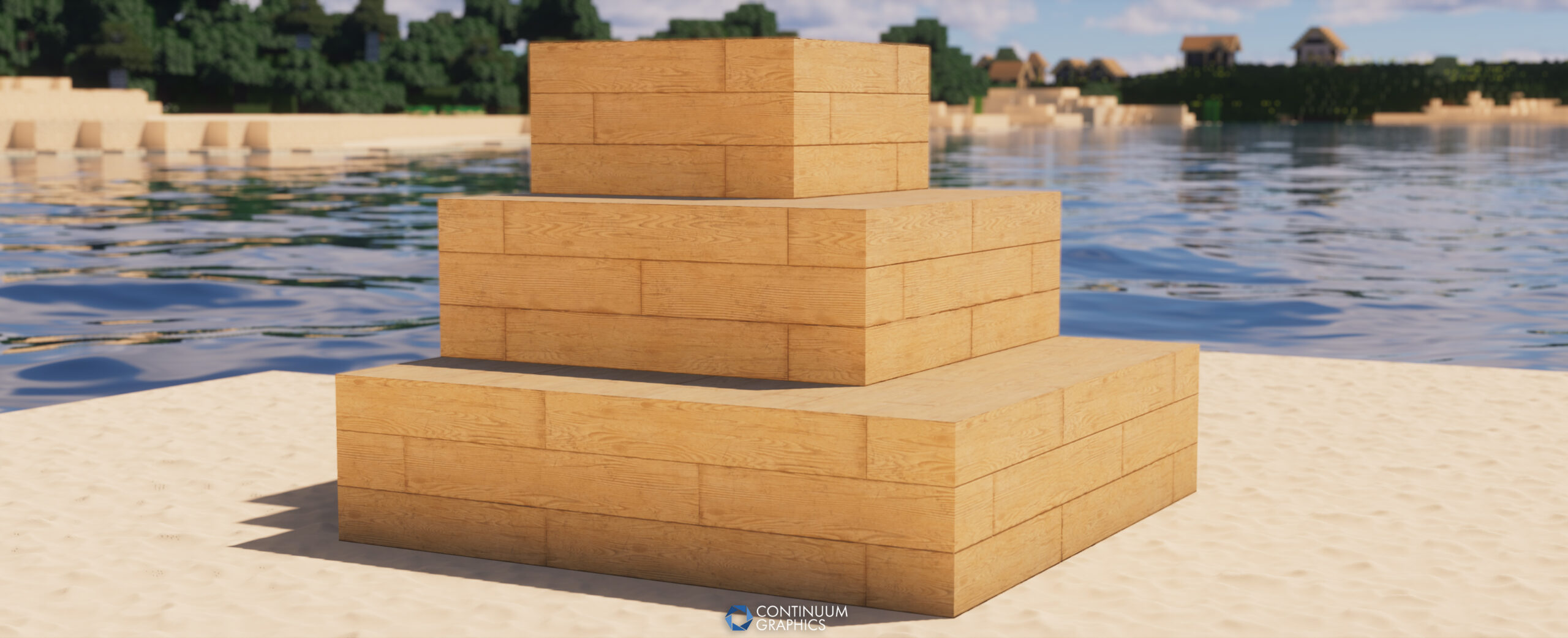
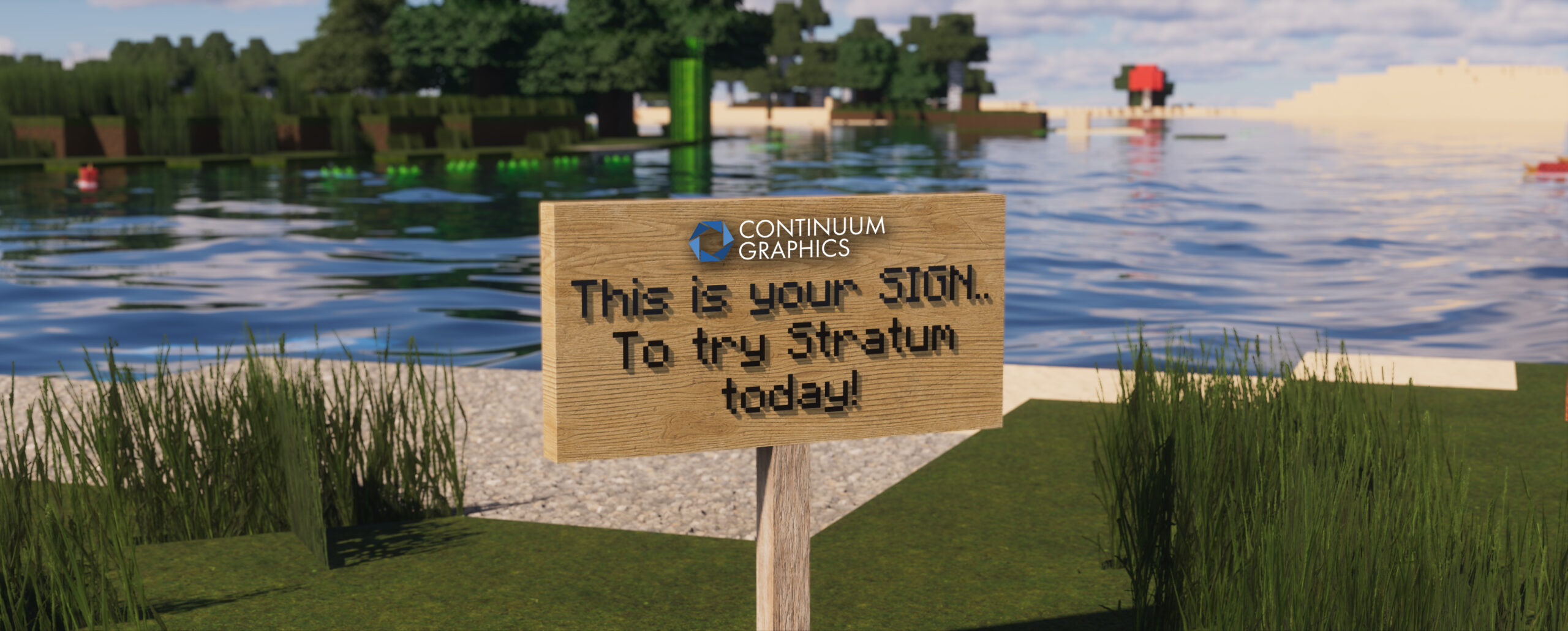
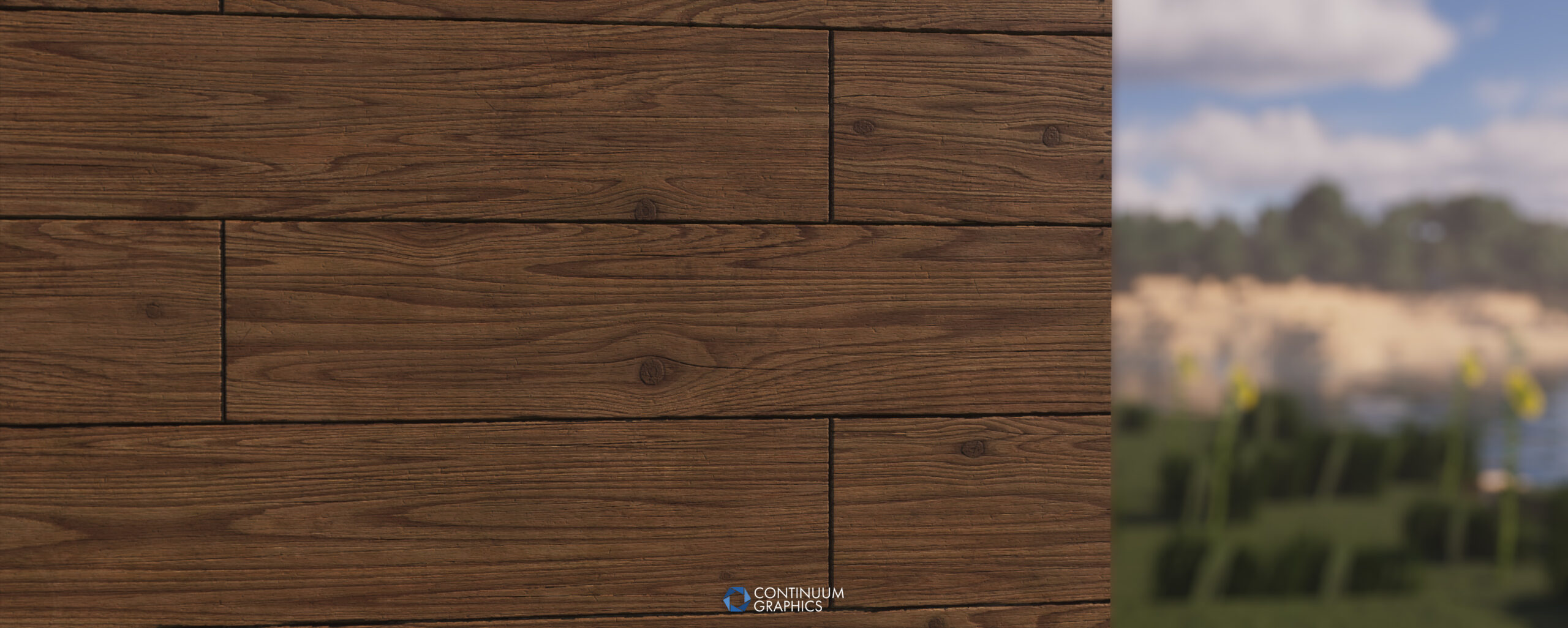
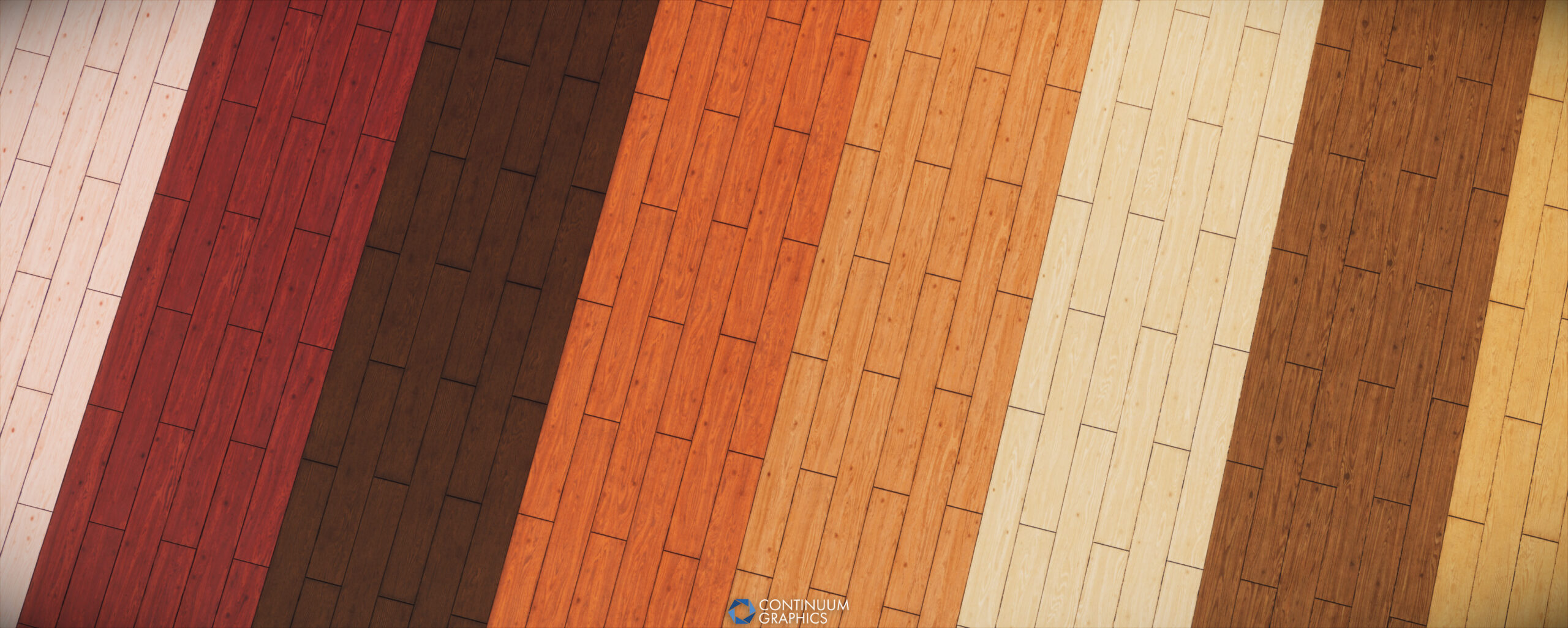
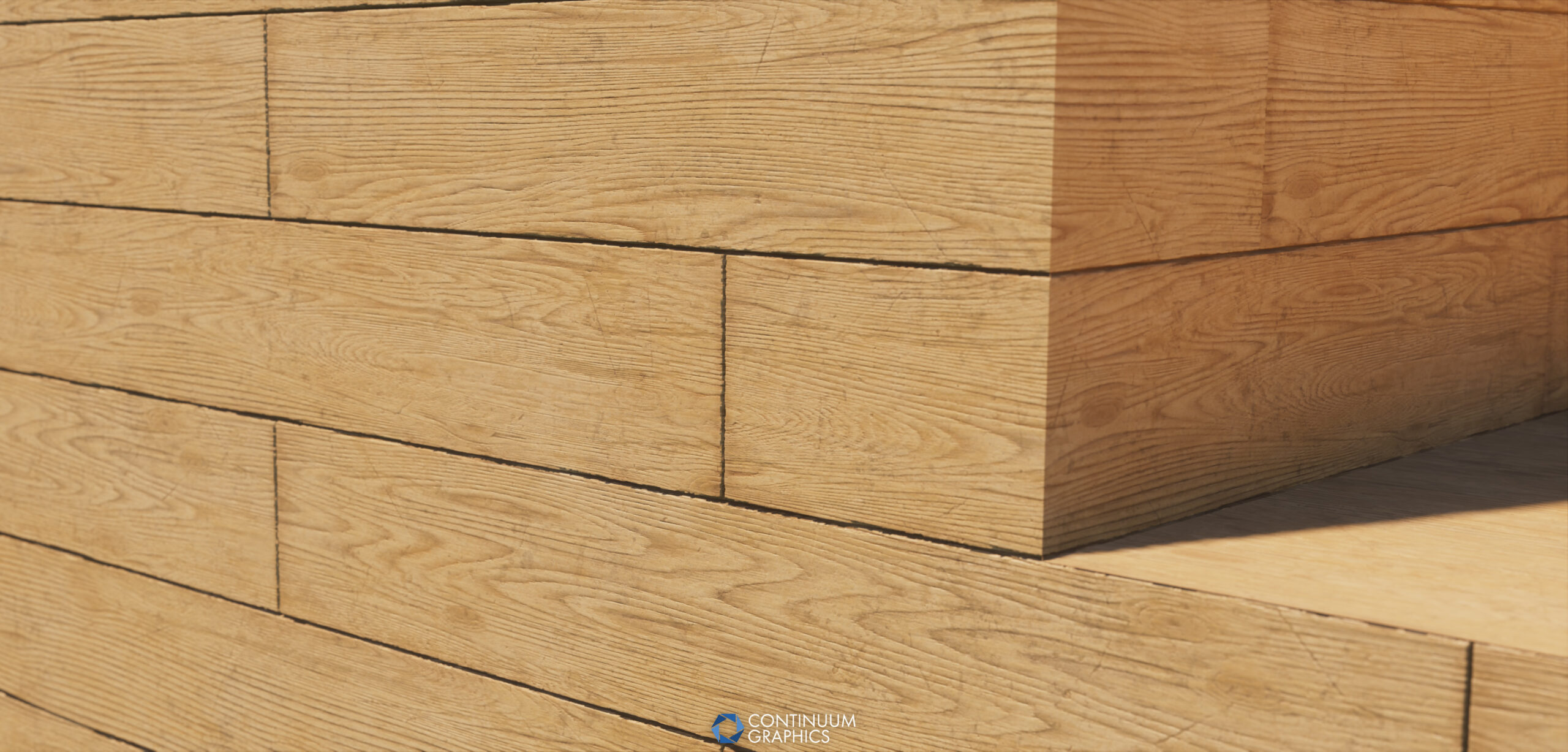
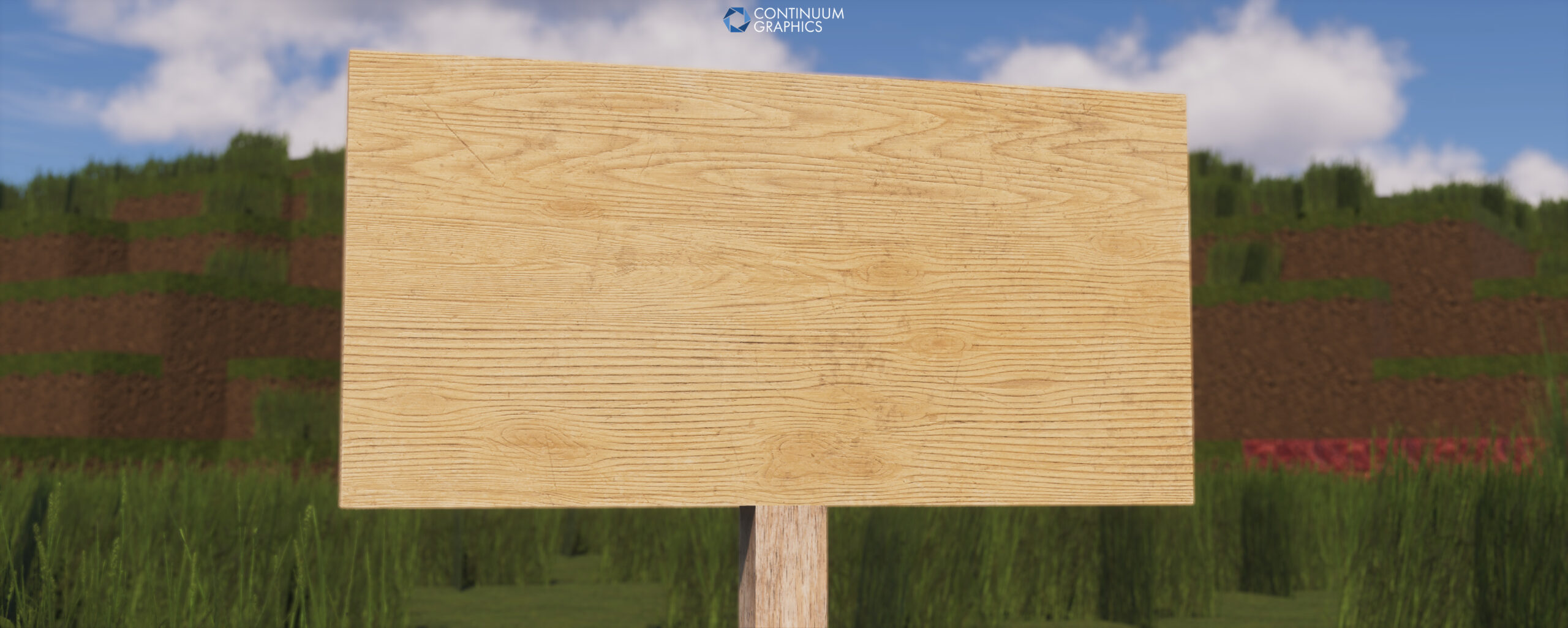
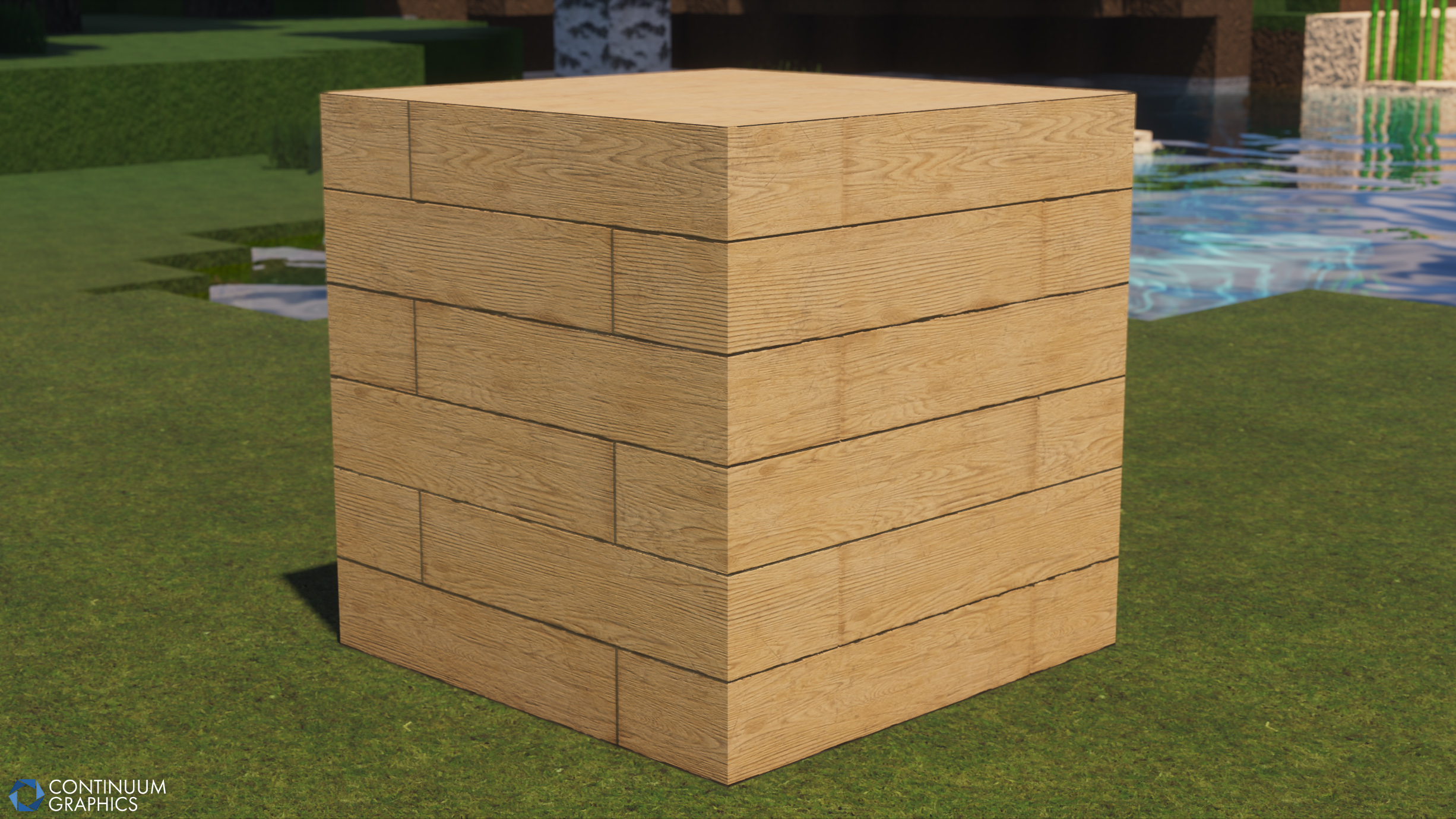
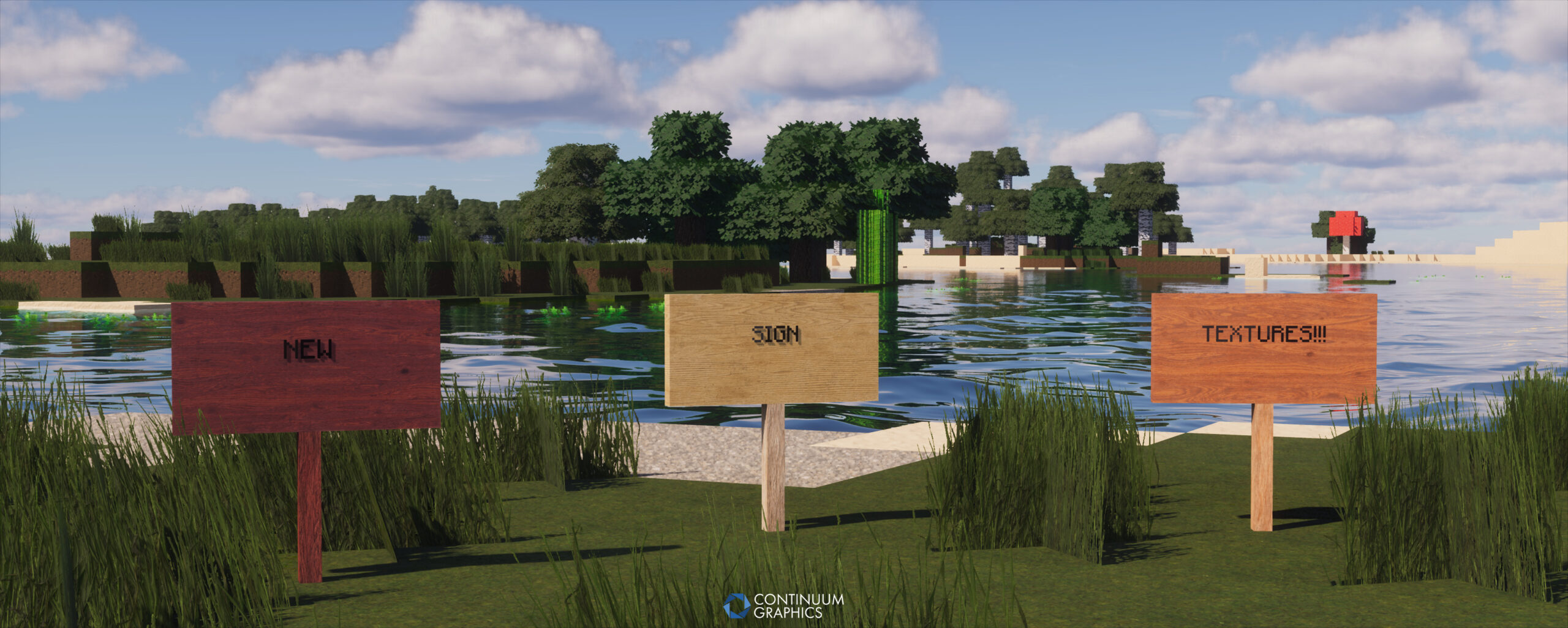
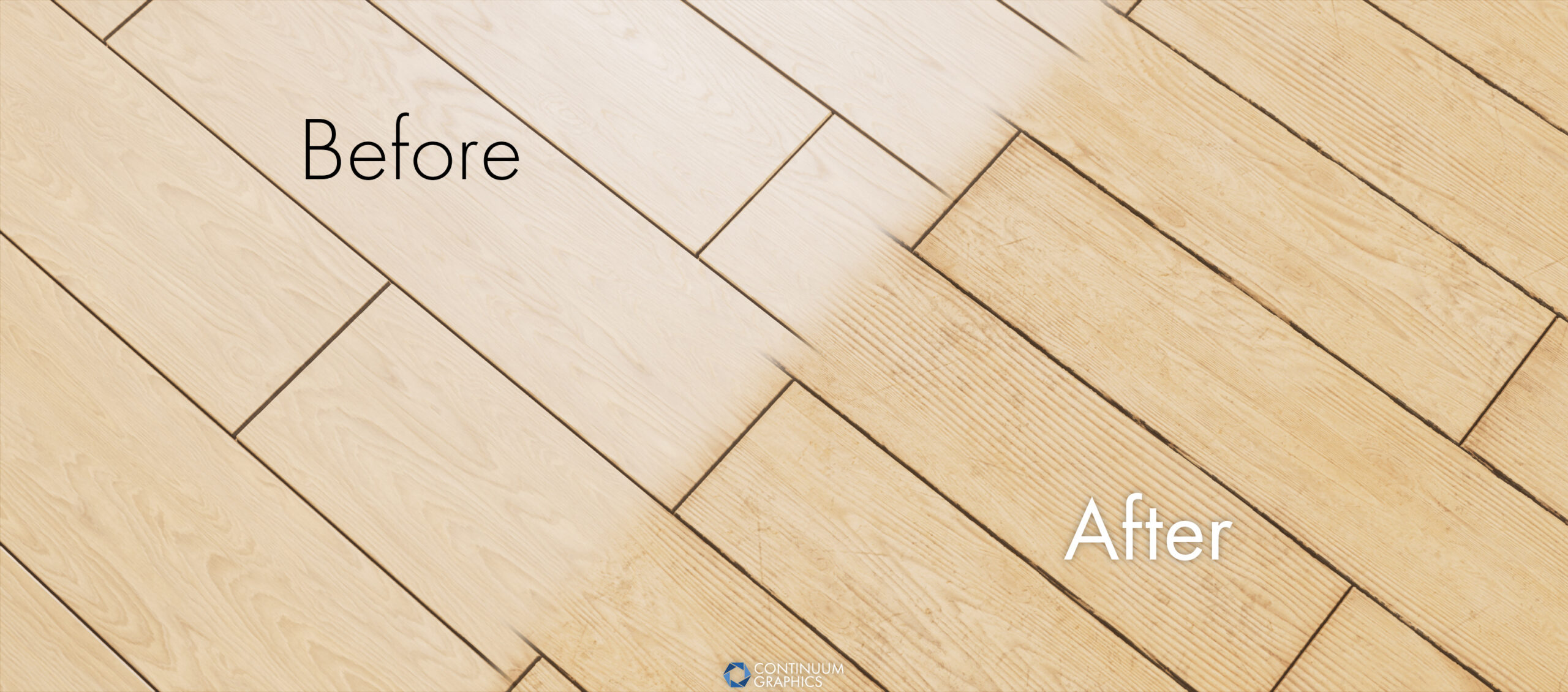
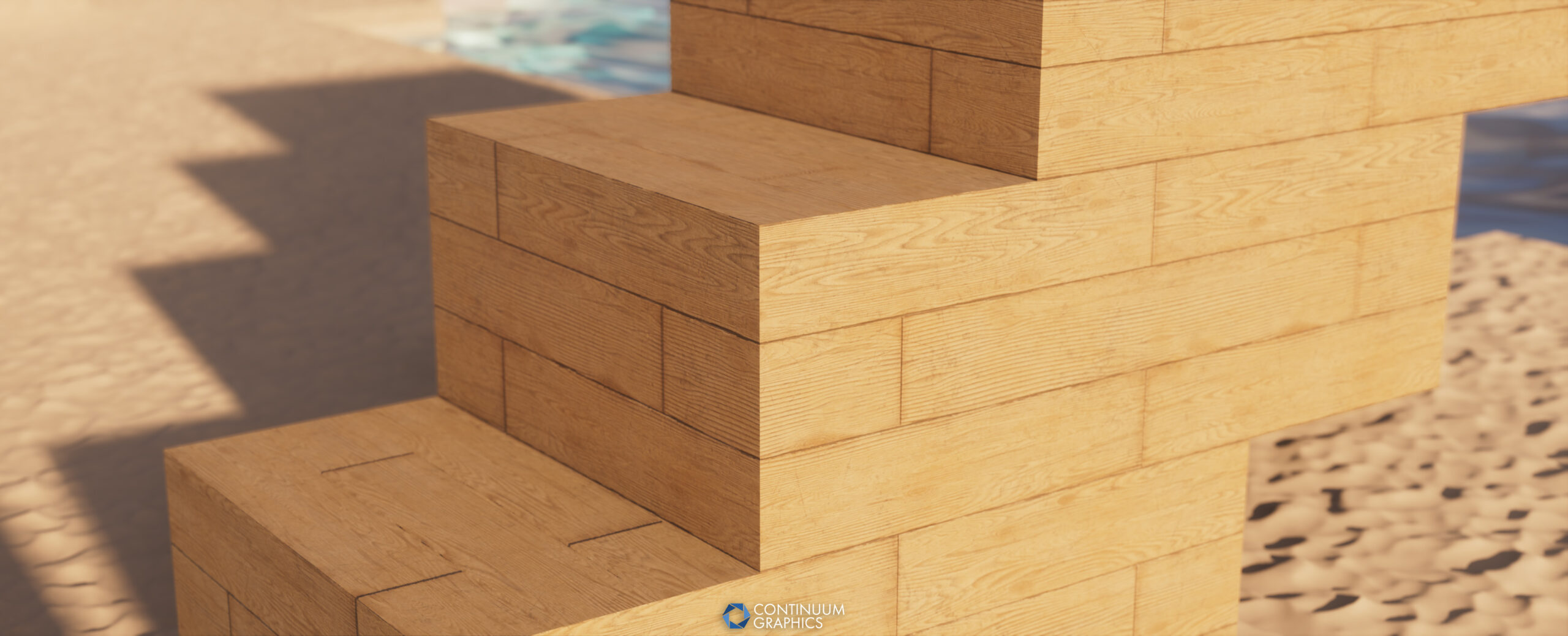
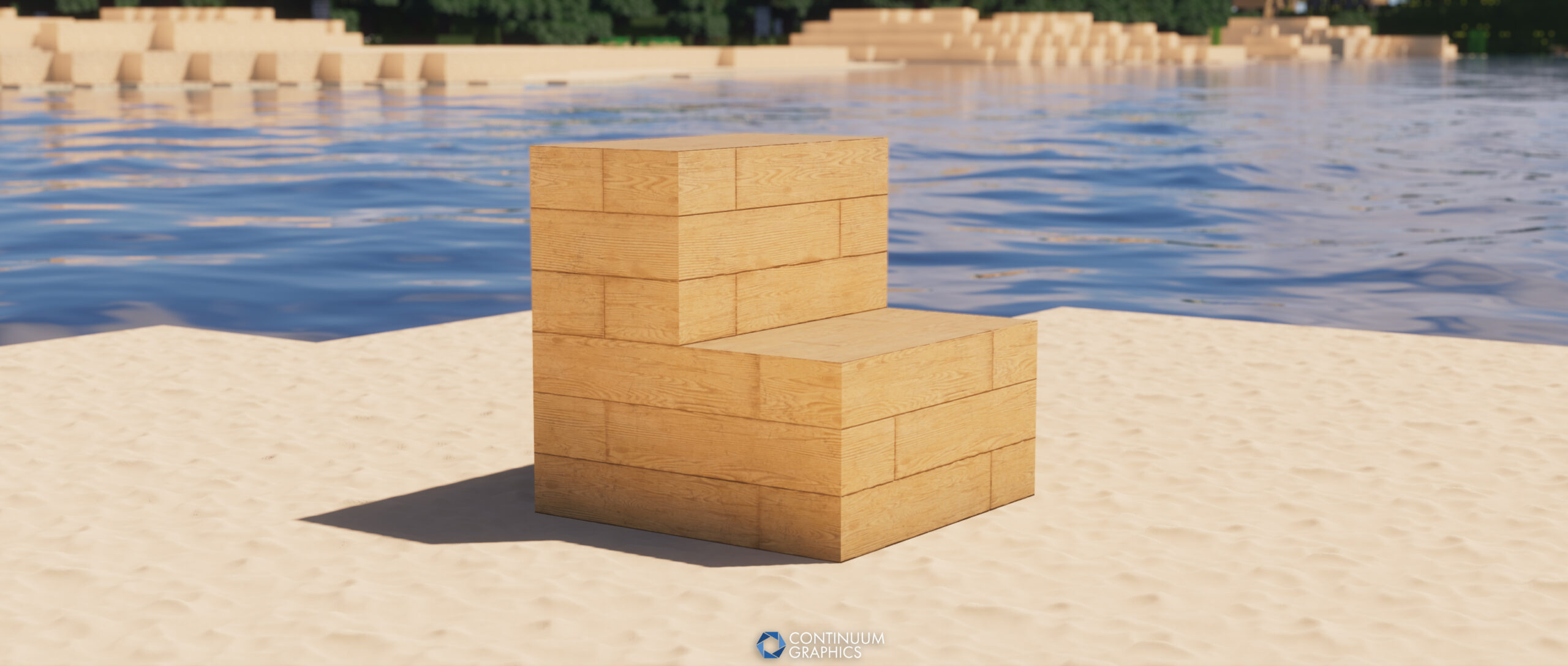
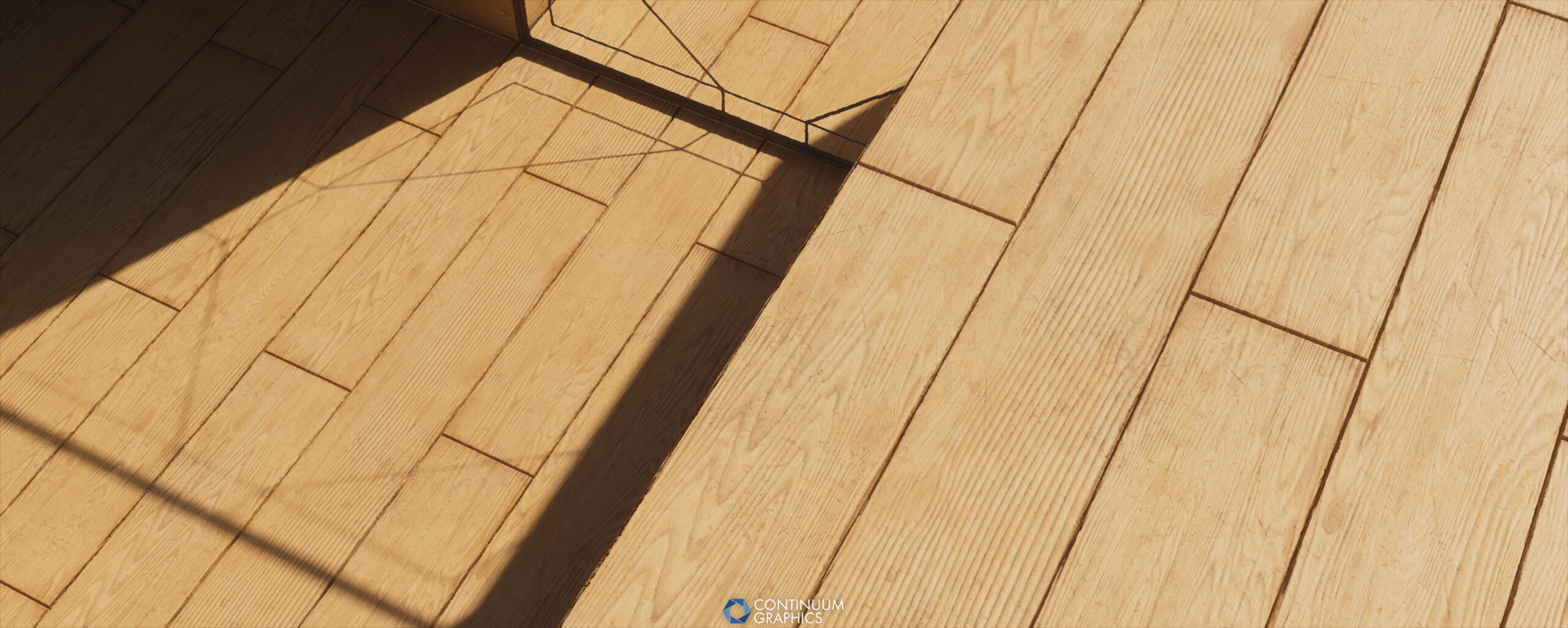
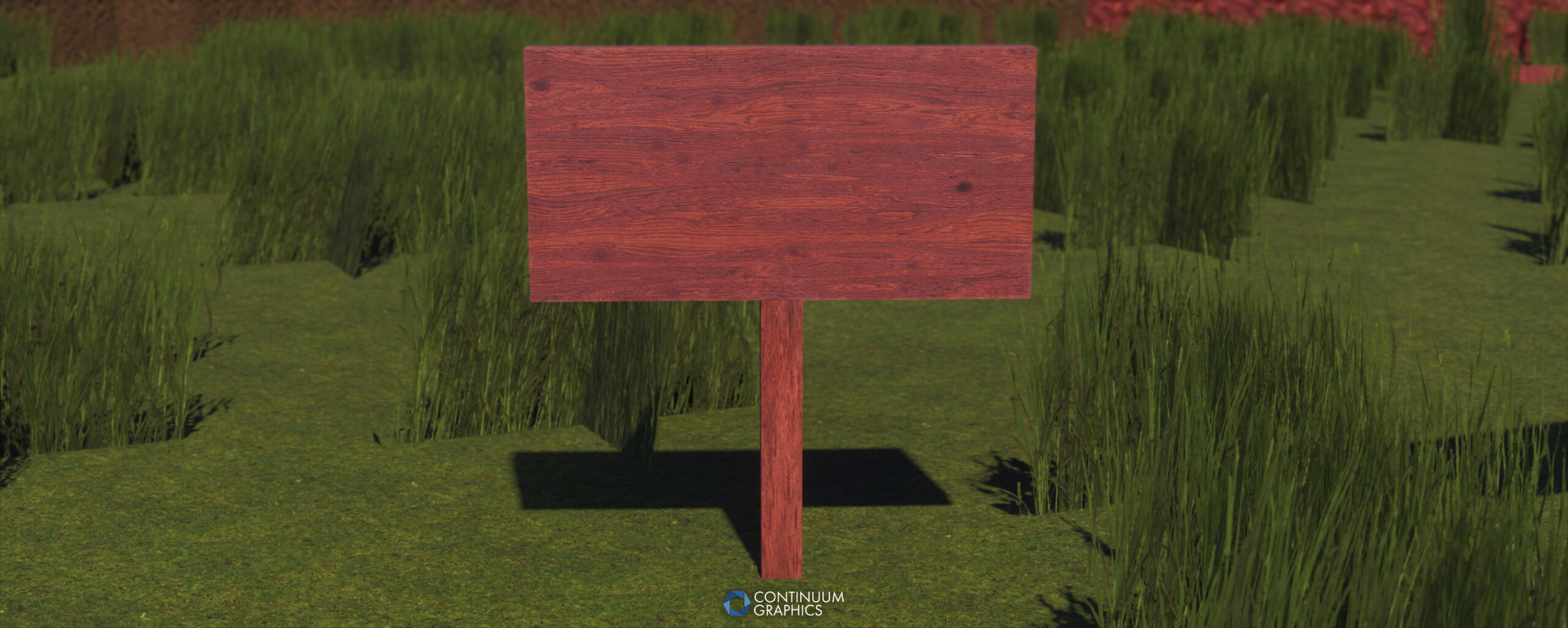
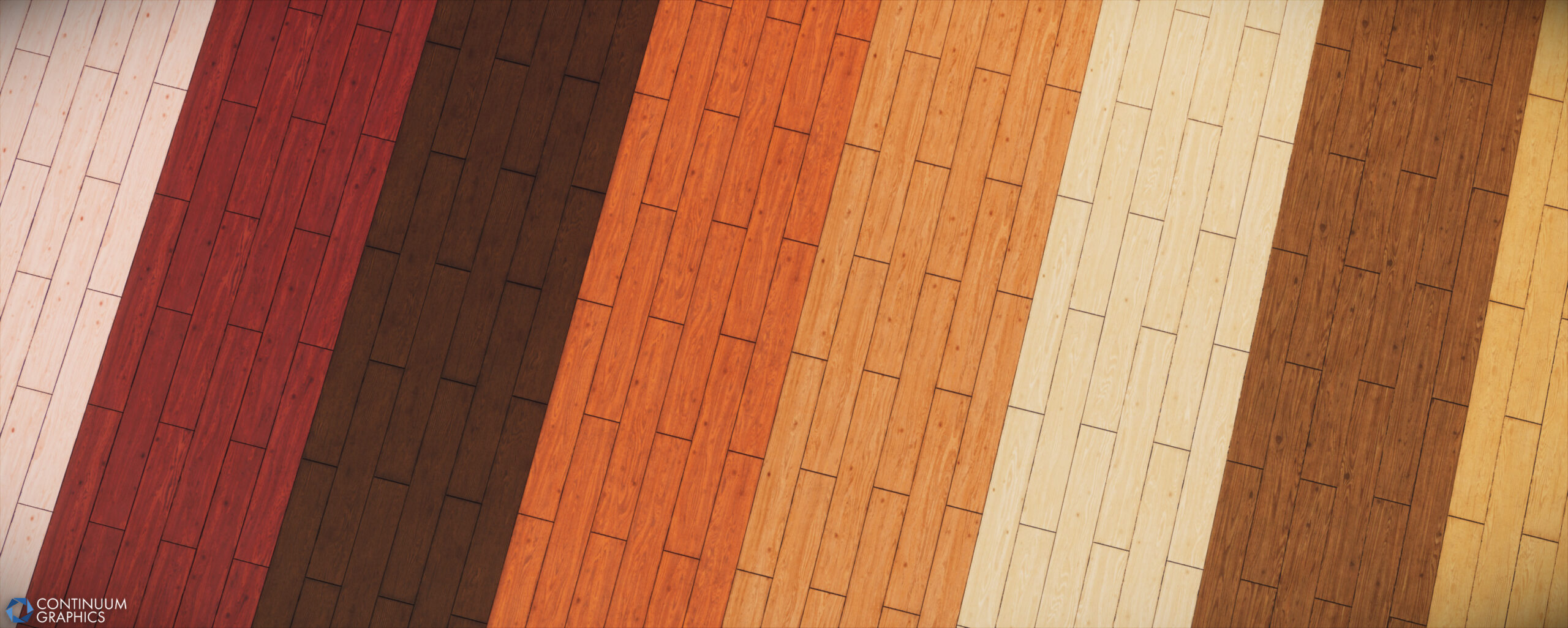
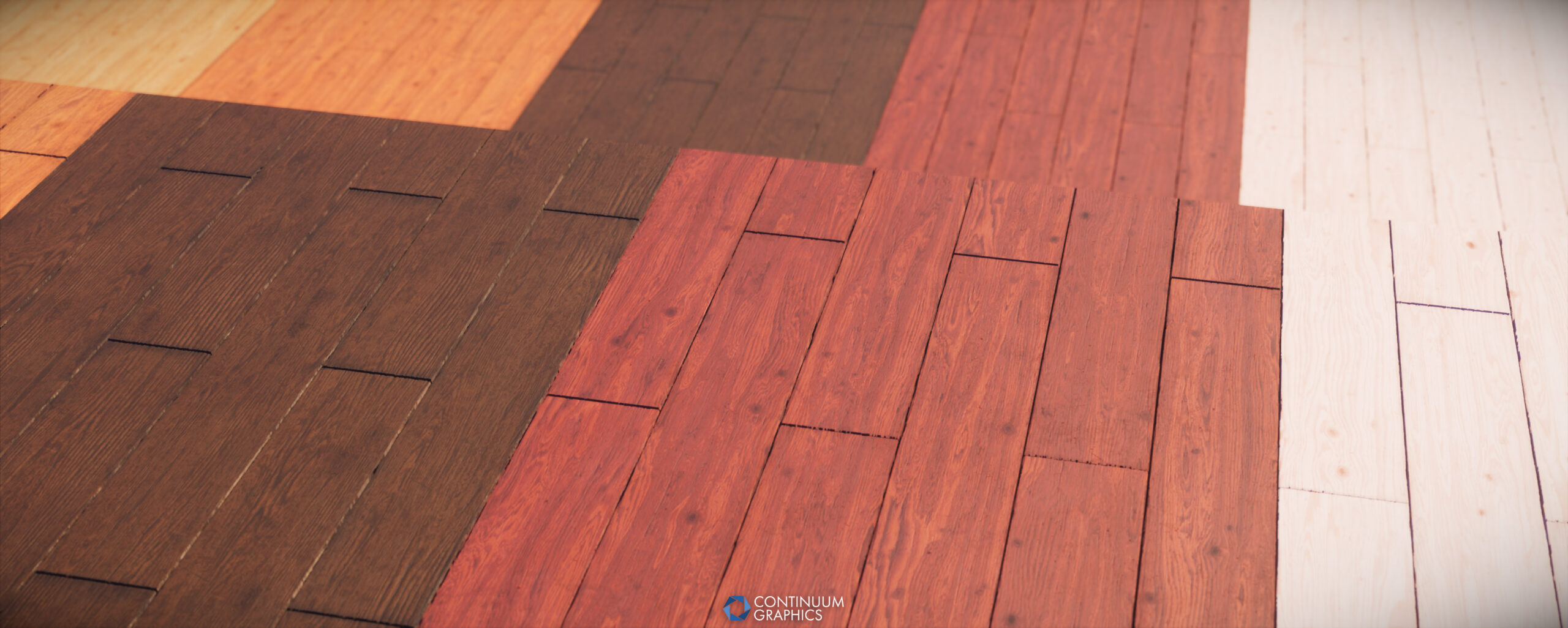
- ALL NEW Wooden Plank textures (Oak, Cherry, Mangrove, Dark Oak, Acacia, Jungle, Birch and Spruce) completely revamped to be up to our current standards
- These new Wood Plank textures are also applied to Buttons, Pressure Plates, Stairs, Slabs, Trapdoors, Doors, Signs, Fences and more
- Added UI textures to many of these blocks for the first time
- Last but not least, Diamond (item)
Tweaks / Fixes
- Adjusted Iron Door/Trapdoor to stay consistent with their wooden counterparts
- Increased Sign texture resolution
- Fixed an issue with our fire.mcmeta files that was breaking their animation on newer game versions
- Updated maximum pack version to 64 on both the main pack and performance leaves addon for official Minecraft 1.21.8 compatibility
Click an image below to enlarge and enable gallery view
This was quite the update drop for us, one of the biggest we’ve yet done. We hope everyone enjoys them, and as usual, thank you for your continued support! You enable us to continue to produce these updates and do what we love!
