



Things are heating up… (cus its Summer now, get it?)
Focal Engine / Shader team updates
DotModded’s health has thankfully remained stable. That said, we’re trying not to push it, so I haven’t pressed him for a statement again this month. Jake is also still deep into our work preparing shaders for Vulkan, as well as some other work we’re exploring that we’re not yet ready to talk about, so I’ve also opted to leave him to his work.
I know this isn’t an exciting update, but we’re pleased it’s at least not bad news again. With any luck, some of this work will get things back on track shader version support wise as well, though time will tell. We’re hopeful though. I’ll also be seeing about getting a few teasers out soon, but I’m not yet sure what we’ll be able to show short term.
As always though, thanks for your understanding and support. Been a bit of a rough go the last year or so, but the community has helped keep us going <3
Stratum
Another big month for Stratum! All the updates we showed off in last months blog, including our first mob texture with the Shulker, and more were finally released for you all to enjoy!
This update did land a few days late, unfortunately, but the delay was likely worth it, as we spent a bit of extra time fixing some bugs in our downscaler that were severely affecting our revised MC 26.1 and newer support. Also found a few textures we had missed in general when updating to the games newer cutout ‘format’ and verified backwards compatibility of these changes.
It was quite the ordeal…and we wish Mojang had done some things differently here (particularly in communicating these changes), but it should be sorted now! I’ll defer to Mythical to dig into all this in more detail though, so for those of you that love when we really start yapping…enjoy!
Mythical here again; Apparently Jake has given me an easy win in the yap competition this time, he didn’t even show up to the fight! While I don’t have anything juicy to tease today, there were still some things worth mentioning that I may end up rambling on about way more than needed as I usually do. The update delay and downscaler debacle is a good place to begin I think.
To start with some context for below, the way most Minecraft versions deal with “cutout” textures (like plants and leaves) is by simply discarding any pixel at/below 10% opacity and forcing full opacity above that (Can’t remember the exact condition but this is close enough to get the idea).
Mojang has recently sprung a “small” update to the way they do cutout textures in new versions, a new resourcepack feature where any semi-transparent pixel in a texture will tell that face to be rendered in the transparency pass. The way our downscaler does things for the base texture (not the normal or specular) is it uses box scaling and a slight sharpen on each channel equally (including the alpha), you can probably guess where this is going. The result was a giant mess when using Stratum with a shaderpack in version 26.2, all cutout block/plant textures had substantial semi-transparent pixels causing many visual issues and inconsistencies in the shaderpack. A couple examples of issues being face culling getting destroyed (performance went out the window) and some things also becoming completely invisible.
The main 2048×2048 Stratum wasn’t safe either, as while it wasn’t affected by the downscaler filtering it did have some flawed textures that I forgot to fix the alpha mask for a while ago. It was a lot of plants since I did most older ones in Photoshop and never attempted any extra processing on the scan’s opacity mask, leaving a lot of semi-transparent pixels on edges that would normally just get handled by the game but not in a good way now. Newer stuff (like from at least the last couple years or so) generally didn’t have this issue with 2048 as I’ve since been a lot more careful of how the opacity masks look before getting to the game and make sure they are only binary 0-255 alpha for anything in the cutout pass. There were however some new ones that did slip through, glass somehow had basically a single hidden semi-transparent pixel and door tops had some slight blurring in the holes from the shape transforms where I forgot to set their filtering to “nearest” as opposed to the default bilinear. To be honest I had for some reason assumed I already fixed a lot of the 2048 opacity masks prior, so in a way I’m glad this reminded me that I in fact did not. I’m not happy that this was needed at all though, as this also heavily hurts older resourcepacks that aren’t lucky enough to still be maintained and fixed if the same issues are present (making those resourcepacks entirely unusable with shaderpacks post-26.2). Mojang really should have made this resourcepack feature opt-in, it’s quite disruptive with shaders and could even be problematic without them but I haven’t spent time looking into that side of it.
This was why the Stratum update was delayed the amount of time that it was, we did not realize how bad it got hit in new versions until late. Now after all the headaches are over (for now), the downscaler is much improved so that it roughly does what Minecraft did ingame before but without actually relying on the game to keep doing that. After the mentioned box + sharpen filter, it then does the 10% alpha check/thresholding and only if it doesn’t detect any existing semi-transparent pixels in the source 2048 texture that it’s scaling (this prevents stuff like stained glass and ice from getting destroyed since those semi-transparent pixels are intentional).
There are some other unrelated issues that I caught way too late for full 26.2 support, beds split into multiple textures and got moved to the blocks texture folder so I’m going to need to look into that for next time as they’re unfortunately untextured in that version because of this. I might be able to do some modifications to the bed model’s texture UV layout and point the faces to the current entity textures, so that I don’t have to shove a large amount of redundant split bed textures into the pack that I’d have to re-split each time I modify the current beds. Another issue is that the GUI display model for dark oak leaves is falling back to default for some reason, but it does work fine in the world so it wasn’t urgent for the recent Stratum update at least.
Okay, now for some texture-specific stuff. In relation to opacity masks, here’s a way of doing one in Substance Designer where you can control the threshold of when pixel clusters are too small and remove them (helps with floating pixels):
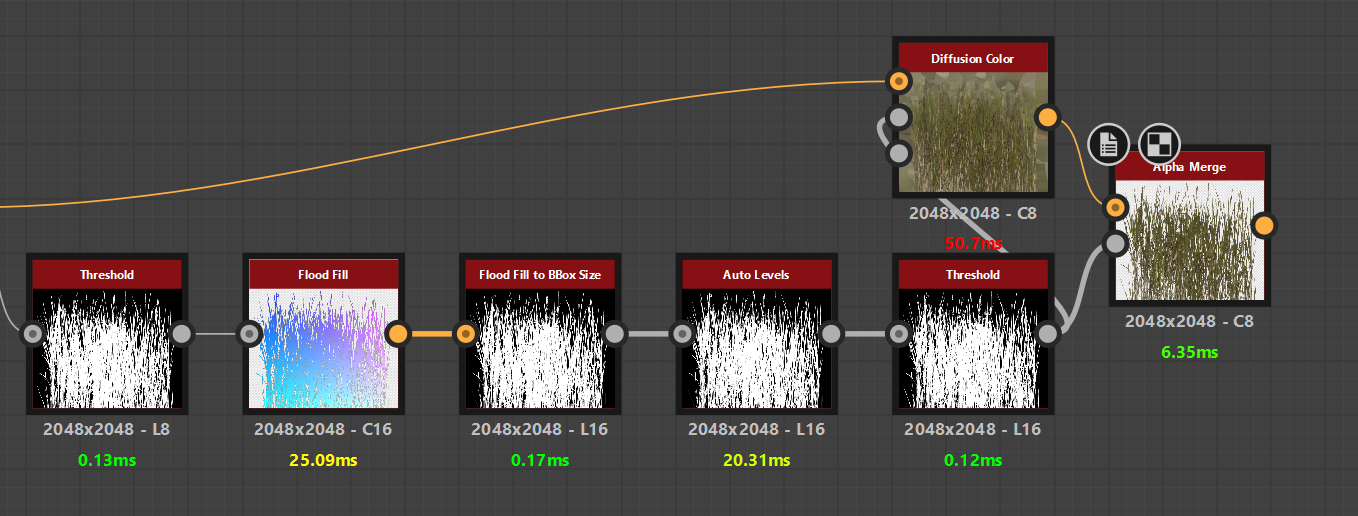
Depending on the shape detection of the input, you may have to play around with flood fill’s “safety/speed trade-off” setting. Auto-leveling a “Flood Fill to BBox Size” makes sure the largest shape reaches full white, which you can then plug into a threshold node to control when a continuous cluster of pixels is too small and remove them. The diffusion node on the color is just to be sure it has pixel padding outside the opacity mask for preventing any potential edge case color quirks from mipmapping or downscaling.
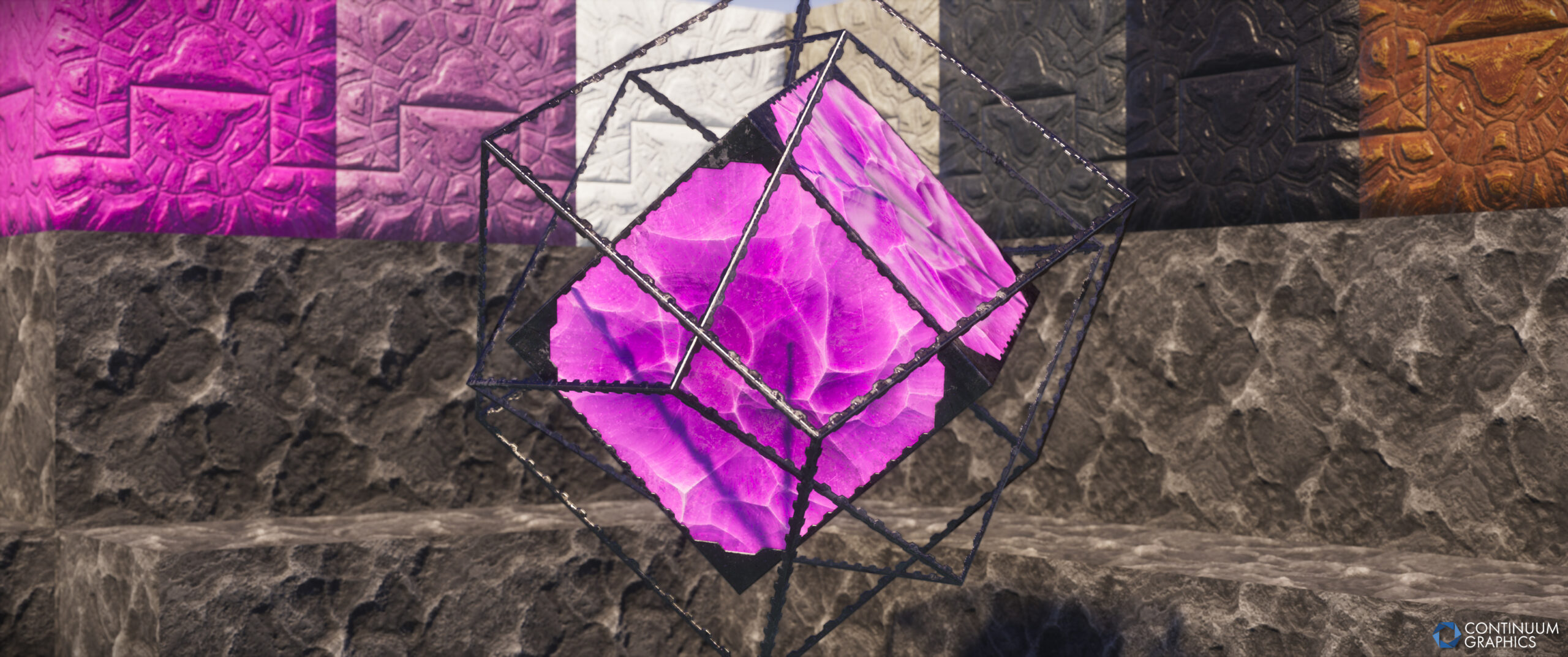
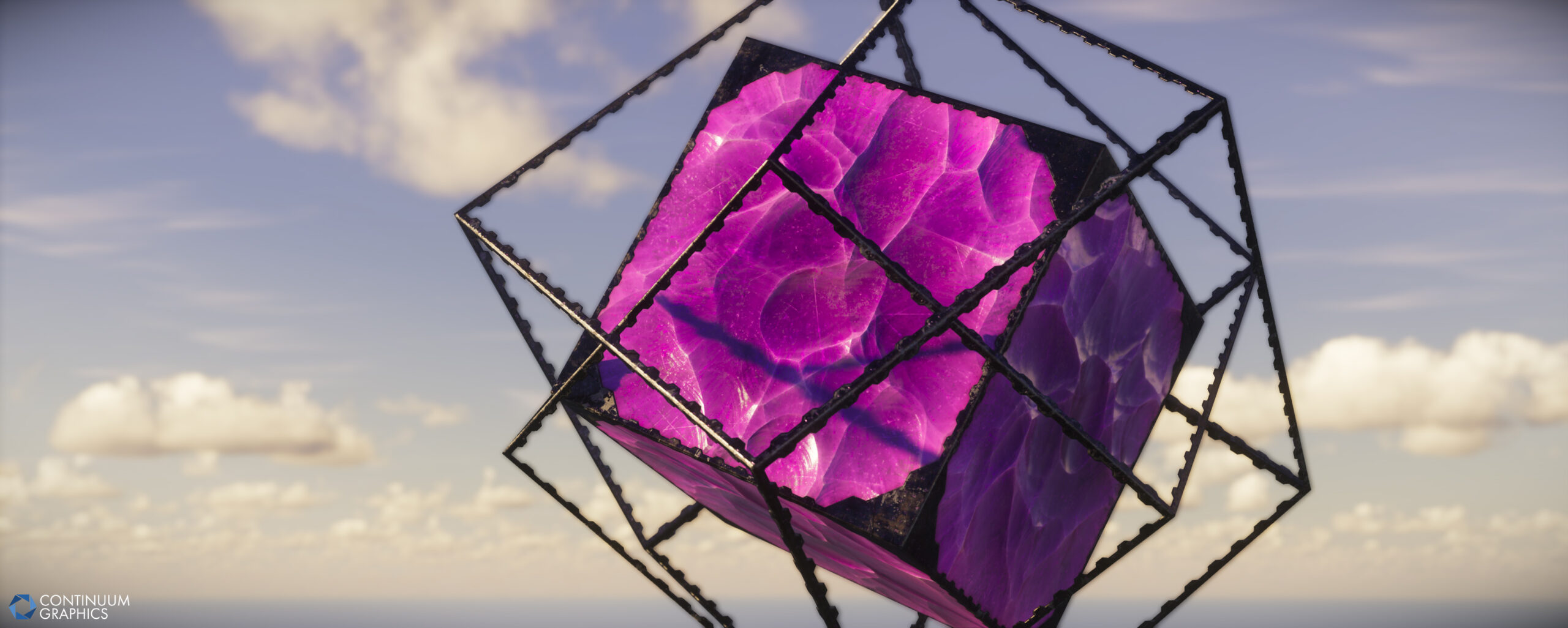
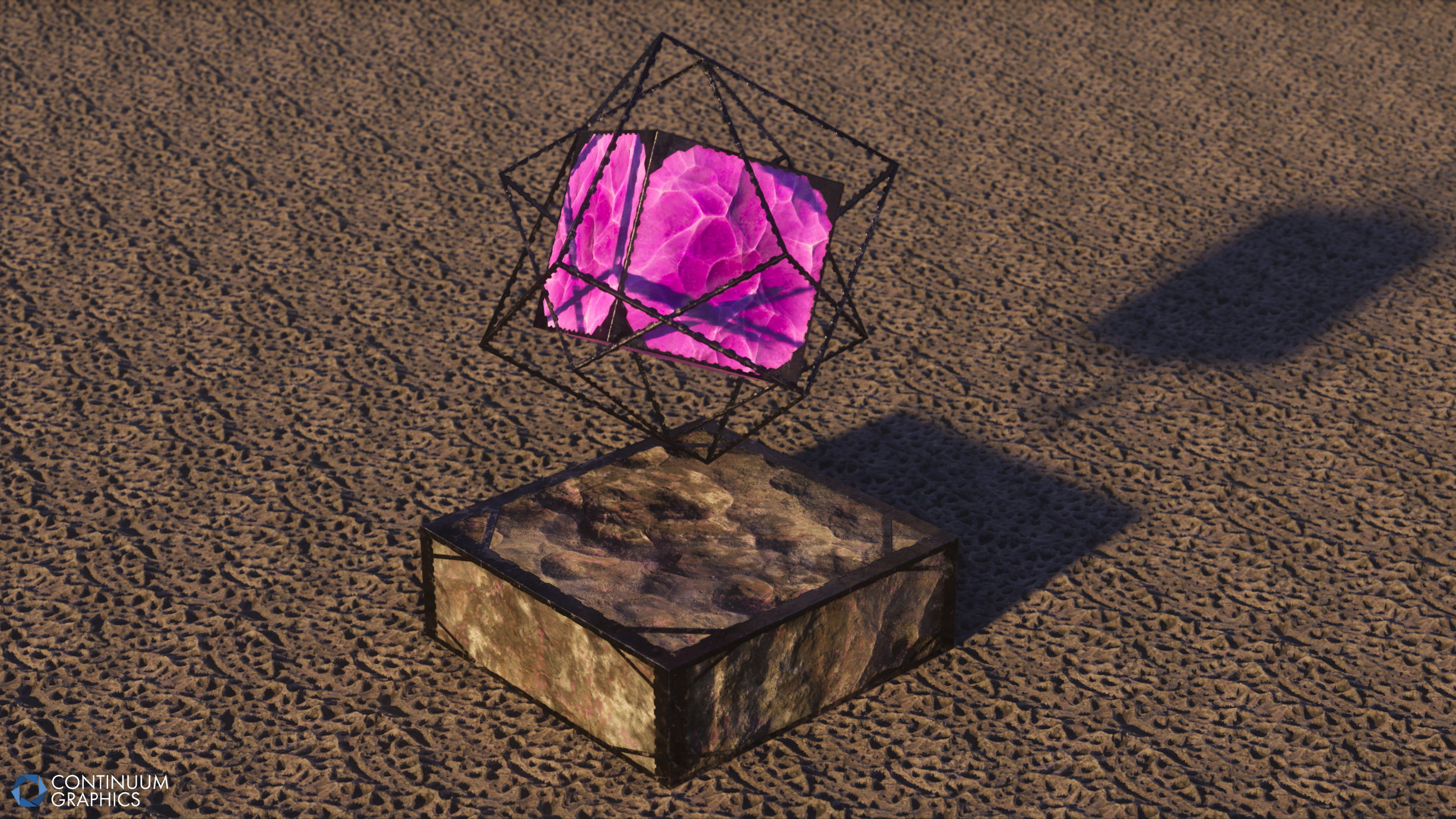
I’ve also been continuing to tweak the other crystal variant for the end crystal that was shown prior since I’m not fully happy with the current and would like to replace it, here’s a basic render of what it looks like on the model right now in Substance painter:
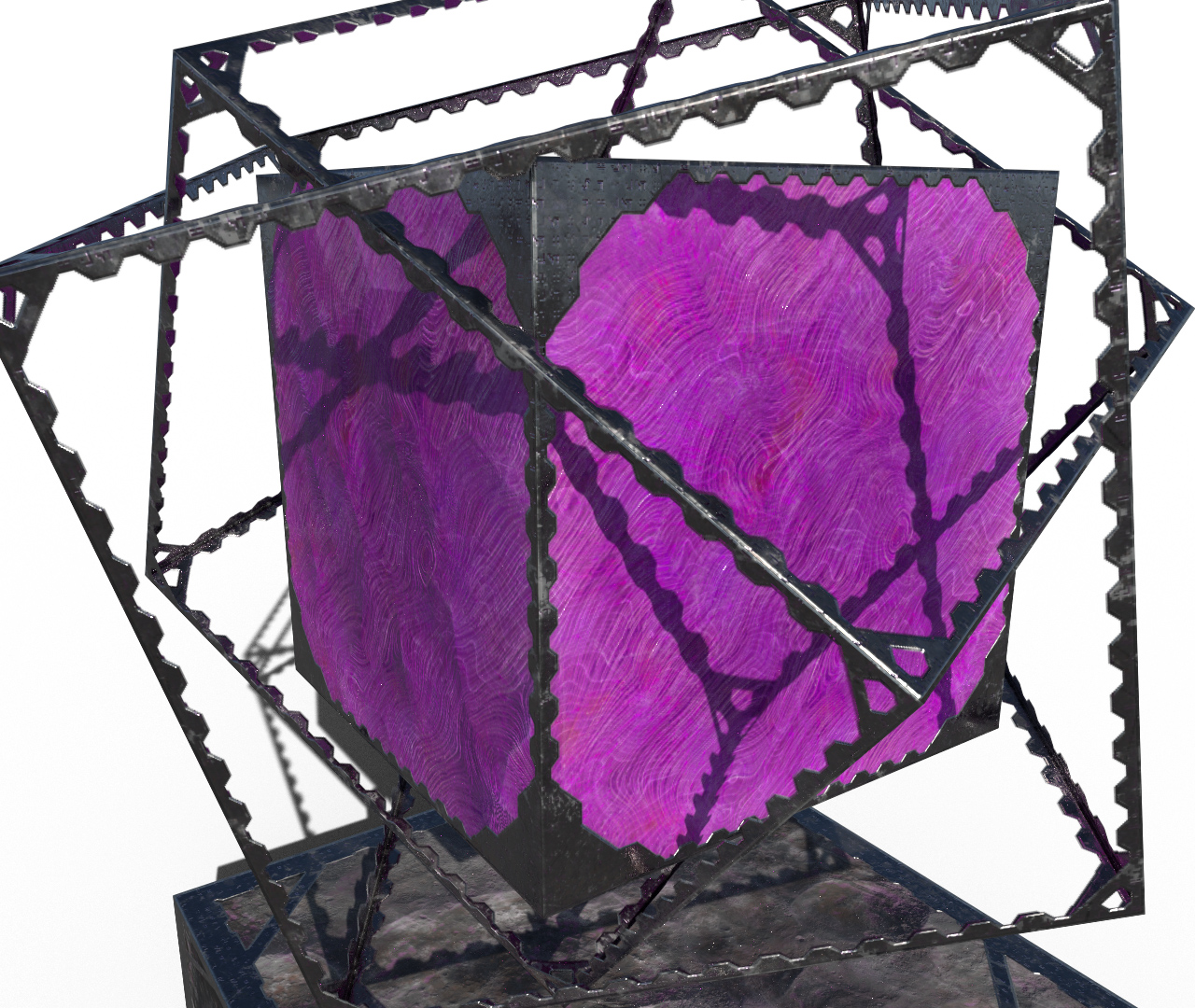
There’s some small changes to the thickness of the crystal’s cages since lower texture sizes remove the details a bit too easily so I wanted to help that a tad. Been trying to think of ways to add vanilla-style runes to it, but haven’t been able to get something that looks right yet and may have those wait until another time.
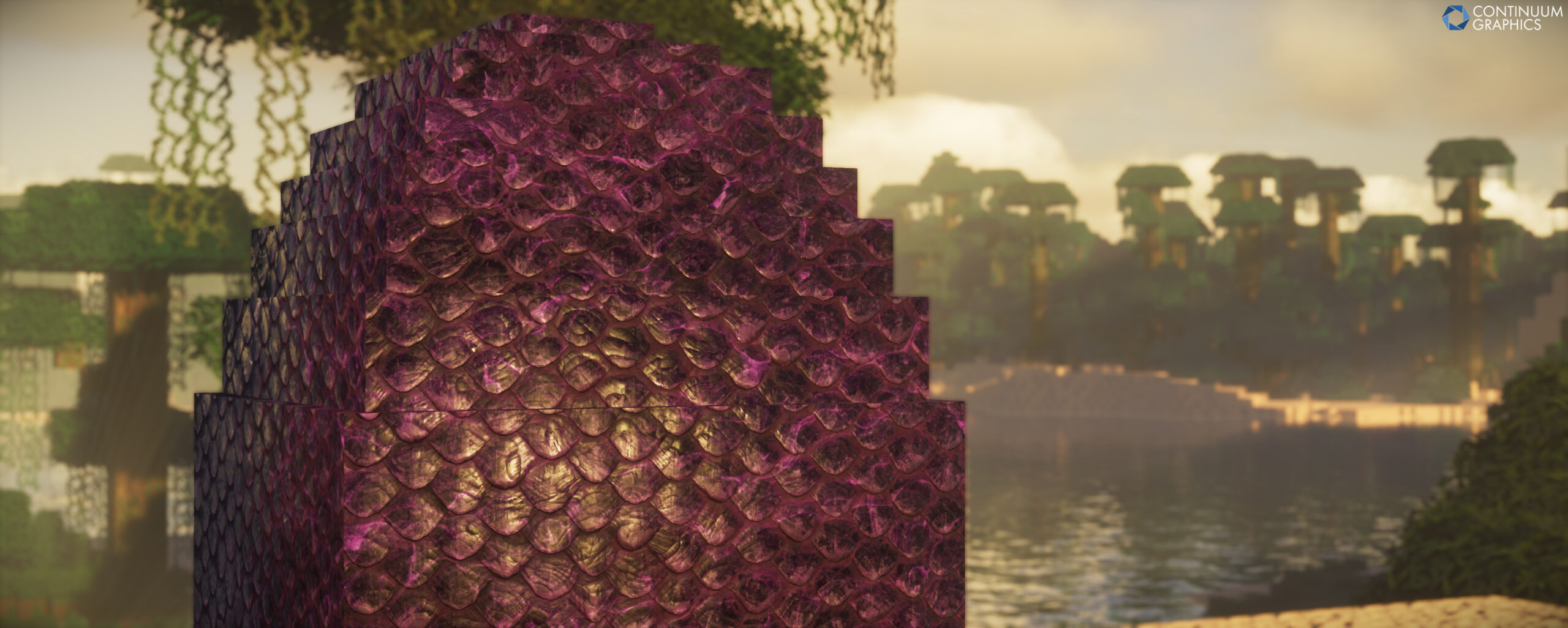
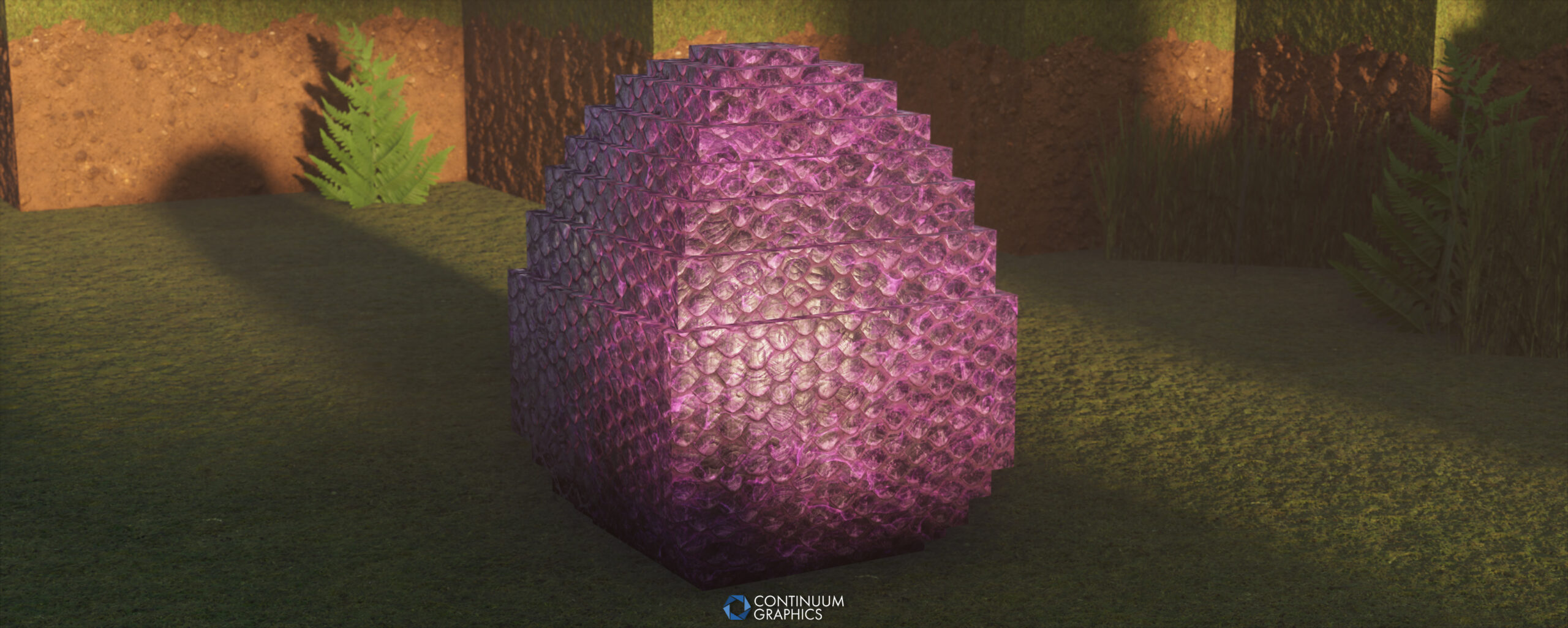
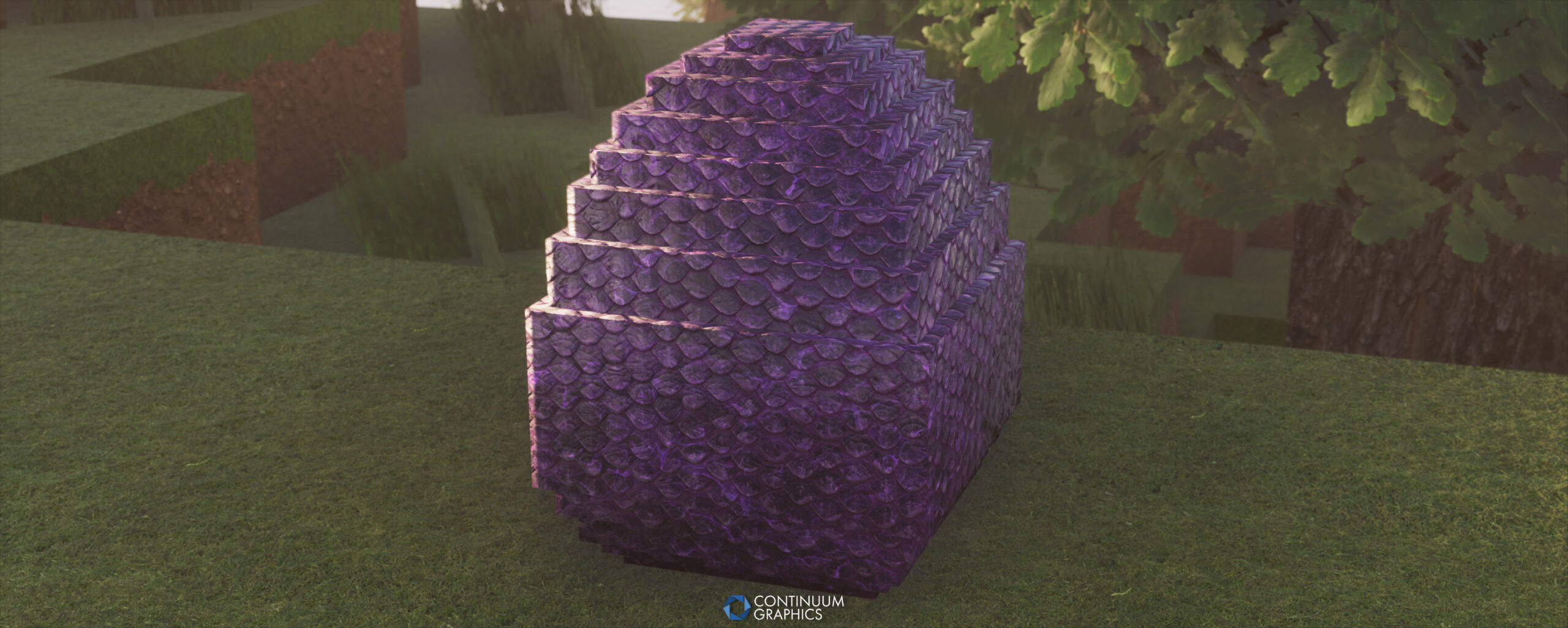
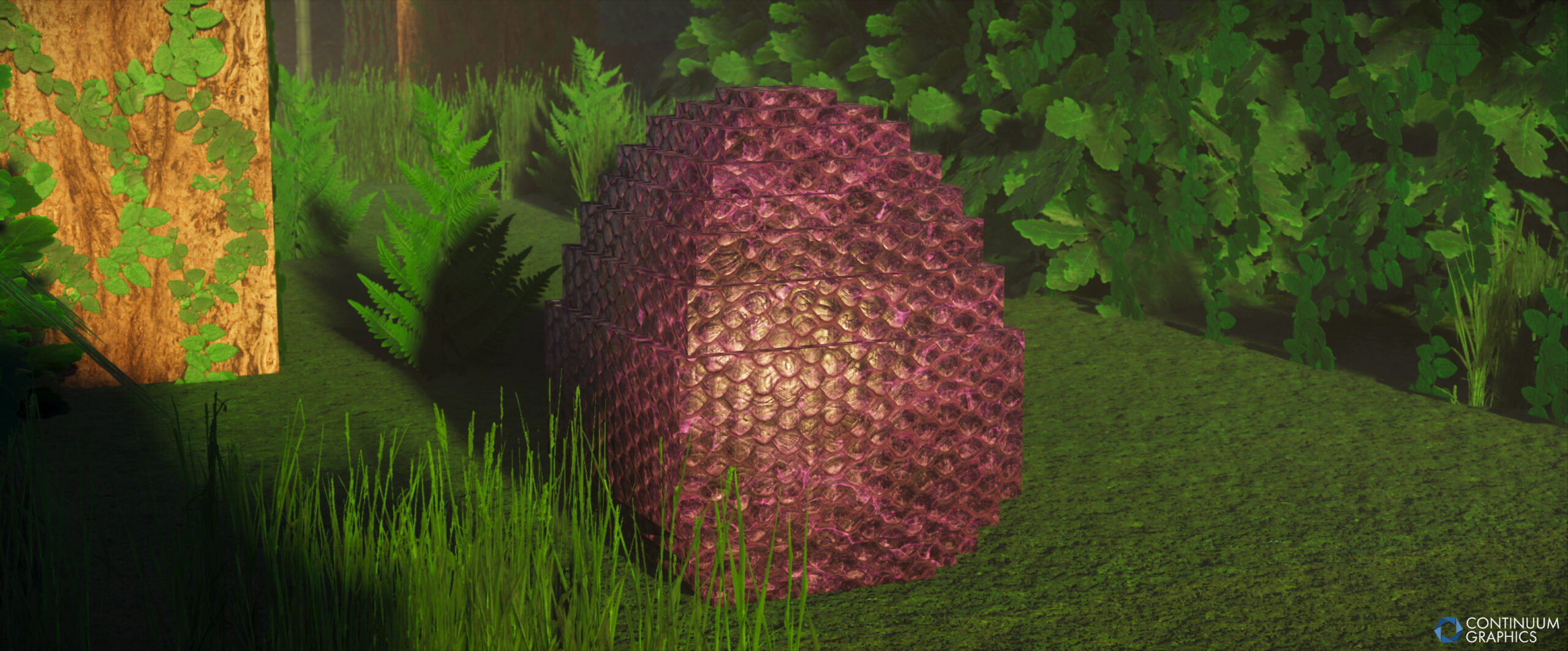
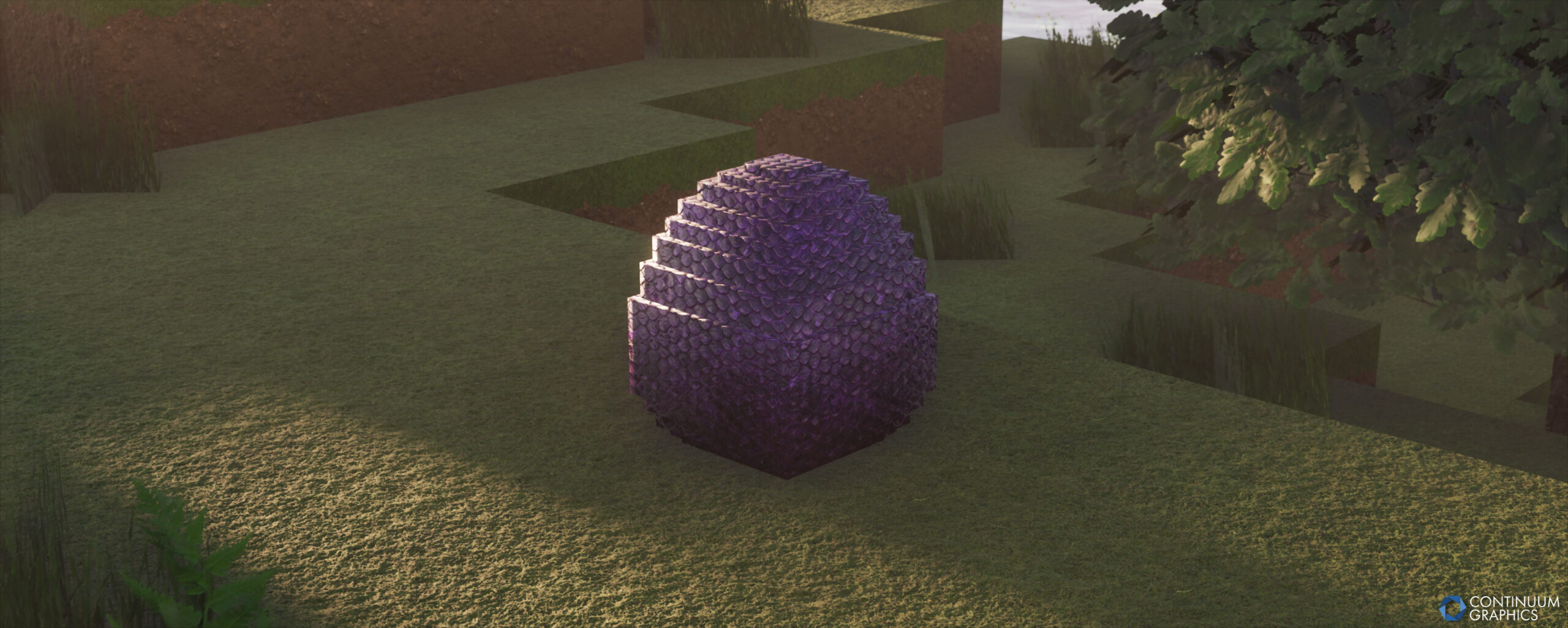
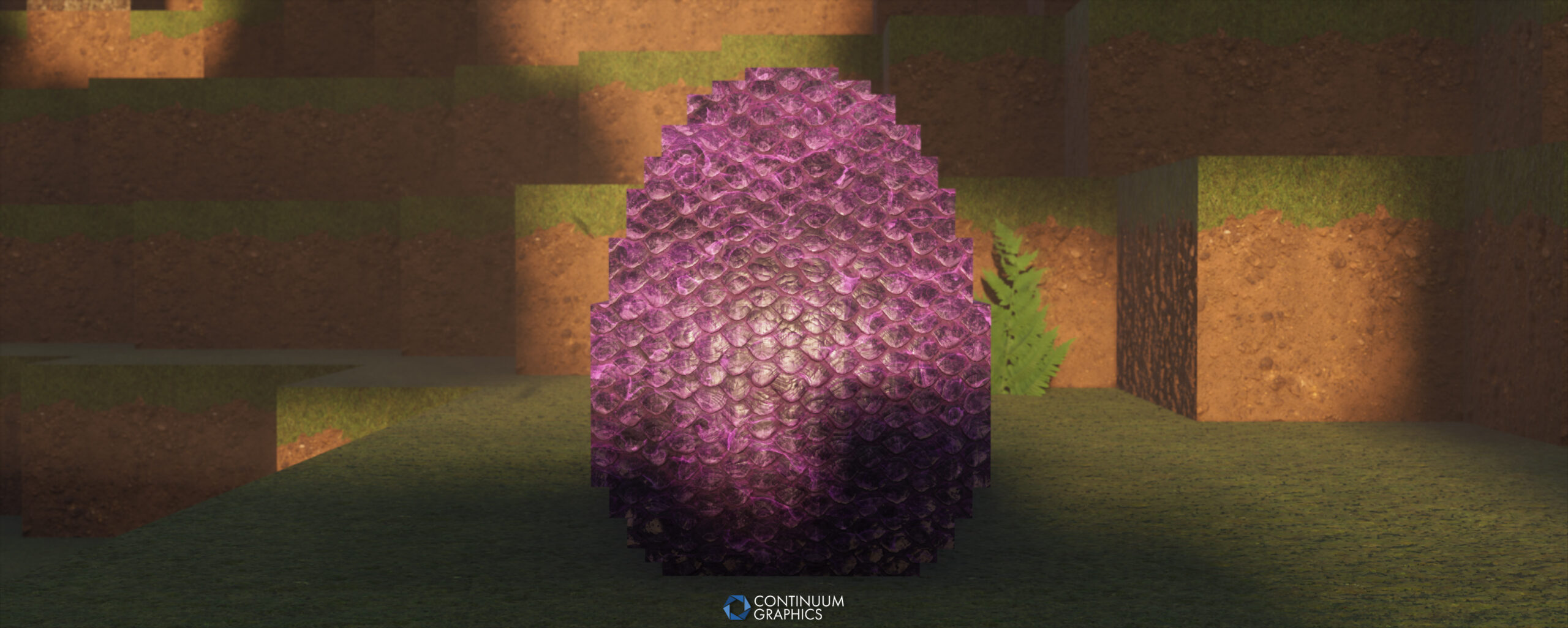
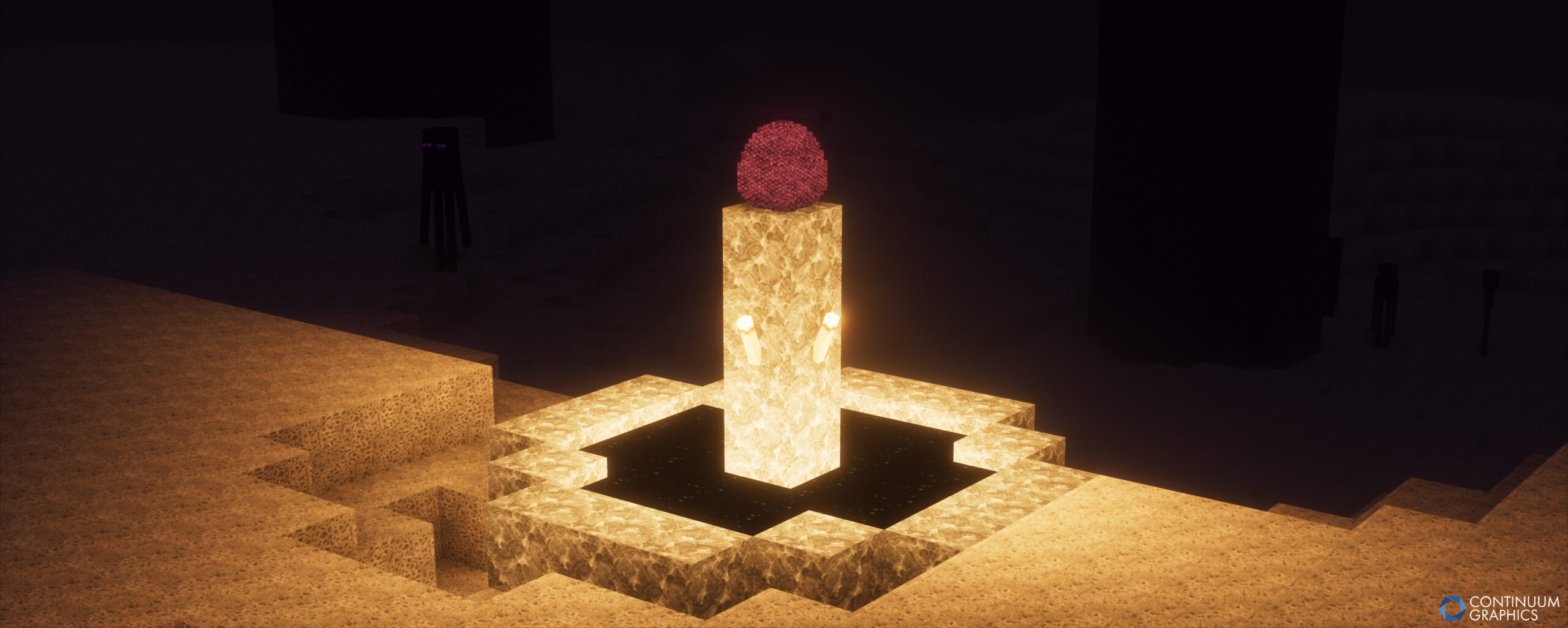
As for the dragon egg, the model isn’t final but it’s in a good spot considering the usual limitations of the model system. Just as a reminder, in the models folder (assets/minecraft/models/block) I left two other versions of it in there for you to swap out if more vanilla-styled models are wanted. The two files are named “dragon_egg_vanillafixed.json” for vanilla’s shape (I corrected some UV layout quirks from true vanilla), and “dragon_egg_slightlyrounded.json” for a rough vanilla shape but with more cubes added to round it out.
To try and wrap this up, I’ll continue to keep an eye out in case I missed some flawed texture opacity masks causing issues and will also generally try to improve some older things as more old textures got me raising some eyebrows as far as quality goes. Might have some more new items on the horizon as I’ve been messing with possible sugar and dyes, had clay ball in mind too. I don’t want to slack too hard on new blocks so I’ll have to spend some more time looking into what’s left there, and could end up pivoting to some blocks from new versions.
I should cut myself off before I go on for longer, I’m out now.
Thanks to Mythical for the in depth yap session!
Here’s the changelog for this months Stratum update:
Stratum Build 59 Changelog
Additions
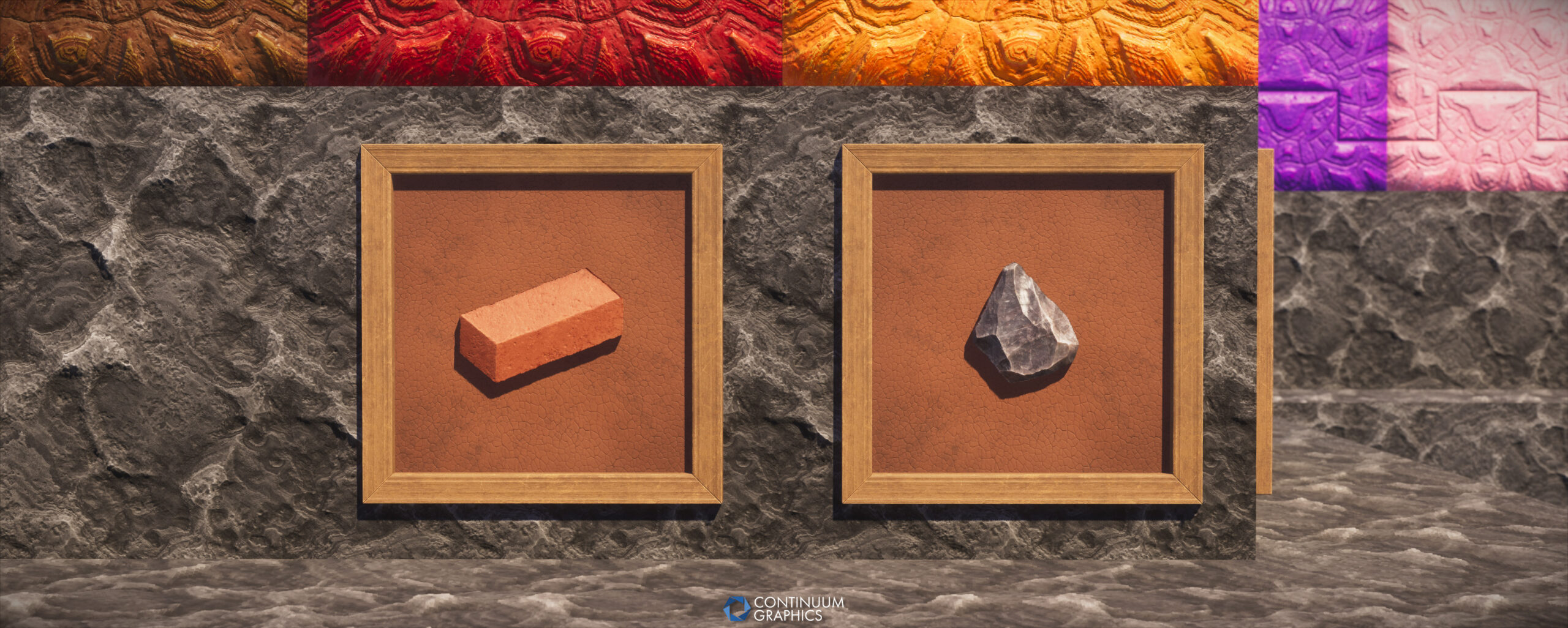
- Brick (item)
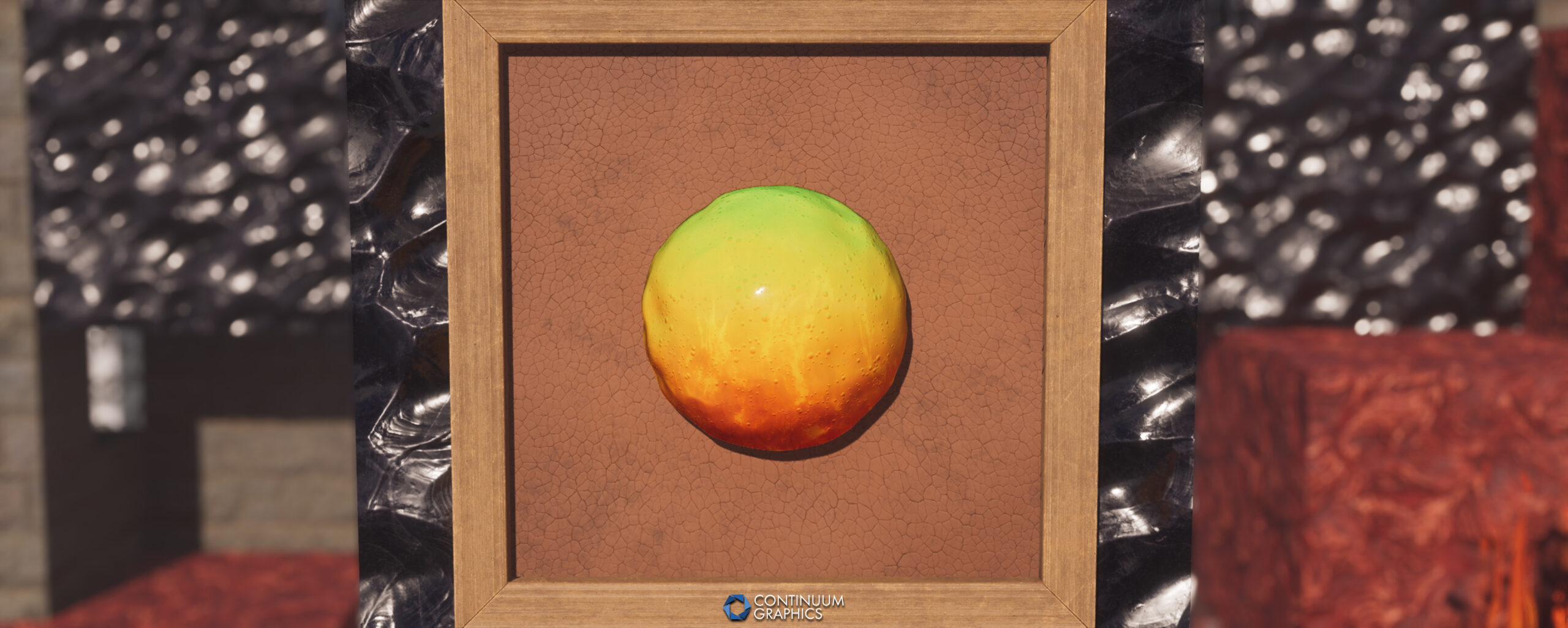
- Magma Cream
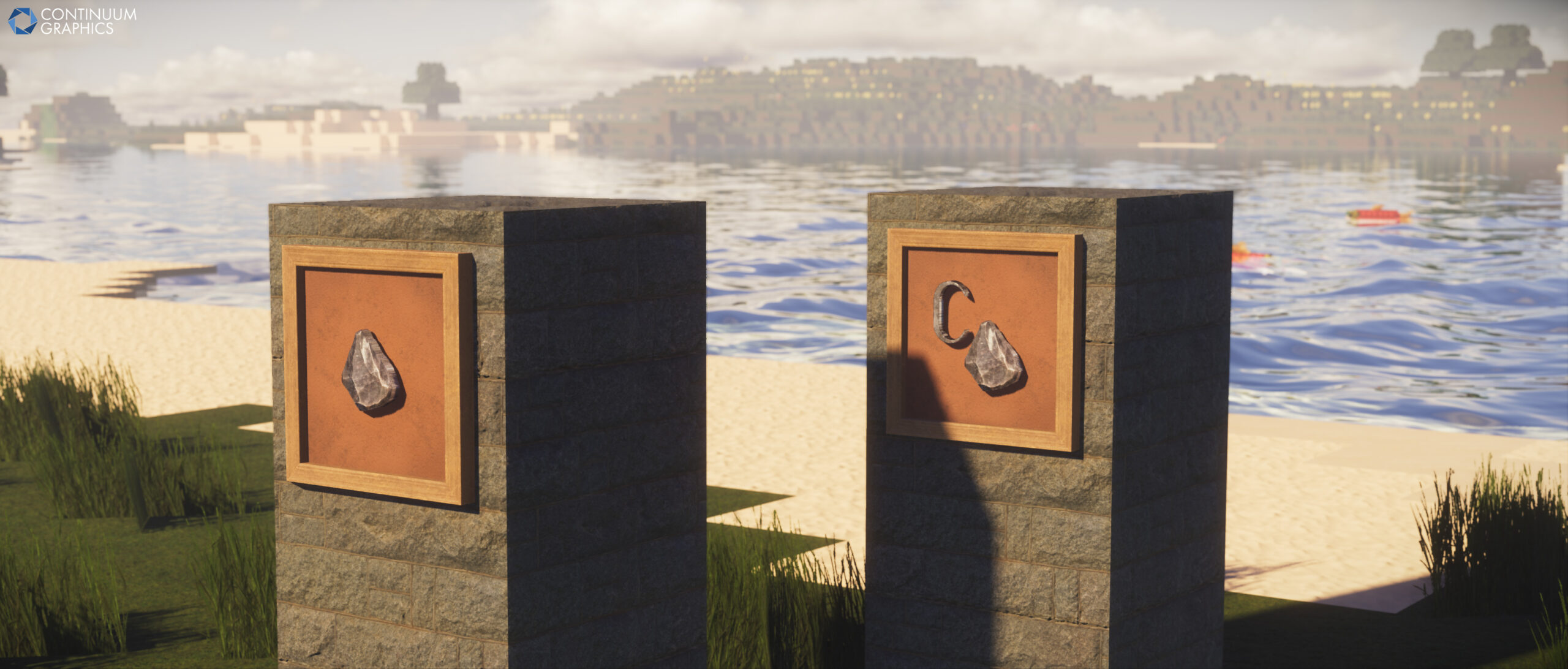
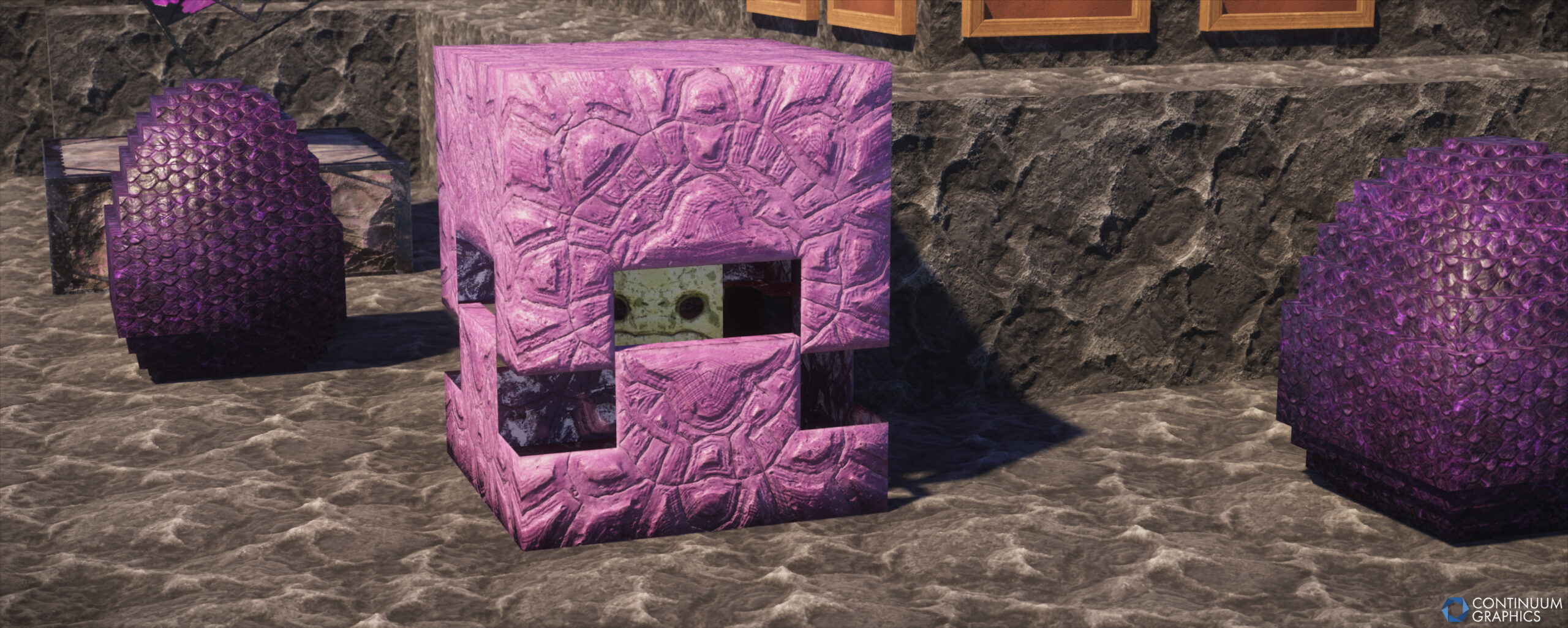
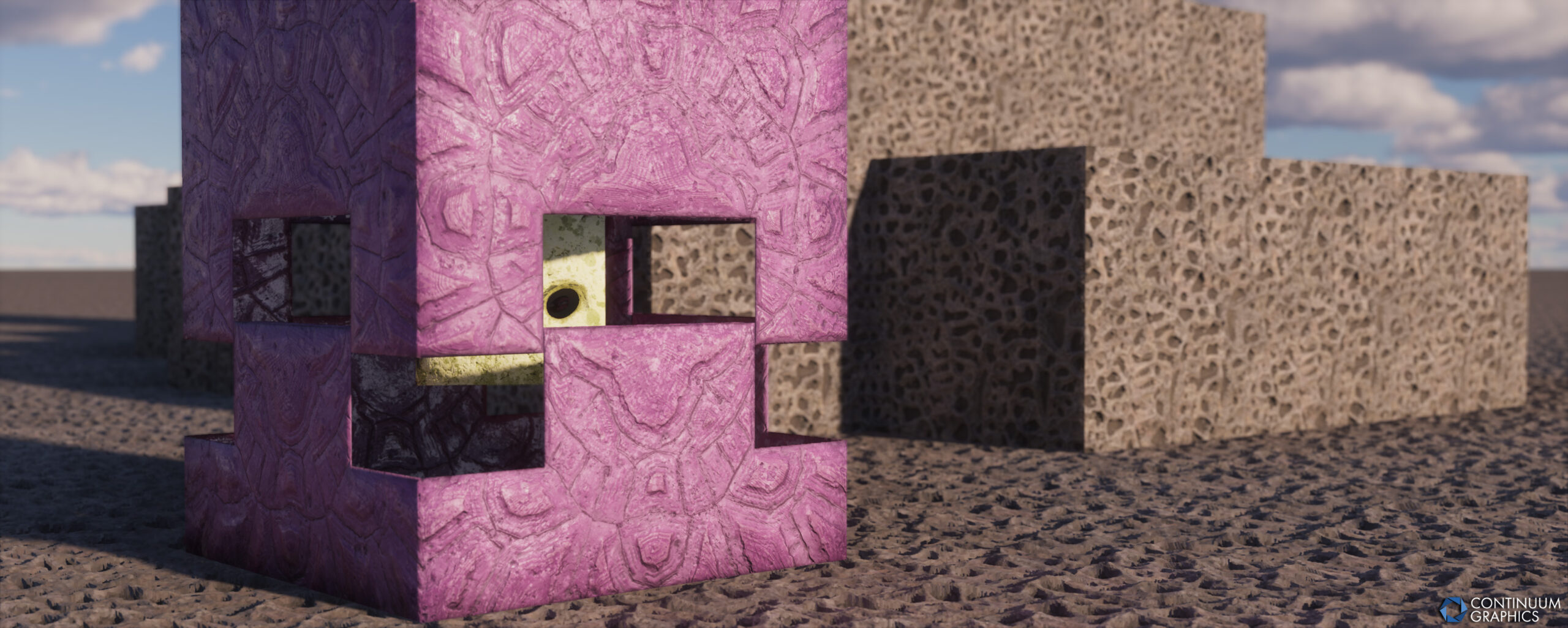
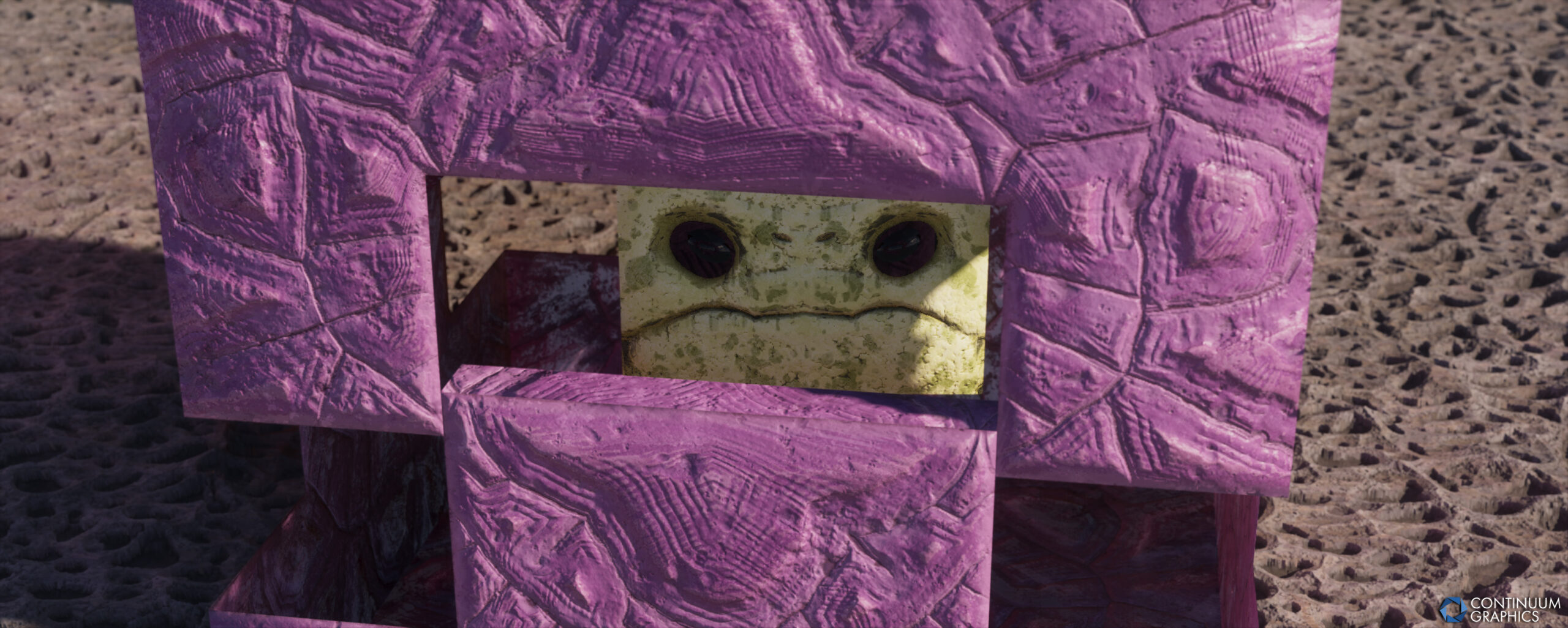
- Shulker (our first Mob texture!)
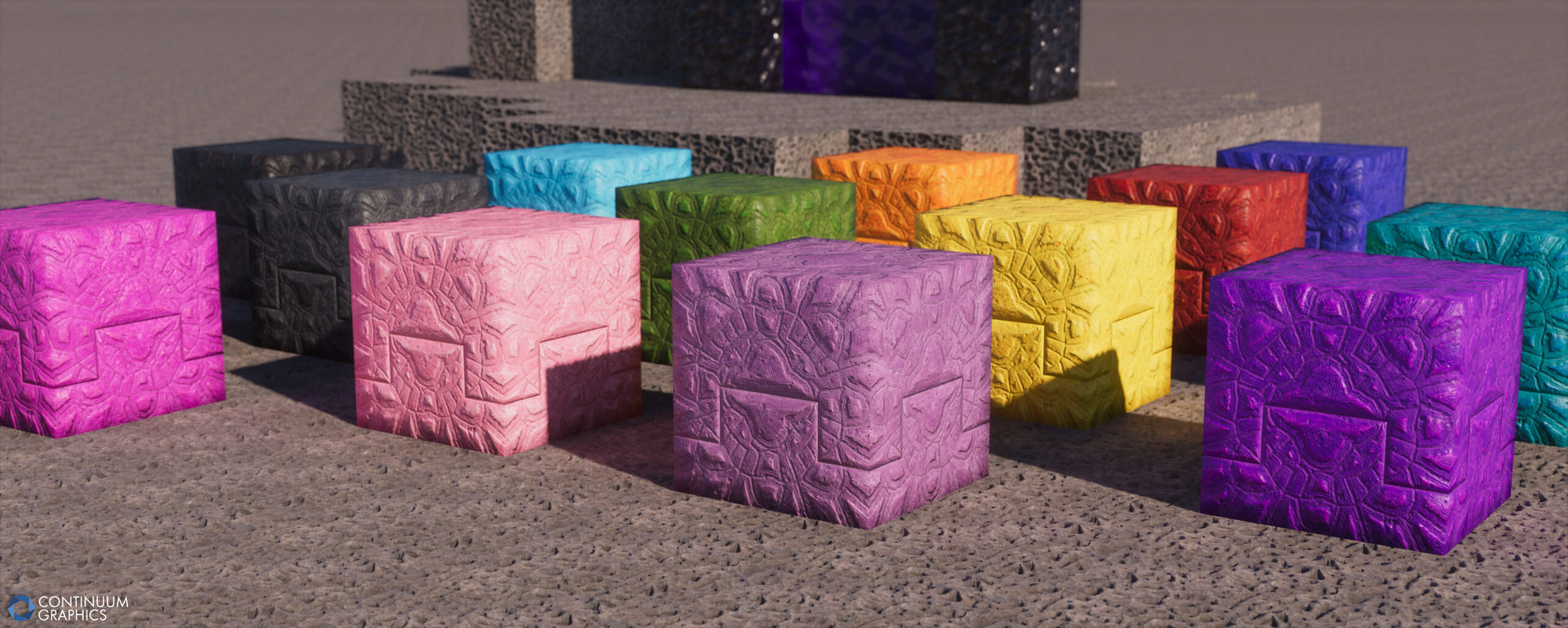
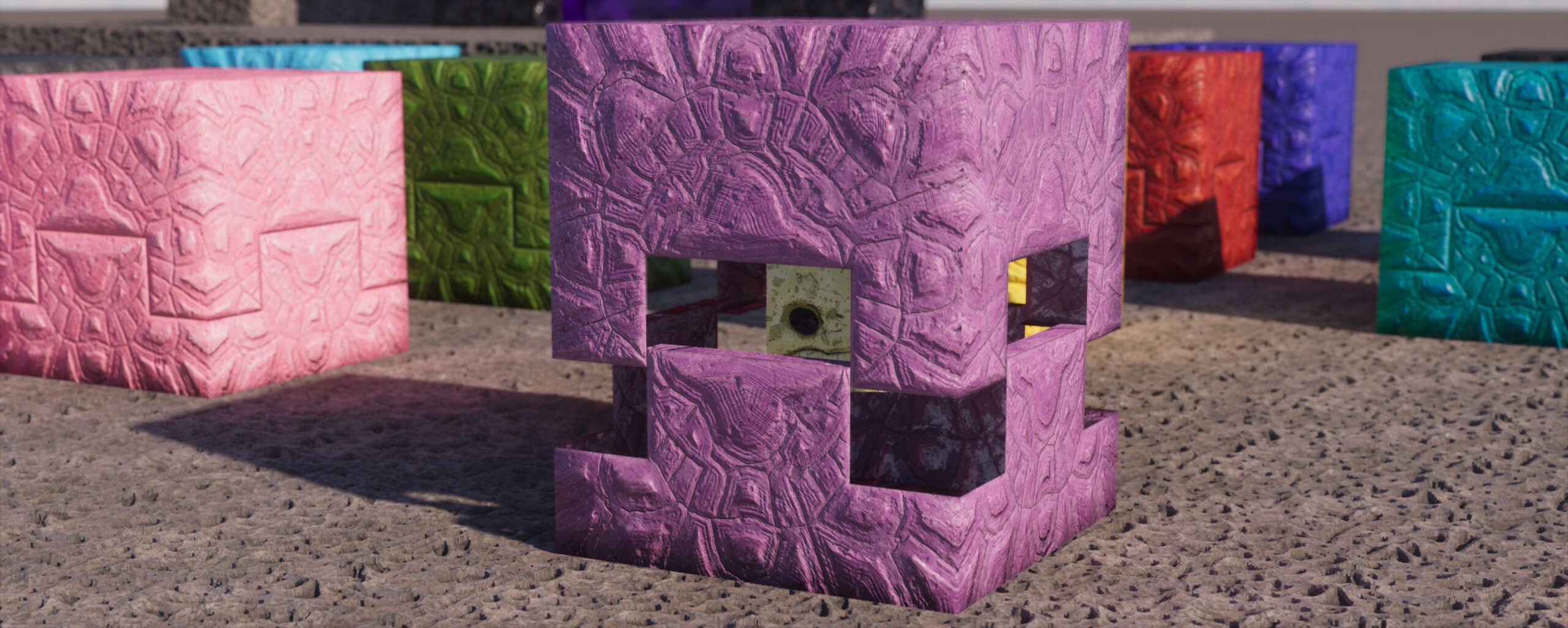
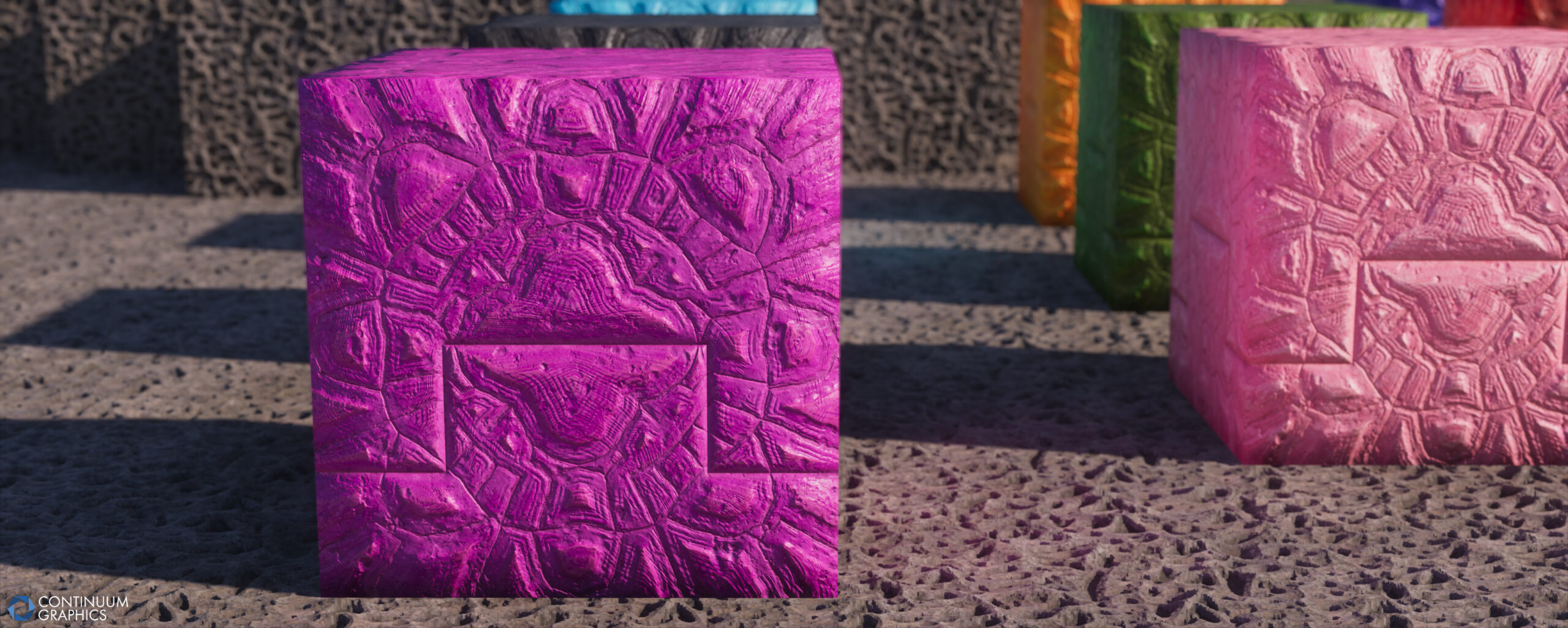
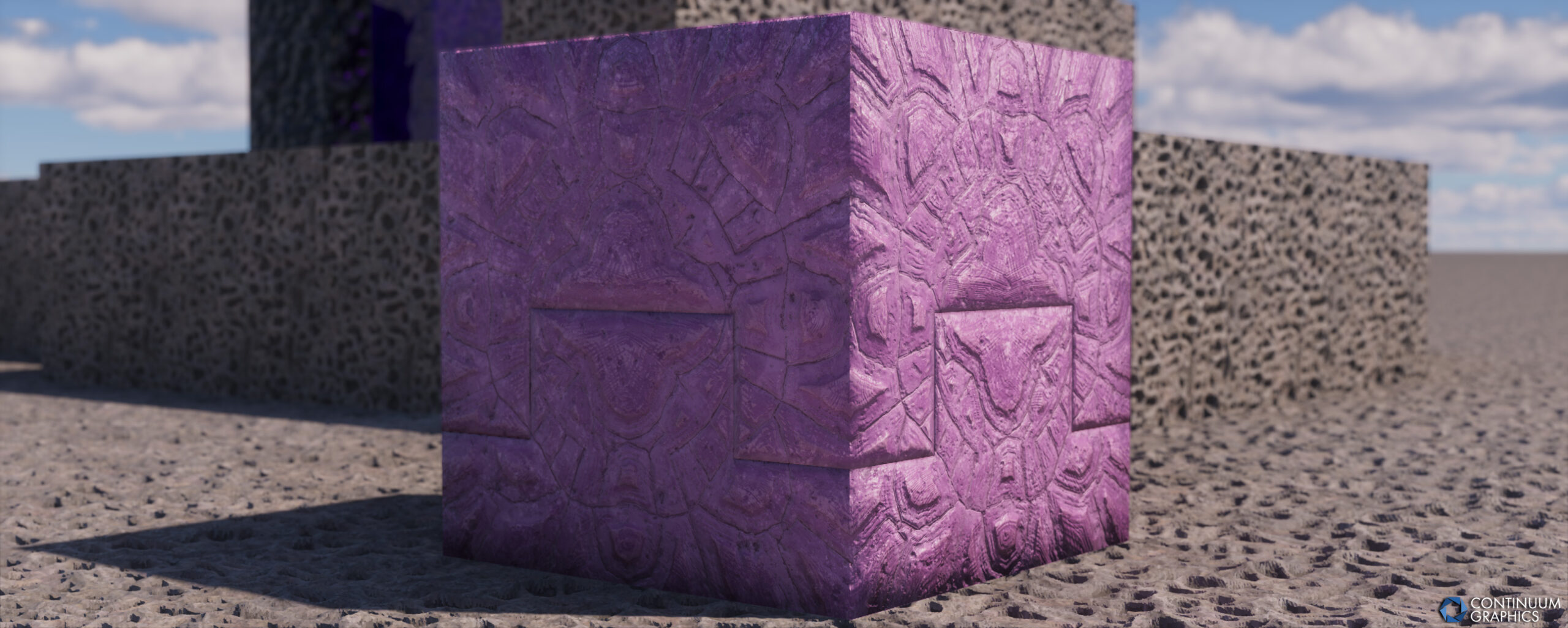
- Shulker Boxes (all 16 color variants)
- End Crystal (including base)
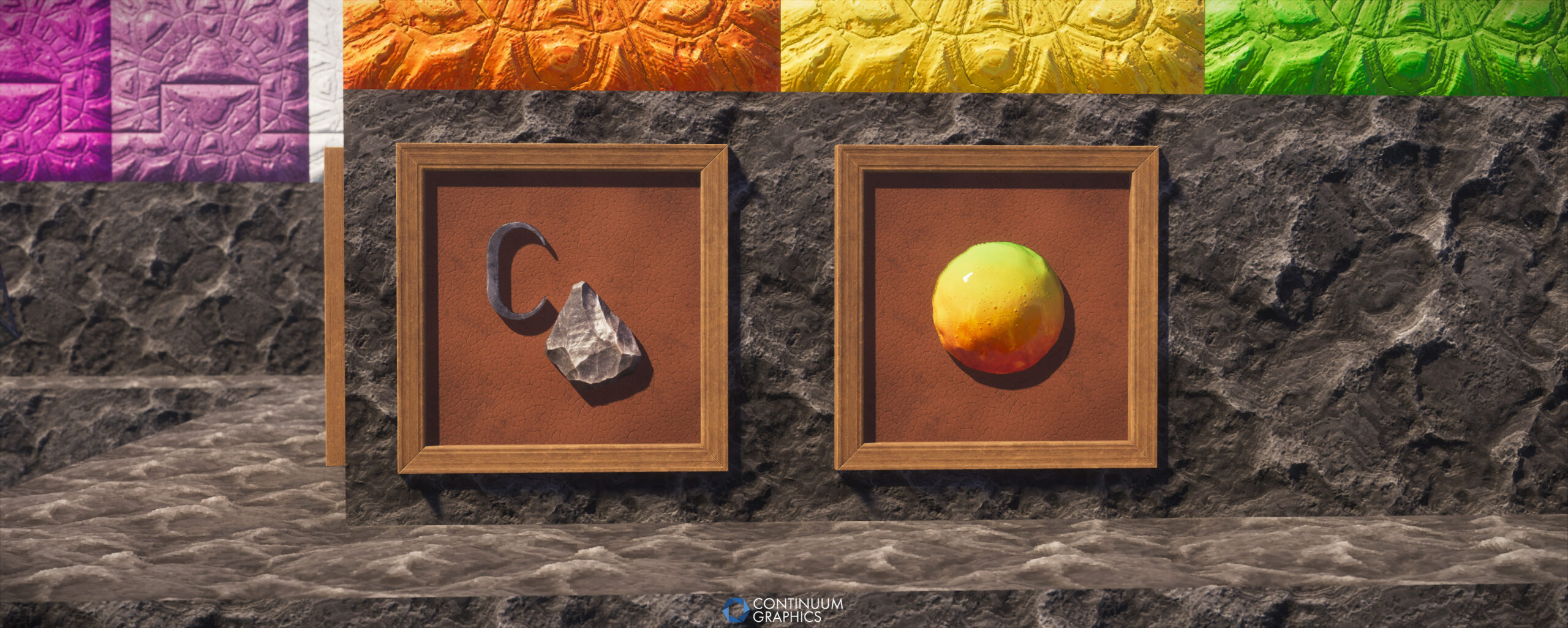
- Dragon Egg (with custom model and vanilla model in model folder for those that wish to switch)
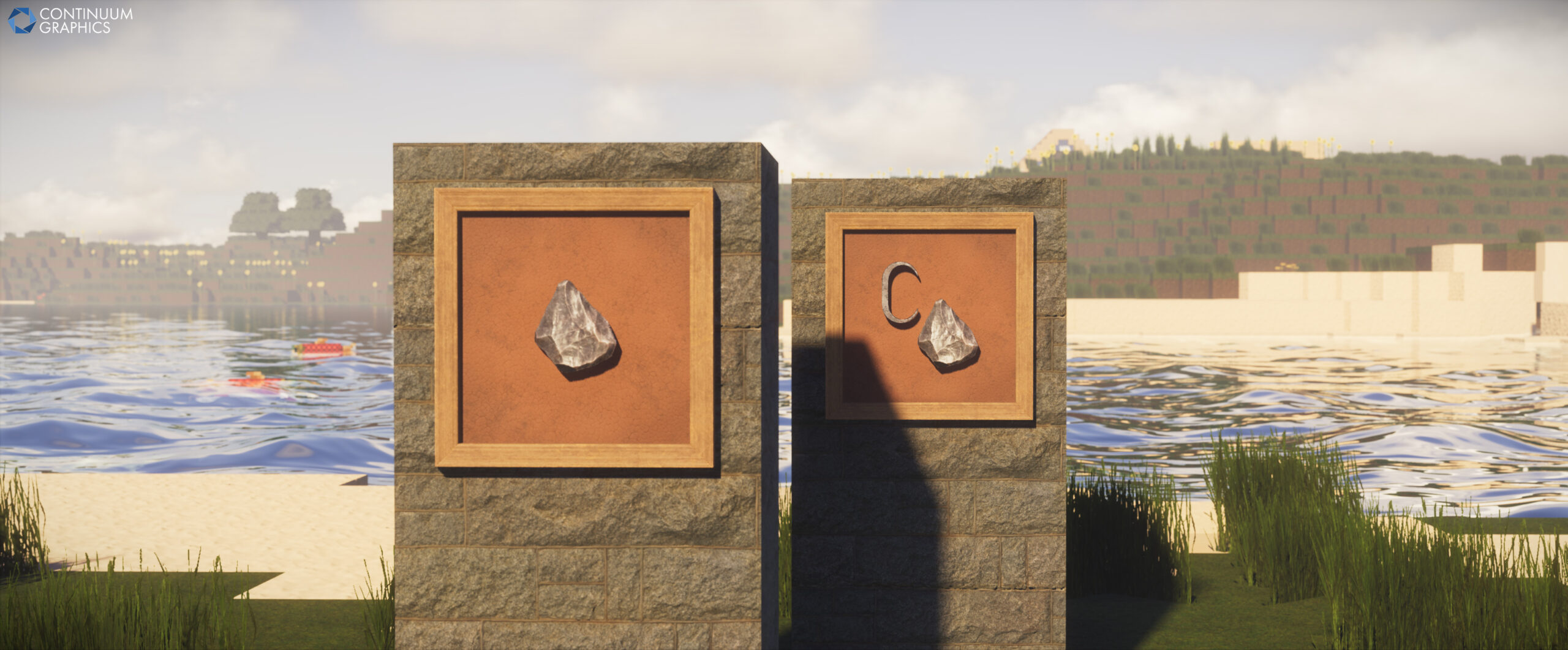
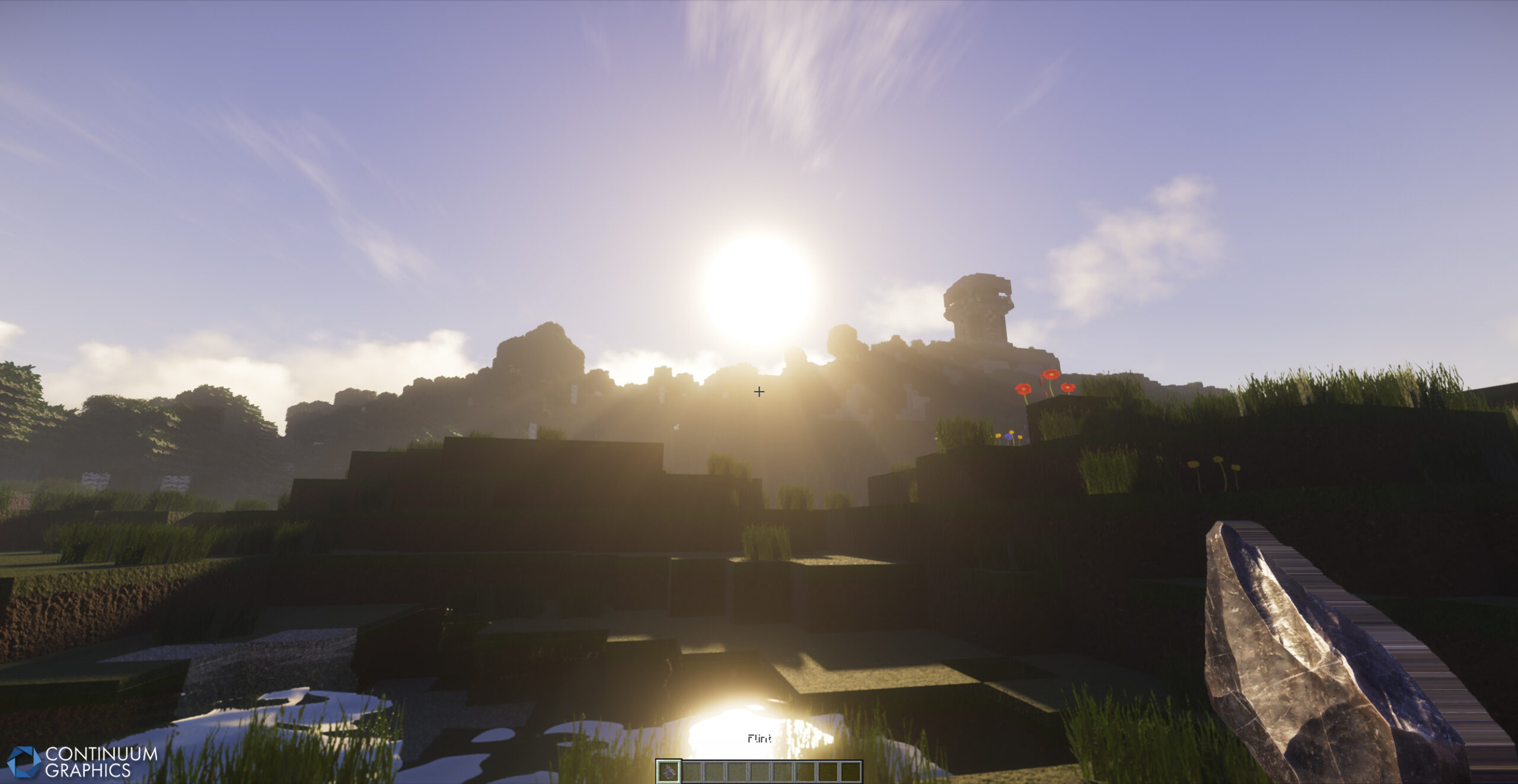
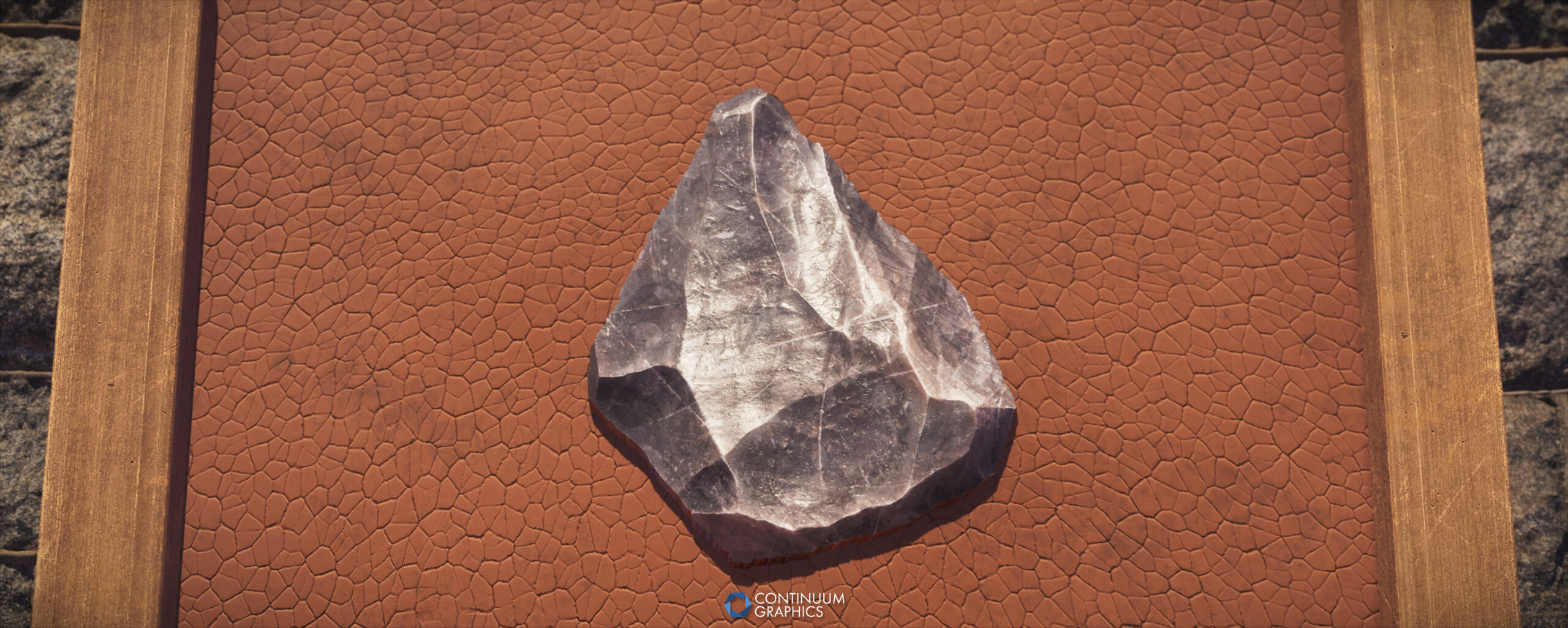
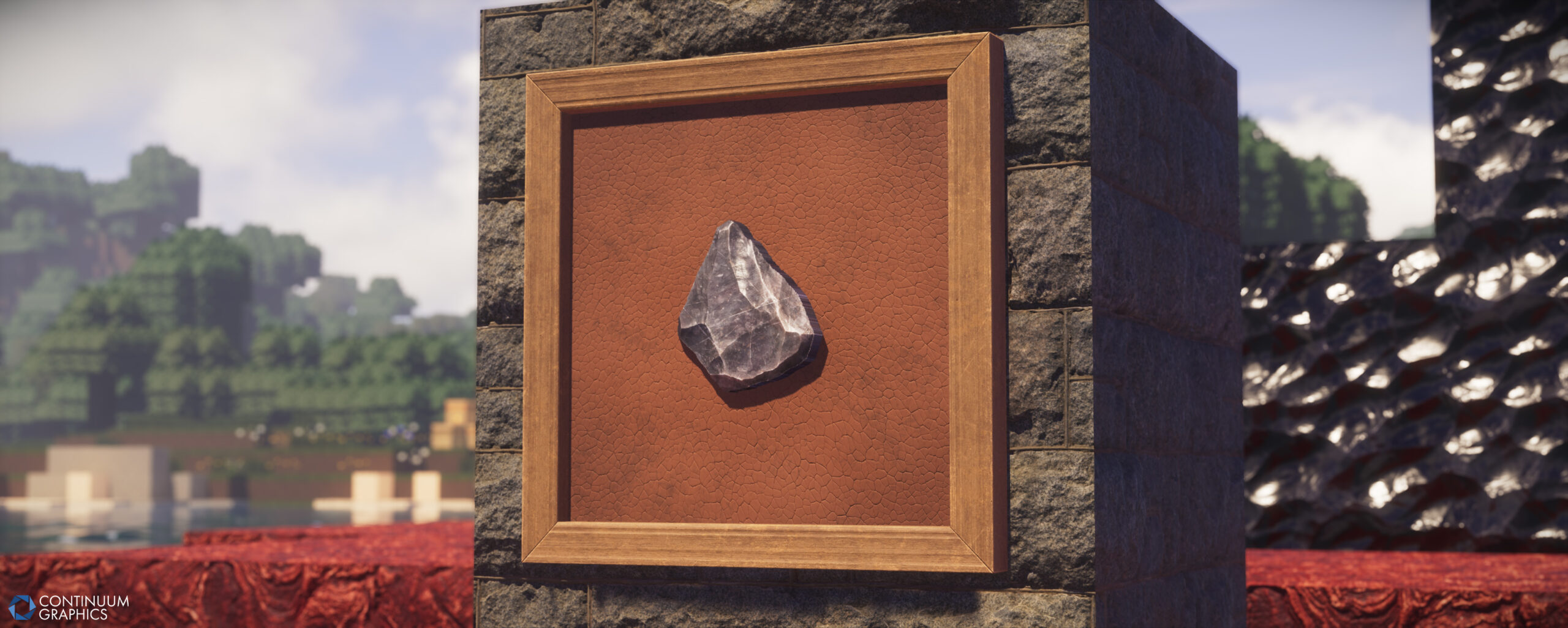
- Flint
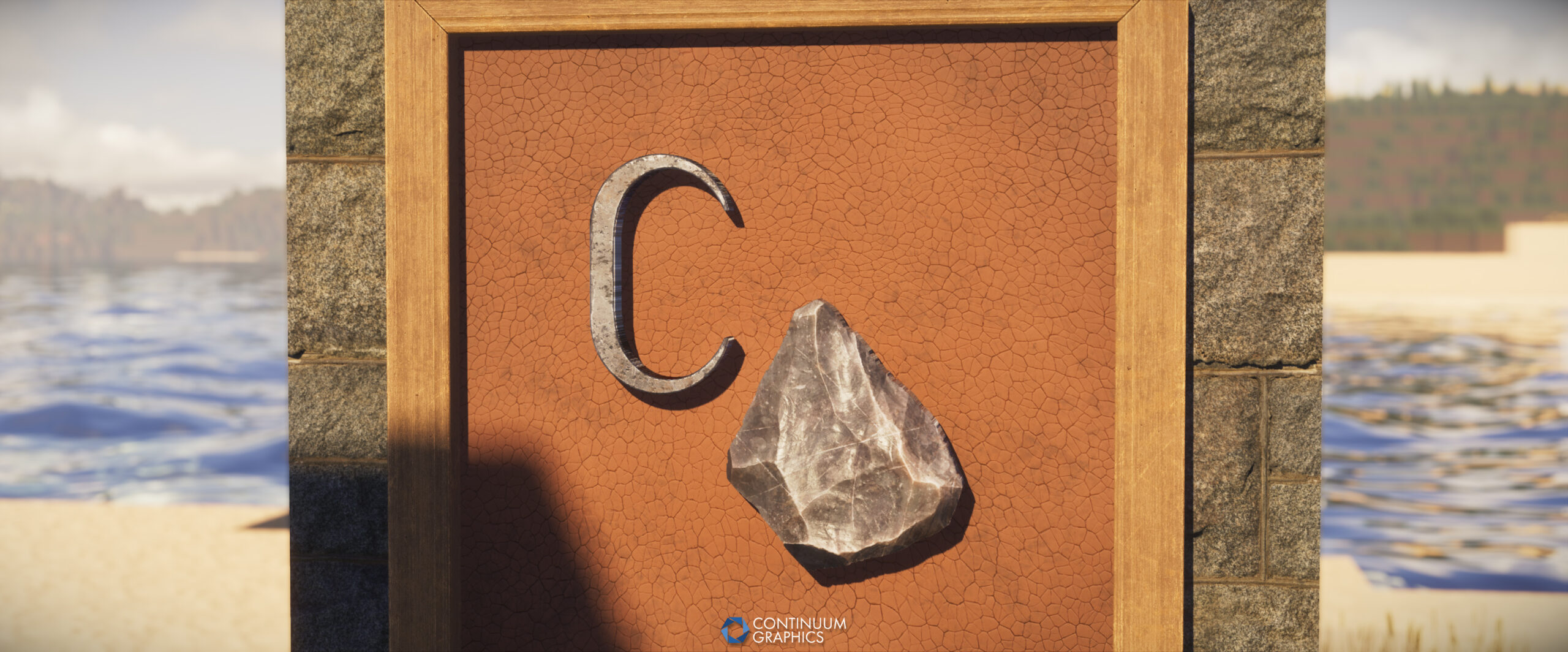
- Flint and Steel
Tweaks / Fixes
- Updated pack version of main pack and the Fast Leaves Addon to 88 for official Minecraft 26.2 support!
- Updated a few remaining texture opacity masks that were missed in previous sweeps, and made sweeping changes to our downscaling to properly support the new opacity / cutout changes in MC 26 at every resolution. The pack should now function as expected on MC26, no matter the texture resolution used.
A few notes
- There still seems to be some mipmapping issues on these newer game versions as well (MC 1.21 and newer), so if you experience any visual oddities with textures, particularly in the distance, lowering mipmap levels to 3 is still advised.
- Shader support on these game versions can still be a bit problematic. Please keep this in mind before reporting issues with Stratum on MC 26.X to us!
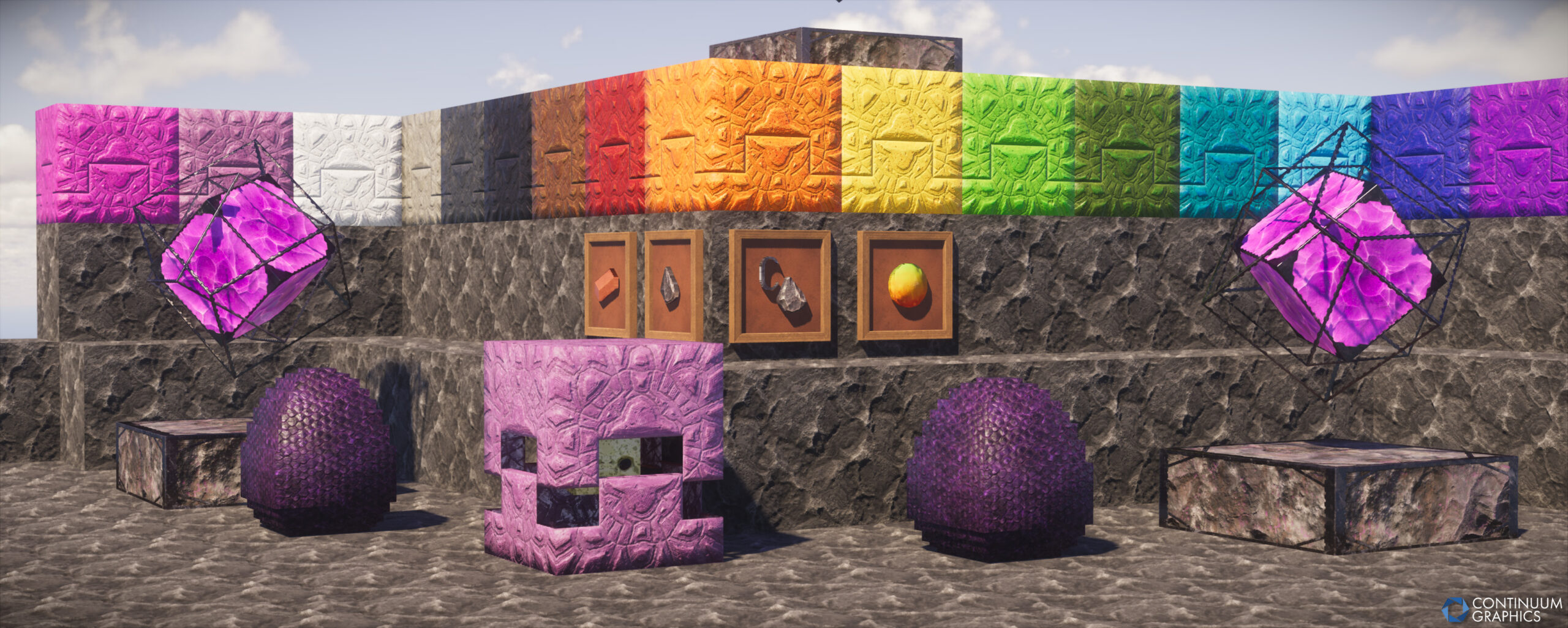
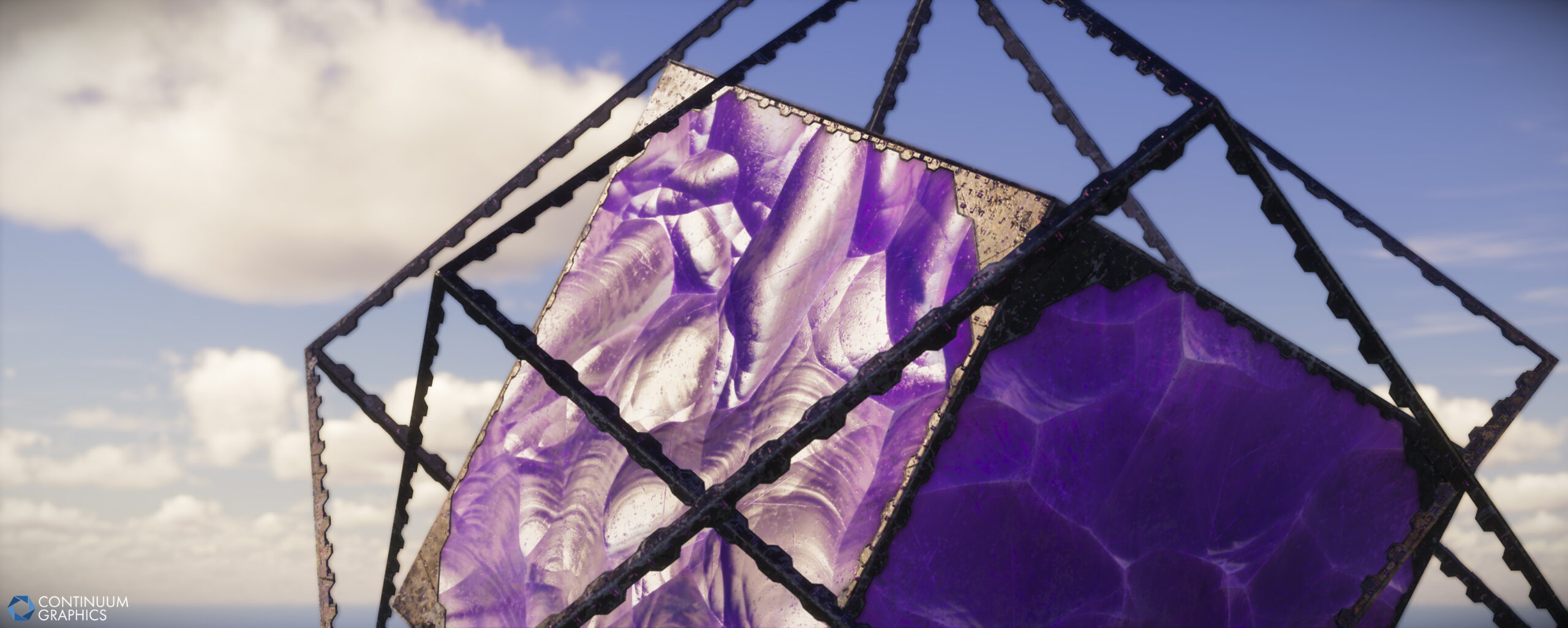
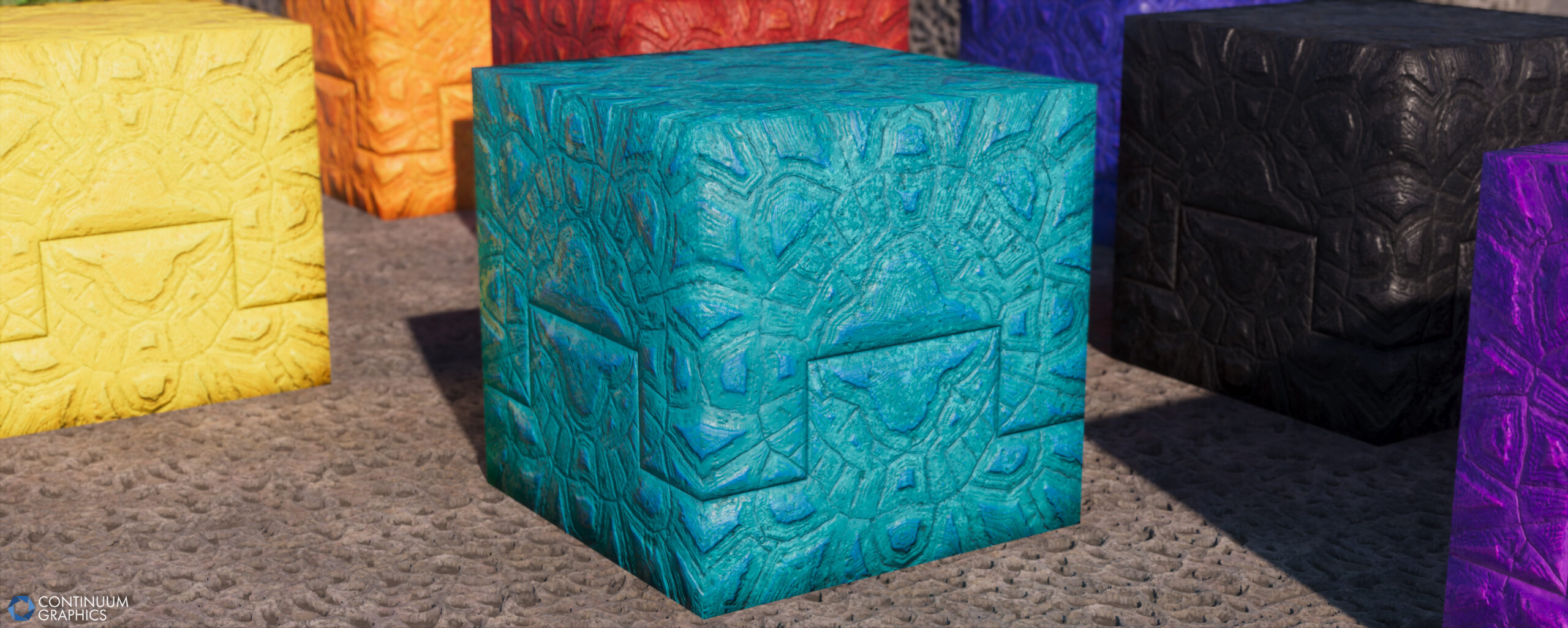
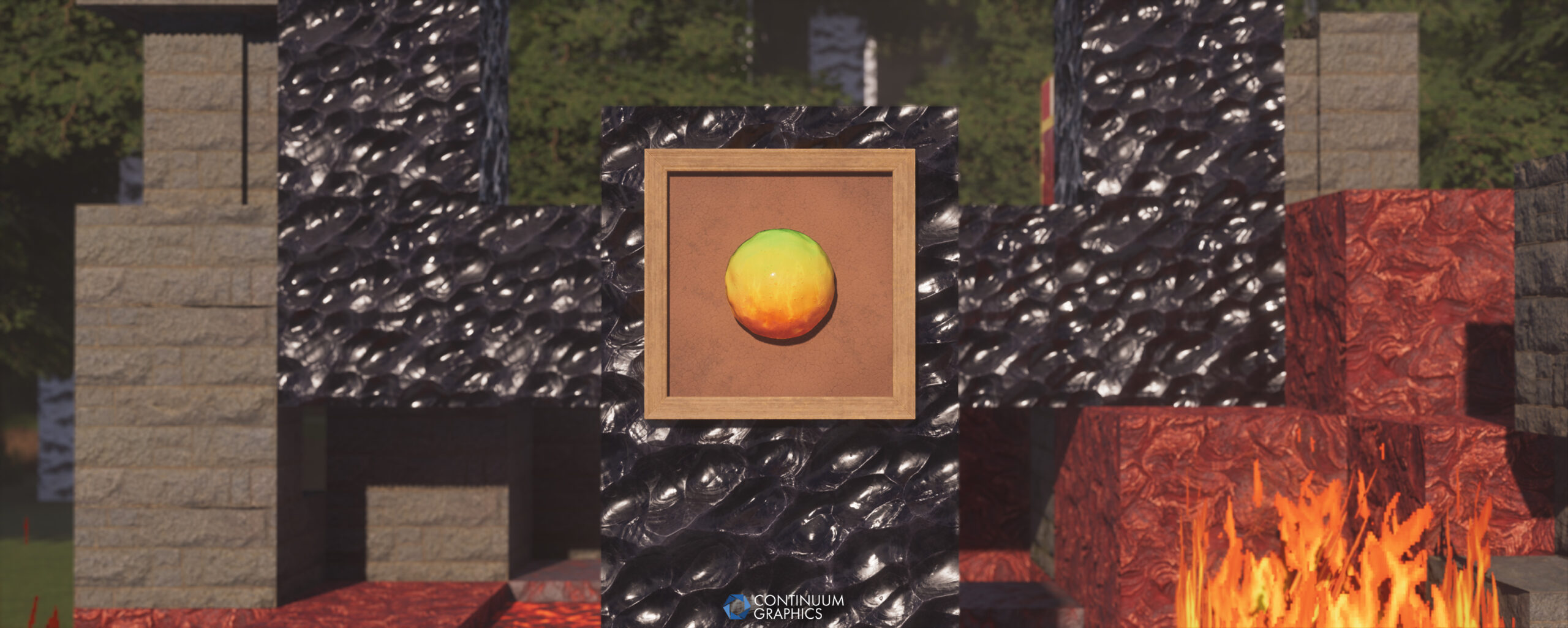
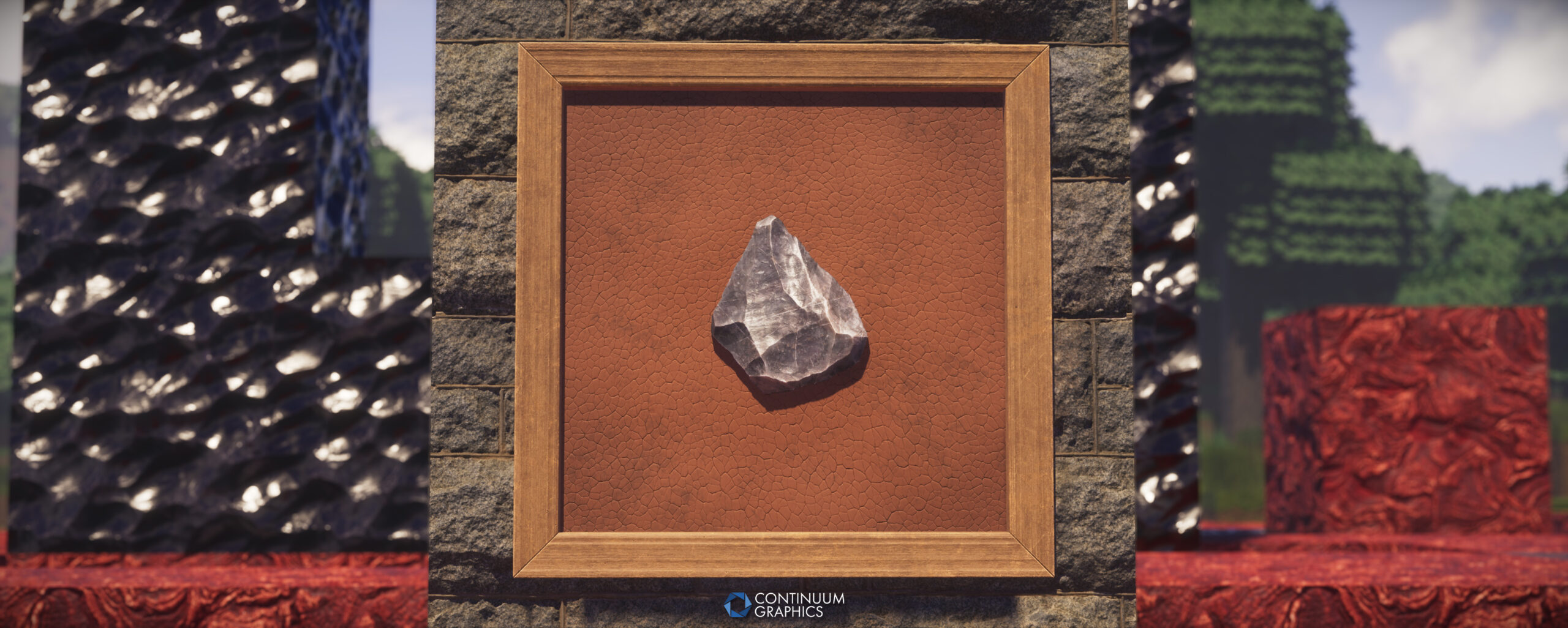
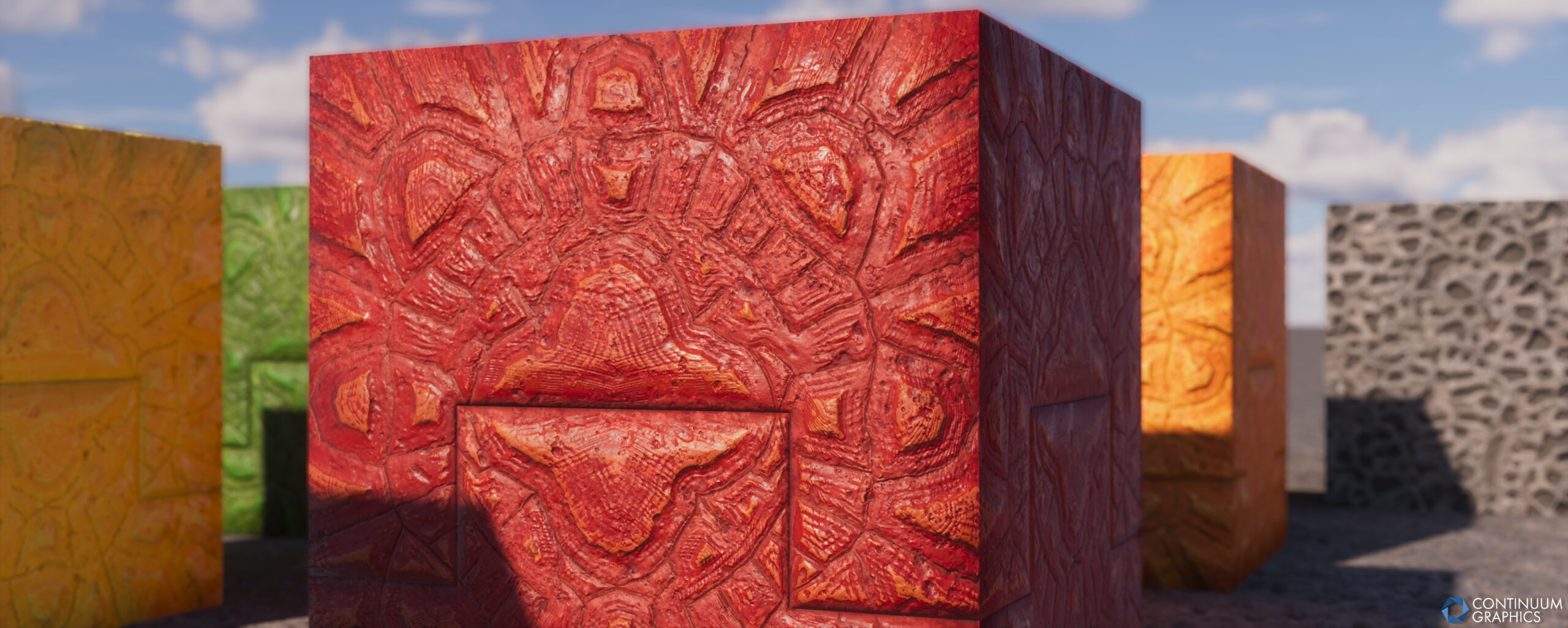
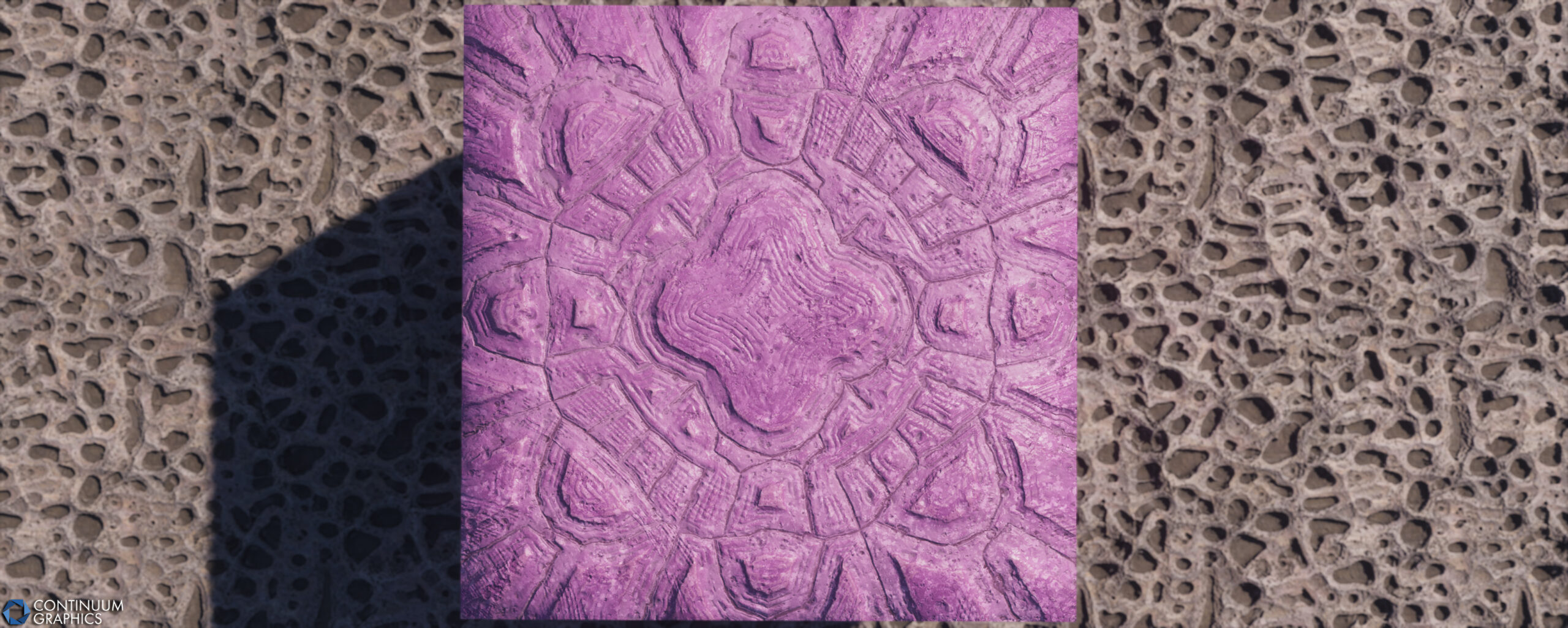
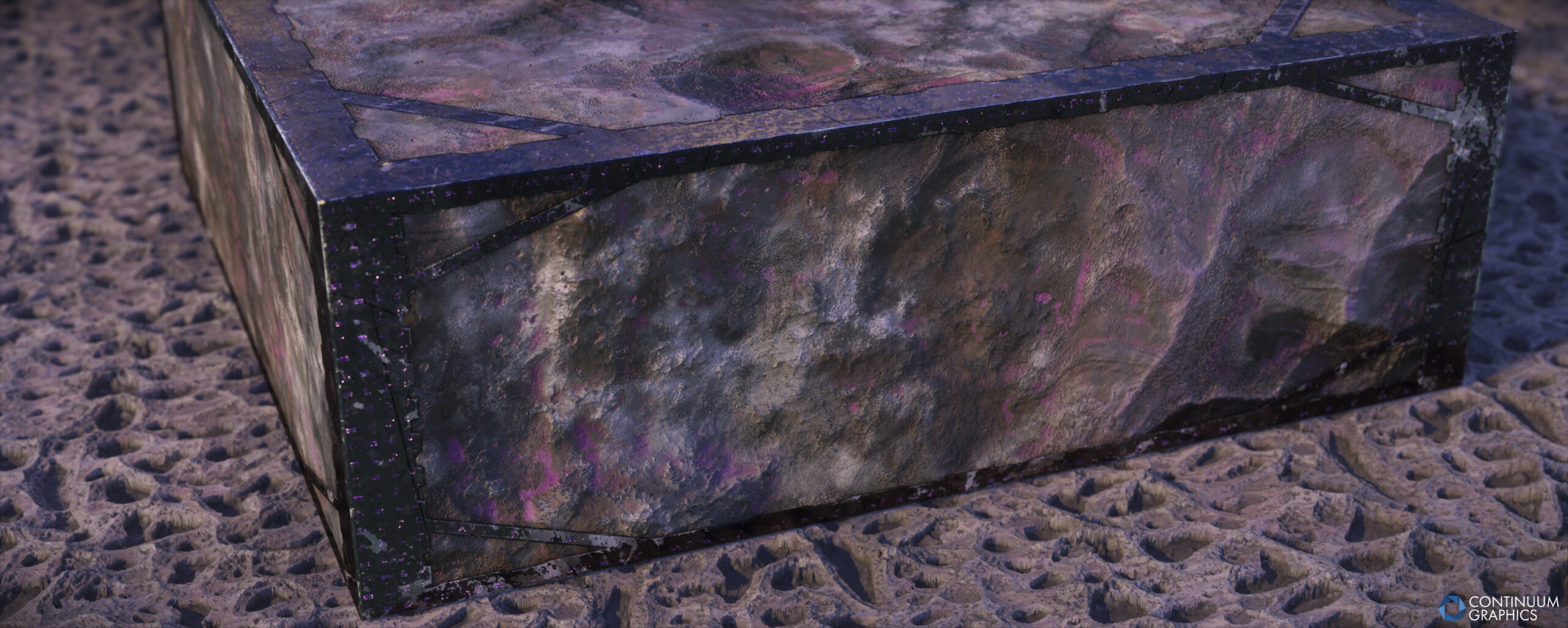
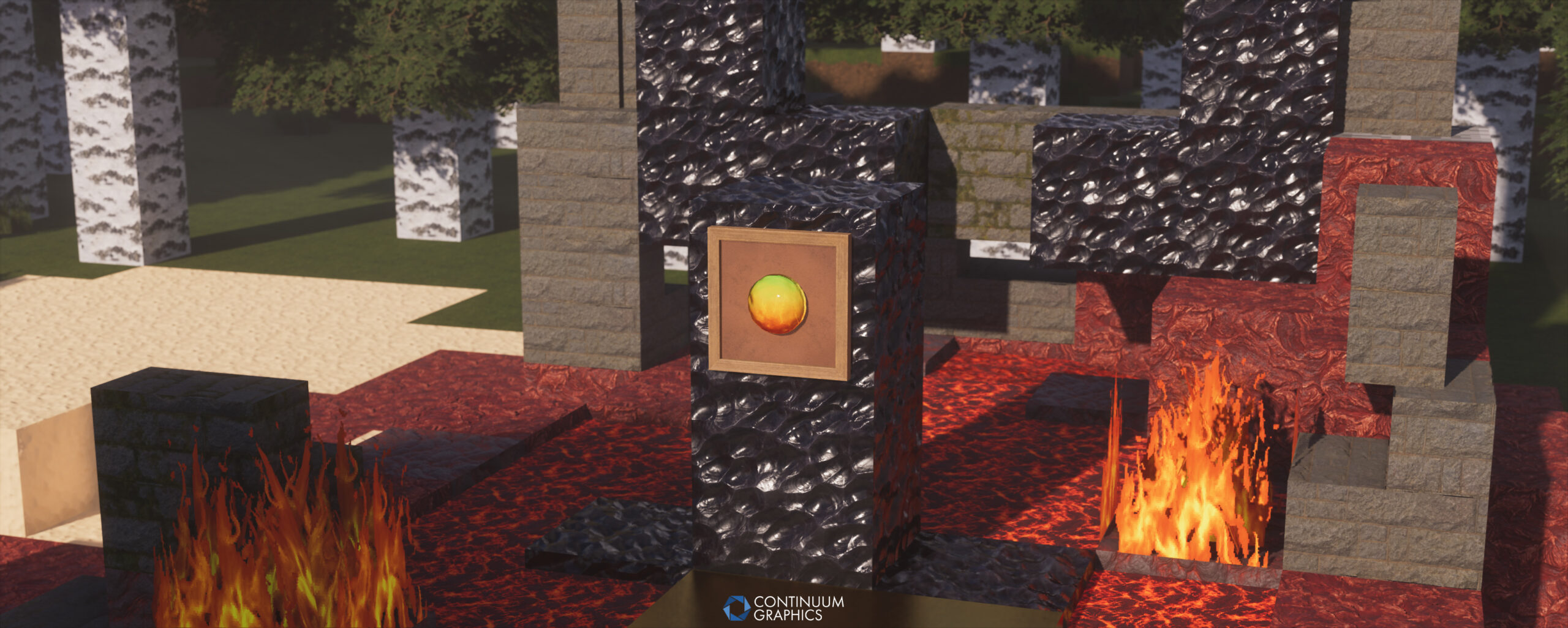
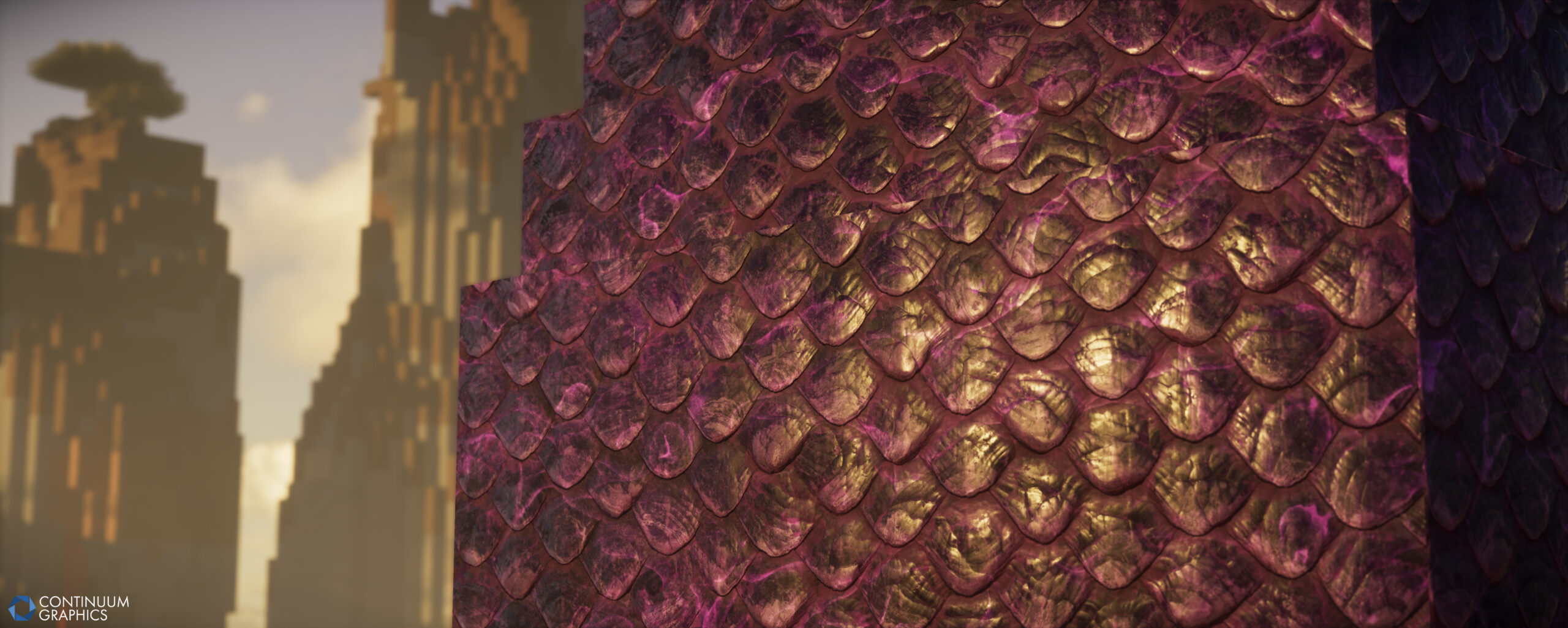
Last but not least, some shots of Stratum Build 58:
Site updates
As teased in the previous blog, we had a few more site updates in the pipeline, and they were delivered in June! In case you missed them, they are as follows:
- Enhanced reactivity when switching between different shader and game versions in downloads menus (build descriptions should no longer get ‘stuck’ and show the incorrect builds changelog when doing so)
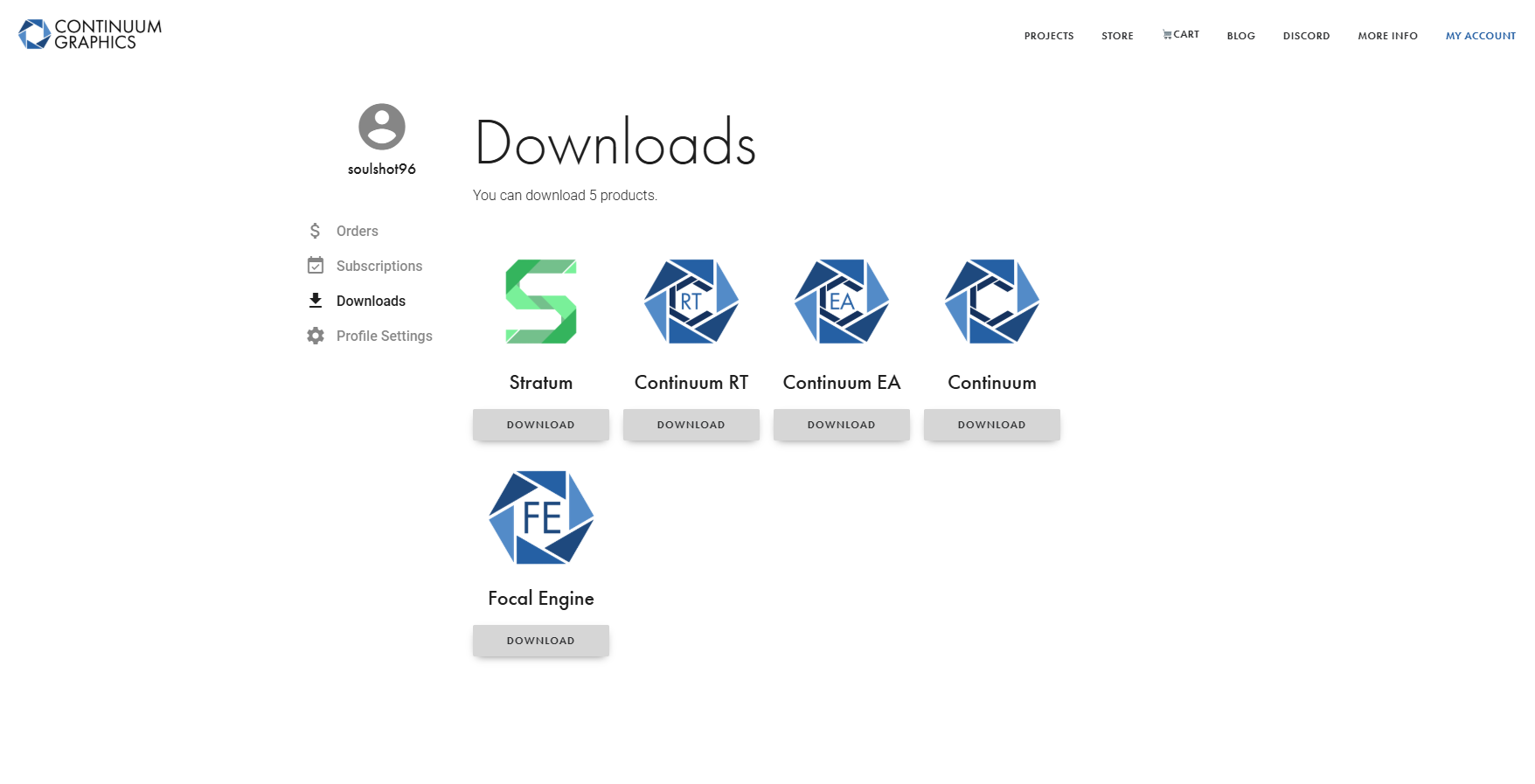
- Custom icons for every download section, to better visually differentiate them!
As always, we’ll continue updating the site with new improvements.
We welcome feedback on this front; within reason of course, web dev isn’t exactly our main wheelhouse!
There’s another one down though. We hope everyone is having a good Summer so far, and are staying nice and cool (or as cool as one can!).
We hope to see you back here next month for our July progress update, and as always, thank you for the support!
